Spider-Man Suit Generator: See Yourself in the Suit With AI
Use a Spider-Man suit generator to see yourself in the red and blue suit: which photos work, prompt ideas for scenes and poses, and fan-art rules.
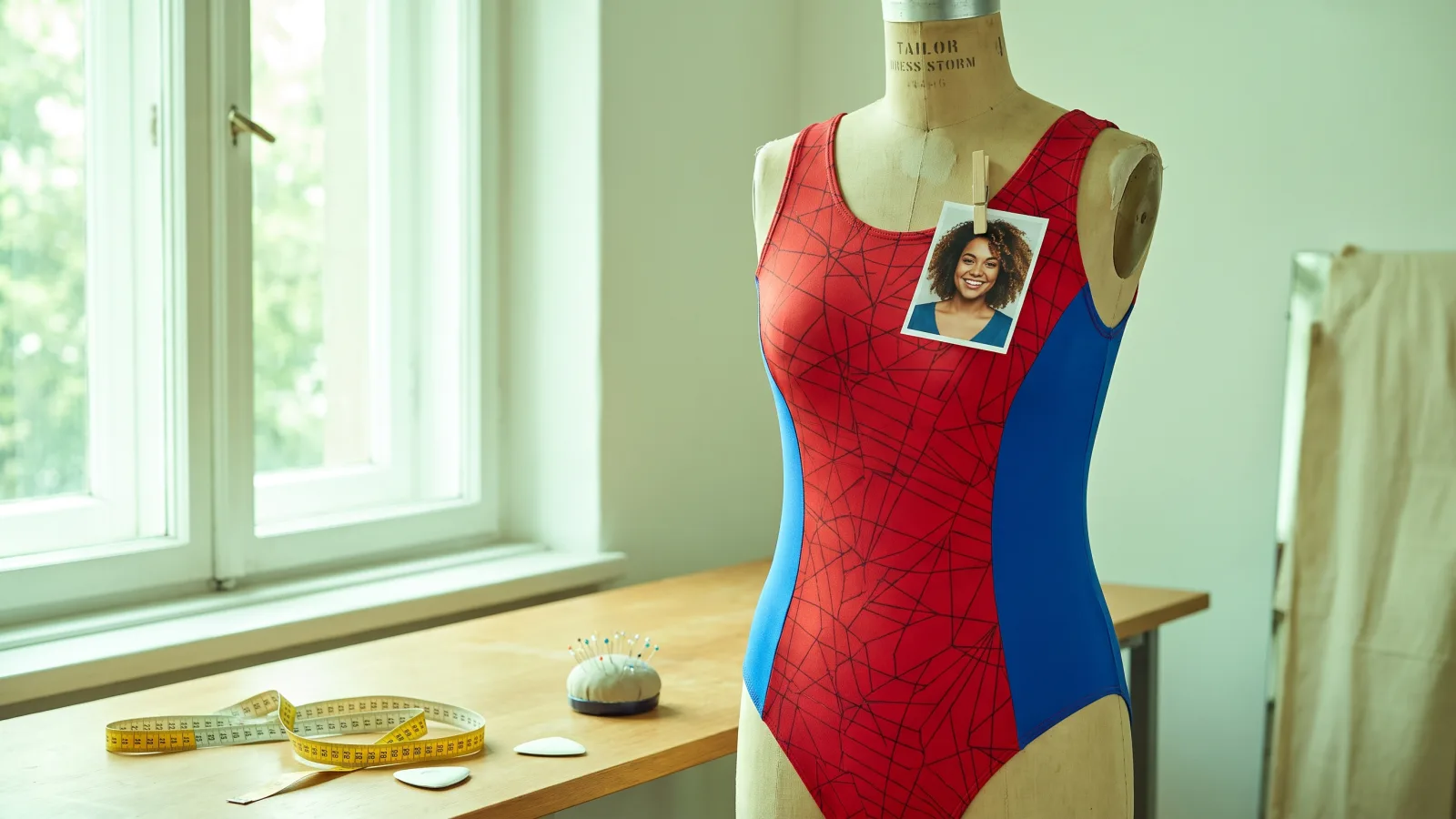
A Spider-Man suit generator takes an ordinary photo of you and redraws it so you're wearing the red and blue suit — same face, same background, same pose. It's the quickest way to get a "what if I were Spider-Man" picture without a costume, a photoshoot or any editing. This guide shows what the effect does, how to pick a photo, and prompt ideas for changing the scene and pose.
All the examples here were made with the AI Spider-Man suit generator on Viberot, from one portrait each.
Note
Spider-Man is a trademark of Marvel. Viberot isn't affiliated with or endorsed by Marvel, and these images are fan art for personal fun.
What the generator does#
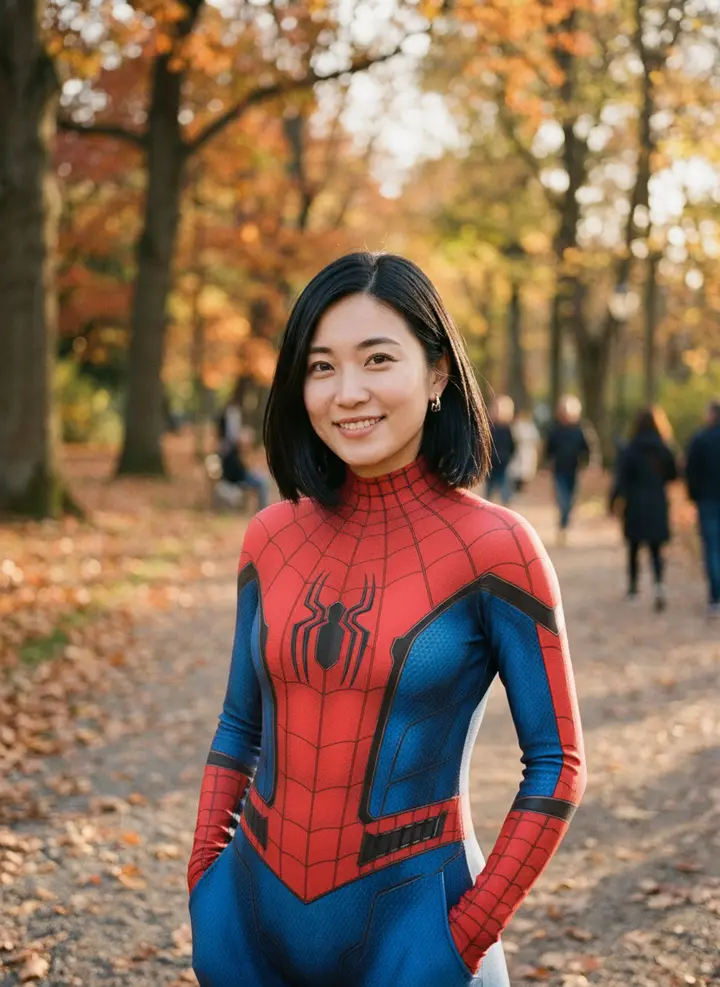
The effect asks the image model to dress the person in your photo in a red Spider-Man suit with the face showing — no mask. That one detail is what makes the result look like you in the suit rather than a generic hero.
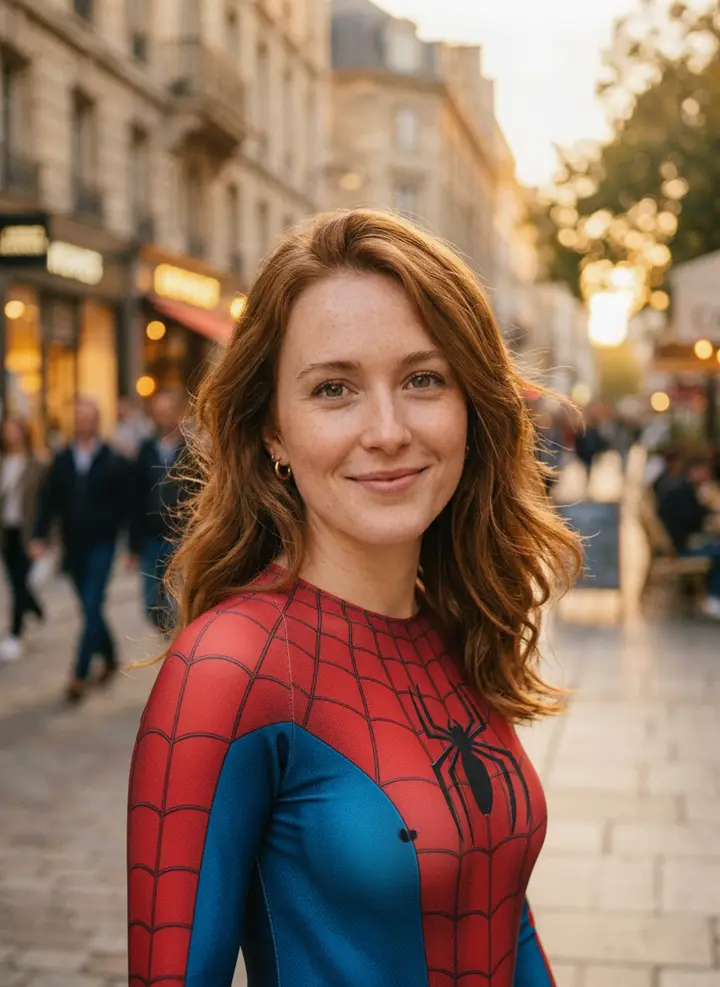
The effect is built to change the clothes and leave the rest of the photo alone — the setting, the light and anyone in the background. That's why the photo you start from decides most of the result.
How to make your Spider-Man photo#
- Open the generator. Go to the AI Spider-Man effect and sign in.
- Upload one photo. A portrait from the waist up works best. The effect takes one person per image.
- Add a prompt (optional). Leave it empty for the plain suit swap, or describe a scene or pose — see the ideas below. Your words are combined with the built-in suit instructions.
- Pick a quality. 1K, 2K or 4K. 1K is fine for social posts; 4K is for prints and wallpapers.
- Generate and download. Results usually take under a minute.
Which photos work best#
| Works well | Causes trouble |
|---|---|
| One person, waist-up or three-quarter length | Group photos (the suit may land on the wrong person) |
| Face clearly visible, good light | Sunglasses, hats pulled low, heavy shadows |
| Arms and torso visible | Tight face-only crops (no body to put the suit on) |
| A background you like — it's kept | Cluttered backgrounds you were hoping to lose |
| Fitted or simple clothes | Bulky coats and big bags, which change the silhouette |
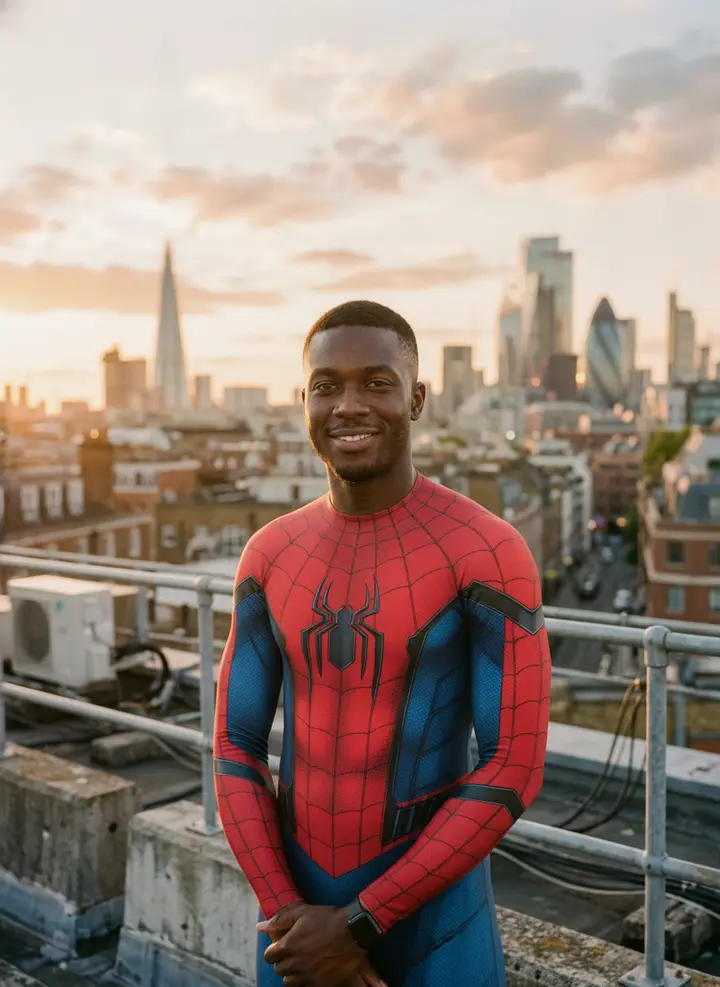
A rooftop or a city skyline makes the suit feel at home, but you don't need one in the original — you can ask for it in the prompt.
Prompt ideas for scenes and poses#
The prompt box is where you change what's around the suit. Keep it to one idea — a place, a pose or a light — and let the effect handle the suit itself. These are starting points; try one and adjust:
standing on a rooftop at night with city lights below, wind in the haircrouching on a brick ledge in classic hero pose, one hand on the groundtaking a selfie with a big smile, soft daylight, shallow depth of fieldcinematic movie poster lighting, dramatic red rim light, dark backgroundholding a coffee cup on a busy city sidewalk, candid street photo styleWhat tends to go wrong:
- Asking for the mask on. It hides your face, which defeats the point, and fights the built-in "face showing" instruction.
- Several scenes at once. "On a rooftop, then swinging between buildings, then in a subway" gives a muddled image. One scene per generation.
- Swinging and flying. Big action poses often bend arms and legs strangely. A confident standing or crouching pose looks better.
When the result looks off#
Most problems come from the photo, and each has a quick fix:
- The face changed. Use a sharper photo with the face larger in the frame, and avoid strong beauty filters. A clean, well-lit original gives the model more detail to keep.
- The suit looks like pyjamas. That usually happens with very baggy clothes in the original. Pick a photo in fitted clothes, or add "athletic fitted suit" to the prompt.
- The pose is stiff. Add one pose to the prompt, such as "arms crossed, confident smile", rather than a long description.
- The background changed too. Remove scene words from your prompt; with an empty prompt the original background is kept.
Every generation is drawn from scratch, so a second try with the same photo can come out quite differently.
Fan-art rules worth knowing#
The suit is a famous character design, so treat the results the way you'd treat any fan art:
- Fine for personal use: a profile picture, a birthday post, a group chat, a costume idea.
- Not for selling: don't print it on merchandise, use it in ads, or present it as official Marvel art.
- Only photos you're allowed to use: your own, or people who are happy to be in it. Don't use other people's photos to make them look like they endorse something.
More costume and character effects#
If the suit is a hit, the same one-photo approach works for other looks. Browse all photo effects — for example, turn yourself into an action figure in a blister pack or rebuild your photo in LEGO bricks.
How much it costs#
The Spider-Man effect runs on Nano Banana 2.1 and costs 8 credits at 1K, 13 at 2K and 20 at 4K. Every account gets 20 free credits each month — enough for two 1K images — and failed generations are refunded automatically. Plans are on the pricing page.
Frequently asked questions#
Is the Spider-Man suit generator free?#
You can use it with the 20 free credits every account gets each month, which covers two 1K images.
Will it keep my face?#
Yes. The effect is built to keep your face visible and recognizable, and to leave the background of your photo as it is.
Can I get the black suit or another version?#
You can ask for it in the prompt, for example "wearing a black suit with a white spider emblem". Results vary more than with the default red suit, so expect a try or two.
Can I use it for a kid's photo?#
Yes, it isn't restricted like the intimate effects. Only use photos you have permission to use.
Can I sell the images?#
No. The suit is Marvel's character design; keep the images for personal fan use.
One photo in. GIF out.
Every account gets free credits each month, and failed generations are refunded automatically.