Panel Collage Layout
Your shot is split into stacked and side-by-side panels the way GTA loading screens are composed — a hero close-up carrying the frame, smaller panels holding cars, skyline, and detail.
 Tip Toeing in My Jordans AI1 photo (+1 optional) · 10s · from 81 credits
 Hotel Lobby AI2 photos · 10s · from 81 credits
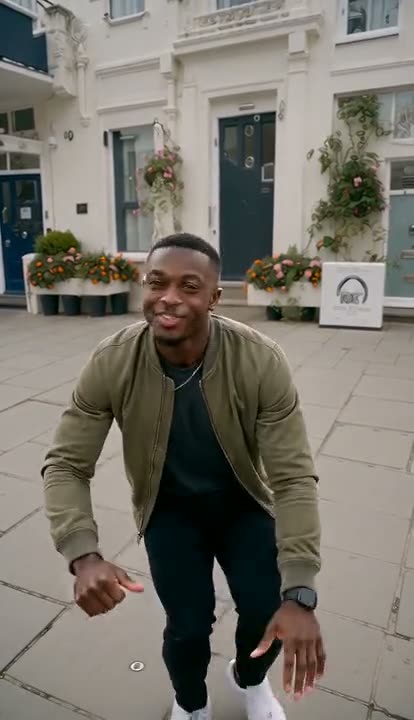 Wipe Me Down Dance AI1 photo · 13s · from 105 credits
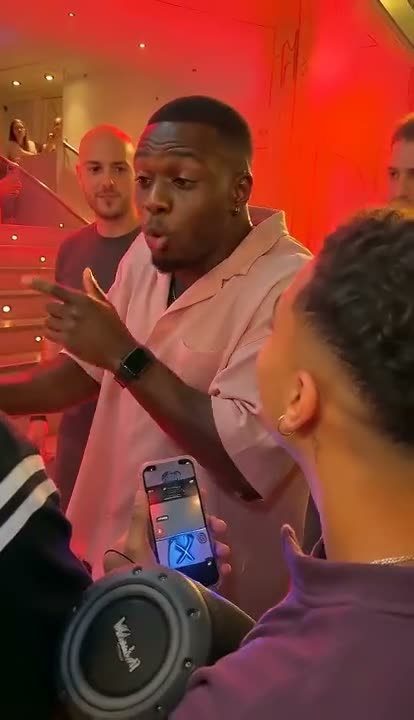 Bulin 47 AI1 photo · 10s · from 81 credits
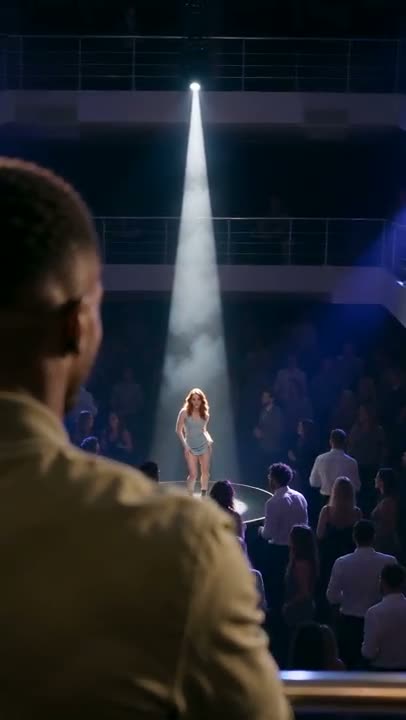 La Tormenta de Arena AI2 photos · 15s · from 121 credits
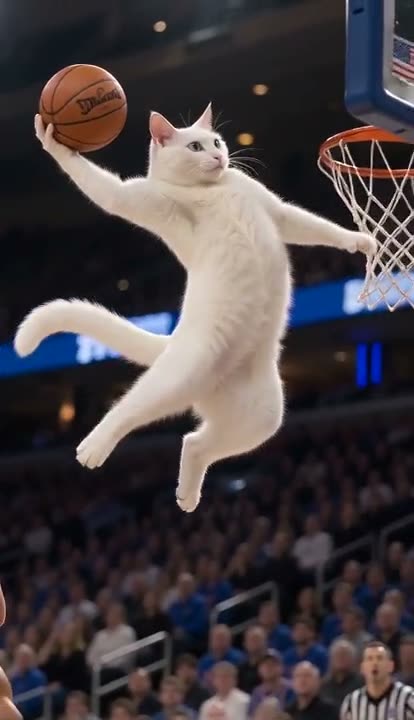 AI Tomahawk Dunk1 photo · 5s · from 41 credits
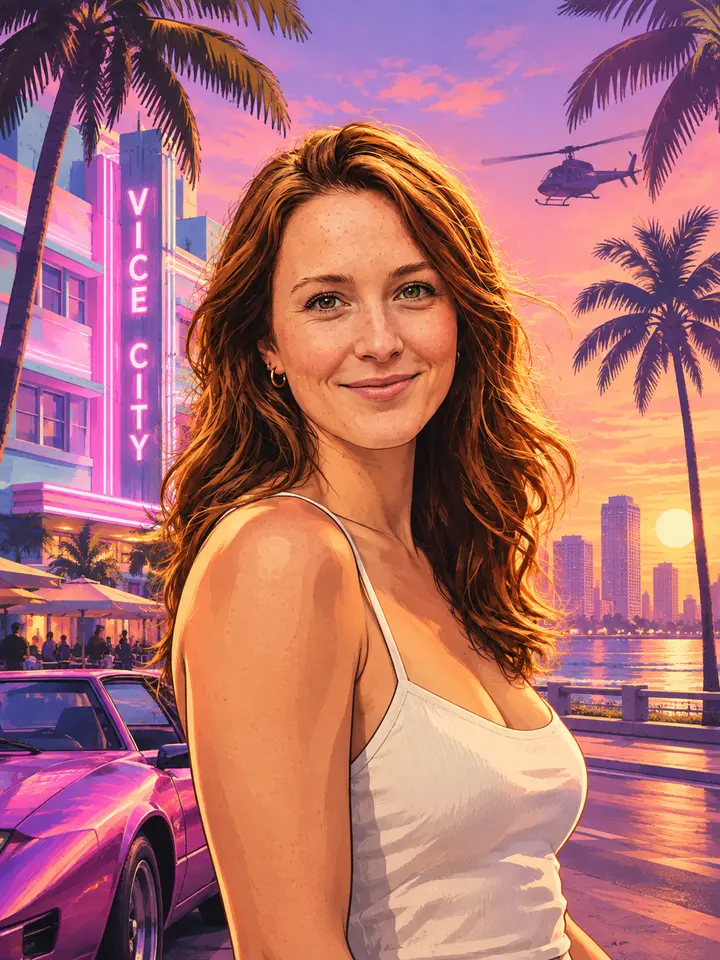
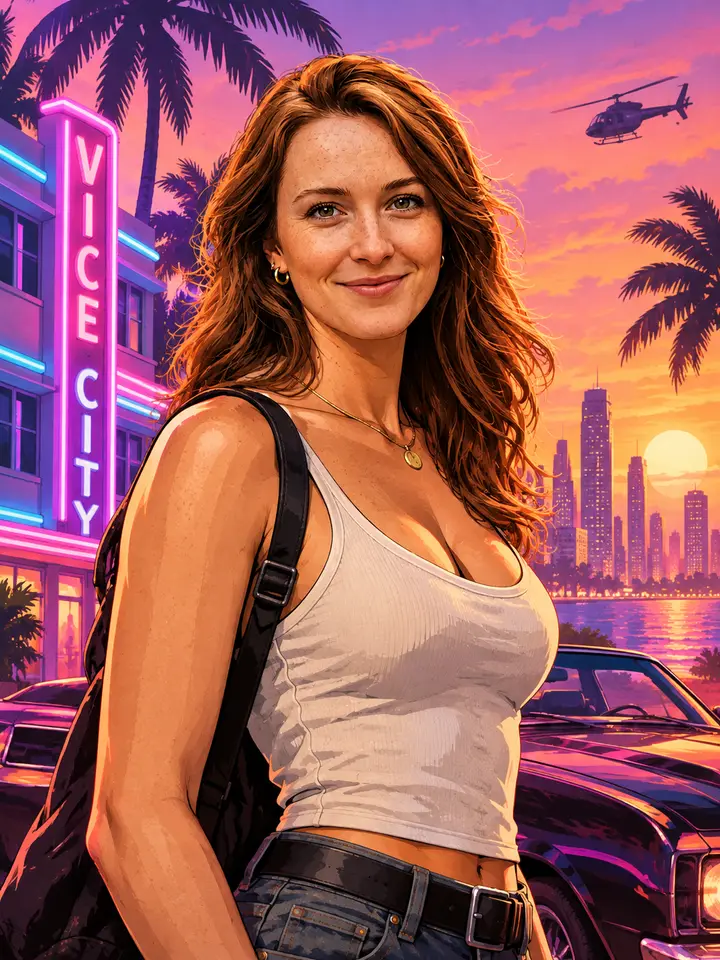
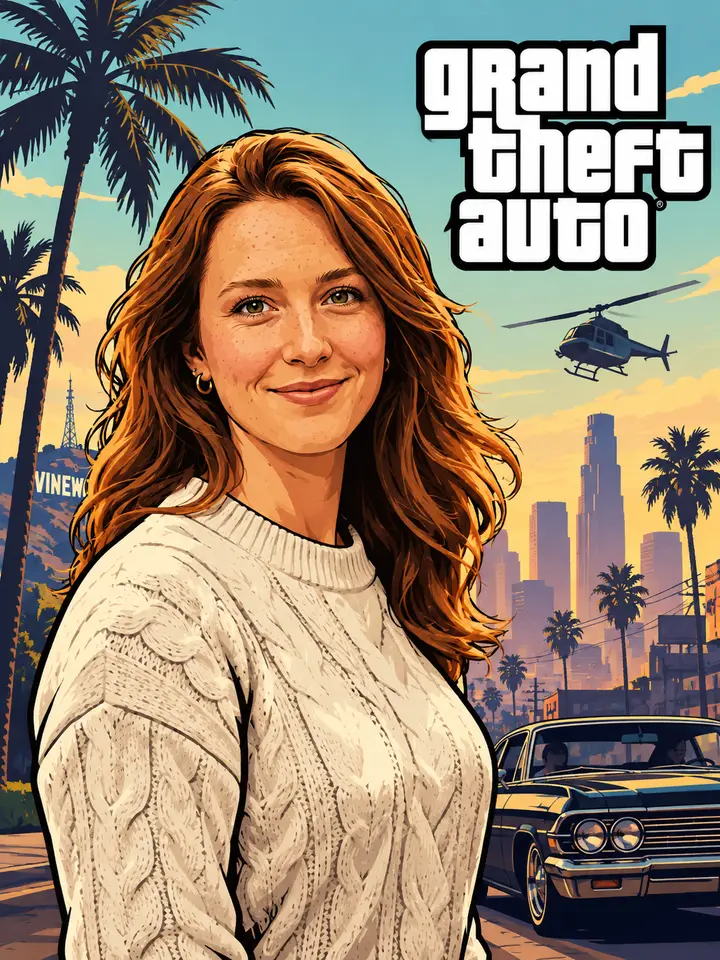
Viberot's GTA 6 Loading Screen Generator rebuilds your photo as a Grand Theft Auto VI loading screen: multi-panel collage layout, thick-outlined hand-painted illustration, saturated Vice City color blocks, and cover-art lettering with room for the series logo. Upload one photo and the AI GTA 6 poster generator handles the composition, the paint texture, and the type.
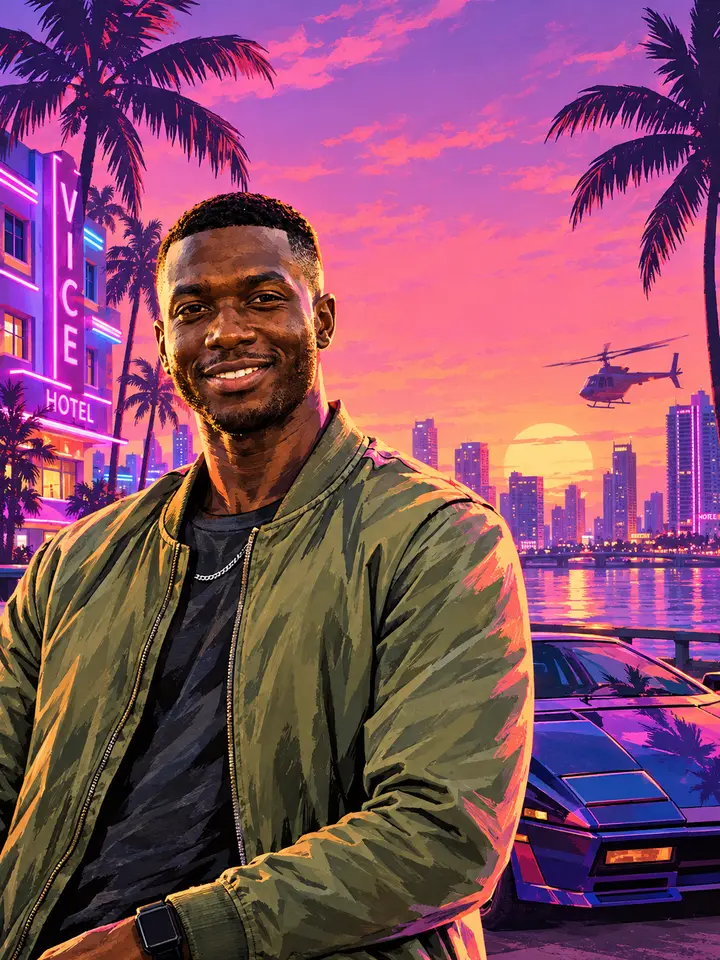
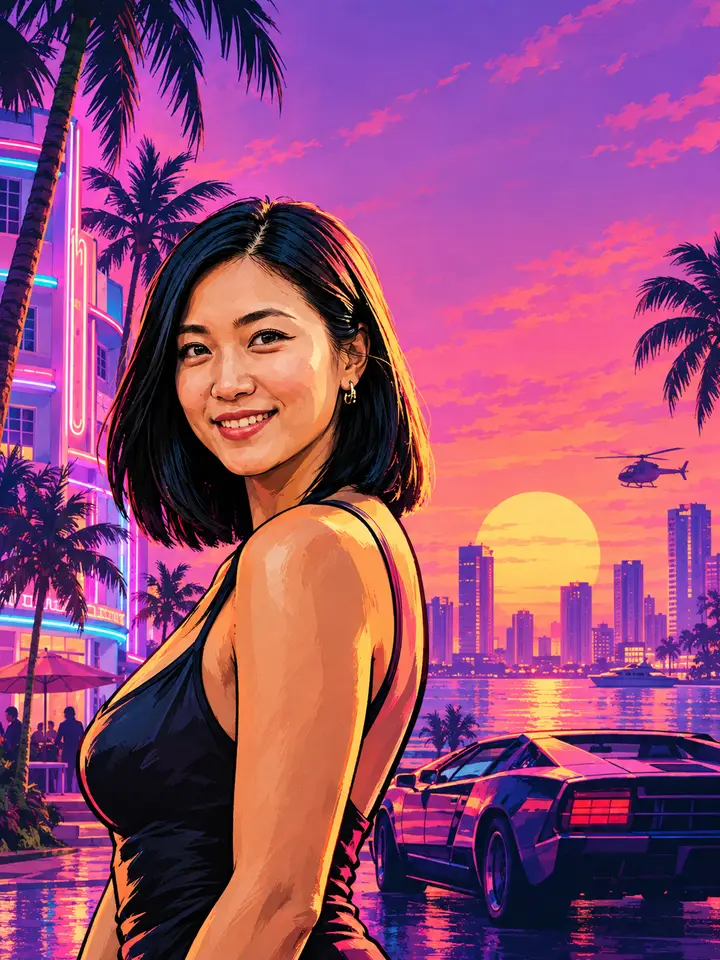
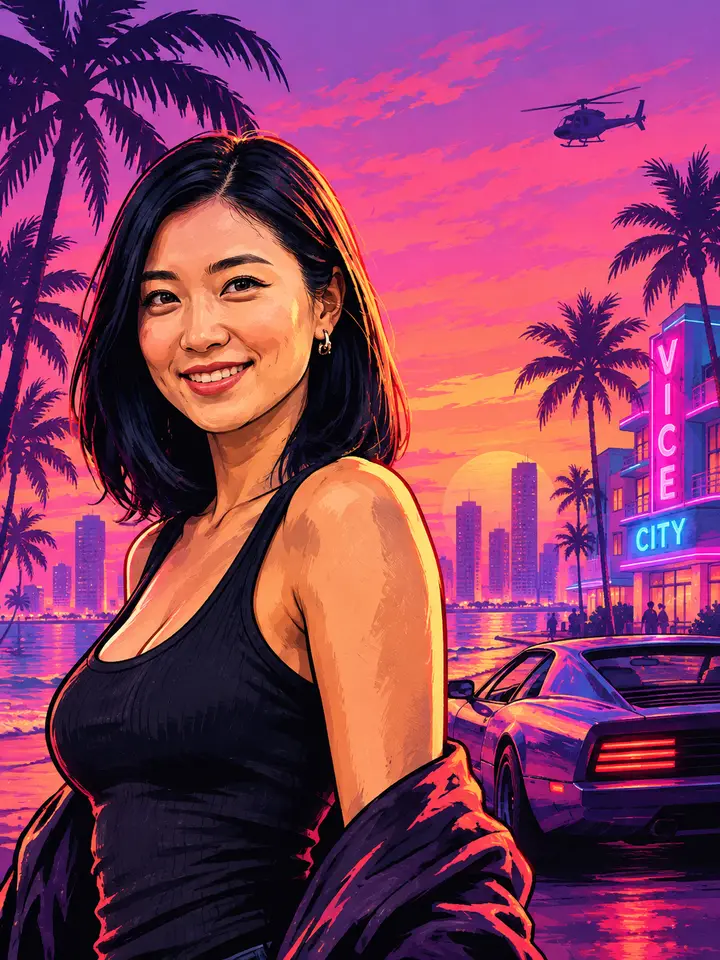
Get started in four simple steps
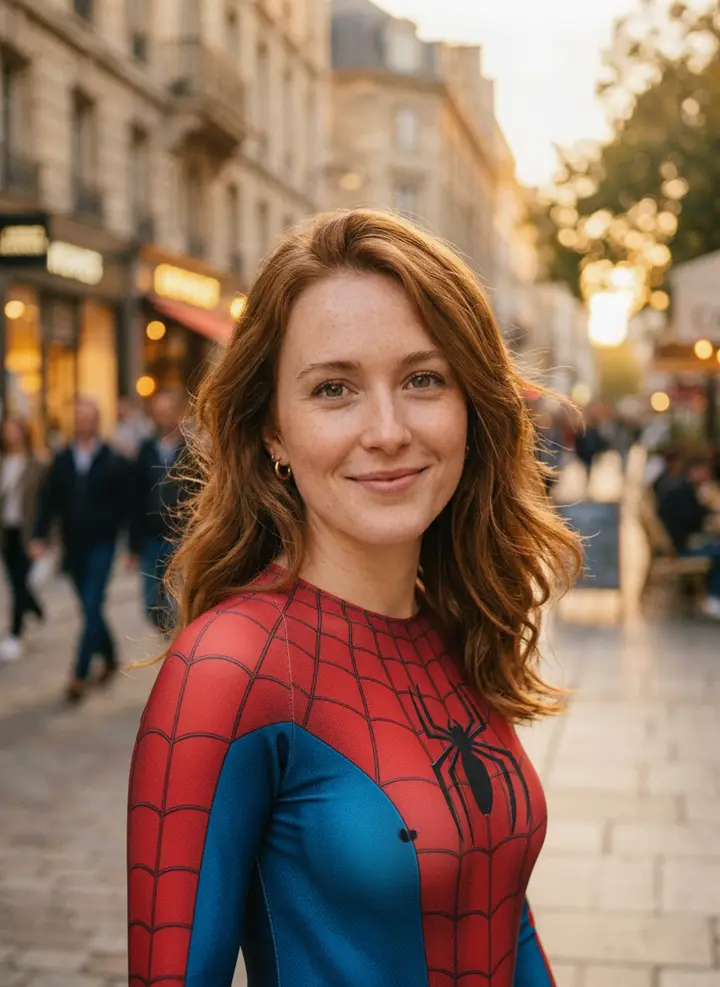
Drop in a selfie, a group shot, or a car photo. Sharp, well-lit shots with a clear subject give the hand-painted illustration the most to work with.
Select the GTA 6 Loading Screen Generator from the AI effects list. It locks in the panel-collage layout, cover-art proportions, and Vice City palette before rendering.
The GTA 6 poster generator redraws your subject with thick outlines and heavy paint texture, splits the frame into panels, and places title lettering and logo space like real GTA cover art.
Grab a high-resolution GTA 6 loading screen — no watermark. Ready for a wallpaper, a profile banner, or a social post.
The GTA 6 Loading Screen Generator in Viberot is built around one specific format: the loading screen and cover poster that the Grand Theft Auto series is famous for. Instead of a flat filter pass, it rebuilds your photo as artwork — splitting the frame into collage panels, redrawing your subject as a thick-outlined painted illustration, dropping in Vice City's neon and palm-and-sunset palette, and laying title type where cover art puts it. The AI reads face angle, crop, and background depth so each panel keeps a readable focal point, and it leaves clean space in the corner for a series-style logo mark. The result reads like a GTA 6 loading screen, not a photo with a color grade on top.
A GTA loading screen is a very specific piece of design: panels, paint, palette, and type. The GTA 6 Loading Screen Generator reproduces all four instead of stopping at a color filter, so your photo comes back as GTA 6 cover art you would actually believe shipped with the game.
Your shot is split into stacked and side-by-side panels the way GTA loading screens are composed — a hero close-up carrying the frame, smaller panels holding cars, skyline, and detail.
Heavy impasto brushwork and bold black contour lines replace photo detail, matching the illustrated look the series has used across its box art and loading screens.
Cover-art lettering sits where it belongs, with clean corner space reserved for a series-style logo mark — so the piece reads as a poster, not a cropped illustration.
Neon signage, palm silhouettes, and pink-to-purple dusk skies — the Miami-inspired color blocking GTA 6 built its Vice City art direction on.
No layers, no brushes, no font hunting. Upload a photo, get a finished GTA 6 loading screen with the collage, the paint, and the type already composed — then download it in one click at wallpaper resolution.
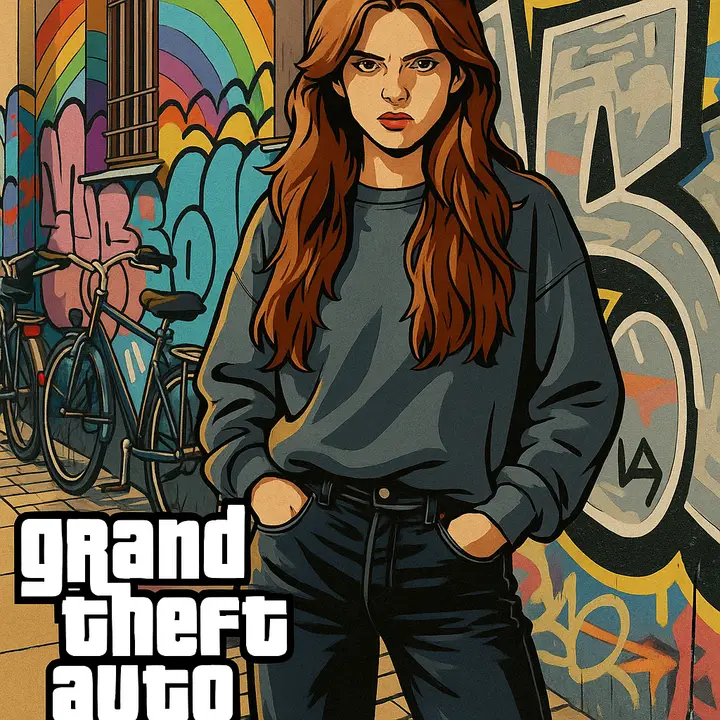
Plenty of tools can push a photo toward a game-art color grade. Far fewer can build the loading screen itself — the panel grid, the painted linework, the cover typography, the logo breathing room. That composition work is what this GTA 6 art style poster tool is tuned for, from first upload to final download.
The AI decides panel counts, crops, and reading order so the collage holds together, instead of tiling your photo into arbitrary boxes.
Subjects are redrawn with thick contours and painted shading, which is what separates genuine GTA cover art from a saturated photo.
Title lettering is scaled and positioned to poster conventions, with corner space kept clear for a series-style logo.
Most GTA 6 loading screens finish in well under a minute — fast enough to try several photos before you pick a favorite.
Runs in your browser on desktop or phone. Nothing to install, free credits to start with.
Tune brightness, contrast, and tone in the built-in editor to dial the neon up or pull the dusk warmer before download.
Start free, then pick the plan that matches how many GTA 6 loading screens and posters you want to generate.
Find answers to your questions
One photo in, a full GTA 6 cover poster out: panel collage, hand-painted linework, Vice City neon, and title type already composed. Free to start, no install, ready to set as your wallpaper before the November 19, 2026 launch.