Results in Seconds
High-speed AI rendering turns your photo into GTA 6 style in well under a minute, so you can iterate through shots instead of waiting on a queue.
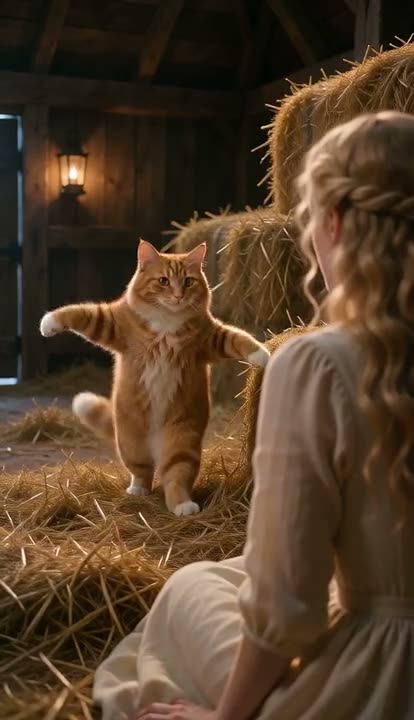 Tip Toeing in My Jordans AI1 photo (+1 optional) · 10s · from 81 credits
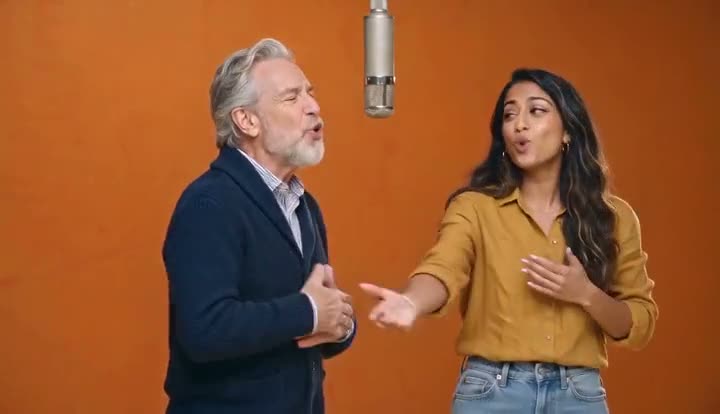 Hotel Lobby AI2 photos · 10s · from 81 credits
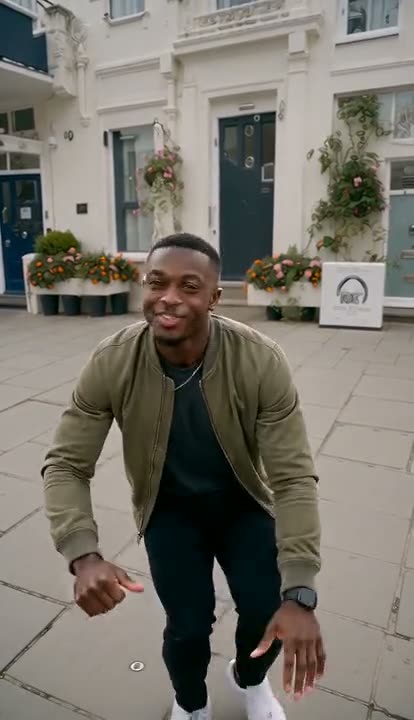 Wipe Me Down Dance AI1 photo · 13s · from 105 credits
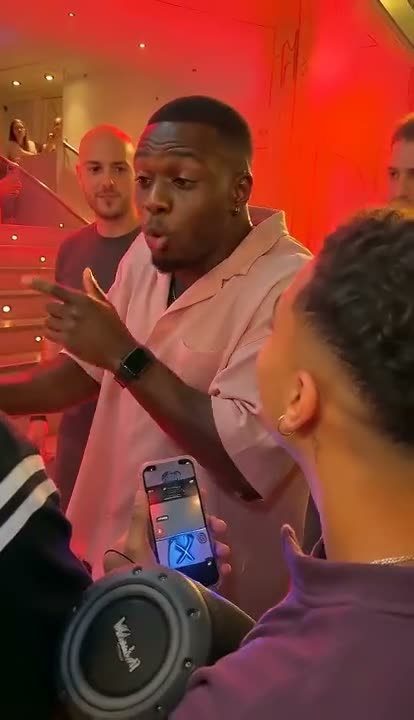 Bulin 47 AI1 photo · 10s · from 81 credits
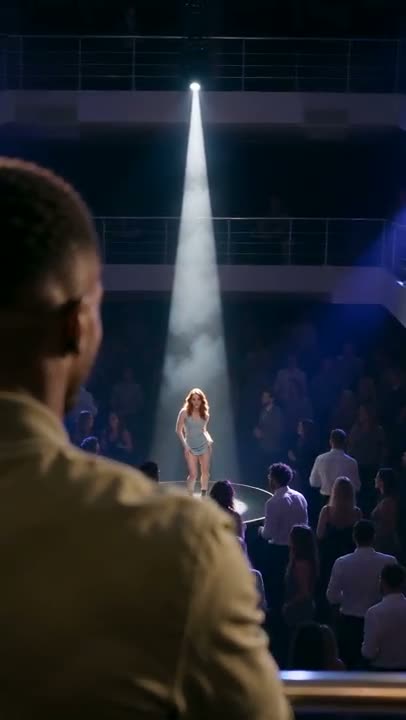 La Tormenta de Arena AI2 photos · 15s · from 121 credits
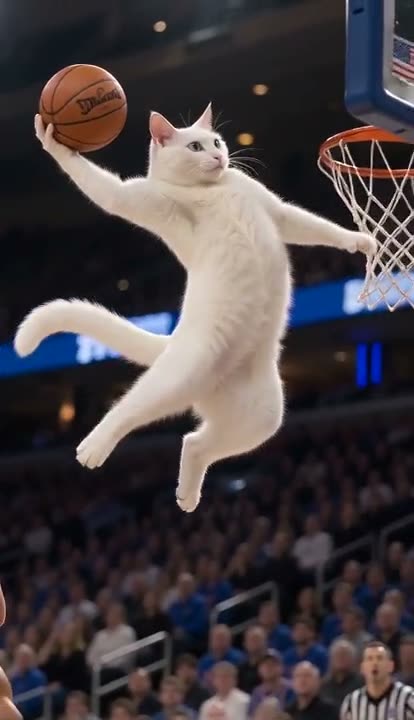 AI Tomahawk Dunk1 photo · 5s · from 41 credits
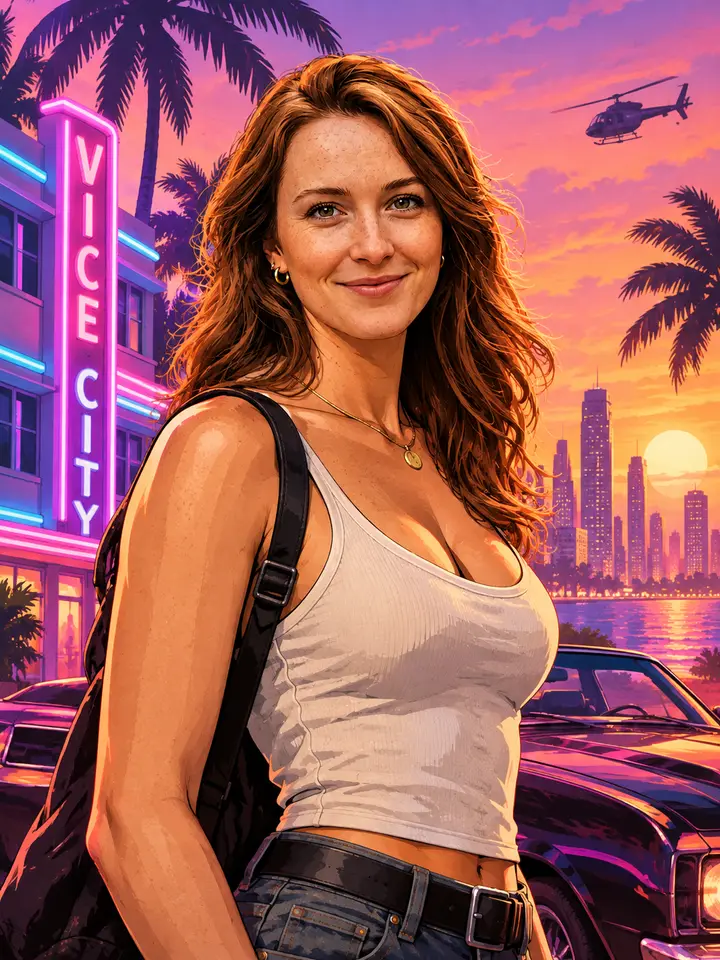
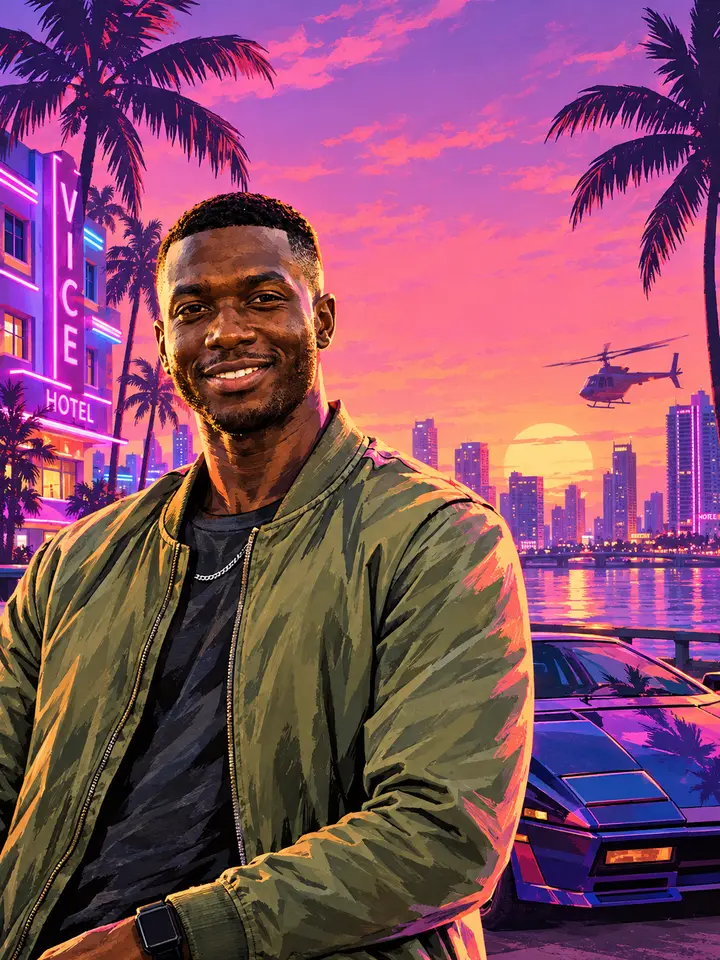
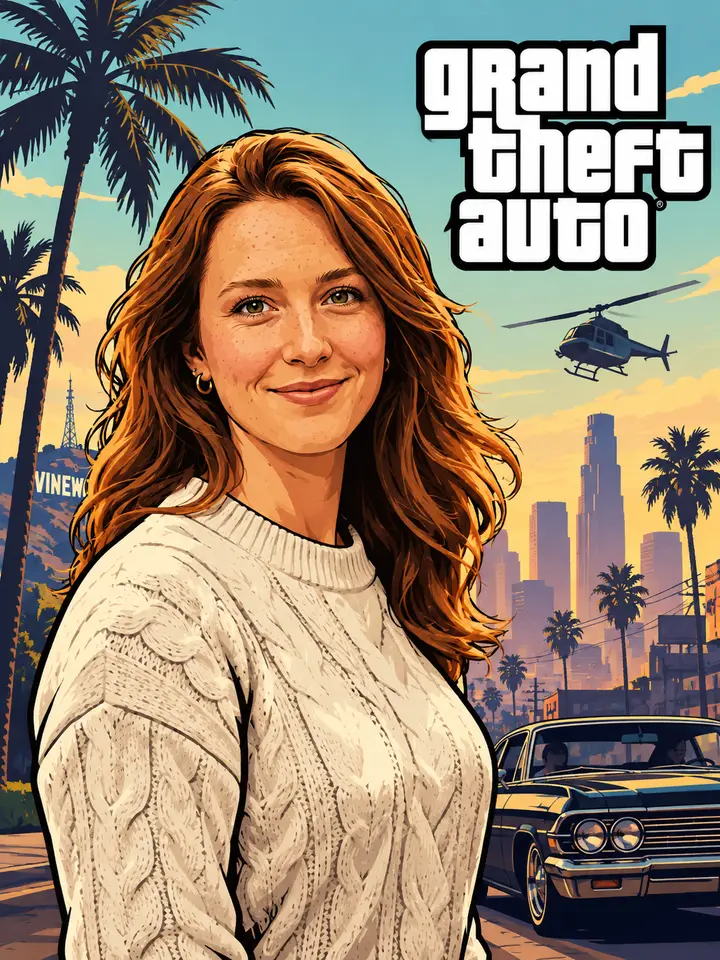
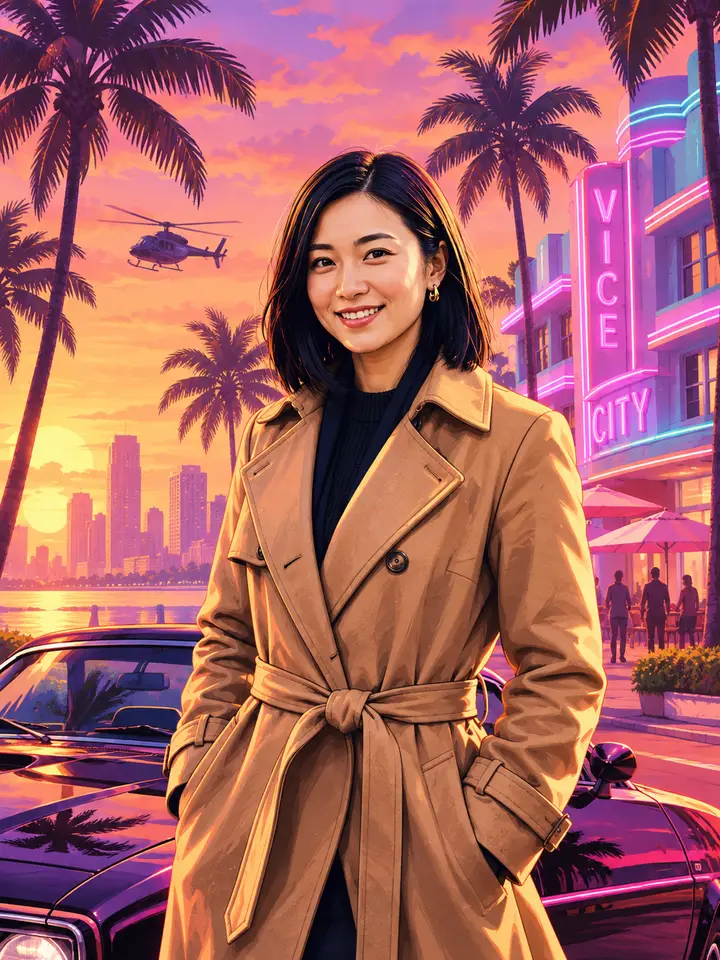
GTA 6 lands on November 19, 2026, but you don't have to wait to see yourself in it. Viberot's GTA 6 Style Photo Generator is a GTA 6 style AI that reads your photo and rebuilds it in the GTA VI art style — Miami neon, palm trees, that pink-and-purple Florida sunset, rendered with the modern high-fidelity look Rockstar showed off in the trailers. Upload a selfie, get a GTA 6 Vice City style portrait that looks like a loading screen for a game nobody has played yet.
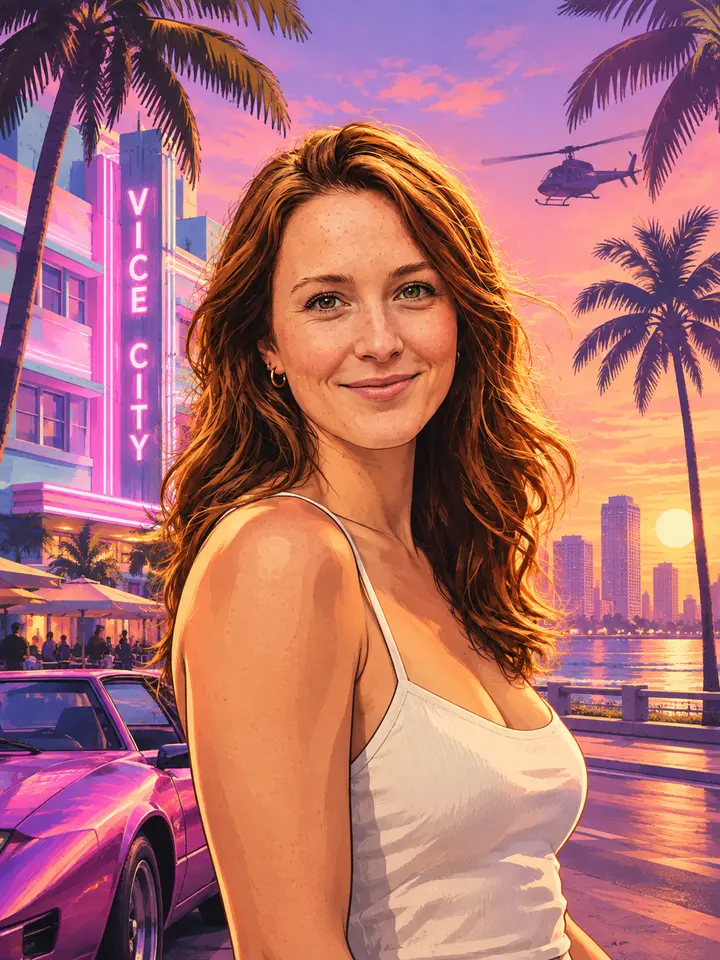
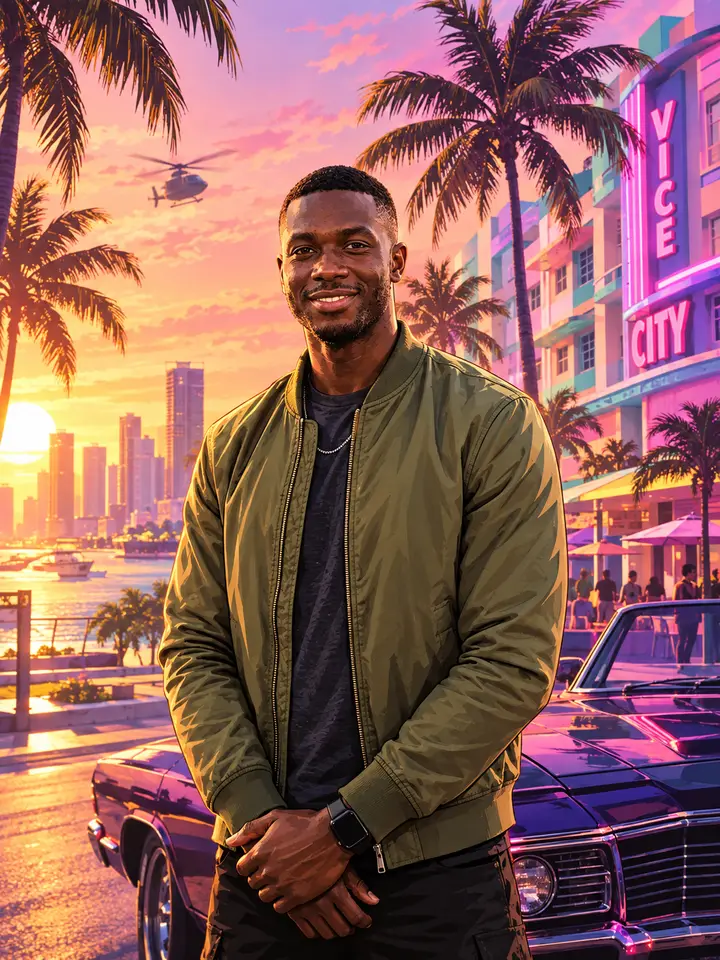
Get started in four simple steps
Drop in a selfie, a portrait, or any shot you want reimagined. Common formats are supported, and clear front-facing photos give the strongest GTA 6 style results.
Pick the GTA 6 Style Photo Generator from the AI effects list. The GTA 6 art generator locks in the Vice City palette and prepares the GTA VI art style transformation.
The GTA 6 style AI analyzes composition and lighting, then rebuilds the frame with neon, palm silhouettes, and that signature pink-purple GTA 6 sunset.
Save your GTA 6 style photo in full quality — no watermark. Ready for your profile picture, your clan banner, or the group chat.
The GTA 6 Style Photo Generator in Viberot is a purpose-built GTA 6 art generator, not a color preset dropped over your photo. It reads facial structure, lighting direction, and background depth, then re-renders the whole frame in the GTA VI art style: warm Florida sun on skin, neon spill from off-frame signage, saturated dusk skies, and the clean high-detail character rendering that separates GTA 6 from every earlier entry. Because the AI works from your actual photo's geometry, you stay recognizable — the GTA 6 filter changes the world you're standing in, not who you are. Portraits, group shots, pets, and street scenes all work, and the whole thing runs in your browser with no editing skill required.
Whether you're making a launch-countdown profile picture, fan art of yourself alongside Lucia and Jason, or a whole feed of GTA 6 Vice City style shots, this GTA 6 art generator handles it online. No Photoshop, no plugins, no learning curve — just a photo in and a GTA VI art style render out.
High-speed AI rendering turns your photo into GTA 6 style in well under a minute, so you can iterate through shots instead of waiting on a queue.
The GTA 6 style AI maps your facial structure and lighting before restyling, so the GTA 6 filter delivers a character render that friends recognize instantly.
Neon signage, palm trees, humid Florida light, and pink-purple dusk skies — the GTA 6 art generator nails the Vice City look Rockstar built the game around.
Run the GTA 6 Style Photo Generator from any browser on desktop or mobile. Nothing to install, free credits to start.
A clean interface, fast GTA 6 style rendering, consistent GTA VI art style output, and one-click high-resolution download — spend your time picking the best shot, not fighting with sliders.
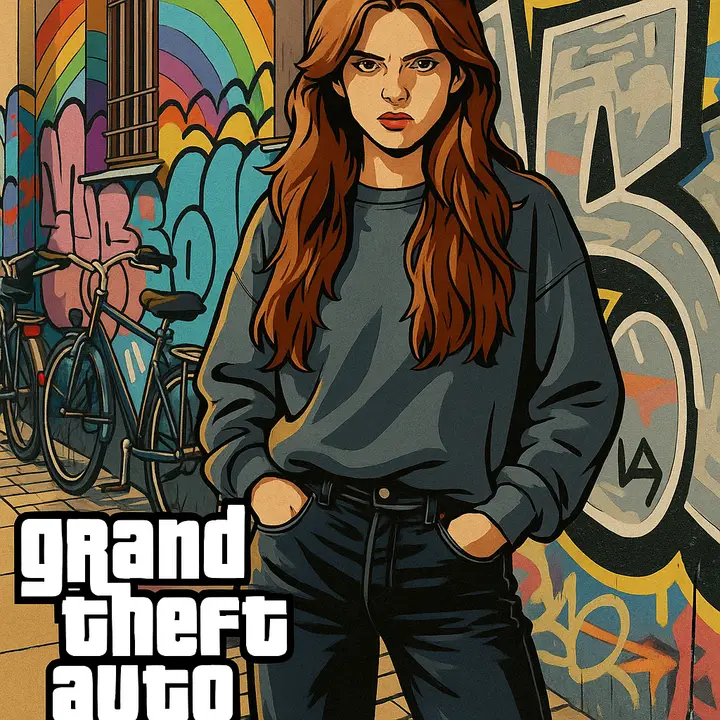
GTA 6 releases November 19, 2026 on PS5 and Xbox Series X|S — and until then, this is the closest you'll get to standing in Vice City yourself. The GTA 6 Style Photo Generator is tuned specifically to the GTA VI art style rather than recycling a generic game filter, which is why the neon, the skin rendering, and the sunset gradients read as GTA 6 instead of just "stylized".
High-speed AI rendering turns your photo into GTA 6 style in well under a minute — fast enough to try five poses before you pick one.
The GTA 6 style AI reads facial structure and lighting before restyling, so the GTA 6 filter keeps you recognizable in every render.
Neon, palm trees, humid Florida sun, and pink-purple dusk — the GTA 6 art generator reproduces the GTA 6 Vice City style rather than a generic retro filter.
Upload, click once, download. No layers, no masks, no editing experience required to turn photo into GTA 6 style.
Works in any browser on phone, tablet, or desktop. Nothing to install and free credits to start.
Adjust brightness, contrast, and tone in the AI image editor to push the neon harder or dial the sunset back.
Start free, then pick the plan that matches how many GTA 6 style photos you want to generate.
Find answers to your questions
Upload one photo and the GTA 6 Style Photo Generator drops you straight into the neon. Free trial, no install, results in seconds — the easiest way to turn photo into GTA 6 style before the game even ships.