Normal at first
The person or pet from your photo is in their own setting, relaxed and smiling, like an ordinary phone video.
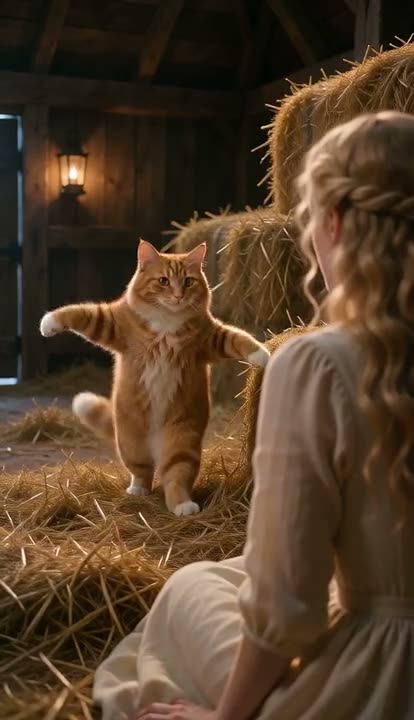 Tip Toeing in My Jordans AI1 photo (+1 optional) · 10s · from 81 credits
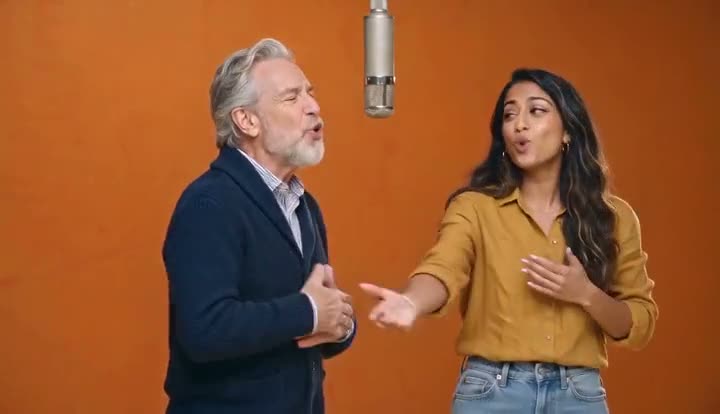 Hotel Lobby AI2 photos · 10s · from 81 credits
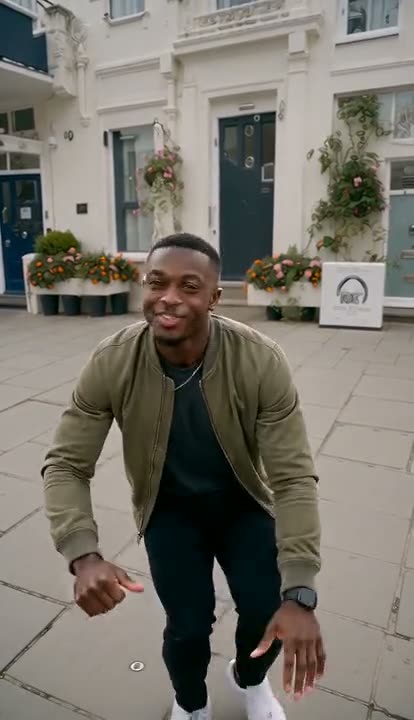 Wipe Me Down Dance AI1 photo · 13s · from 105 credits
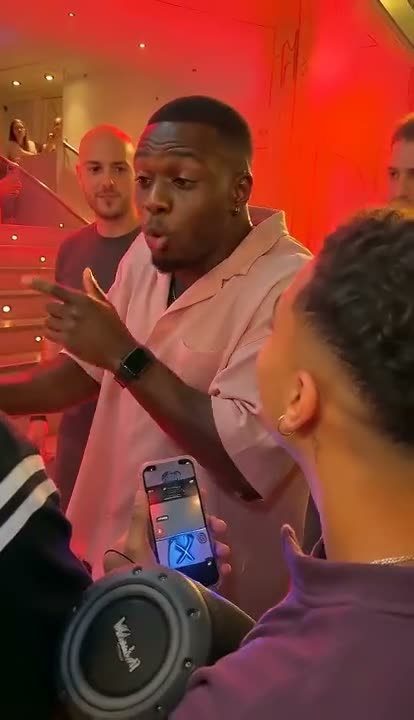 Bulin 47 AI1 photo · 10s · from 81 credits
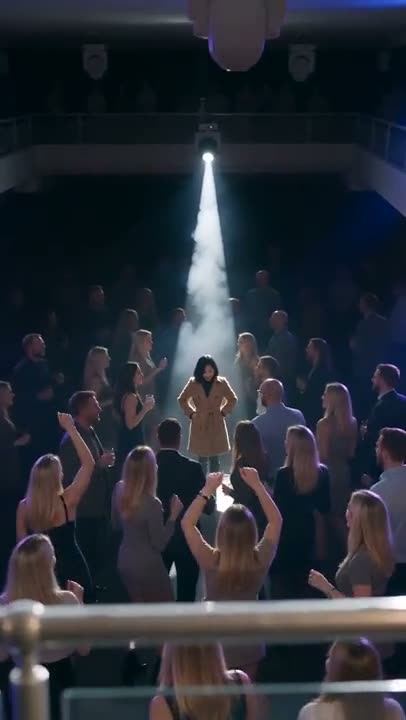 La Tormenta de Arena AI2 photos · 15s · from 121 credits
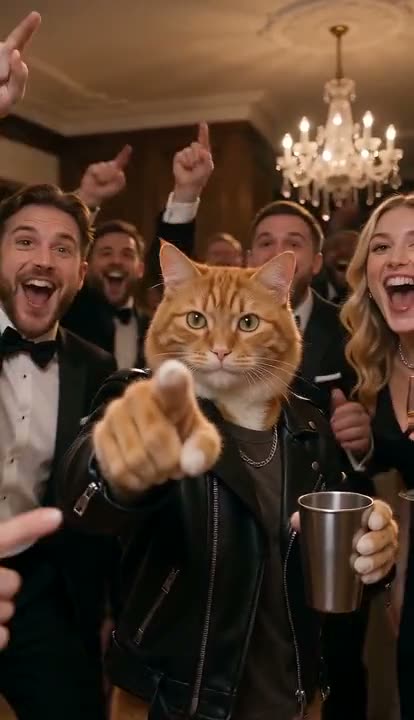 Burning Bridges AI1 photo · 15s · from 121 credits
The ghosts filter everyone is using to prank their family on TikTok, made from a single photo. Your friend smiles into the camera, a pale ghost with long stringy grey hair slowly rises behind their shoulder, curls her fingers over it and grins straight at the lens — then they turn around and jump. No app, no green screen, no editing: upload one photo, get a 5-second clip with creepy sound already on it, show it to them and film the reaction.
One photo, about two minutes
A clear photo of the person (or pet) you want to prank. A photo taken at home works best — the ghost appears in their own room.
9:16 for TikTok, Reels and Shorts or 16:9 for YouTube. Standard 480p or 720p is plenty for social; the price is shown before you start.
You get a 5-second MP4 with a creeping drone and a scare sting. Play it to your friend, sibling or partner and record their face — that reaction is the second half of the trend.
The person or pet from your photo is in their own setting, relaxed and smiling, like an ordinary phone video.
A tall grey ghost with long stringy hair, black eyes and a wide grin slowly appears over their shoulder and curls her fingers onto it.
They glance back, freeze and jump — while the ghost stays right behind them grinning into the camera.
Handheld shake, room light and their real face from the photo, so it is convincing enough to fool someone for a second.
The ghost, timing and sound are already set. Upload, generate, download — in the browser, on your phone.
Cats and dogs get the ghost too, and flinch with their ears back at the end.
One-time credit packs, no subscription; failed videos are refunded automatically.
Standard 480p costs 21 credits and 720p costs 42 credits per 5-second video; the Plus tier (MiniMax H3) costs 67 credits at 768p and 109 at 2K. Failed generations are refunded automatically. Credit packs start at $9.90 for 600 credits, are one-time payments and never expire.
Upload one photo and get the 5-second ghost prank, sound included.