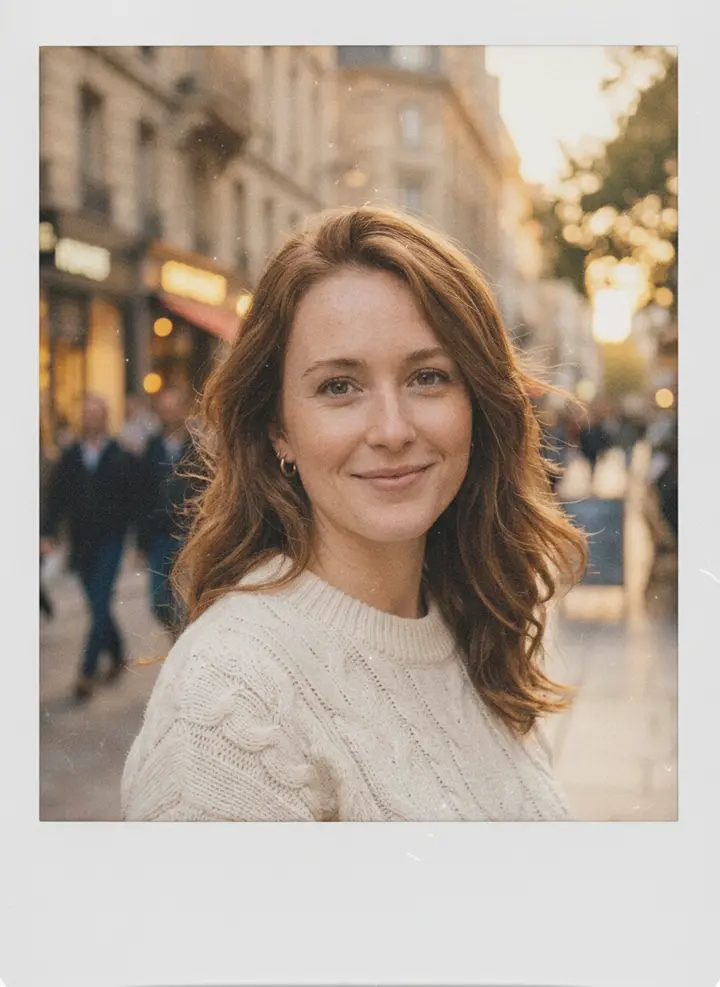
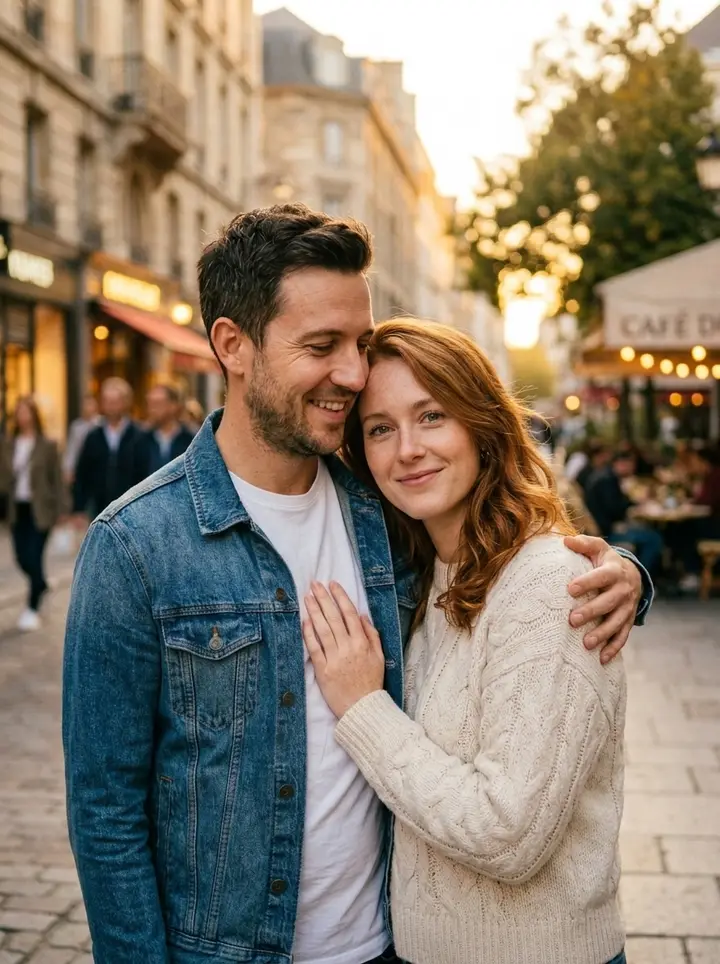
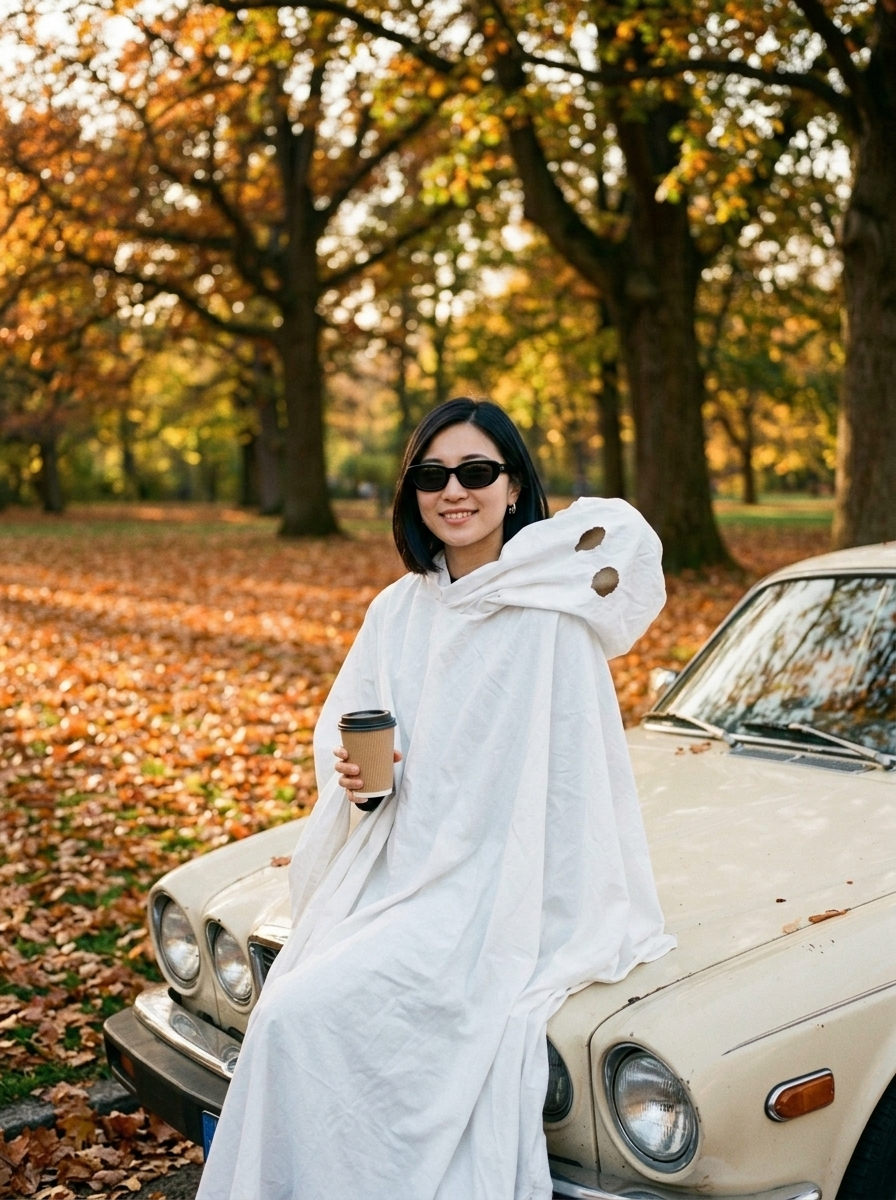
Six Christmas scenes in one place
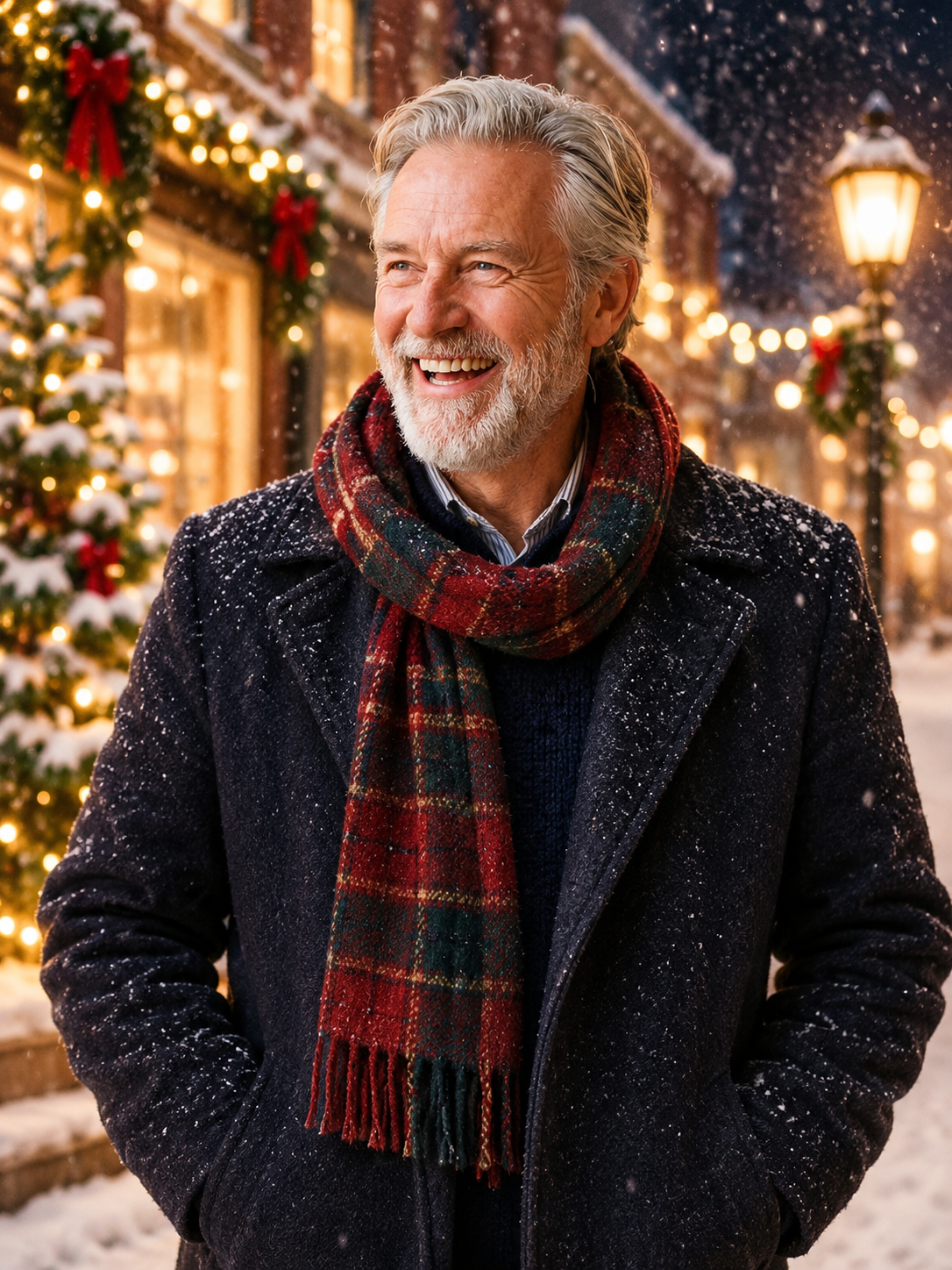
Tree and fairy lights, a greeting card, a snowy street, Santa hat by the fireplace, matching plaid pajamas and a 1970s film-look Christmas morning — switch scenes without uploading again.
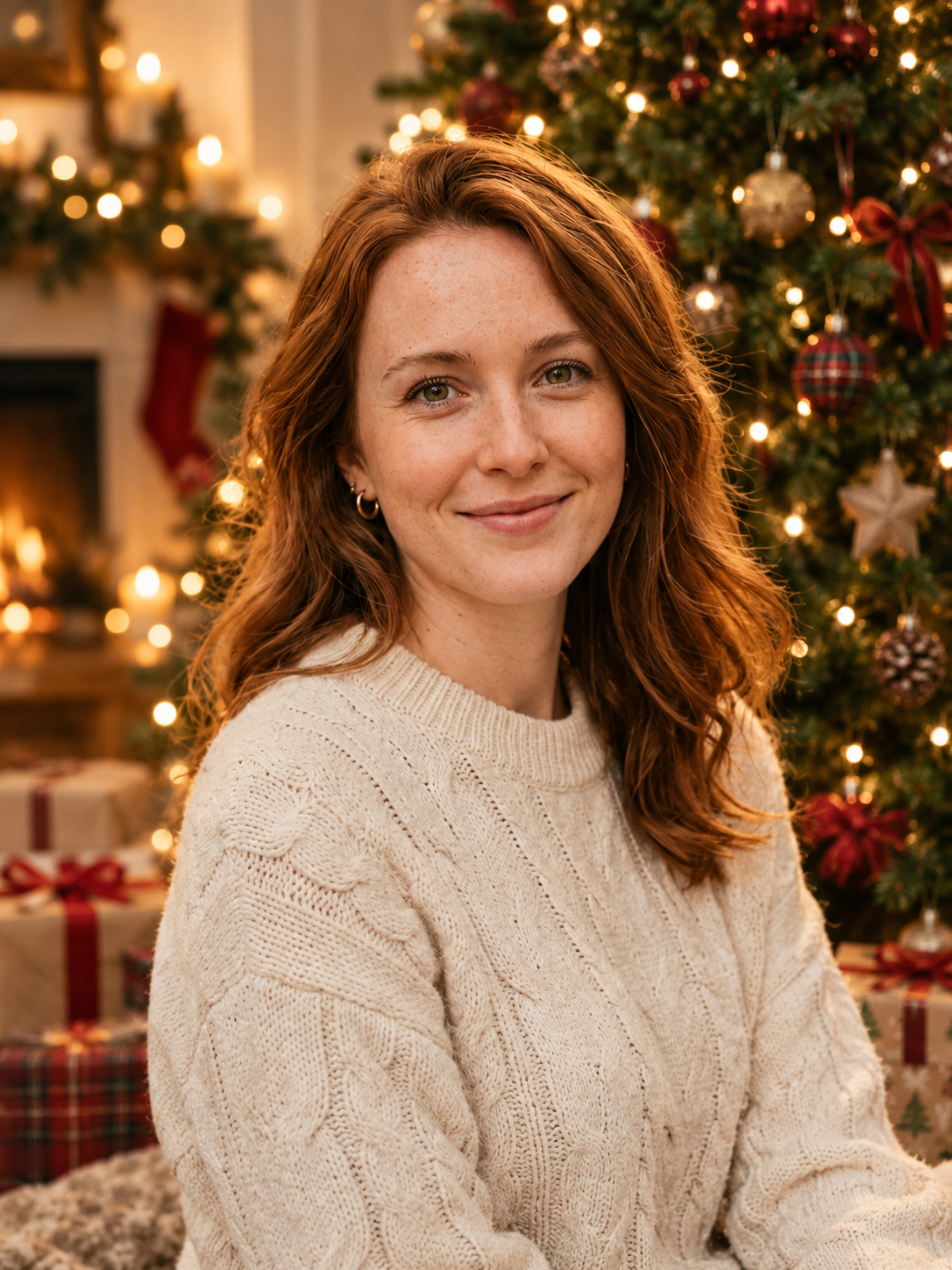
Every December the same problem comes back: you need a Christmas photo for the family group chat, a holiday card, or a festive profile picture, and nobody has time to set up a tree, fairy lights and a photographer. Upload one selfie — or one photo each of you and your partner — and Viberot's AI Christmas photo generator puts you in a finished holiday scene: a cozy portrait by a decorated tree with warm string-light bokeh, a snowy village street at night, a Santa-hat shot by the fireplace, matching plaid pajamas on the sofa, a vintage film Christmas morning, or a ready-to-send greeting card with "Merry Christmas" lettering. Your face, hair and skin tone come from your photo, so it still looks like you; the lighting, set and styling come from the scene you pick.

One or two photos, about a minute
One clear, well-lit photo of your face for a solo portrait, or two photos — one per person — for a couple Christmas photo or card.
Choose by the tree, Christmas card, snowy night, Santa hat by the fire, matching pajamas or vintage Christmas morning — or type your own scene.
The AI builds the holiday set, lighting and styling around you and keeps your face recognisable, in a 3:4 portrait.
Save the PNG and post it, set it as your profile picture, or print and mail the card version.
Tree and fairy lights, a greeting card, a snowy street, Santa hat by the fireplace, matching plaid pajamas and a 1970s film-look Christmas morning — switch scenes without uploading again.
The card scene adds clean "Merry Christmas" lettering and a festive border around your portrait, so it is ready to send without opening a design app.
Upload one photo of each person and the AI places you together in the same scene with matching lighting — no need for a photo you took together.
Face shape, hair, skin tone and eye colour are kept from your photo. Scenes like pajamas or the Santa hat change what you wear; the others keep your own outfit.
Skip decorating, untangling lights and balancing a phone on a shelf for a ten-second timer shot.
The card scene comes out as a finished portrait card — no templates, fonts or cropping to deal with.
Run the same photo through several scenes and post them as a carousel, or use one as your profile picture for December.
Every account gets 20 free credits a month; credit packs are one-time purchases that never expire.
One Christmas photo costs 8 credits at 1K. Every account gets 20 free credits a month; credit packs start at $9.90 for 600 credits and never expire.
Upload a selfie, pick a scene and get a holiday portrait or a Merry Christmas card in about a minute.