Real pixel grid
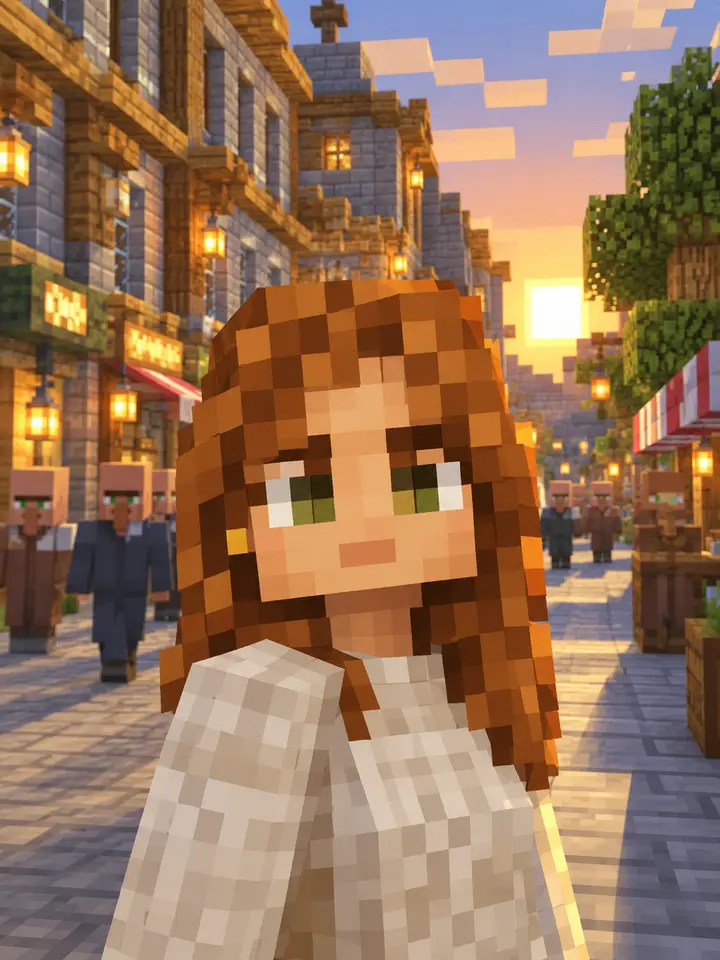
Even, square pixels on a strict grid with no anti-aliasing or soft edges — not a blurred mosaic filter.
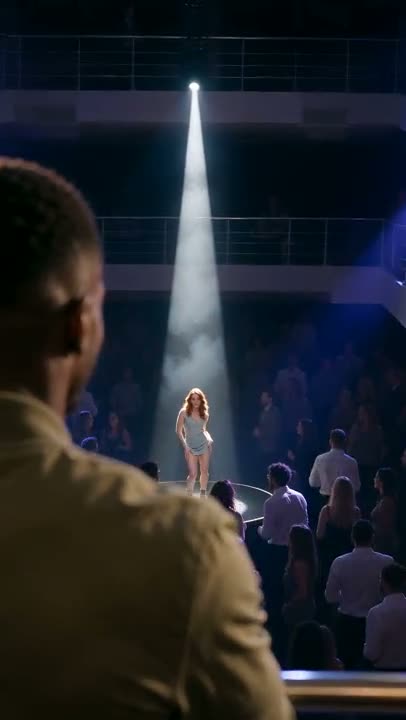 La Tormenta de Arena AI2 photos · 15s · from 121 credits
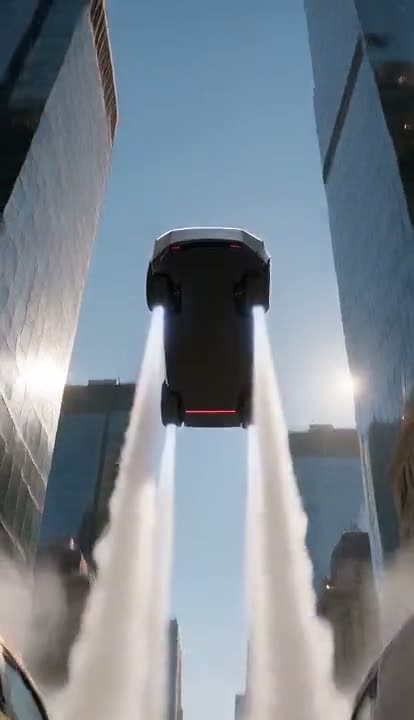 Tesla Roadster AI1 photo · 10s · from 81 credits
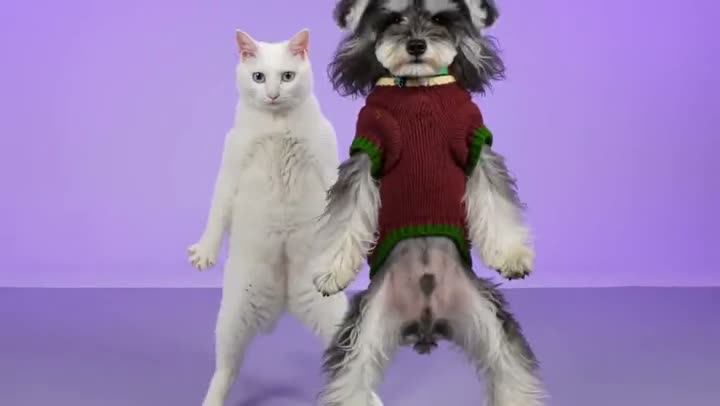 AI NEON Dance2 photos · 15s · from 256 credits
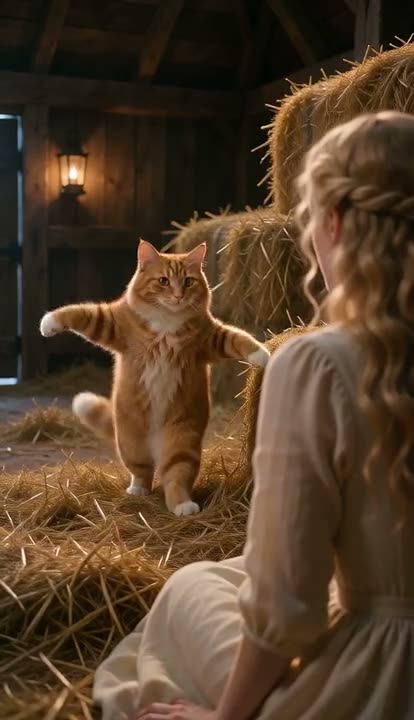 Tip Toeing in My Jordans AI1 photo (+1 optional) · 10s · from 81 credits
 Hotel Lobby AI2 photos · 10s · from 81 credits
 Wipe Me Down Dance AI1 photo · 13s · from 105 credits
Upload a photo and get it back as retro pixel art — the chunky, hard-edged look of 8-bit and 16-bit games. The AI redraws your selfie, pet or favourite place on a strict pixel grid with a limited colour palette and solid fills, so it reads like a real game sprite instead of a blurry, downscaled photo.
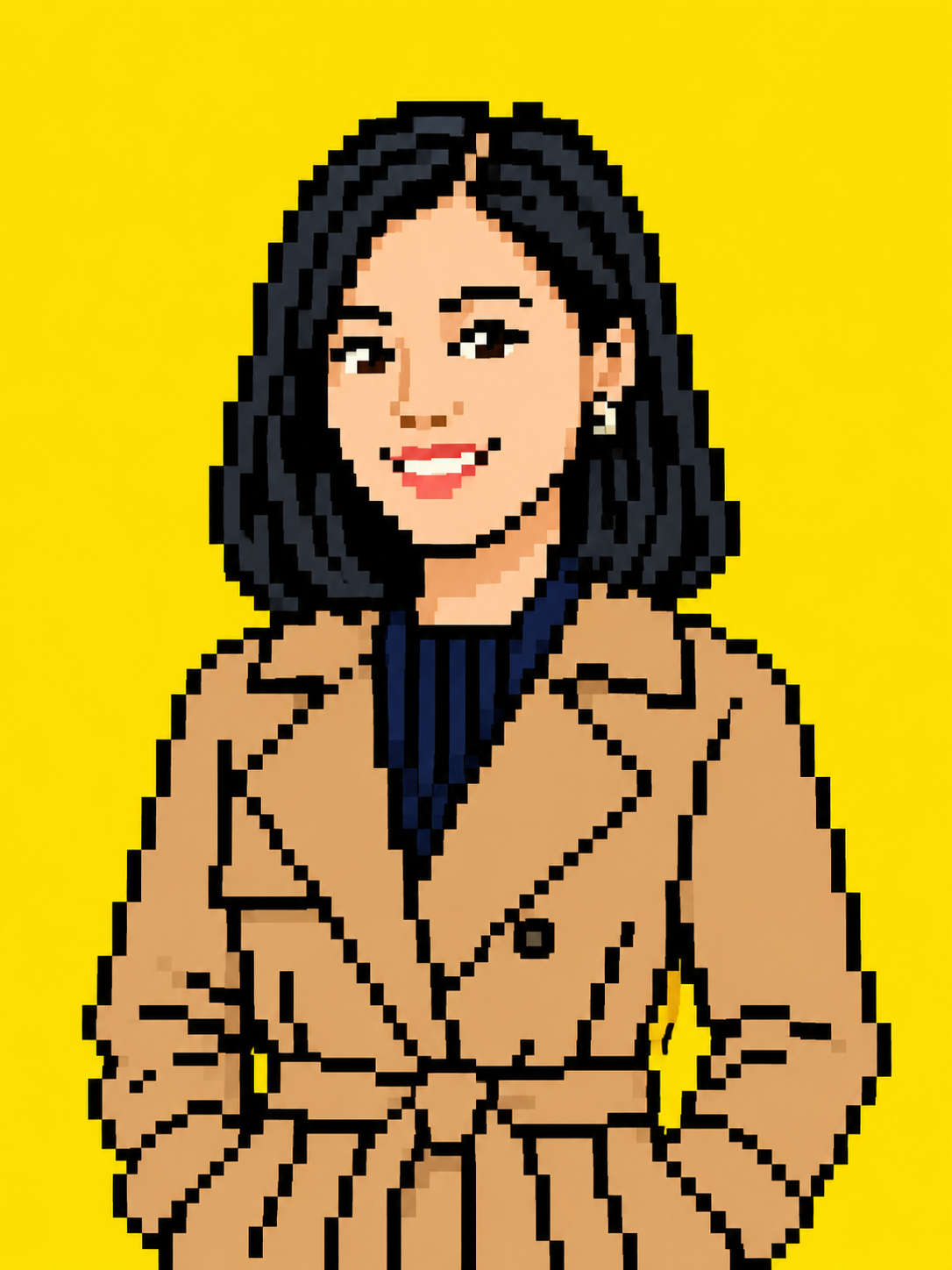
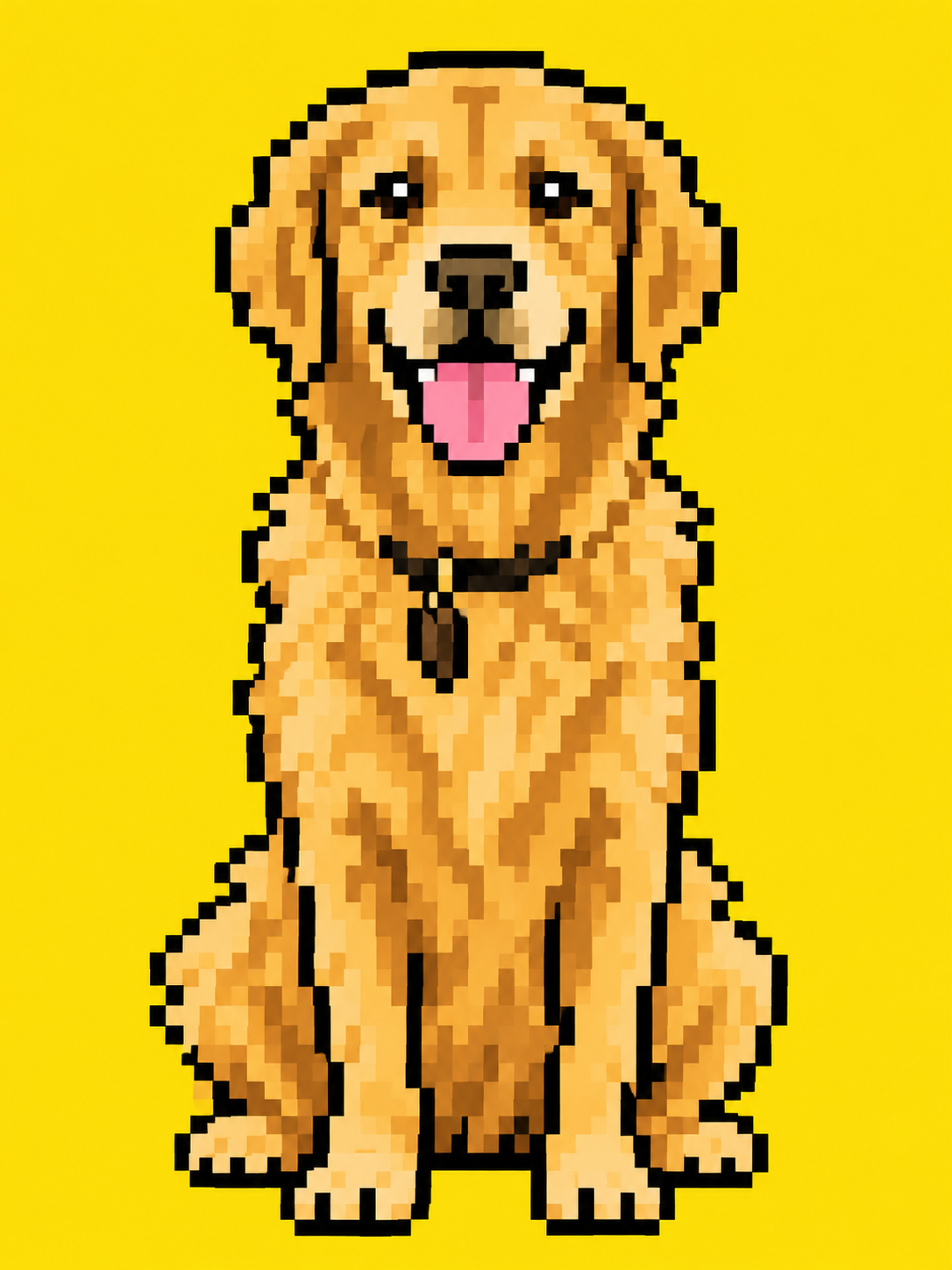
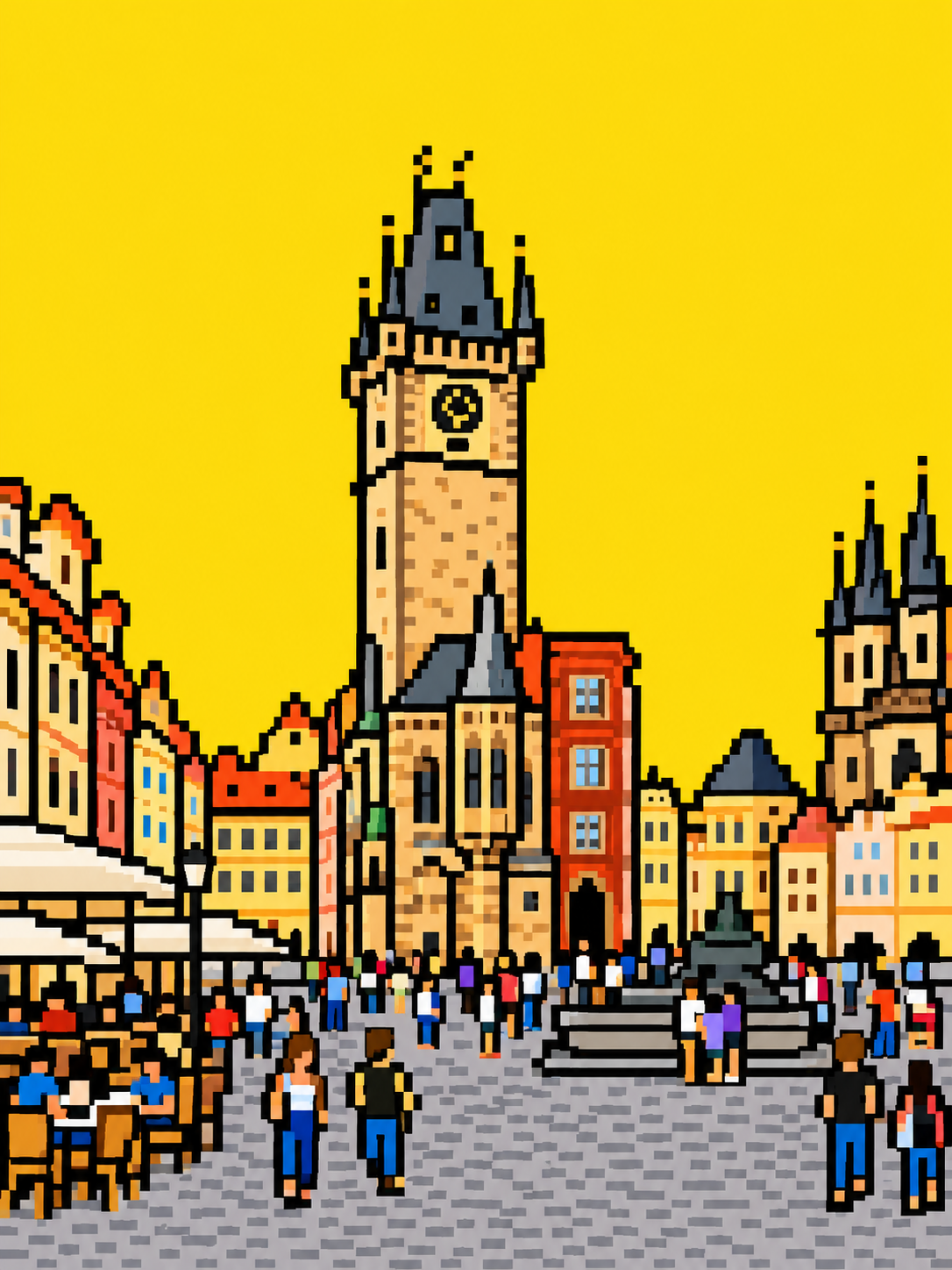
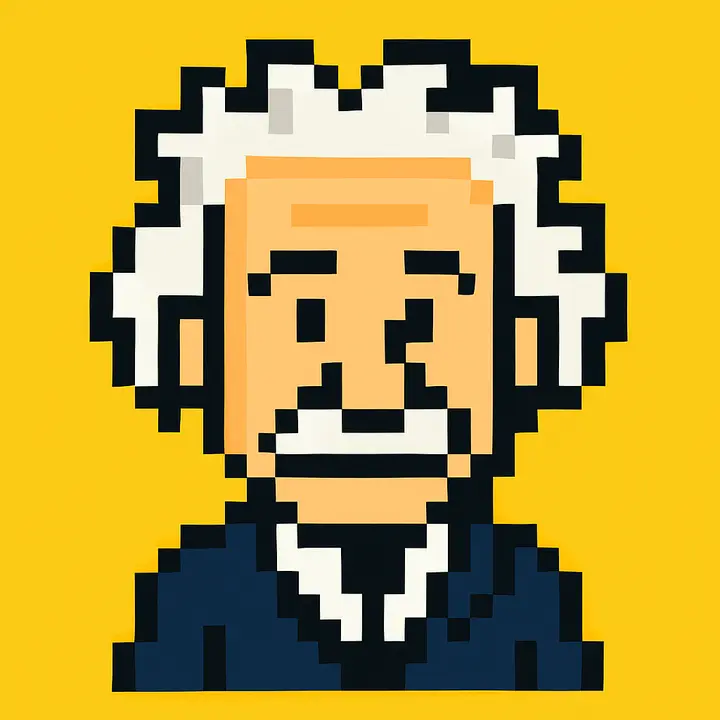
One photo, about a minute
A portrait, a pet, a building or an object. One clear subject works best.
The default asks for black outlines and a yellow background — swap in any background colour or extra detail you want.
Get a pixel art PNG in about a minute, ready for an avatar, a sticker or a game mock-up.
Even, square pixels on a strict grid with no anti-aliasing or soft edges — not a blurred mosaic filter.
A limited set of solid colours with no gradients, like classic 8-bit console sprites.
Hair, glasses, outfit colours, a pet's markings or a building's shape are simplified but still recognisable.
People, cats and dogs, landmarks, cars, food — anything with a clear main subject.
No placing pixels by hand or fiddling with palette and grid settings.
20 free credits every month — enough for two pixel art images.
A PNG that works as a profile picture, a Discord avatar or a sticker.
One pixel art image costs 8 credits at 1K. Every account gets 20 free credits a month; credit packs start at $9.90 for 600 credits and never expire.
Upload a photo and turn it into pixel art in about a minute.