The doors open
Automatic glass doors slide apart at the end of the arrivals walkway and you step out, calm, as if you do this every week.
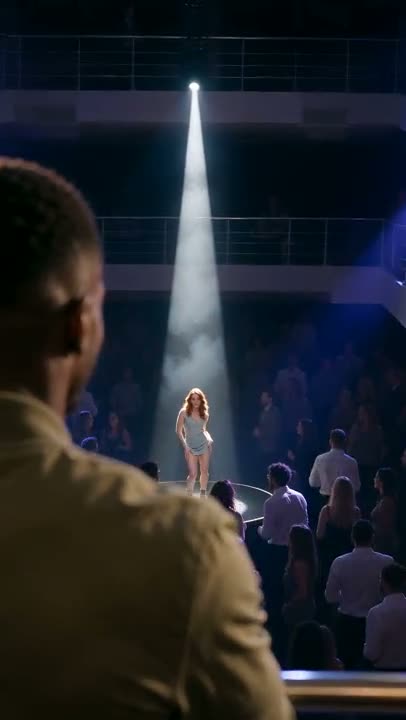 La Tormenta de Arena AI2 photos · 15s · from 121 credits
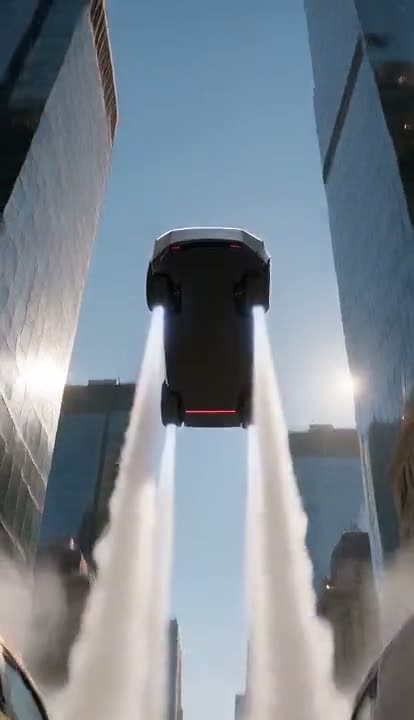 Tesla Roadster AI1 photo · 10s · from 81 credits
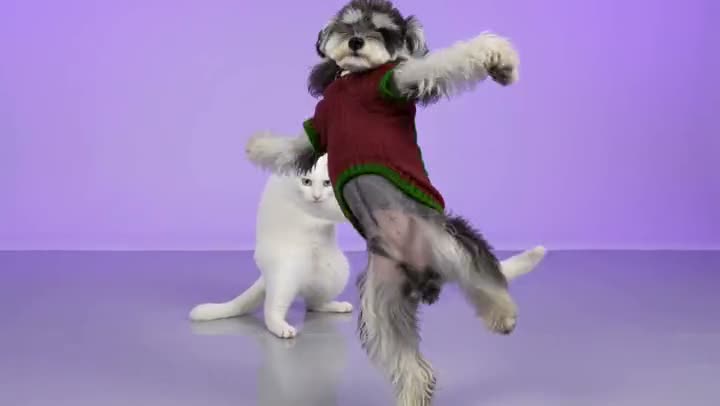 AI NEON Dance2 photos · 24s · from 191 credits
 Tip Toeing in My Jordans AI1 photo (+1 optional) · 10s · from 81 credits
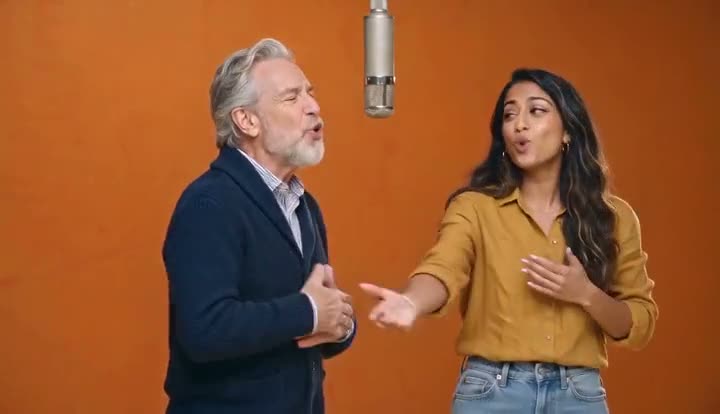 Hotel Lobby AI2 photos · 10s · from 81 credits
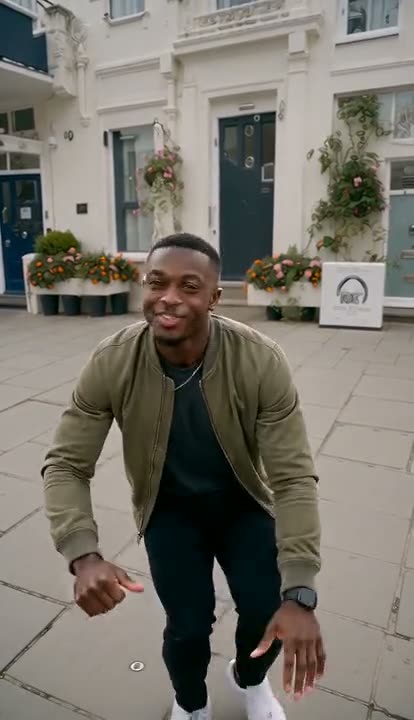 Wipe Me Down Dance AI1 photo · 13s · from 105 credits
Everyone is getting the celebrity airport arrival treatment: glass doors slide open, two bodyguards in black suits clear the way, and a wall of fans with raised phones loses it. Upload one photo and the AI makes a 12-second fan-filmed clip of you — or your cat or dog — walking out of arrivals straight toward the camera, waving to the crowd, nodding at the lens and signing off with a two-finger salute, all in one continuous shot. You keep the clothes from your photo, and the screaming, shutter clicks and airport announcement are already on the clip.
One photo, about three minutes
A clear, front-facing photo of yourself, a friend or your pet. Full body works best, so the outfit you walk out in is exactly yours.
9:16 for TikTok, Reels and Shorts or 16:9 for YouTube. Standard 480p or 720p is plenty for social; the price is shown before you start.
You get a 12-second MP4 with crowd screams, shutter clicks and an airport announcement. Add a song from your platform’s sound library when you post.
Automatic glass doors slide apart at the end of the arrivals walkway and you step out, calm, as if you do this every week.
Two tall bodyguards in black suits and earpieces walk half a step behind you, one arm out to keep the path clear.
Phone flashes and photographers’ strobes burst from both barricades as fans lean over, screaming and filming.
You smile and wave to the crowd, catch this fan’s phone with a playful nod and finish close up with a two-finger salute.
One handheld phone shot from the front of the crowd, no cuts, with blurred heads and raised phones framing you — it looks like real fan footage.
Cats and dogs trot out on all four paws between the bodyguards’ legs, head held high, with the camera down at their eye level.
The doors, the bodyguards, the crowd and the camera move are already set. Upload, generate, download — in the browser, on your phone.
No forced suit or sunglasses: you walk out in exactly what you wore in the photo, so it actually looks like you.
One-time credit packs, no subscription; failed videos are refunded automatically.
Standard 480p costs 77 credits and 720p costs 165 credits per 12-second video; the Plus tier (MiniMax H3) costs 161 credits at 768p and 261 at 2K. Failed generations are refunded automatically. Credit packs start at $9.90 for 600 credits, are one-time payments and never expire.
Upload one photo and walk out to bodyguards, flashes and screaming fans in 12 seconds, sound included.