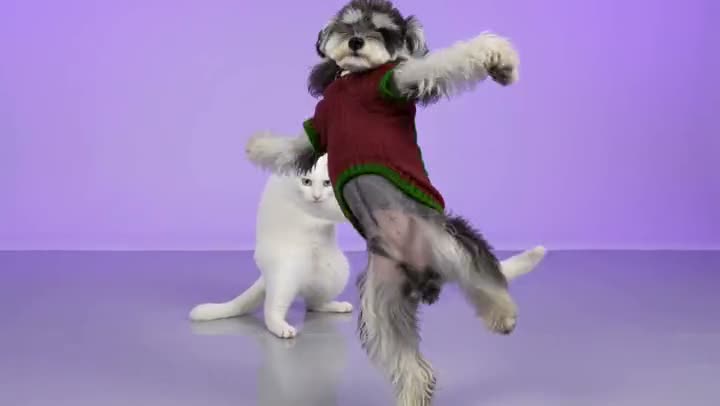
AI video effect

Alors On Danse AI: Recreate the Viral Keyboard Studio Sketch With Two Photos

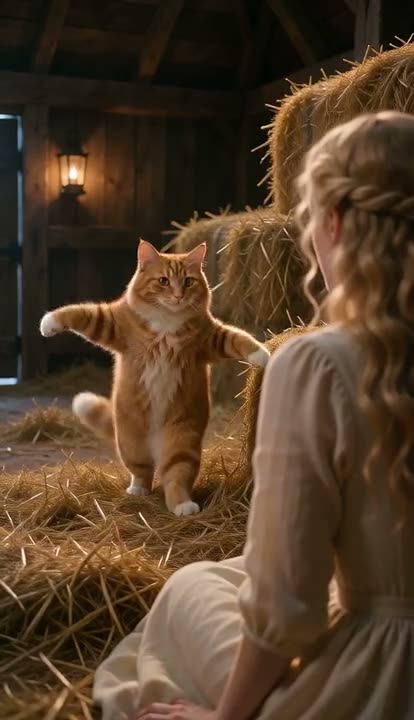
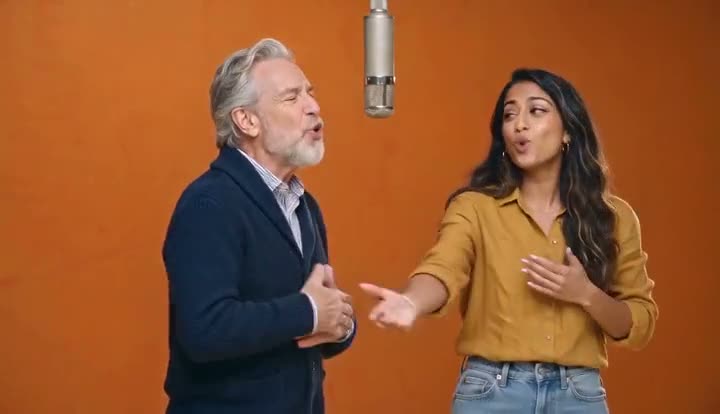
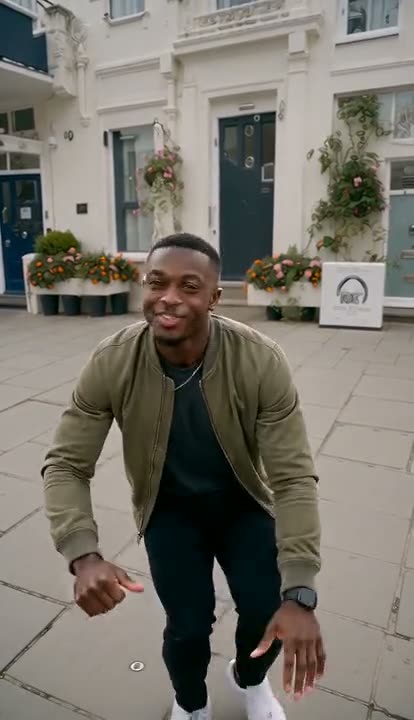
The Alors On Danse AI trend comes from a sketch in Jamel Debbouze's 2010 show "Made in Jamel", where he pretends to teach Stromae how to make "Alors on danse". In October 2026 TikTok filled up with AI remakes that swap the two of them for other duos — Harry Potter and Dumbledore, Woody and Buzz, anyone. Upload two photos and our Alors On Danse AI video generator makes the 30-second scene with you, a friend or your pets: the first one plays a mini MIDI keyboard next to a laptop in a white studio, the second one points, hypes and leans into the camera to sing, and then both of you dance backwards side by side. Both wear the clothes from your photos, and the original track is already on the clip, ready to post.

Example result · from 2 photosSee all 3 examples ↓
01 — How it works

How to make the Alors On Danse AI video

Two photos, a few minutes

01

Upload the keyboard player

Photo 1 is the one on the left who sits at the table and plays the little MIDI keyboard. A clear photo with the face visible works best; a person or a pet both work.

02

Upload the hype man

Photo 2 is the one on the right who points at the keyboard, cheers on, then leans right into the lens for the close-up and sings. Cast the most dramatic person here — this is the punchline.

03

Pick format and quality

9:16 for TikTok, Reels and Shorts (the default) or 16:9 for YouTube. Every tier renders at 480p or 720p, which is plenty for social; Pro and Ultra add sharper detail. The price is shown before you start.

04

Generate and post

You get a 30-second MP4 with the Alors On Danse audio already on it. Download it and post — no editing, no syncing the beat yourself.

02 — Features

What the AI recreates from the sketch

01

The white studio and the mini keyboard

A bright white studio, a small table with a mini MIDI keyboard and an open laptop — the same set as the original sketch, so people recognise the trend in the first second.
02

Every beat of the routine

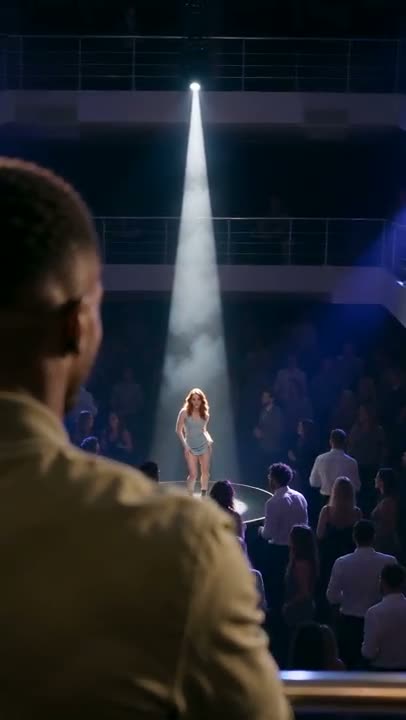
The keyboard playing while the other one points and teases, the change of camera angle, the face-in-the-lens close-up sung straight to camera, and the side-by-side dance as both step back from the lens.

03

Two fixed roles, never swapped

Photo 1 always plays the keyboard on the left, photo 2 always hypes and sings on the right. Faces, hair and skin tone come from your photos, not from Jamel or Stromae.

04

Your own clothes, with the song on it

Both of you wear the outfits from your photos — no wizard robes or cowboy hats copied from other versions — and the finished clip comes with the original audio in sync.

04 — Why Viberot

Why make it on Viberot

Motion from the real clip

The moves and camera cuts are driven by a reference of the actual sketch, not guessed from a text prompt, so the keyboard bit, the close-up and the backwards dance land where people expect.

Pets welcome

A cat on the keyboard and a dog singing into the lens, or you with your pet. Pets keep their own fur, markings and collar.

Priced per video, not per template

One video costs 506 credits at Standard 720p, and credit packs start at $9.90 — less than most two-person template apps charge for the same trend.

No app, no template link

Runs in the browser on your phone: upload two photos, generate, download. Failed videos are refunded automatically.

05 — Pricing

Alors On Danse AI pricing

Standard 720p costs 506 credits per 30-second video (243 at 480p). Failed generations are refunded automatically. Credit packs start at $9.90 for 600 credits, are one-time payments and never expire.

20 free credits every monthView pricing
06 — FAQ

Frequently asked questions

What is the Alors On Danse AI trend?
It is an AI remake of a sketch from Jamel Debbouze's 2010 stage show "Made in Jamel", in which he pretends to coach Stromae on how to make "Alors on danse" at a little keyboard. In early October 2026 TikTok creators started swapping the two of them for other pairs — Harry Potter and Dumbledore, Woody and Buzz, cartoon characters, friends — and searches like "alors on danse ai video" and "alors on danse template" took off. The scene: one plays a mini MIDI keyboard in a white studio, the other points and hypes, leans into the camera to sing, and then both dance backwards away from the lens.
How many photos do I need, and who goes where?
Two photos, one per role, and both are required. Photo 1 is the person on the left who plays the mini keyboard. Photo 2 is the person on the right who points, cheers, comes up to the camera for the close-up and sings. The roles never swap, so put the funniest face in photo 2.
Can I use my cat or dog?
Yes, in either role. A pet in slot 1 sits at the table and taps the keyboard with its paws; a pet in slot 2 points and bobs along, then pushes its face into the lens for the close-up. Pets keep their own fur colour, markings and collar, and you can mix a person and a pet in the same video.
Does the video include the original song?
Yes. The 30-second section of the original "Alors On Danse" audio from the trend is added to the finished clip so it is ready to post. Having audio in a downloaded file is not a music licence: you are responsible for following the music rules of the platform where you publish (and its rules on labelling AI-generated content), and you can swap in the official sound from TikTok's or Instagram's library if the platform asks for it.
Is this affiliated with Stromae or Jamel Debbouze?
No. Viberot is an independent AI tool and is not affiliated with, endorsed by or sponsored by Stromae, Jamel Debbouze, their labels or the producers of "Made in Jamel". We do not use either artist's face, voice or likeness to make your video — both people are generated from your photos. The only original material is the short audio section from the trend, added to the finished file.
Which photos are rejected?
Photos that appear to show public figures or celebrities — including Stromae, Jamel Debbouze or any famous actor — are rejected before any credits are charged. Only upload photos of yourself or of people who agreed to be in your video. Everyone dances in the clothes from their own photo.
How is this different from a CapCut Alors On Danse template?
A CapCut template pastes your photo onto pre-made frames or a face-swap layer, so the body, clothes and motion stay the template's. Here the whole scene is generated from your two photos: your face, your hair and your outfit play the keyboard and dance, with the motion taken from the original sketch. It runs in the browser, so you do not need the CapCut app or a template link.
How many credits does one video cost? Is it free?
The default Standard 720p video costs 506 credits (243 at 480p); Pro at 720p costs 2529. The exact price is shown next to the Generate button before you start. Every account gets 20 free credits a month to try image effects. Credit packs are one-time payments — no subscription — start at $9.90 for 600 credits and never expire.
How long is the video and what format?
A 30-second MP4 with audio covering the keyboard bit, the sung close-up and the backwards dance. Choose vertical 9:16 for TikTok, Reels and Shorts (the default) or landscape 16:9 for YouTube — same price.
What happens if the generation fails?
Failed videos are refunded automatically — the credits go straight back to your balance, so you are never charged for a video you did not get.
Who can see my photos and video?
Your uploads are only used to make your video. Videos made on a free account appear in the public gallery; subscribers can switch a video to private.
More like this

Try these next.

Alors on danse?

Two photos: one on the keyboard, one singing into the lens. Who is your duo?