Brackets on every tooth
Each visible upper and lower tooth gets its own small square bracket, joined by one thin archwire that follows the curve of your smile — no flat sticker pasted over the mouth.
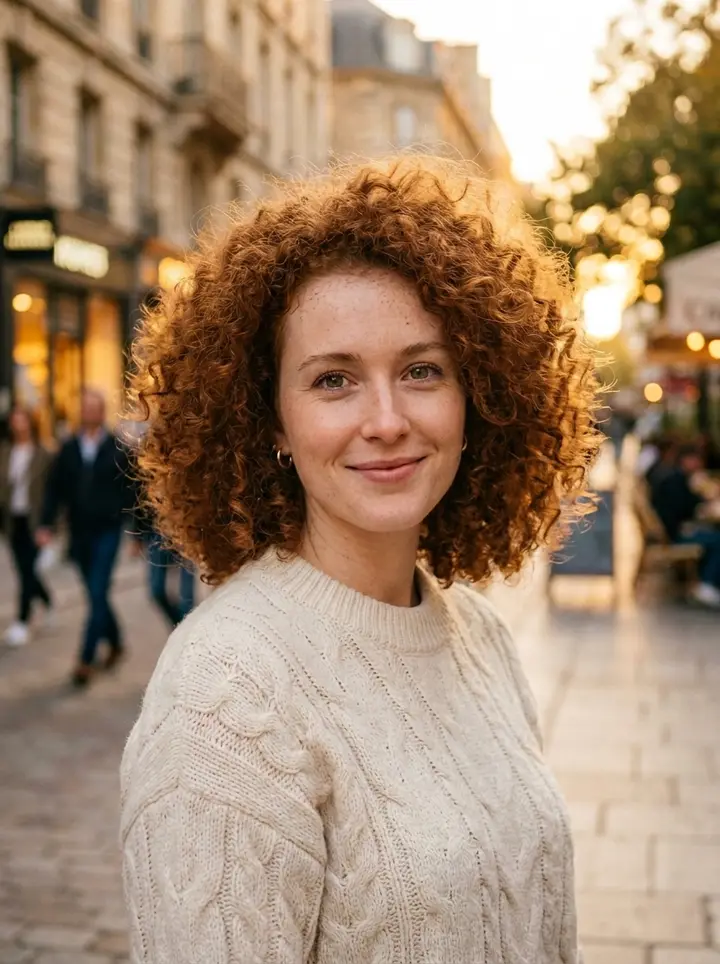
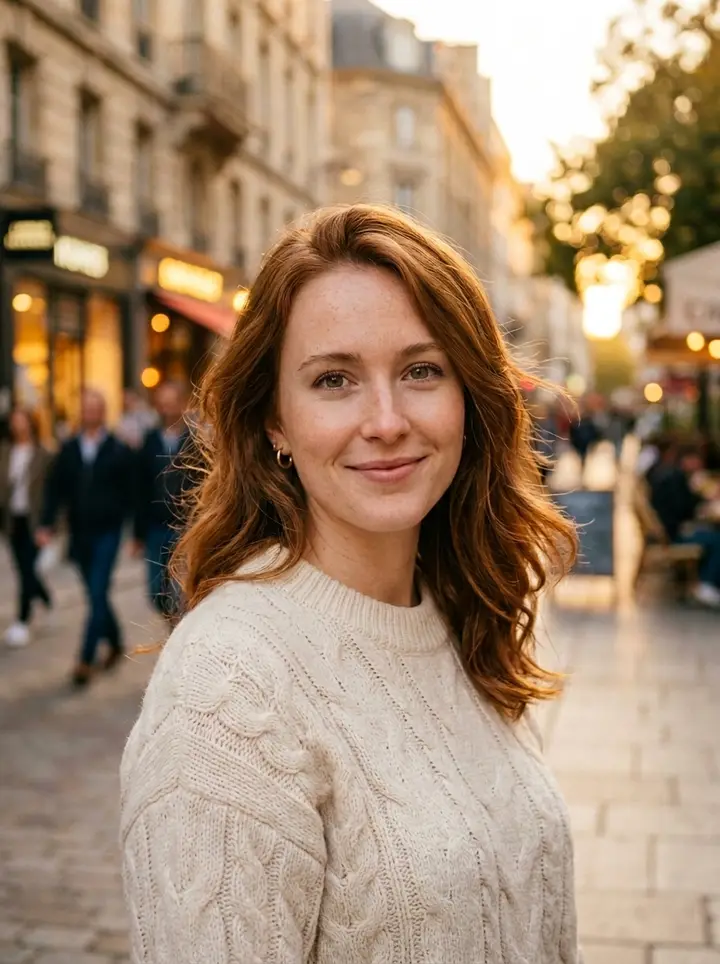
This braces filter adds realistic orthodontic braces to your own photo — a small steel bracket on every visible tooth, a thin archwire and the elastic colour you pick — while your face, hair, outfit, background and lighting stay exactly as they were. It also does the full look from the viral "le dije a ChatGPT que me pusiera esto" ("I told ChatGPT to put this on me") trend that took off on TikTok and CapCut in October 2026: braces plus little pearl stud earrings and a glossy French manicure, or braces with a neatly groomed beard for guys. Upload one selfie, pick a look and a band colour, and get a before-and-after you can post in under a minute.
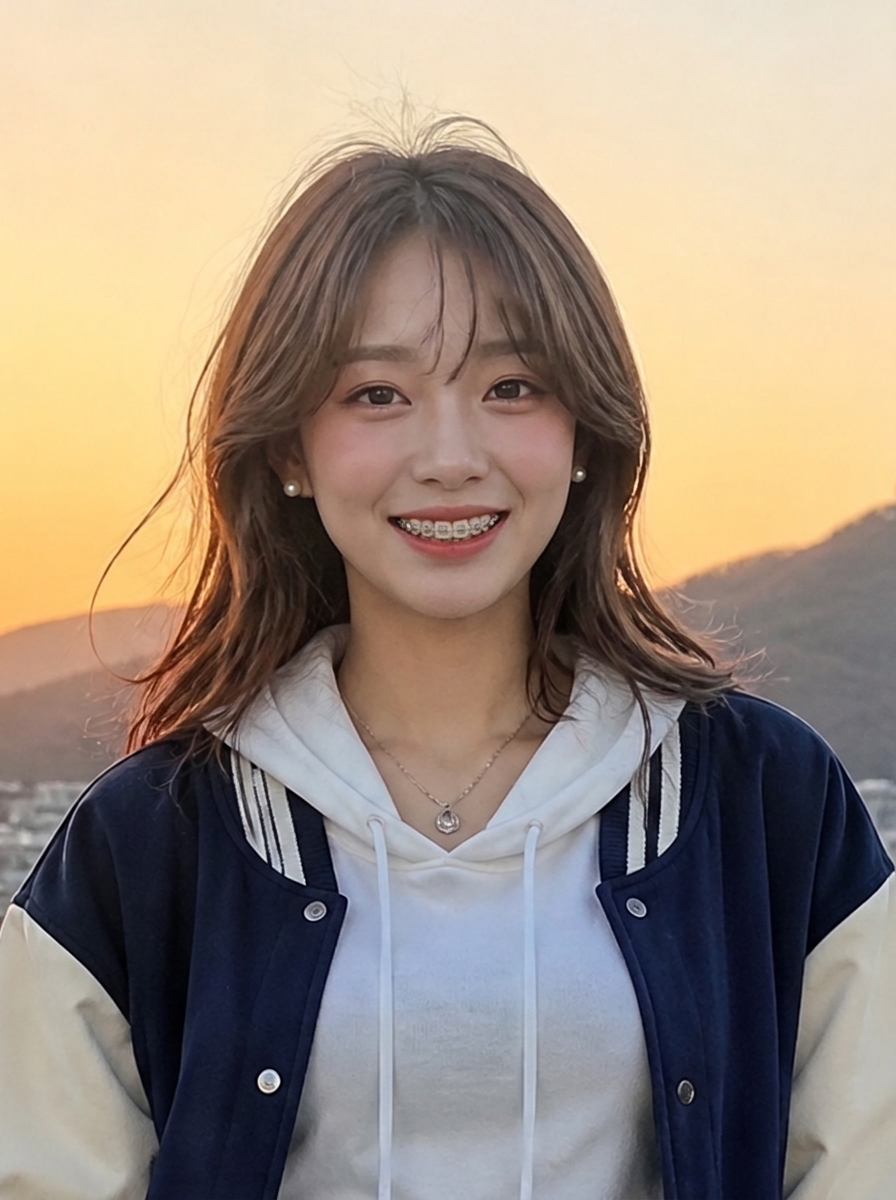
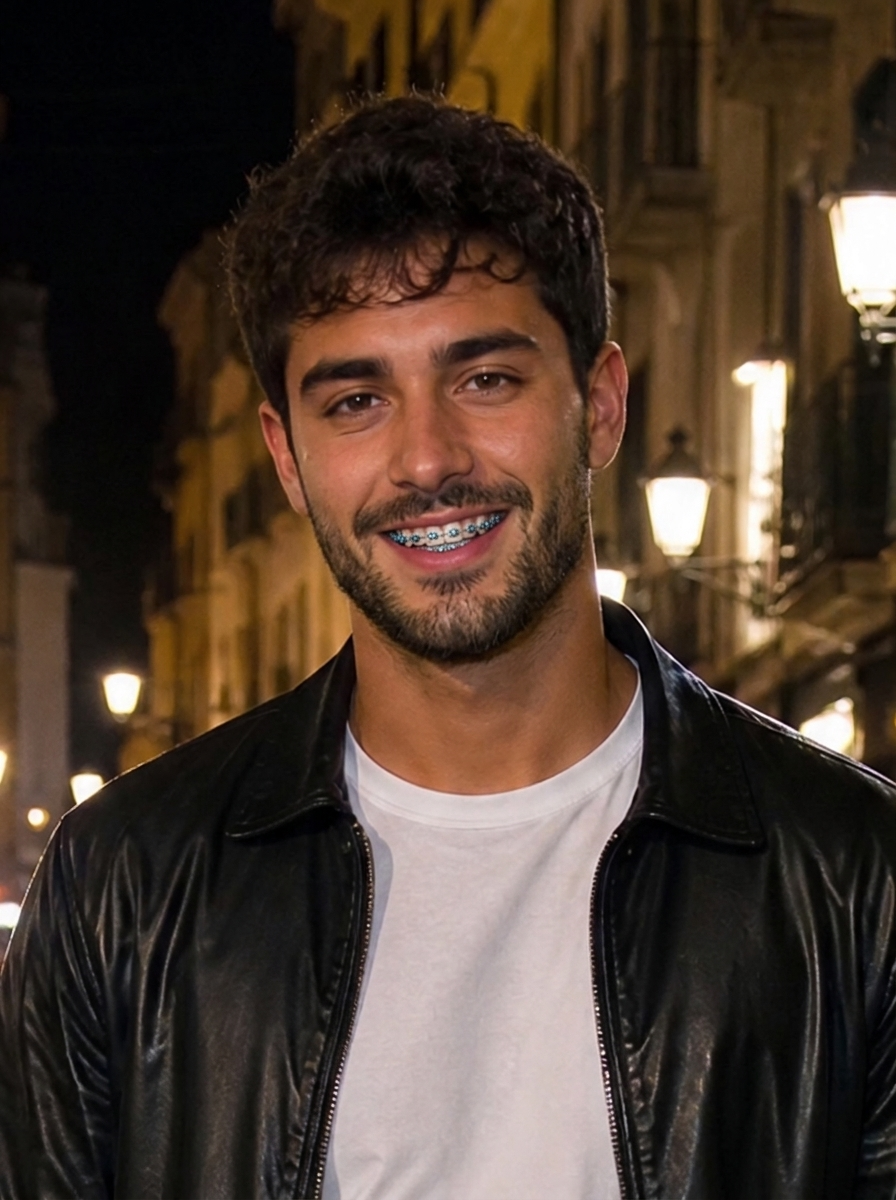
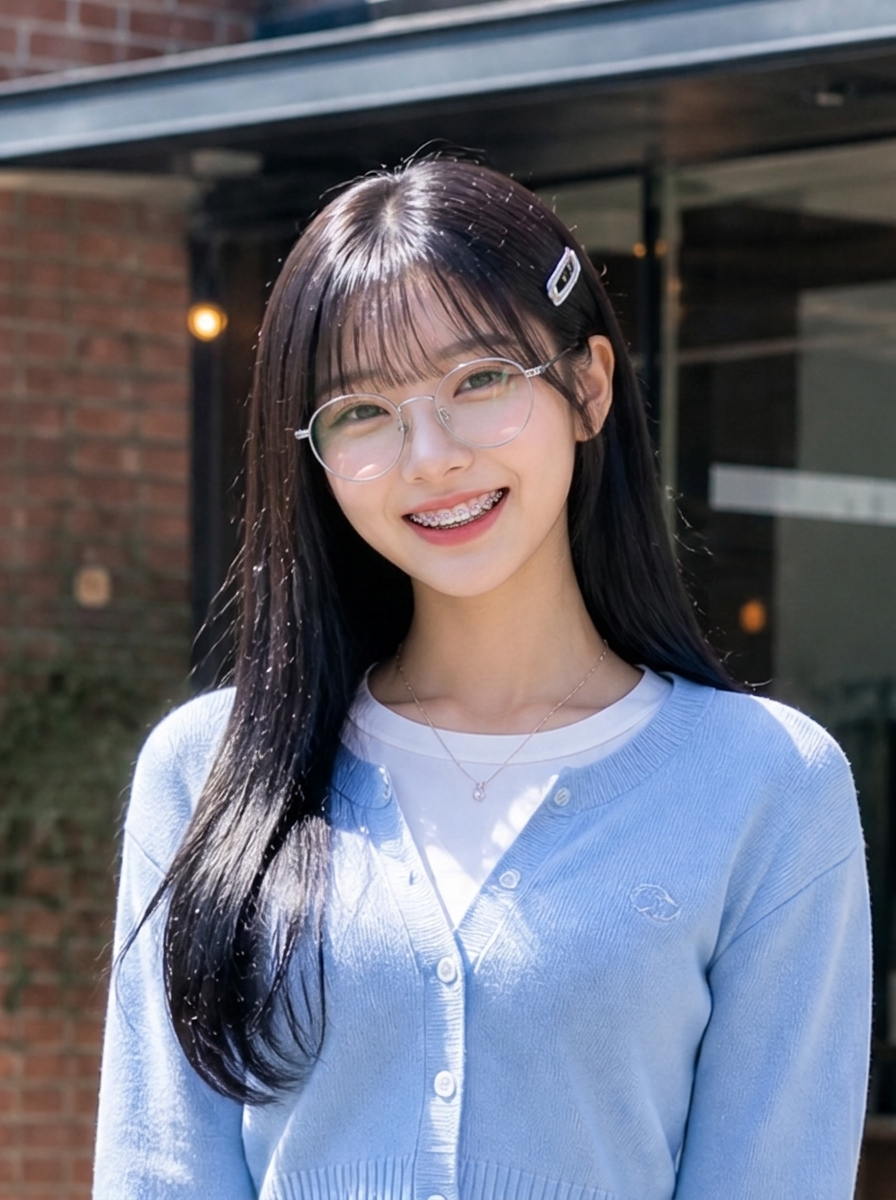
One selfie, about a minute
A clear, well-lit photo of just you with your face fairly large in the frame. A smile that shows your teeth works best; if your mouth is closed, the AI opens it into a natural smile so the braces can be seen.
Full set (braces, pearl earrings and French nails), braces only, braces with a groomed beard, or round glasses with braces.
Clear ties for the classic silver look, or pink, blue, purple, black or mixed rainbow elastics on every bracket.
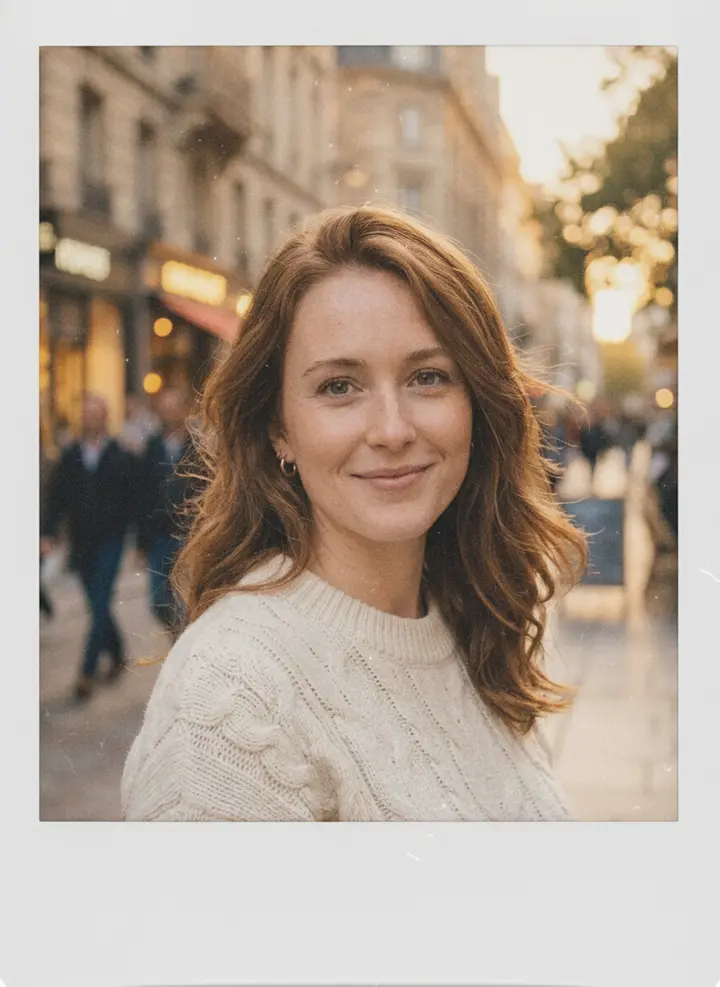
Download the 3:4 picture and post it next to your original as a before-and-after, or turn it into a short smiling clip with one tap.
Each visible upper and lower tooth gets its own small square bracket, joined by one thin archwire that follows the curve of your smile — no flat sticker pasted over the mouth.
Same face shape, skin texture, makeup, hair, clothes, pose and background. No beauty filter and no new teeth shape: the joke of the trend is that only the braces (and extras) change.
One tap adds the combo from the TikTok trend: braces, small white pearl stud earrings and a glossy French manicure if your hands are in the shot. Guys can swap the nails for a groomed beard.
Clear, pink, blue, purple, black or rainbow elastic ties, so you can preview the colour before your next orthodontist visit or just match your outfit.
The TikTok version needs a CapCut template and an AI edit app. Here you get the edited photo directly and can post it however you like.
Mirror selfies, close-ups, outdoor shots and photos with glasses all work. The brackets pick up the light already in your photo so they blend in.
Thinking about getting braces or choosing a band colour? See roughly how a full set of metal braces looks on your own smile first.
20 free credits every month — enough for two braces filter pictures before you pay anything.
Turn the result into a short clip where you blink and break into a big braces smile, like the live-photo wiggle in the trend videos.
One braces filter picture costs 8 credits at 1K. Every account gets 20 free credits a month; credit packs start at $9.90 for 600 credits and never expire.
Upload one selfie and get your braces filter picture — brackets, bands and the full trend look — in about a minute.