AI Dog DJ: How to Turn Your Pet Into a Stadium DJ From One Photo
AI Dog DJ guide: the viral Legendary Bass Drop stadium clip explained shot by shot, and how to turn one photo of your dog or cat into a DJ video.
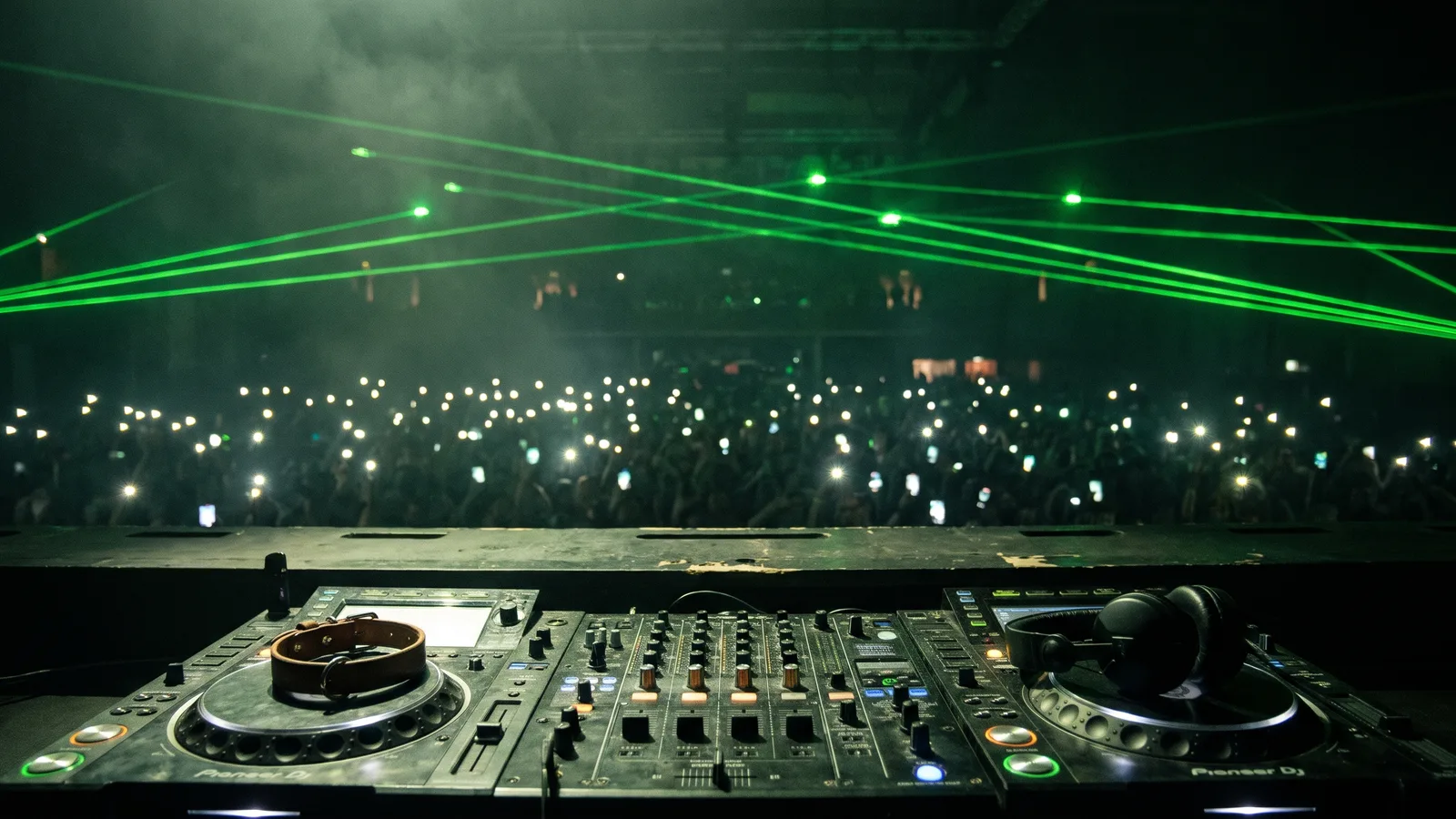
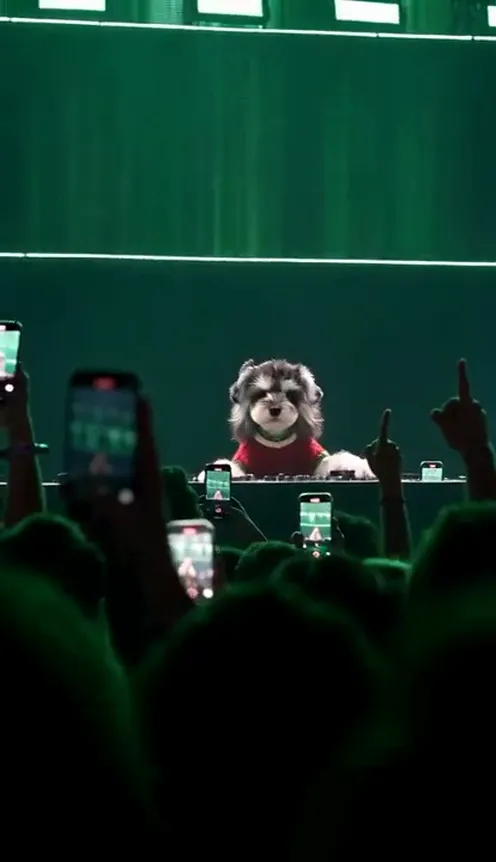
A golden retriever stands behind a huge DJ mixer on a stadium stage, paws on the decks, while thousands of phone lights glow in front of it. Then the bass drops, green lasers sweep the crowd, and the dog lifts one paw. That is the "Legendary Bass Drop" clip, and it turned the AI dog DJ into one of the funniest pet formats on TikTok. This guide covers where the clip comes from, why it works, the shots one by one, and how to make your own from one photo with the AI Dog DJ generator on Viberot.
Where the Legendary Bass Drop clip comes from#
The original. The clip was posted on TikTok by @world.winnie as "Legendary Bass Drop" and passed 2.3M views, 210K likes and 131K shares. It is an AI-made video, not a real concert: a golden retriever DJing a packed stadium show.
The sound. The clip runs on an EDM track built around a big bass drop, and the whole edit is timed to that drop.
Why it spread. Shares are the number to watch. 131K shares means people were sending it to friends with a dog, which is the best signal that a format will be remade. The remake needs one thing from you: a pet.
Why it went viral#
- The contrast is the joke. A dog is the last thing you expect behind a stadium mixer, and the production is treated completely seriously.
- Scale. A sea of phone lights and green lasers makes a tiny pet feel like a headliner.
- It is built for the drop. The clip builds, drops and ends on the paw raise, so it works with sound on and is easy to loop.
- Everyone has a pet worth casting. Owners want to see their own dog or cat on that stage, which makes it a natural remake.
The clip shot by shot#
The AI Dog DJ template makes a 15-second vertical video in the same style:
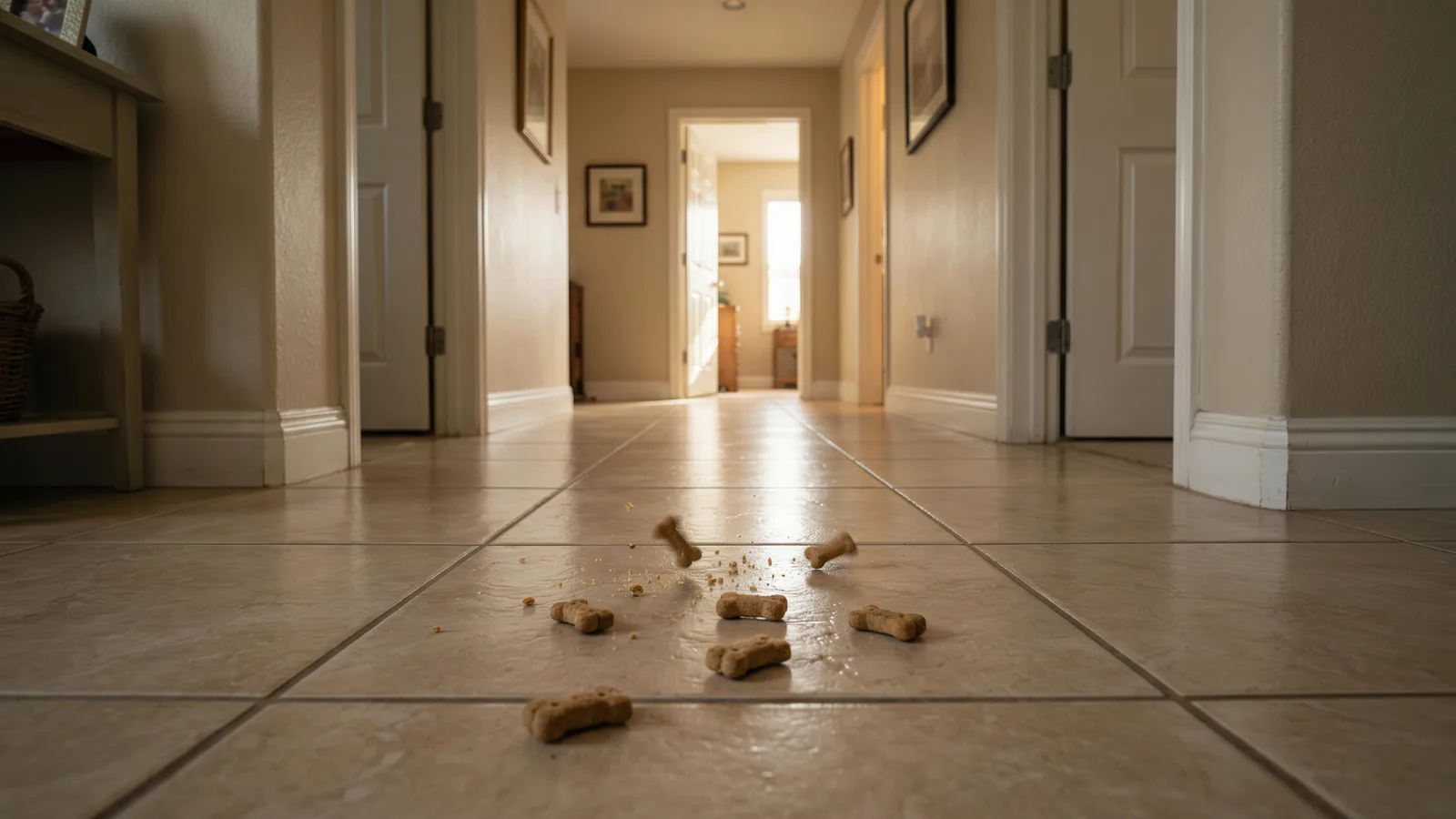
- The decks. Close on your pet's paws resting on the DJ mixer.
- The back view. The camera shows your pet from behind, facing a sea of phone lights filling the stadium.
- The crowd. The audience films on their phones under sweeping green lasers.
- The paw raise. Your pet lifts a paw as the bass drops.
Your pet keeps its own breed, fur, face and clothes from the photo. The stage, the crowd and the lasers come from the template.
How to make your AI dog DJ video#
- Open the template. Go to the AI Dog DJ page and sign in.
- Upload 1 photo. One clear photo of your dog or cat, face and body visible.
- Pick the quality. 480p or 720p, vertical for TikTok, Reels and Shorts.
- Generate. It takes a few minutes. You get a 15-second MP4 with the original sound included.
- Post it. Download the file and upload it as it is, or trim it in your editor.
Tip
A pet that already looks proud, chin up and chest out, reads best behind the decks. A dog in a sweater or bandana makes the stage shots look even funnier.
Choosing a photo#
| Works well | Causes trouble |
|---|---|
| One dog or one cat, face and body visible | Two or more pets in the photo |
| Facing the camera or a slight three-quarter angle | Side profiles, back-of-the-head shots |
| Even light, sharp focus | Dark, blurry or heavily filtered photos |
| Head and most of the body in frame | Tight close-ups of the face only |
Note
The stadium is part of the template, so the background of your photo isn't used. Only your pet's look comes from it.
About the audio#
The file includes the original sound from the clip, the creator's EDM track, so it plays as soon as you post it. That is not a music license: the track belongs to its owner, so follow the music rules of the platform you post on. Viberot is an independent tool and is not affiliated with the creator, @world.winnie.
Posting ideas#
- The headliner. Post it with a fake festival lineup caption: "Headlining tonight: Biscuit."
- The series. One clip per pet in the house. The dog opens the show, the cat shows up for the encore.
- Before and after. Post it next to a real photo of your pet asleep on the couch.
- The caption. "he practises on the sofa" or "bass drop incoming".
- Hashtags. #dogtok, #cattok, #pettok and #bassdrop.
AI Dog DJ vs. CapCut templates#
CapCut templates for this trend usually paste your pet's photo into the original clip with zooms and cuts, so your pet never actually plays anything. The AI Dog DJ generator makes a brand-new video from your photo: your real pet, with its own fur and markings, at the decks with the crowd behind it. It runs in your phone's browser with no app, no template link and no timeline. If you like pet remakes, try Dougie Dog AI next.
How much it costs#
A Standard 480p video costs 270 credits and 720p costs 594; the exact price is always shown next to the Generate button. Credit packs are one-time payments, no subscription, starting at $9.90 for 600 credits. Failed generations are refunded automatically. See the pricing page.
Frequently asked questions#
How much does it cost?#
270 credits at 480p or 594 at 720p for a 15-second video. Credit packs start at $9.90 for 600 credits.
How many photos do I need?#
Just 1: one clear photo of one pet.
Does the video include the music?#
Yes, the file includes the original sound from the clip. It is not a music license, so follow the music rules of the platform you post on.
Is it affiliated with the creator?#
No. Viberot is an independent tool, not affiliated with or endorsed by @world.winnie or anyone else behind the original clip.
Can I use my cat?#
Yes. Dogs and cats both work, and a cat DJ looks great.
Will it keep my pet's look?#
Yes. Breed, fur, face and clothes come from your photo.
How long does it take?#
Usually a few minutes.
What photo works best?#
One pet, face and body visible, well lit, ideally facing the camera. Skip group shots, side profiles and dark or blurry photos.
Let your pet drop the bass
Upload one photo of your dog or cat and get the full 15-second stadium DJ clip, original sound included.
From 95 credits · failed videos refunded · no subscription