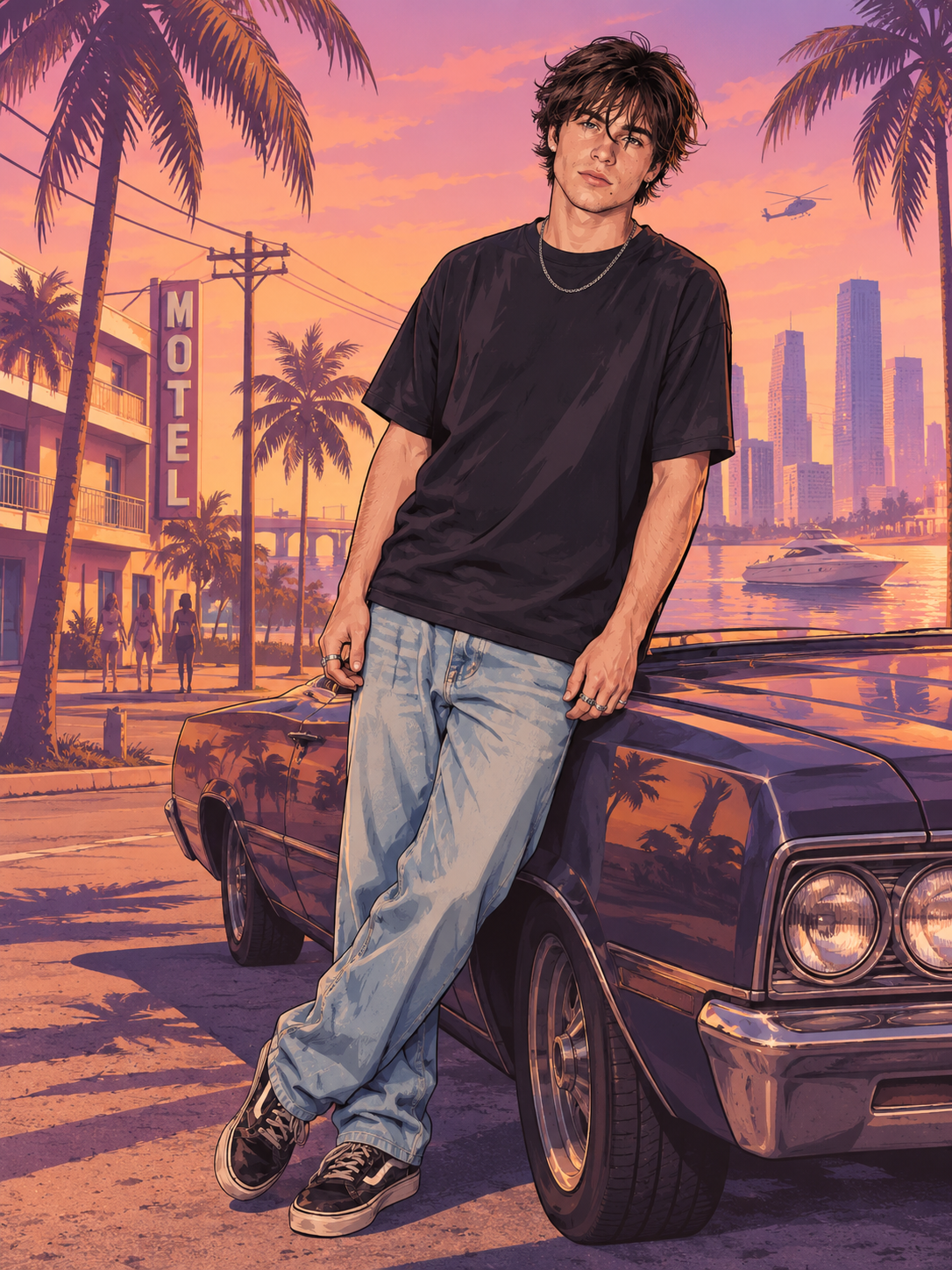
Hand-painted Vice City look
Bold black outlines, heavy brushwork and saturated sunset color — the loading-screen illustration style.
Turn a selfie or a GTA-style portrait into a looping GTA 6 style GIF. Viberot paints you in the hand-drawn Vice City loading-screen look — bold outlines, thick brushwork, pink-and-purple sunset — then brings it to life: hair and clothes move in the breeze, palms sway, the water shimmers and you give the camera a slow smirk.
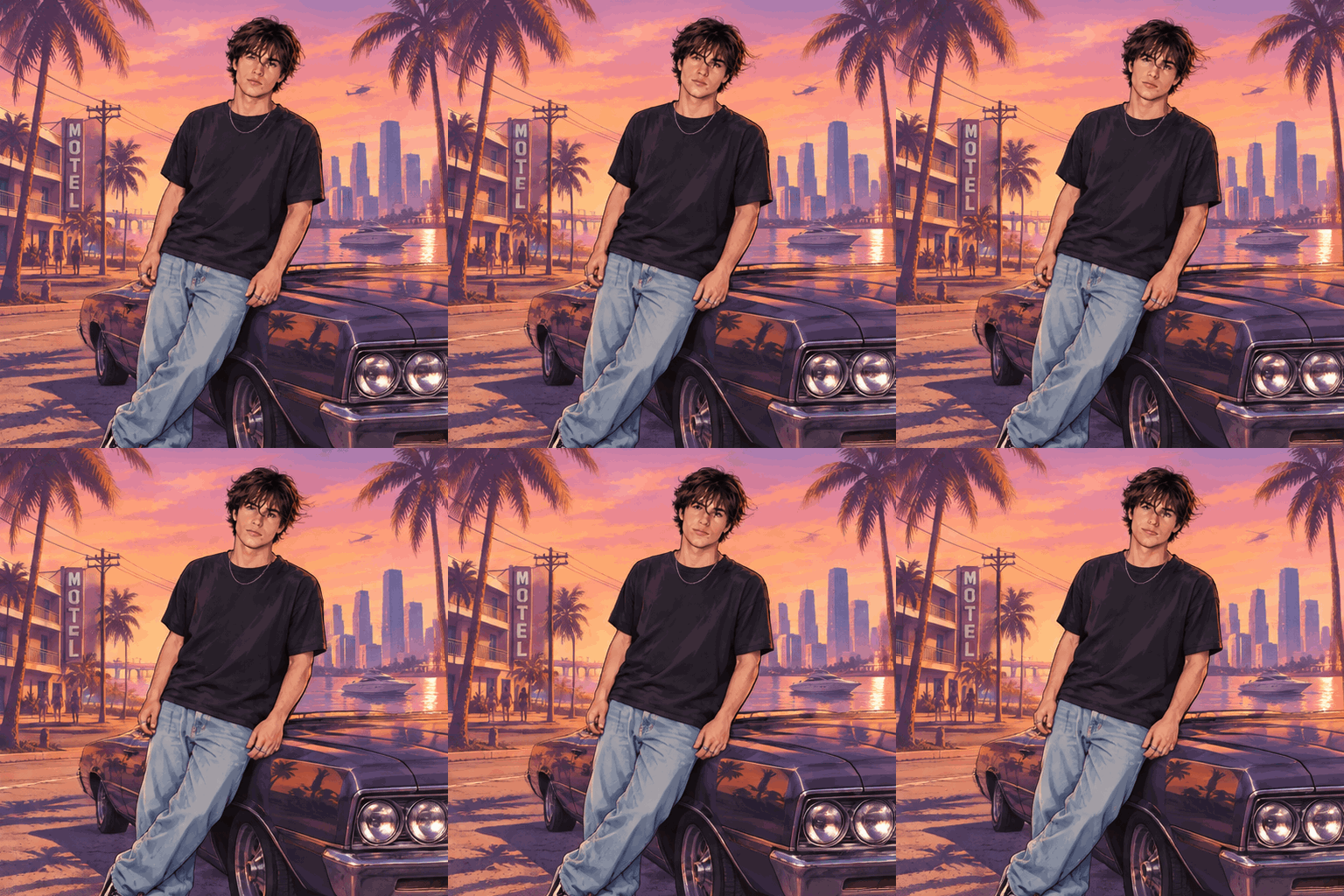
Three steps, about a minute
A clear portrait works, and so does an image you made with the GTA 6 Style Photo Generator.
Your picture gets the hand-painted Vice City look, then palms, clouds, water, hair and clothes start to move.
Use it as an animated avatar, a Discord or chat reaction, or a release-week post.
A living loading screen instead of a flat filter.
Bold black outlines, heavy brushwork and saturated sunset color — the loading-screen illustration style.
The motion is kept small and smooth so the face does not get redrawn frame to frame.
Palm fronds sway, clouds drift, water and neon shimmer behind you.
The last frame flows back into the first, ready for avatars and chats.
No need to paint anything first — upload a selfie and get the styled, animated loop in one go.
Made a GTA 6 style portrait already? Turn that exact image into a GIF from the result screen.
Try GTA 6 Getaway AI for a 10-second getaway chase video with you behind the wheel.
Every GIF costs a small number of credits shown before you generate. Free accounts get credits each month; failed generations are refunded automatically.
Upload a photo, get a looping hand-painted Vice City GIF in about a minute.