How to Make a Kiss GIF From Two Photos With AI
Learn how to make a kiss GIF from two separate photos with AI: which photos to pick, why some are refused, and simple tips for a clean, natural loop.
You can make a kiss GIF from two separate photos in about a minute: upload a photo of each person, and an AI model draws the two of them turning toward each other and kissing, then plays it back as a short looping GIF. You don't need a photo of the couple together, and you don't need a video. This guide covers how it works, which photos give the best results, and the rules that keep the effect from being misused.

Every example below was made with the AI kissing GIF generator on Viberot, from two ordinary portraits.
What "make them kiss" actually means#
The "now kiss" and "make them kiss" GIFs started as a meme: two characters or people pushed together by an off-screen hand. A modern AI kiss GIF maker does the same idea without any editing skills. You give it the two people, and the model invents the in-between moments — the glance, the lean, the kiss and the smile after.
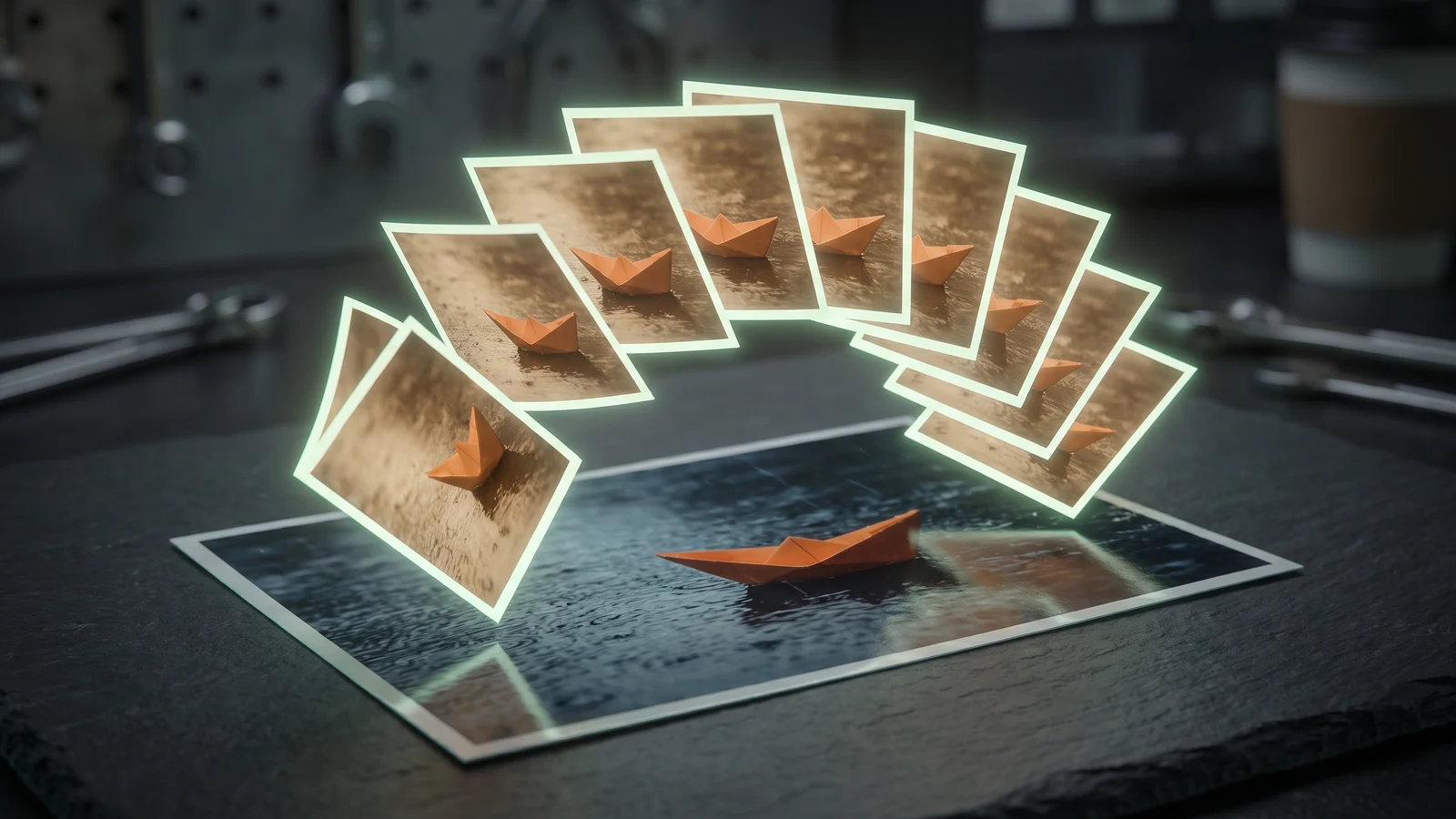
Under the hood it's the same approach as any AI GIF generator on Viberot: the model draws nine frames of the moment as a 3×3 grid in a single image, and your browser plays those frames in order at about 180 milliseconds each. The result is a loop of roughly 1.6 seconds — long enough for a kiss, short enough to post anywhere.
Step by step: make a kiss GIF#
- Open the effect. Go to the AI kissing GIF page and sign in. Every account gets free credits each month.
- Upload two photos. One photo of each person. The first photo matters more: the background of the GIF comes from it.
- Skip the prompt. This effect has the motion built in — the two people face each other, look at each other and kiss — so there's no prompt box to fill in.
- Click Make GIF. Generation usually takes 30–90 seconds.
- Download. The GIF plays in the result panel; click Download to save the
.giffile.
Tip
Want the background somewhere specific? Put the photo whose setting you like first. A photo of one person in a park gives you a GIF of both people in that park.
Picking the two photos#
Because the model has to draw both faces nine times, the photos matter far more than anything else. These are the patterns that consistently work:
| Works well | Causes trouble |
|---|---|
| Waist-up or head-and-shoulders portraits | Full-body photos where faces are tiny |
| Faces clearly visible, looking roughly at the camera | Profiles, sunglasses, hands over the face |
| Similar lighting in both photos | One photo at noon, the other at night |
| One person per photo | Group photos (the model may pick the wrong person) |
| Sharp originals | Screenshots, heavy filters, strong compression |
Similar lighting is the one people overlook. The model places both people in the scene of the first photo, so if the second person was photographed under very different light, they can look pasted in for the first few frames.

Height and pose are handled for you. The model positions the two people face to face at a natural distance, so you don't need photos taken at the same angle.
Why some photos are refused#
A kiss GIF is the kind of image that can hurt someone if it's made without their consent, so this effect checks the photos before generating:
- No minors. If either photo appears to show a child or teenager, the request is refused.
- No public figures. Photos that look like celebrities, politicians, athletes or other well-known people are refused, so the tool can't be used to put words — or kisses — in a real public person's mouth.
- No explicit content. The models' own safety filters block anything sexual, regardless of the photos.
Note
If a generation is refused or fails, the credits for that try go back to your balance automatically.
The checks can't know whether the two people agreed, so that part is on you: use photos of yourself and your partner, or friends who are in on the joke. A kiss GIF of someone who didn't agree to it isn't a joke to them.
Getting a cleaner loop#
A few small changes fix most of the results that look off:
- Crop closer. If a face looks different from frame to frame, crop the photo tighter around the person before uploading. More pixels on the face means more detail for the model to keep consistent.
- Swap the order. If the background looks wrong, upload the photos in the opposite order.
- Match the mood. Two smiling photos give a sweet, smiling kiss. A serious photo next to a laughing one often gives a slightly awkward first frame.
- Try once more. Each generation is drawn from scratch, so a second try with the same photos can look noticeably different.
Other two-photo GIFs#
If a kiss isn't quite the moment you want, these effects use the same two-photo setup:
- AI hugging GIF — the two people face each other and hug. Great for long-distance friends and family.
- AI cuddle GIF — one person wraps an arm around the other and they lean in together.
And for one person on their own, the blowing kiss GIF turns a single portrait into a smile and a blown kiss at the camera. For any other motion, see how to turn a picture into a GIF with AI.
How much it costs#
A kiss GIF costs 10 credits. Every account gets 20 free credits each month, which is two GIFs, with no card required. On the free plan GIFs carry a small watermark and may appear in the public gallery; subscribers can turn the watermark off and keep creations private. Plans and credit packs are on the pricing page.
Frequently asked questions#
Can I make a kiss GIF from two separate photos?#
Yes — that's exactly how this effect works. Upload one photo of each person; they don't need to have been photographed together.
Can I make a kiss GIF of a celebrity?#
No. Photos that appear to show public figures are refused, as are photos of minors.
Can I write my own prompt for the kiss?#
Not for this effect — the motion is fixed so the result stays consistent. For a custom motion, use the general AI GIF generator and describe the action in your own words.
Where can I post the GIF?#
Anywhere that accepts GIFs: messaging apps, social posts, comments and stories. The file is a standard looping .gif.
One photo in. GIF out.
Every account gets free credits each month, and failed generations are refunded automatically.