How to Do the Golf Dance AI Trend: Night Driving Range Video
How to do the Golf Dance AI trend: twirl a club, toss it, swing with your back to the camera and freeze on a night driving range. Make yours from one photo.
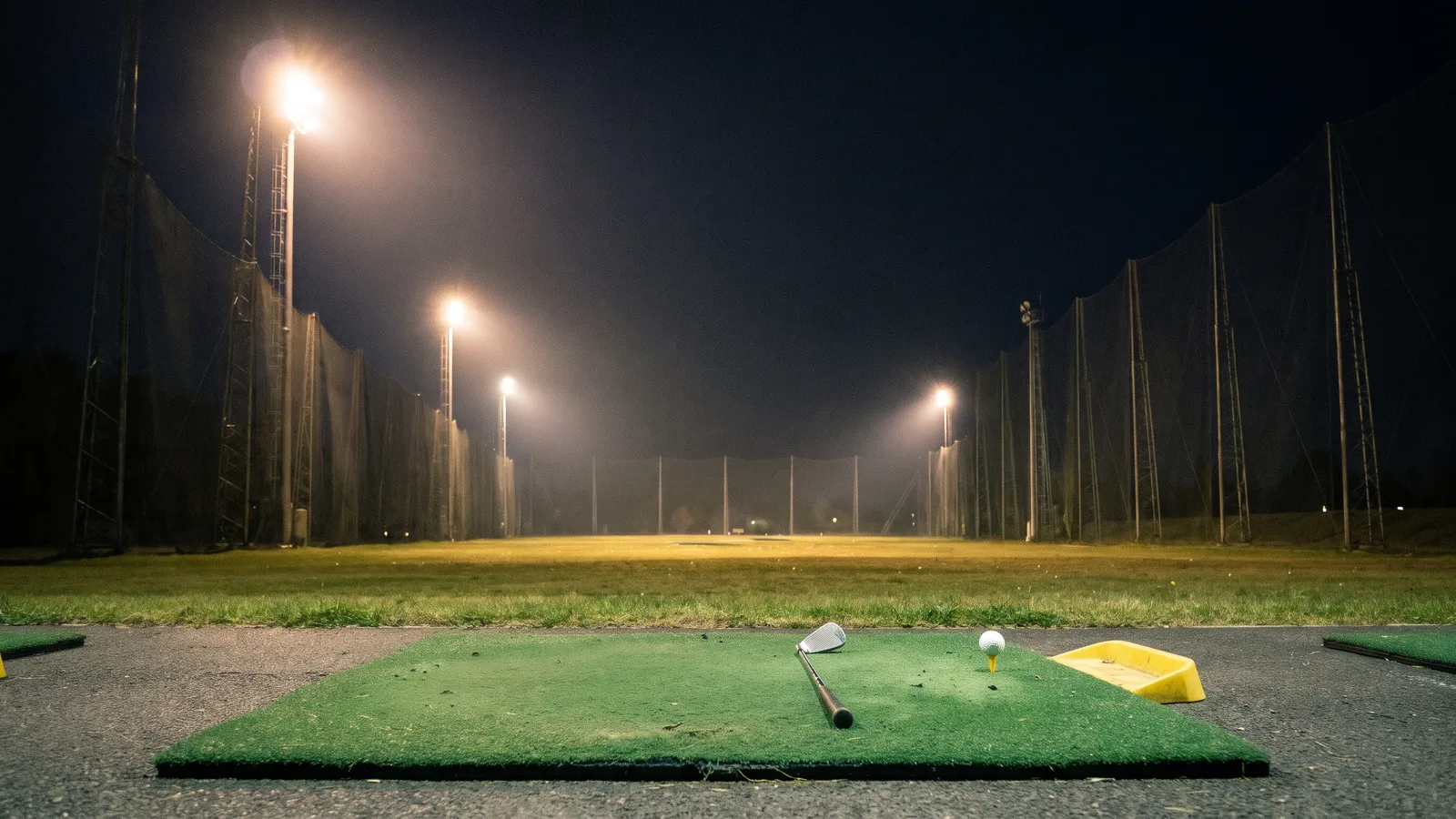
The Golf Dance trend is a fixed-camera clip on a night golf driving range: a cocky stance, a club twirled like a baton, a back-turned swing and a proud freeze. This guide explains how the clip works and how to make a 12-second version of yourself from 1 photo with the AI Golf Dance template on Viberot.
Where the trend comes from#
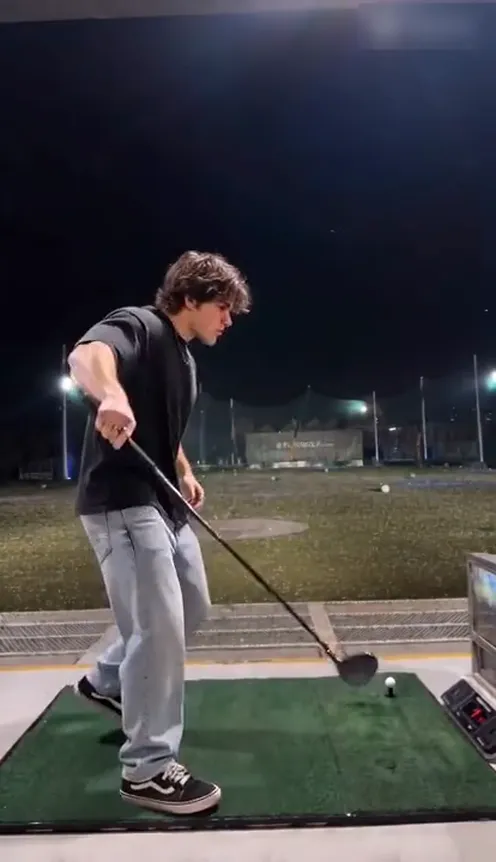
The format spread in November 2026 as an AI video template: one continuous shot on a night driving range with floodlights, tall nets and a green hitting mat, where the person goofs around with a golf club instead of playing seriously. It works because the beats are clear, the camera never moves and every move is easy to copy.
Why it works#
- One location, one shot. No cuts, so it reads in a second.
- Four clear beats. Stance, twirl and toss, swing, freeze.
- Built on a personal photo. Your own face and outfit make every clip different.
- Easy to caption. "Me after one lesson" or "my tee time" both fit.
The shot, second by second#
The 12-second version you get follows these moments:
- 0 to 2 seconds. A cocky stance with one knee up and the club resting on the mat.
- 2 to 5 seconds. You pick up the club, twirl it like a baton, toss it and catch it.
- 5 to 8 seconds. You turn all the way around, back to the camera, and take a big show-off swing.
- 8 to 12 seconds. You face the camera again, club in one hand, the other fist out, and freeze proudly.
You keep your face, hairstyle and the clothes from your photo. The video comes with AI-generated music and sound effects, not the original track, so add the trending sound when you post.
Step by step: how to make it with AI#
- Open the template. Go to the AI Golf Dance page and sign in.
- Upload your photo. One clear photo with your face visible.
- Pick the aspect ratio and quality. 9:16 is the default for TikTok, Reels and Shorts; 16:9 shows more of the range.
- Generate and post. There is no prompt to write. Rendering usually takes a few minutes, then swap in your platform's sound if you like and post.
Picking a photo that works#
| Works well | Causes trouble |
|---|---|
| A clear photo with your face visible | Very small faces in group photos |
| Full-body or waist-up in your everyday outfit | Sunglasses, masks or heavy filters |
| Good light, one person only | Costumes that hide your face |
Note
Photos that appear to show public figures, including actors, singers and influencers, are rejected before any credits are charged. Only upload photos of yourself, or of people who agreed to be in your video.
Ideas for your post#
- The one-lesson caption. Pair it with a line about your first day at the range.
- The weekend plan. Post it before a golf trip with friends.
- Pair it with another trend. Follow it with Tomahawk Dunk AI for a second sports post.
How it differs from a CapCut or editing template#
A CapCut template needs real footage of you and a lot of editing. Here you upload one photo and the night range, the camera angle and the timing are generated for you, with your face and outfit carried over from your photo.
Price and FAQ#
A Standard 720p video costs 572 credits and 480p costs 259; see pricing for credit packs, which start at $9.90 for 600 credits. Credits are a one-time purchase, with no subscription.
Does the video include music? No, the original track isn't in the file; the video has AI-generated sound synced to the motion. Add the trending sound in TikTok or Instagram (the result panel names it). This is an independent tool, not affiliated with any artist or label.
Can I use a pet? Not for now. This template supports one real person per video.
Take your swing under the floodlights
Upload one photo to get your 12-second Golf Dance video, ready to post.
From 92 credits · failed videos refunded · no subscription