Never Let Her Pay AI: How to Make the Sponge Wallet Trend
How to make the never let her pay AI trend: refuse the card, pull out the sponge wallet and get walked to the kitchen. Made from one photo, no editing needed.
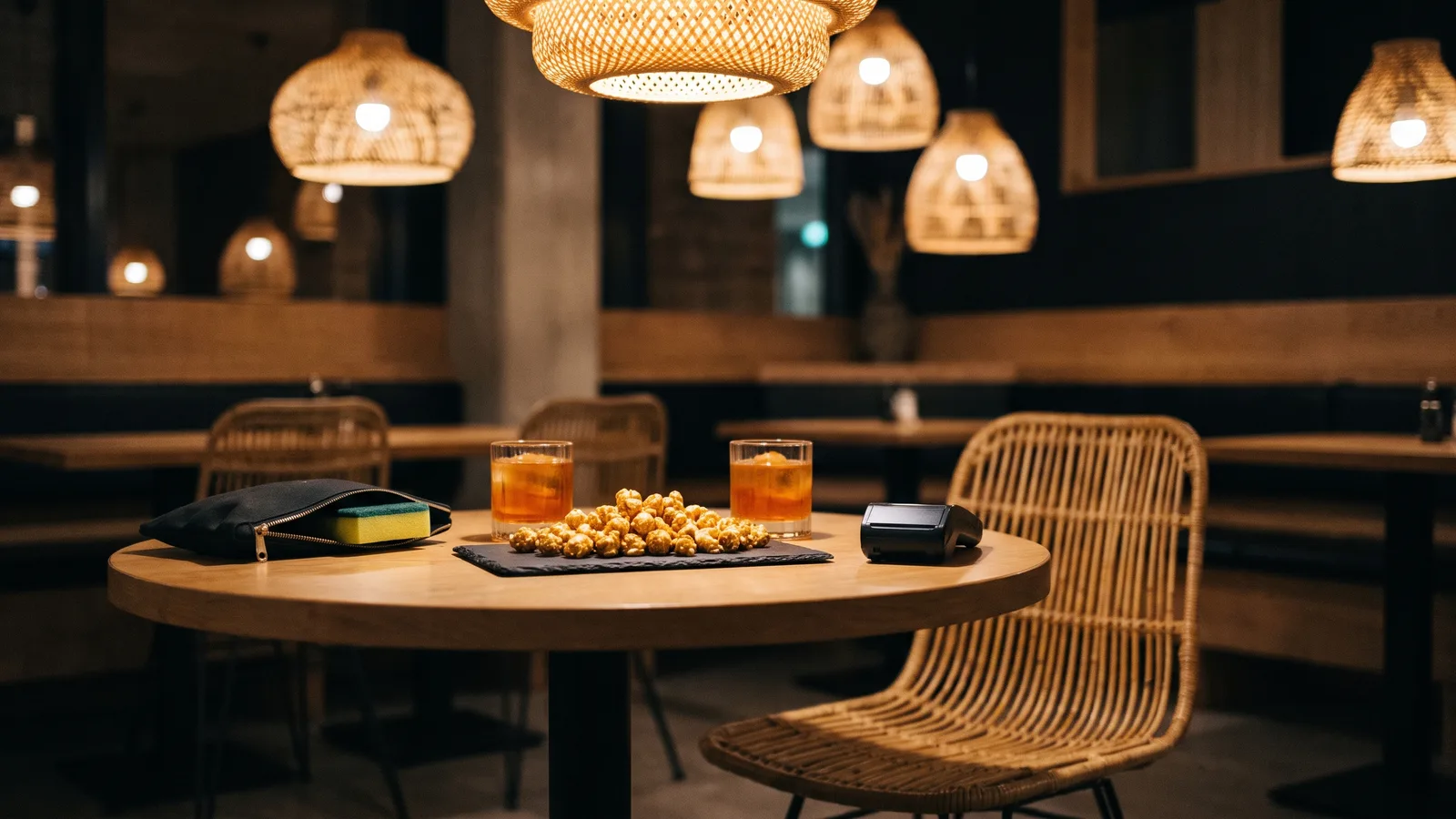
"POV: you never let her pay" is the restaurant skit where the big gesture ends at the sink. This guide covers where the trend comes from, why it works and how to make a 11-second version of yourself from 1 photo with the AI Never Let Her Pay template on Viberot.
Where the trend comes from#
The skit first showed up on TikTok in early November, posted by @s.nemz as an AI-generated clip. A few days later more creators remade it shot for shot, and one remake passed 18 million views, with CapCut adding a template soon after. Every version keeps the same beats and the same original sound, which is why the clips keep getting reused. This page is an original AI recreation made from your own photo; it is not affiliated with the creators or TikTok.
Why it works#
- A perfect setup and a cheap punchline. The proud thumbs-up and the dramatic zipper build up a wallet reveal, and the payoff is a dish sponge.
- Everyone knows the "I got this" energy. Playing the generous date who has nothing to pay with is instantly relatable.
- The waiter does half the acting. His laugh and the hand on the back carry the joke without a single line.
- Short and loopable. Under 11 seconds, easy to rewatch and share.
The scene, beat by beat#
- The card. At a small table with drinks and snacks, your date holds out a card. You push it back with a thumbs-up and open your hands: "I got this."
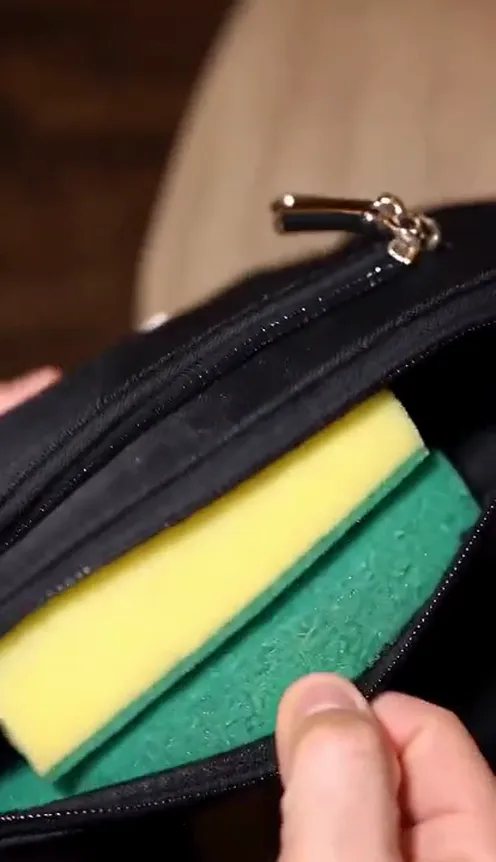
- The pouch. Close-up of a black zip pouch being opened to show a yellow-green sponge.
- The proud pose. You hold the pouch up to the camera, very pleased with yourself.
- The laugh. From another angle, the waiter looks at the sponge and can barely keep a straight face.
- The walk. A hand on your back and a walk through the arch.
- The sink. A wide shot of the kitchen, a narrow aisle and a pile of dirty dishes.
You keep your own face, hairstyle and clothes from the photo; the date, the waiter and the restaurant are generated for you.
Step by step: how to make it with AI#
- Open the template. Go to the AI Never Let Her Pay page and sign in.
- Upload one photo. A clear, front-facing photo with your face and hair visible.
- Pick the aspect ratio and quality. 9:16 for TikTok, Reels and Shorts, or 16:9 for YouTube. Standard 480p or 720p is enough.
- Generate. No prompt to write: the restaurant, the camera cuts and the acting are set. Rendering usually takes a few minutes.
- Download and post. You get a 11-second MP4 with AI-generated sound; add the trend sound from the TikTok or Reels library when you post (the result panel names it).
Picking photos that work#
| Works well | Causes trouble |
|---|---|
| One person per photo, face clearly visible | Group photos where the faces are tiny |
| Front-facing, relaxed or proud expression | Extreme angles or a face turned away |
| Hair and shoulders visible | Hats, masks or sunglasses that hide the face |
| Even light, sharp focus | Heavy filters, very dark or blurry photos |
Note
Photos that appear to show public figures, including actors, singers and influencers, are rejected before any credits are charged. Use photos of yourself or of friends who agreed to be in your video.
Ideas for your post#
- The group chat caption. "POV: you say dinner is on you and check your balance."
- The tag-a-friend version. Post it and tag the friend who always says "I got this".
- The payday joke. Caption it with how many days are left until payday.
- Pair it with another trend. Follow it with I Thought We Were Having a Nice Date AI for a second restaurant post.
How it differs from a CapCut or editing template#
A CapCut template asks you to drop your own clips into fixed slots, so you still need a restaurant, a date, a waiter and a sponge to film. Here you only upload one photo: the setting, the camera cuts and the acting are generated for you, and your face and outfit carry over. The result is a short clip with AI-generated sound, ready for the trend sound from the in-app library. Viberot is an independent tool, not affiliated with the original creators or TikTok, and an audio track in a file is not a licence, so check the platform's rules before you post.
Price and FAQ#
A Standard 720p video costs 552 credits and 480p costs 250; see pricing for credit packs. Credits are a one-time purchase, with no subscription.
Does the video include the original sound? No. The trend audio belongs to its creator, so your file has AI-generated sound timed to the action instead; add the original sound from the TikTok or Reels library when you post.
Can I use a pet? This template is built for one person.
Do I need a photo of my date? No. The date and the waiter are generated for you.
Can I use photos of celebrities? No. Photos of public figures are rejected before any credits are charged.
Pull out the sponge
Upload one photo and get your 11-second never let her pay video, ready to post.
From 89 credits · failed videos refunded · no subscription