AI Baby Dance GIF: Turn Your Photo Into a Dancing Baby
Make an AI baby dance GIF from one adult photo: the AI imagines you as a toddler and makes you dance. Examples, best photos and tips for funny results.
An AI baby dance GIF takes a photo of a grown-up — you, a friend, your dad — and turns it into a short looping GIF of that person as a toddler, dancing. It's not a filter that shrinks your face onto a baby body: the AI imagines what you might have looked like at two years old, keeps your hair color and outfit, and makes that little version of you bop around on a white background. This guide shows real examples, how it works and how to get the funniest results.

Every GIF below was made from a single adult portrait with the AI baby dance GIF generator on Viberot.
How the baby version is made#
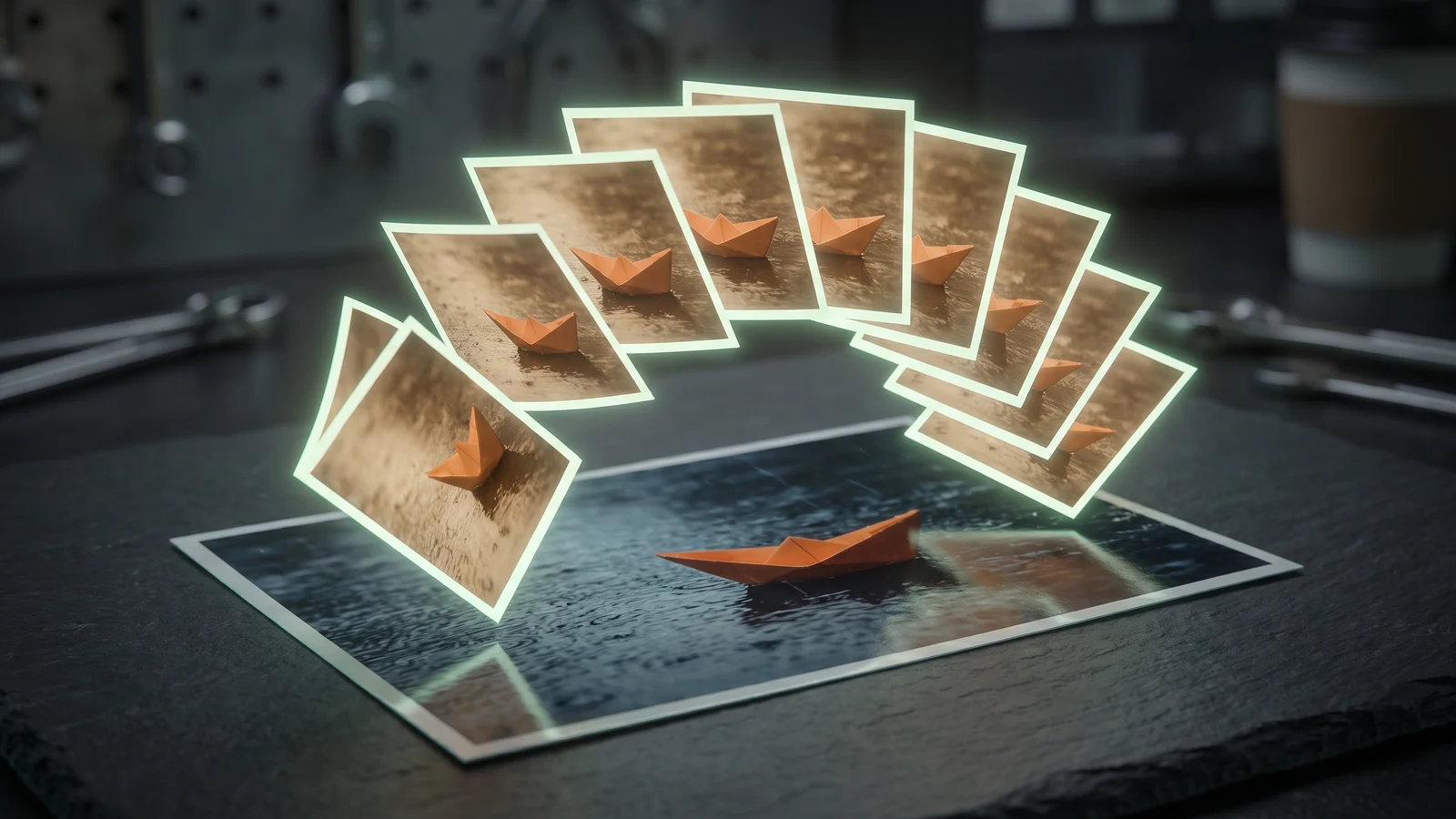
The effect does two jobs at once. First the model reads the person in your photo — hair color and style, skin tone, eye color, the clothes they're wearing — and imagines them as a baby of about one or two. Then it draws that baby dancing across nine frames, laid out as a 3×3 grid, on a plain white background. Your browser plays the nine frames in order, about 180 milliseconds each, for a loop of roughly 1.6 seconds.
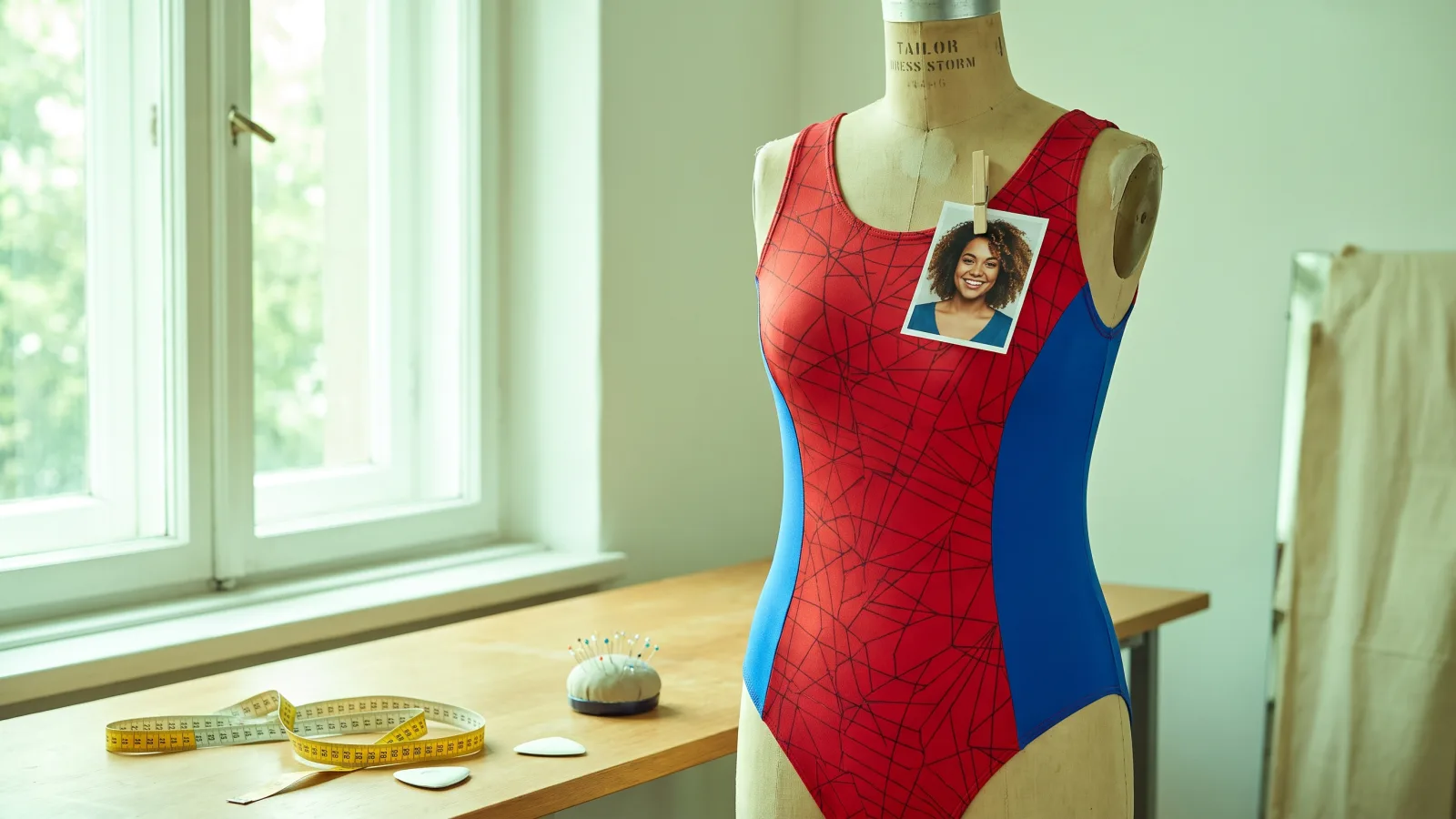


That's why the outfit carries over. In the example above, the cream cable-knit sweater from the original photo turns into a tiny version of the same sweater. A green jacket becomes a little green jacket; a pink dress becomes a pink toddler dress.
Note
The baby is an AI guess, not a reconstruction of real baby photos. It usually looks like a believable "mini you", but it won't match your actual childhood pictures.
Step by step#
- Open the effect. Go to the AI baby dance page and sign in.
- Upload one photo. A clear portrait of one person, ideally from the waist up.
- Leave the prompt empty, or add a detail. The dance is built in. You can add a short detail, such as a dance style, and it's combined with the built-in instructions.
- Click Make GIF. It usually takes 30–90 seconds.
- Download the GIF and send it to whoever deserves it.
Which photos give the best baby#
| Works well | Causes trouble |
|---|---|
| One person, face clearly visible | Group photos (the model may mix people) |
| A distinctive outfit — a bright sweater, a jacket, a dress | Plain black clothes, which make a plain baby |
| Clear hair color and style | Hats and hoods that hide the hair |
| Even light | Strong filters that change skin and hair color |
The outfit is the secret ingredient. A memorable piece of clothing is what makes friends instantly recognize the baby — "that's his jacket!" — so pick a photo where the person is wearing something they're known for.
Prompt ideas#
You don't need a prompt, but a few words can change the dance. Keep it to one idea:
dancing a happy little shuffle with both arms swingingdoing a wobbly spin and then a proud posebouncing up and down to the music, gigglingAvoid asking for a different background or extra people — the effect is built around a clean white background, and changes there tend to make the frames inconsistent.
When the baby doesn't look right#
- It doesn't look like the person. Use a photo where the face is larger and well lit, and where the hair is fully visible. Hair color and style do most of the work in making the baby recognizable.
- The outfit is wrong. Very dark or very busy clothing is hard to shrink down. A photo in one clear, colorful piece of clothing works best.
- The baby changes between frames. This is the main weakness of drawing nine frames separately. A simpler outfit and an empty prompt usually make the loop more consistent.
- The dance is too calm. Add one energetic word to the prompt, such as "bouncing" or "spinning".
If the first try isn't quite there, run it again with the same photo — results vary from one generation to the next.
Fun ways to use it#
- Birthday messages: a dancing baby version of the birthday person is a reliable laugh. Pair it with an AI birthday GIF.
- Group chats: make one for each friend and post them together.
- Parents' day and family reunions: dancing "baby mom" and "baby dad" GIFs go down well.
- Team channels: a gentle way to welcome a new colleague — with their permission.
If you'd rather keep the grown-up version, the AI dance GIF makes the same person dance a quick street-dance loop at their real age, in their original background.
A note on photos of other people#
This effect makes a baby version of whoever is in the photo, so the usual rule applies: use photos of yourself, or of people who'll enjoy the joke. Don't use it to make fun of someone who hasn't agreed to it.
How much it costs#
A baby dance GIF costs 10 credits. Every account gets 20 free credits each month — two GIFs — with no card required. On the free plan GIFs carry a small watermark and may appear in the public gallery; subscribers can remove the watermark and keep creations private. Failed generations are refunded automatically. See the pricing page for plans. For other motions from a single photo, the general AI GIF generator lets you describe any action.
Frequently asked questions#
Do I need a baby photo to make an AI baby dance GIF?#
No. Upload a normal photo of an adult; the AI imagines the baby version.
Will the baby look like I did as a child?#
It will share your hair, coloring and outfit, so friends usually recognize it — but it's an AI guess, not your real childhood face.
Can I choose the background?#
The effect always uses a plain white background so the nine frames stay consistent.
How long is the GIF?#
Nine frames at about 180 ms each, roughly 1.6 seconds, looping.
Can I make a dancing baby GIF of two people?#
This effect takes one person. Make one GIF per person, or use the hugging effect for two people together.
One photo in. GIF out.
Every account gets free credits each month, and failed generations are refunded automatically.