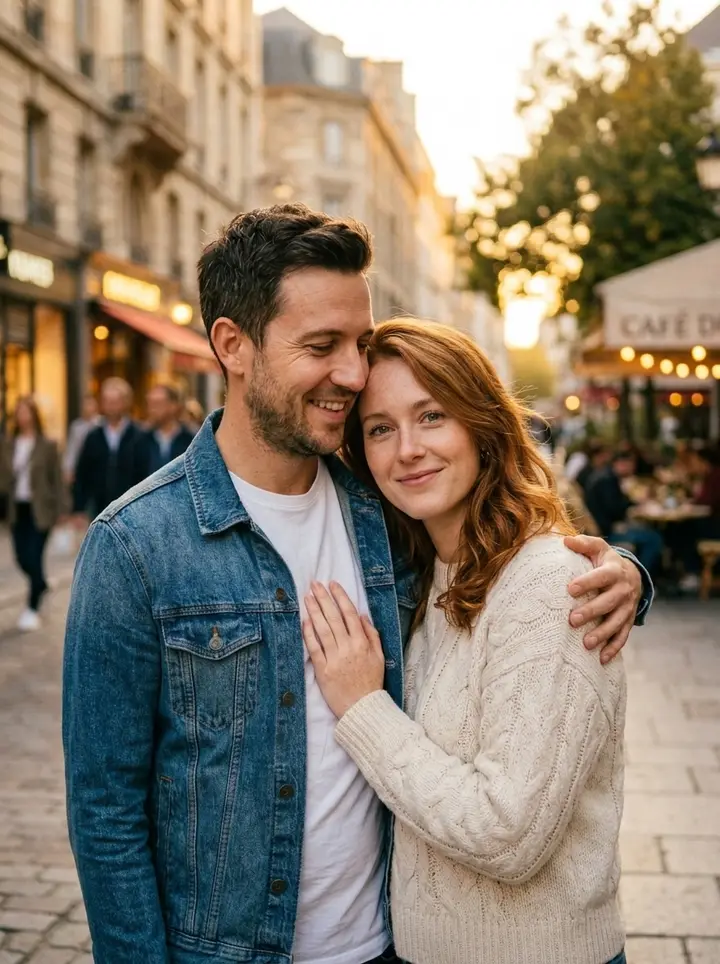
Your photo stays your photo
Background, outfits, faces and the number of people are kept; only Santa is added.
A picture with Santa usually means a long queue at the mall and a rushed shot under fluorescent light. Viberot's add Santa to photo tool works the other way round: you keep your own photo — your living room, your tree, your street, your outfit — and the AI adds Santa Claus standing beside you, smiling at the camera with an arm around your shoulder. Santa is lit to match the photo, sized to the people in it and placed in the empty space next to you, and everything that was already there stays: the same faces, the same number of people, the same background. It works on a solo selfie, a couple shot or a family photo, which makes it a quick way to surprise kids with "proof" that Santa came by.

Your photo, plus Santa
A selfie, a couple shot or a family photo. Leave a bit of space at one side so Santa has room to stand.
The AI adds Santa next to the people in the photo and matches him to the light, angle and scale of the picture.
Save the PNG and send it to the family, or show the kids that Santa really visited.
Background, outfits, faces and the number of people are kept; only Santa is added.
His lighting, shadows and size follow the original picture, so he looks like he was there when it was taken.
Works on one person or a small group — Santa stands at the side with an arm around the nearest person.
Red suit with white fur trim, full white beard, rosy cheeks and a warm smile at the camera.
Get the picture with Santa from a photo you already have.
Add Santa to a photo of your living room or tree for the kids to discover.
Unlike scene generators, it keeps the place and people that make the photo yours.
Every account gets 20 free credits a month; credit packs are one-time purchases that never expire.
One picture with Santa costs 8 credits at 1K. Every account gets 20 free credits a month; credit packs start at $9.90 for 600 credits and never expire.
Upload any photo and Santa Claus appears next to you, matched to your light and background, in about a minute.