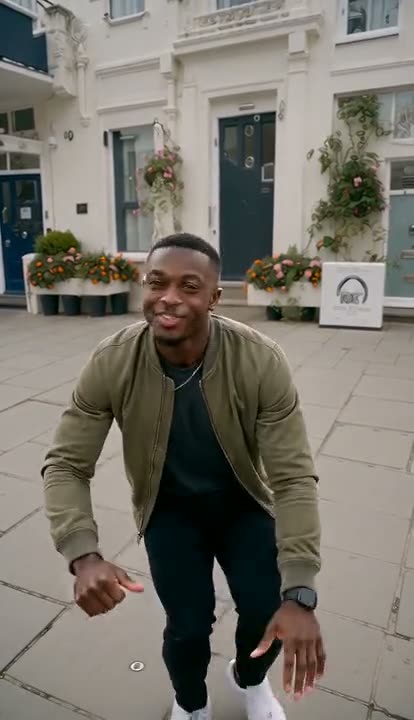
How to Make the Airport Celebrity AI Video: Bodyguards, Flashes and Screaming Fans From One Photo
How to make the airport celebrity AI video: where the trend comes from, the shot beat by beat, photo tips, post ideas and why it beats a CapCut template.
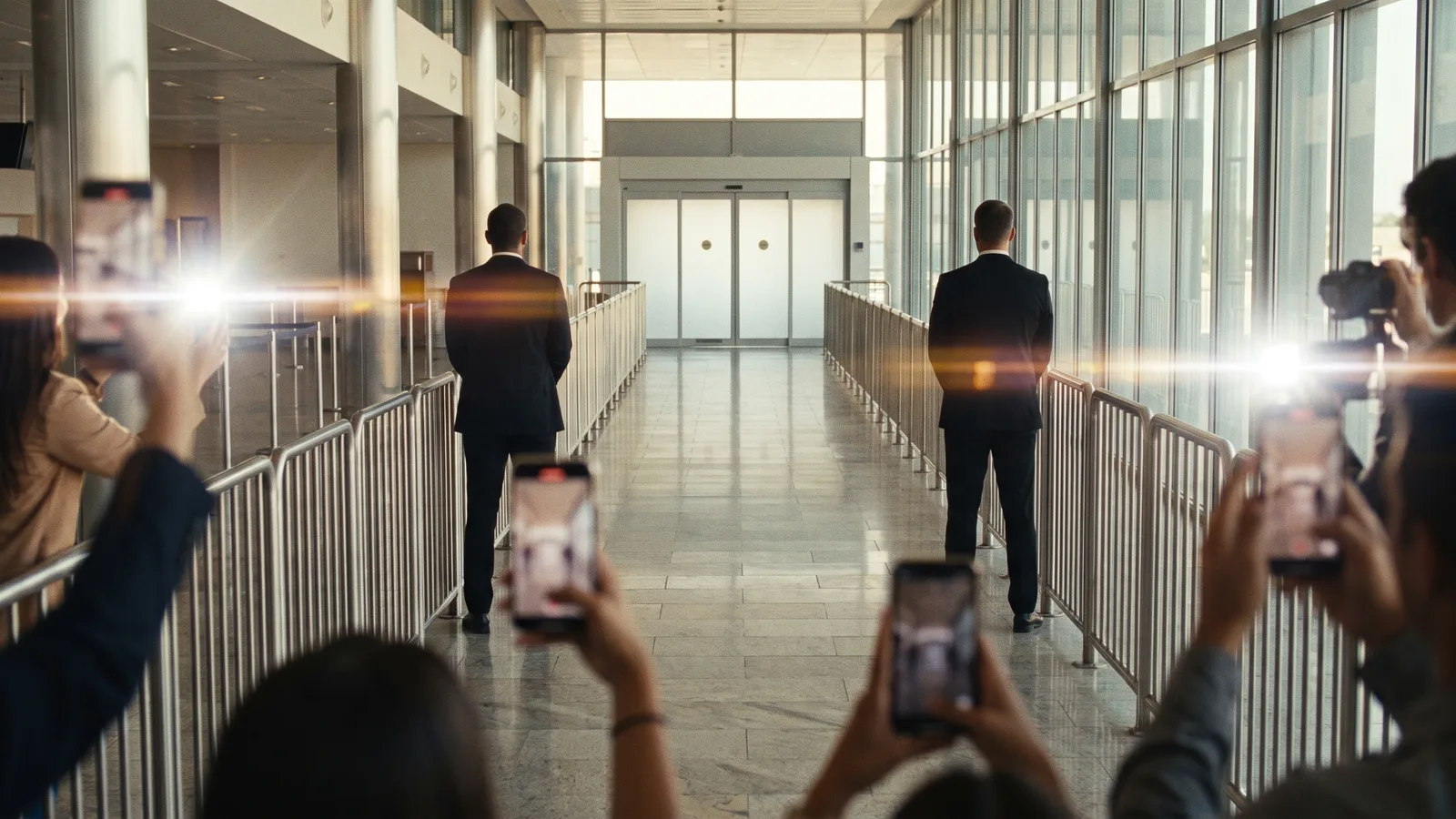
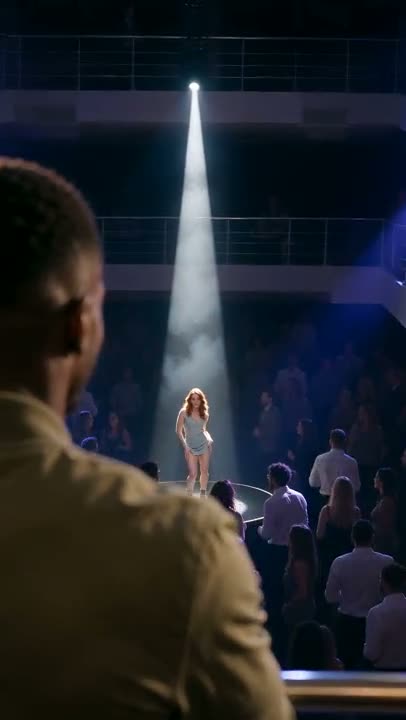
The airport celebrity AI video is the clip where someone who is definitely not famous walks out of an airport arrivals hall like a superstar: the glass doors slide open, two bodyguards in black suits clear the way, fans pressed against the barricade scream and a storm of phone flashes goes off. It is filmed — or rather generated — as if by one of those fans, holding their phone up over the railing. This guide covers where the celebrity arrival trend comes from, why it works, what happens in the shot, and how to make your own from a single photo.
The clips in this post were made with the Airport Celebrity AI generator on Viberot.
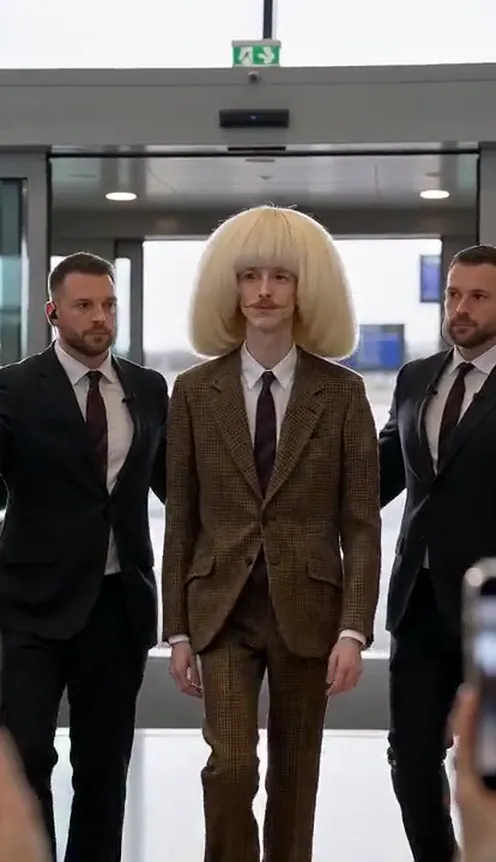
Where the airport celebrity AI trend comes from#
The first clip. On 28 April 2026 a TikTok creator posted a Seedance 2.0 video of an ordinary guy getting the full celebrity airport arrival — bodyguards, barricades, a crowd losing its mind. It reached about 678,000 views, and the comments were full of people asking how to do it with their own photo.
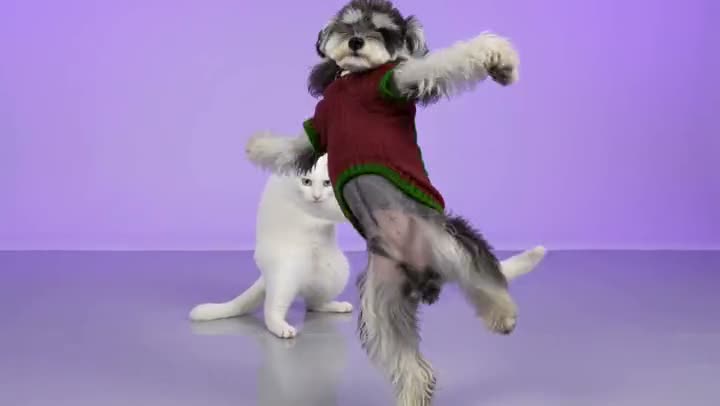
The tags. Over the summer the idea split into two hashtags: #aivipentry, with around 7.6 million views, and #aibodyguard, with about 20.1 million views across its videos. Same joke each time: a normal person, a mum, a grandpa or a cat, treated like a world-famous star.
The template. On 11 October 2026 CapCut published a "Celebrity airport arrival" template, and a French-language tutorial on how to use it passed 596,000 views. That is when the trend went from AI nerds to everyone's For You page.
Why it works#
- Instant status flip. The gap between who you are and how the crowd reacts is the whole joke. The more ordinary the person, the funnier it gets.
- It looks like real fan footage. Shaky phone, blurred heads in the foreground, flashes blowing out the frame — the fan-cam style makes viewers look twice.
- Everyone knows the scene. K-pop idols, footballers and actors at the airport are a genre of their own. You do not need to explain the reference.
- It flatters. Unlike most AI meme videos, this one makes the person look good. People actually send it to the friend in it.
The shot, beat by beat#
The video is 12 seconds long and filmed in one continuous take from a fan's phone at the front of the crowd:
- The doors open. Automatic glass doors slide apart at the end of the walkway and you step out, two bodyguards half a step behind.
- The walk. You head straight for the camera, chin up, a small cool smile, as the paparazzi flashes burst from both sides and a bodyguard holds out an arm to keep the path clear.
- The wave. Now close, you turn to the fans on one side, smile for real and wave. The crowd gets louder, more flashes go off at once.
- The nod. You look straight into this phone and give a quick playful nod, like you just spotted it. The fans around the camera scream.
- The salute. Right up close, a confident smile and a two-finger salute to the lens, lit by one last burst of flashes.
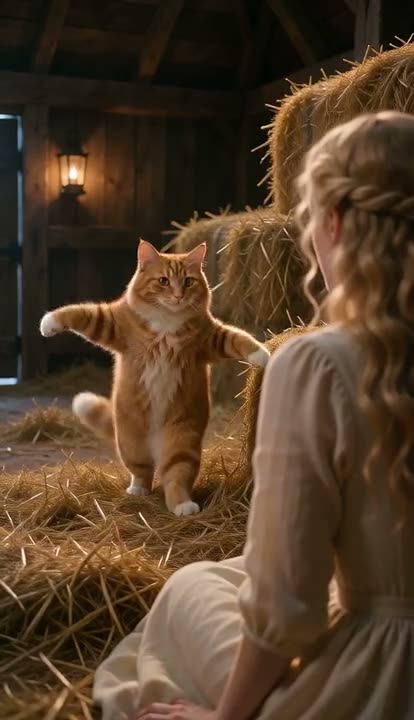
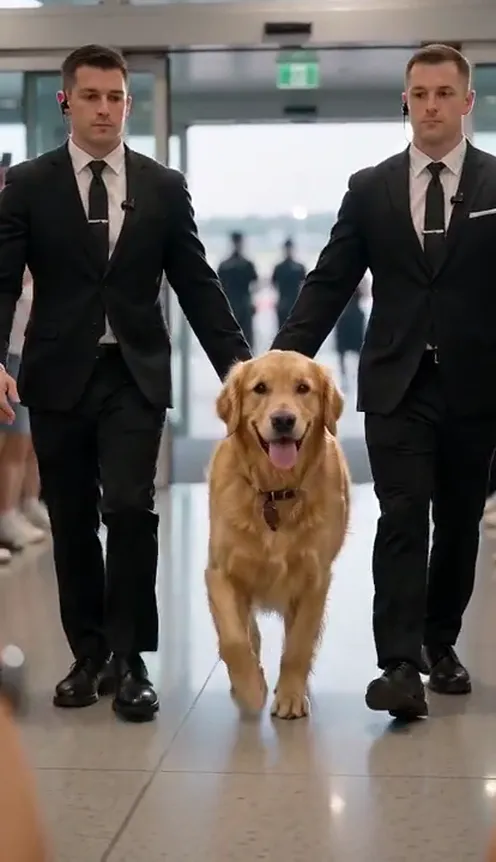
With a pet, the same thing happens at ground level: your cat or dog trots out on all four paws between the bodyguards' legs, head held high, and the phone drops to their eye level.
How to make an airport celebrity AI video#
- Open the template. Go to the Airport Celebrity AI page and sign in.
- Upload 1 photo. A clear, front-facing photo of yourself, a friend or your pet.
- Choose the format. 9:16 for TikTok, Reels and Shorts, or 16:9 for YouTube.
- Generate. It usually takes two to four minutes. You get a 12-second MP4 with live sound: screaming fans, shutter clicks, footsteps and an airport announcement in the background.
- Post it. There is no music on the clip, so add a song from your platform's sound library if you want one.
Choosing a photo that works#
The AI keeps your face, hair and clothes from the photo, so the photo decides how good the arrival looks.
| Works well | Causes trouble |
|---|---|
| One person or one pet facing the camera | Side profiles and group photos |
| A clear, well-lit face | Sunglasses, heavy filters, very dark photos |
| Full body, standing | Tight face crops with no outfit visible |
| A standout outfit: a long coat, a bold colour, a tracksuit | Pyjamas, unless that is the joke |
| A pet standing or sitting with its face visible | A pet curled up asleep |
Tip
Dress for the airport. A full-body photo in your best "just landed" outfit — oversized coat, sneakers, a statement bag — is what makes it look like a real celebrity arrival. You walk out in exactly what you wore in the photo.
Note
Photos that appear to show public figures are rejected before any credits are charged. Use photos of yourself or of people who agreed — the fun is in making someone who isn't famous look famous.
Ideas for your post#
- Pick the soundtrack. Add a hype track or a dramatic K-pop or rap intro from TikTok's or Instagram's sound library. The live crowd noise underneath still sells it.
- The "back from holiday" post. Caption it "how I imagine my family waiting for me at arrivals" or "landing back home after a weekend in Lisbon".
- The mum or grandpa edition. Make the least showbiz person you know the star. "My mum coming back from bingo."
- The pet celebrity. "My cat returning from the vet like she's on a world tour."
- The birthday surprise. Send it to the birthday person instead of a card: "Today's main character."
- The group chat drop. Make one for each friend in the chat and post them as a series.
Airport Celebrity AI vs. the CapCut template#
The CapCut "Celebrity airport arrival" template is the other popular way to make this video. The differences:
- Your own clothes. The AI generator keeps the outfit from your photo instead of putting you in a fixed costume or pasting your face onto someone else.
- Pets work. Cats and dogs get their own arrival, trotting out on four paws — not a face swap on a human body.
- No editing. No app, no template link to hunt for, no timeline. You upload a photo in the browser and download a finished clip with sound.
How much it costs#
A Standard 480p airport celebrity video costs 77 credits and 720p costs 165; the Plus tier costs more, and the exact price is always shown next to the Generate button. Credit packs are one-time payments — no subscription — start at $9.90 for 600 credits and never expire. Failed generations are refunded automatically. See the pricing page.
Frequently asked questions#
How much does an airport celebrity AI video cost?#
Standard 480p costs 77 credits and 720p costs 165 credits per 12-second video. Credit packs start at $9.90.
How many photos do I need?#
Just 1: a clear, front-facing photo of one person or one pet. Full body works best.
Can I use my pet?#
Yes. Cats and dogs trot out of arrivals on all four paws between the bodyguards, with the camera down at their level.
Does the video have music?#
No. The trend has no original song, so the clip comes with live sound only — screaming fans, shutter clicks and an airport announcement. Add music from your platform's sound library when you post.
Can I use a photo of a celebrity?#
No. Photos that appear to show public figures are rejected before you are charged. Use your own photo or one of someone who agreed.
How long does it take?#
Usually two to four minutes. Failed videos are refunded automatically.
Are there other trends like this?#
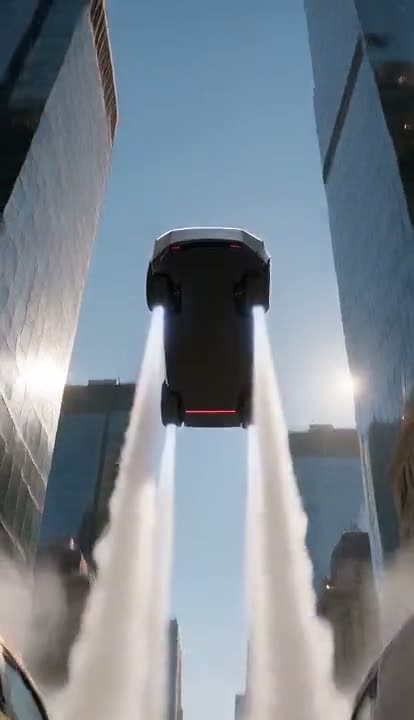
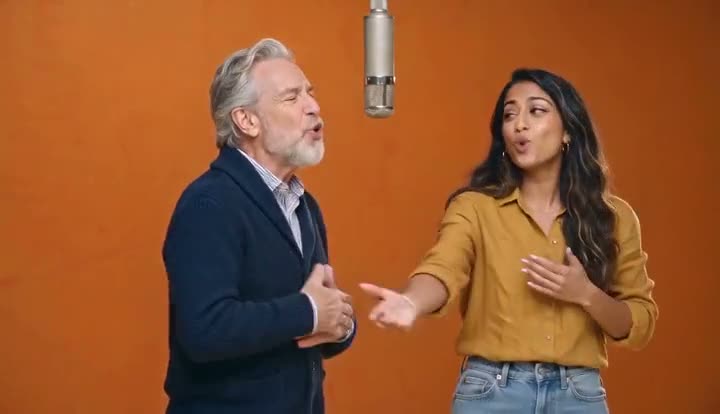
Yes. Try the Hotel Lobby rap duo, the flying Tesla Roadster or the Crazy Frog invisible moped, all from one photo.
Your fans are waiting at arrivals
Upload one photo and walk out to bodyguards, flashes and screaming fans in 12 seconds, sound included.
From 77 credits · failed videos refunded · no subscription