The Hotel Lobby Trend, Explained: Make the AI Rap Duo Video
The Hotel Lobby trend explained: where the orange booth comes from, how two photos become a rap duet with the original track, and tips for photos and pets.
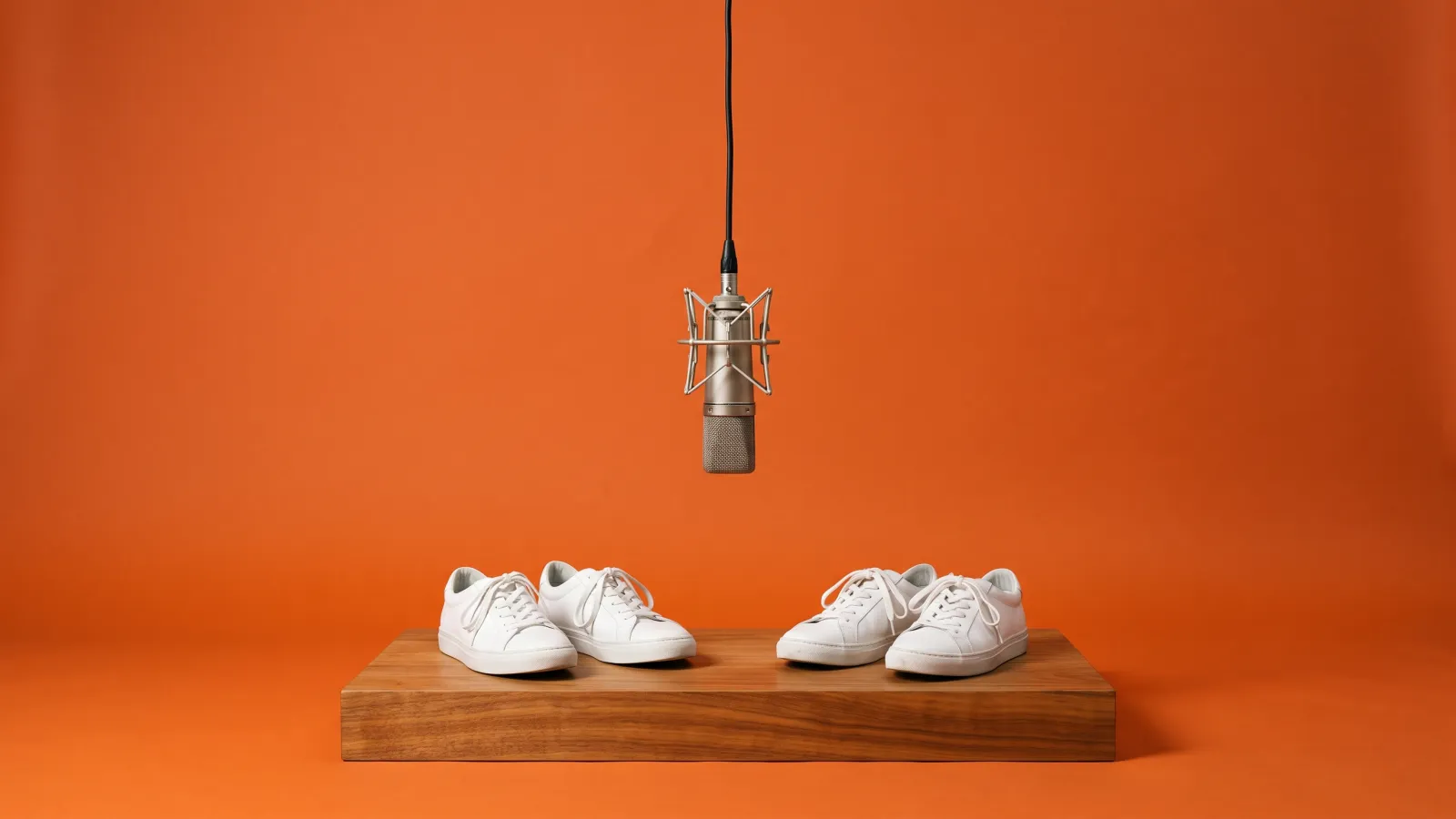
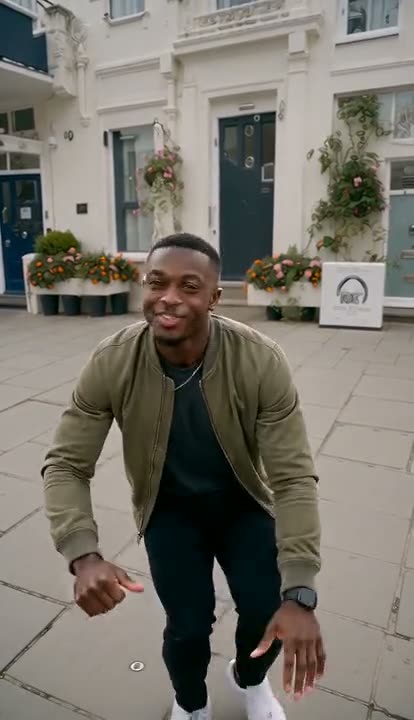

The Hotel Lobby trend puts two people — you and a friend, a partner, a grandparent, even your cat and dog — in a bright orange studio, side by side under one hanging microphone, trading bars and pointing at the camera to a 10-second section of Migos' "Hotel Lobby". It's also called the Migos AI trend, and the version going around isn't filmed: it's generated from two photos. This post explains where the look comes from, how the AI version is made, and how to get a duet that actually looks like the two of you.
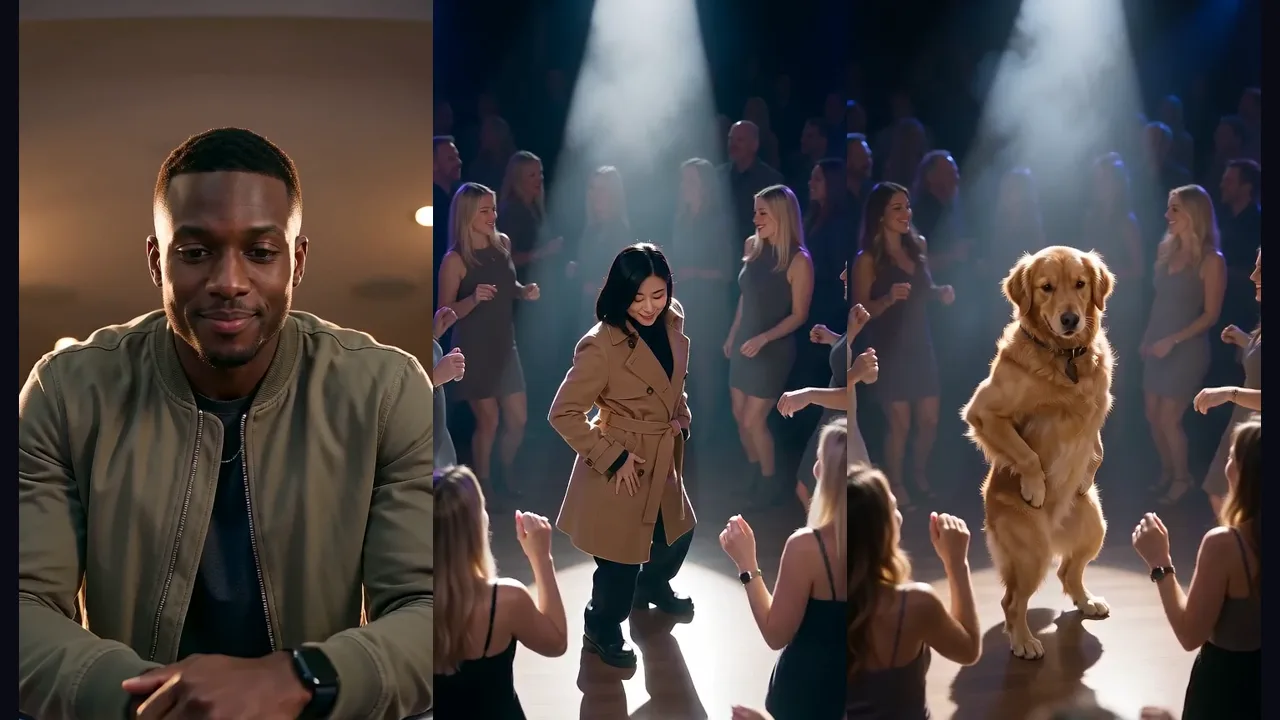
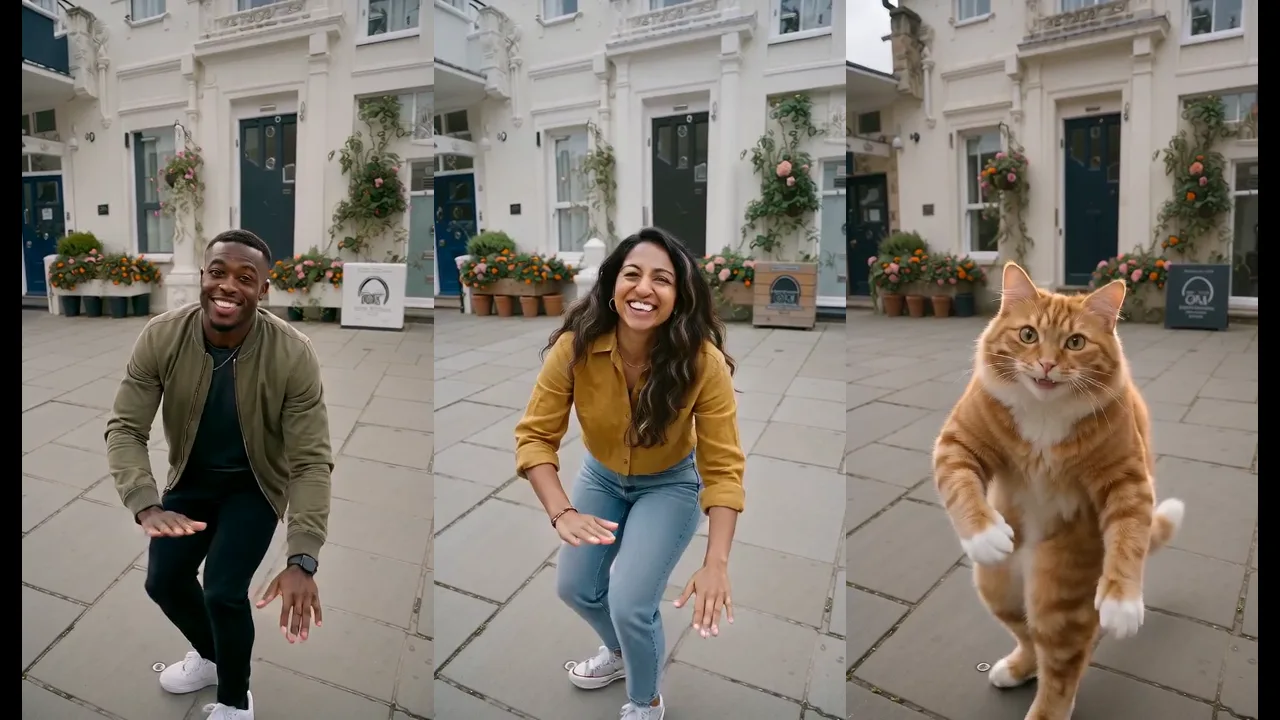
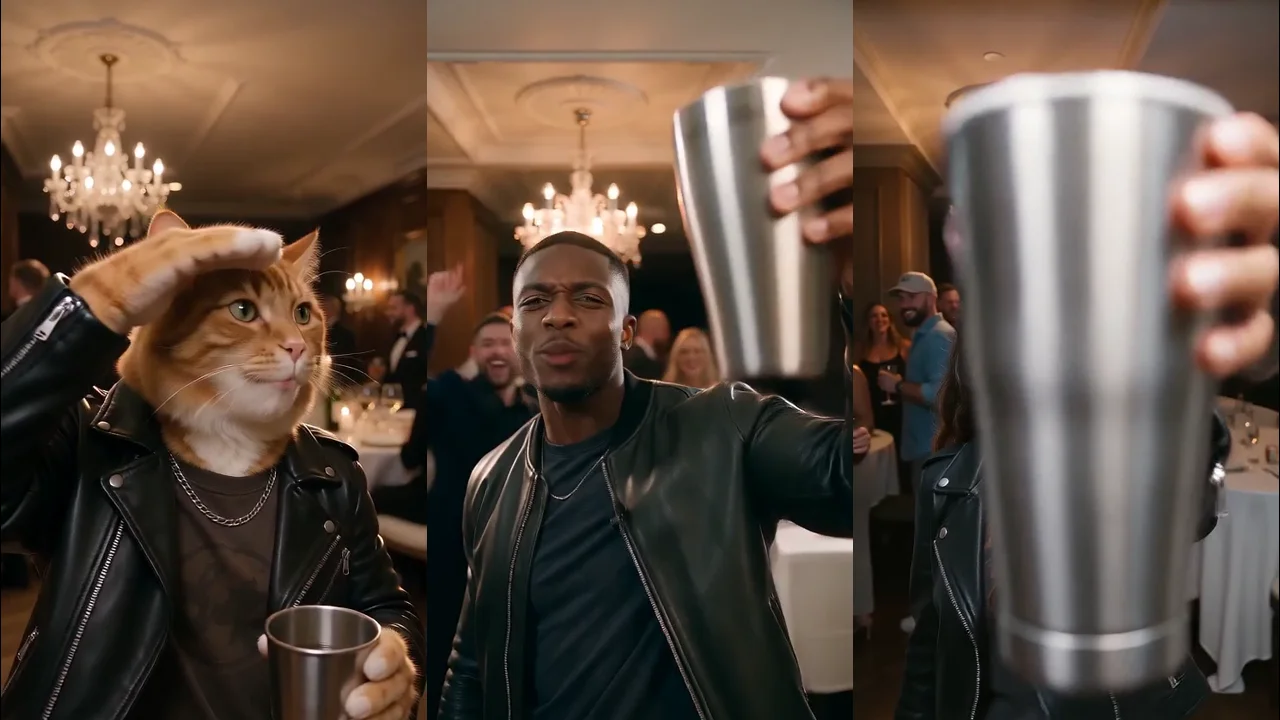
All the clips below were made with the Hotel Lobby AI video generator on Viberot.
Where the orange booth comes from#
The original is Quavo and Takeoff's performance of "Hotel Lobby" on A COLORS SHOW, the YouTube series known for filming every artist in front of a single, boldly coloured backdrop with one microphone. For this session the colour was a warm, saturated orange, and the two rappers stood shoulder to shoulder on a low platform, passing lines back and forth, gesturing at each other and the lens.
That setup is what makes it such a good template. There's no scenery to recreate, no camera moves to copy — just two people, one mic and a very recognisable colour. Swap in any two faces and viewers know instantly which video you're referencing. That's why the trend spread from music fans to couples, coworkers, parents and pet accounts.
How the AI version is made#
Versions made from a text prompt alone tend to look off: the gestures were generic, the timing didn't match the beat and the mic floated in the wrong place. The convincing versions copy the movement from a reference performance instead of inventing it.
That's how the Hotel Lobby AI template works:

- The motion comes from a reference performance. The points, nods, hand chops and the moment both performers turn to the camera follow a real duet beat for beat.
- Your photos replace the performers. Photo one is always on the left, photo two always on the right, and faces are never swapped or blended between the two.
- The audio is the original 10-second section. It's added to the finished clip, so the video is ready to post with the right sound.
There's also a Lip-sync tier, which listens to the original track while it generates, so mouth movement follows the vocals more closely. It costs more and takes noticeably longer, so start with Standard and switch only if the lip sync matters to you.
Step by step: make your Hotel Lobby video#
- Open the template. Go to the Hotel Lobby AI page and sign in.
- Upload the left performer. A clear, front-facing photo of the first person.
- Upload the right performer. A second photo, of the second person.
- Pick a format. 9:16 for TikTok, Reels and Shorts; 16:9 for YouTube.
- Pick a tier. Standard 720p is the default. Fast, Pro and Ultra add detail (Pro and Ultra go up to 1080p), and Lip-sync gives the closest mouth movement at up to 2K.
- Generate and download. You get a 10-second MP4 with the original audio.
Tip
Upload order is the seating plan: photo one is always the left performer and photo two always the right, for the whole clip. If you want a specific person on a specific side, check the order before you click Generate.
Choosing photos for a convincing duet#
The model has to keep two different faces stable while the performers move, gesture and turn. Photos make the biggest difference:
| Works well | Causes trouble |
|---|---|
| One person per photo, waist-up | Group photos or tiny faces |
| Facing the camera, mouth visible | Profiles, masks, a hand over the mouth |
| Even daylight or indoor light | Harsh backlight, night photos with heavy grain |
| Casual clothes with a clear colour | Busy patterns that shimmer when they move |
Clothes in your photos are usually kept, which is worth planning for: a solid colour that contrasts with orange — navy, cream, olive, black — reads much better than an orange or red top that blends into the backdrop.
You don't need the two photos to match. A selfie and a photo someone else took of your friend work fine, because both performers are re-lit for the studio.
Note
Photos that appear to show minors or public figures are rejected before any credits are charged. Use photos of people who agreed to be in your video.
The pet version#
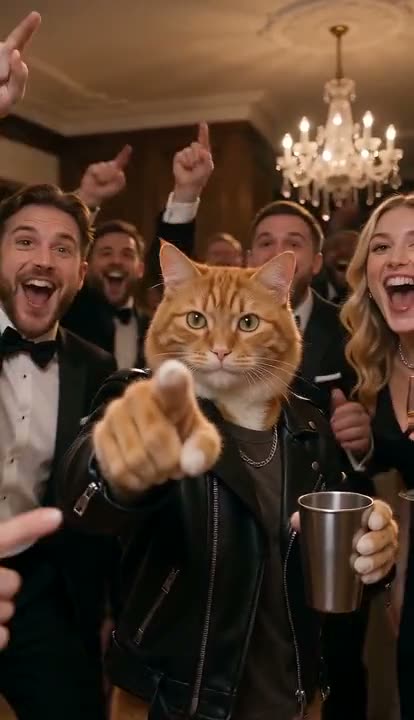
The Hotel Lobby trend has a second life on pet accounts. Upload your cat in one slot and your dog in the other, and the two of them stand on their hind legs on the platform, point, wave their paws and "rap" under the mic. Pets keep their own fur colour and markings, and each animal stays on its own side.

Pets don't lip sync as convincingly as people — muzzles just don't move like mouths — but the gestures carry the joke. You can also mix: one person and one pet makes a very good "me and my emotional support dog" post.
For more pet-friendly templates, see our roundup of AI pet trends.
Hotel Lobby AI, Migos AI and "the template"#
People search for this trend under several names, and they all point to the same thing:
- Hotel Lobby AI — named after the song.
- Migos AI — named after the group. The Migos AI video generator page runs the same template.
- Hotel Lobby AI template / filter — there is no live camera filter; the "template" is a generated video. The Hotel Lobby AI template page explains how it differs from CapCut templates, which only move a still photo instead of re-performing the duet.
Pick whichever page you landed on — the result is the same.
How much it costs#
A Standard 720p Hotel Lobby video costs 167 credits, and 480p costs 81. Pro, Ultra and Lip-sync cost more; the exact price is shown next to the Generate button before you start. Credit packs are one-time payments with no subscription, start at $9.90 for 600 credits — three 720p duets — and never expire. If a generation fails, the credits are refunded automatically. See the pricing page for plans and packs.
Frequently asked questions#
Do I need Higgsfield or another motion-transfer app?#
No. The motion already comes from the reference performance, so you only upload two photos. There's no source video to record or upload.
Can I use one photo of both of us?#
Separate photos work better because each face is larger and sharper. If you only have a photo of the two of you, crop each person into their own image and upload both crops.
How long is the Hotel Lobby video?#
10 seconds — the iconic section of the performance — with the original audio, in 9:16 or 16:9.
Can I make a solo version?#
The template is built for two performers. For a one-person trend with a similar energy, try Bulin 47 AI, where you take over a viral street freestyle from a single photo.
Who can see my video?#
Your photos are only used to make your video. Videos made on a free account can appear in the public gallery; subscribers can keep their videos private.
Step into the orange studio
Upload two photos and get your Hotel Lobby duet, ready for the official sound.
From 81 credits · failed videos refunded · no subscription