How to Do the Cutting the Branch AI Trend (One Photo)
How to make a Cutting the Branch AI video: you chop the branch you sit on and drop into the river with a splash. One photo, your own clothes, sound included.
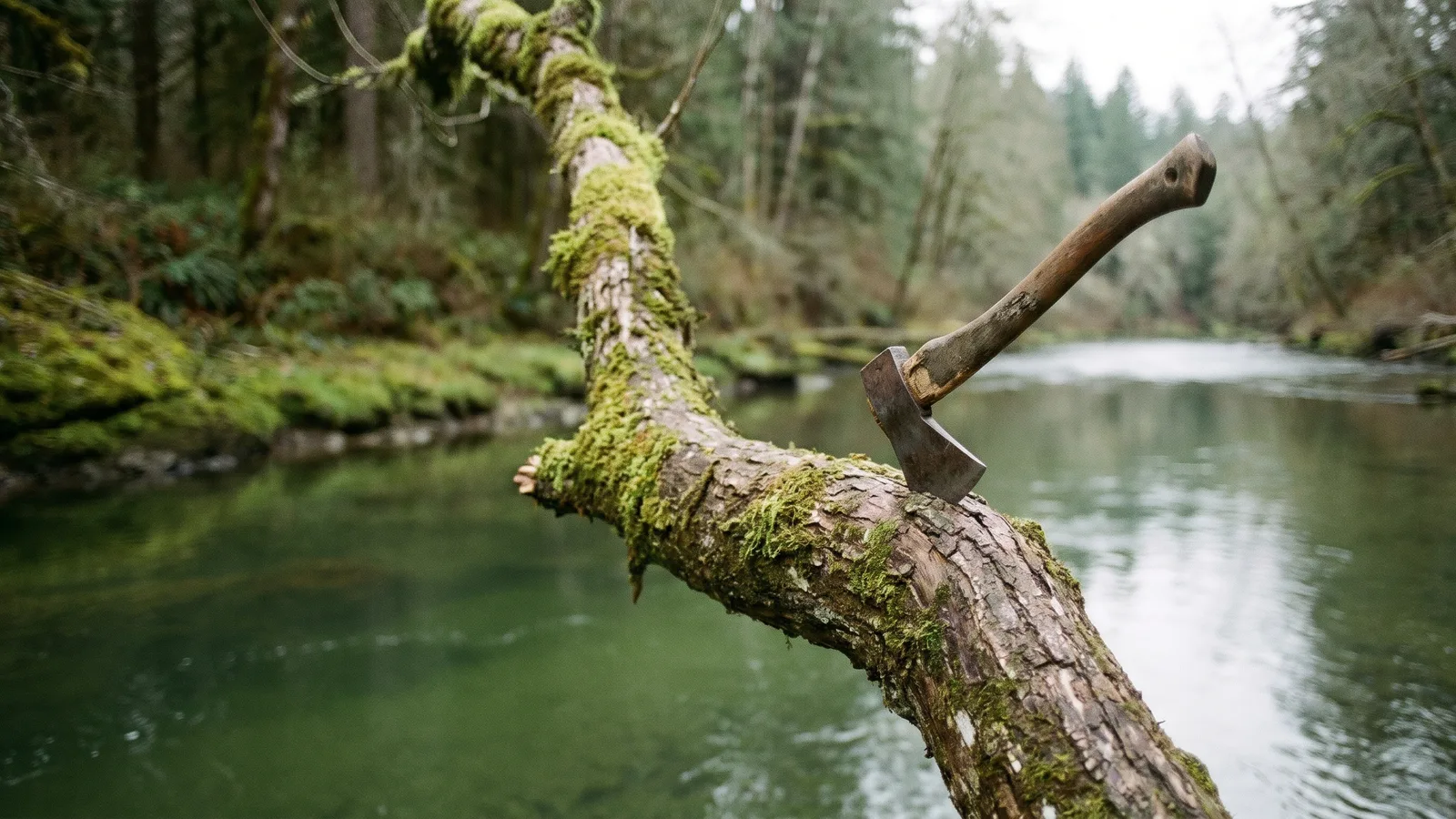
Cutting the Branch is the "sawing off the branch you are sitting on" fail, turned into a short viral clip: a man squats on a thin slanted branch over a river and chops at the wood right under his own feet. This guide explains where the clip comes from and how to make a 12-second version starring you from 1 photo with the Cutting the Branch AI template on Viberot.
Where the trend comes from#
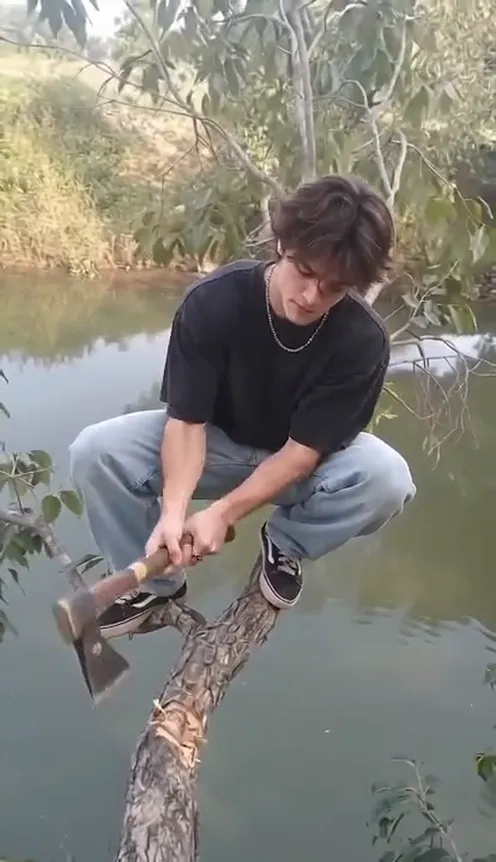
The clip is an Instagram Reel posted in late October 2026 that racked up millions of views within days. It is one continuous shot: a man in a squat on a thin tree branch that leans out over a river, holding a small hatchet and chopping the same branch he is balancing on. There is no cut and no music, only the chopping, the crack and the splash. People quickly started recreating it with their own photos.
Why it went viral#
- A joke everyone knows. Sawing off the branch you sit on is a proverb in many languages, so nobody needs a caption.
- A countdown you can feel. Every chop makes the branch look thinner, and viewers wait for the crack.
- A payoff with sound. The snap and the splash are the punchline, and the original audio sells it.
- Easy to swap in a person. One person, one shot, one location: perfect for putting yourself or a friend in the lead.
The shot, second by second#
The 12-second version follows the original timing:
- 0–10 s: chopping. You balance in a squat on the slanted branch and keep hacking at the wood under your feet.
- About 10 s: the crack. The branch snaps with a loud crack.
- 10.5–11 s: the drop. You fall off the branch towards the water.
- 11–12 s: the splash. You hit the river with a big splash and the clip ends.
You keep your own face, hairstyle and clothes from your photo. The riverside scene and the branch are fixed, and the chopping, crack and splash sounds from the original clip are mixed in.
Step by step: how to make it with AI#
- Open the template. Go to the Cutting the Branch AI page and sign in.
- Upload one photo. A clear photo of you or a friend, face visible, ideally full body.
- Pick the aspect ratio and quality. 9:16 is the default for TikTok, Reels and Shorts; 16:9 shows more of the river.
- Generate. There is no prompt to write. Rendering usually takes a few minutes.
- Check the audio and post. The file has the original sounds mixed in, but that is not a music licence. Check your platform's rules before posting.
Picking a photo that works#
| Works well | Causes trouble |
|---|---|
| One person, face clearly visible | Group photos where faces are tiny |
| Full body or at least waist-up | Tight selfies with no body shown |
| Front-facing, relaxed or smiling | Face turned away or hidden by sunglasses |
| Your own everyday outfit | Costumes or masks that hide your face |
Note
Photos that appear to show public figures, including actors, singers and influencers, are rejected before any credits are charged. Use photos of yourself or of friends who agreed to be in your video. Pets are not supported yet.
Ideas for your post#
- The "me at work" post. Caption it with a bad decision you keep repeating, like staying up until 3 a.m. before an exam.
- The friend roast. Make one with a friend's photo (with their permission) and tag them.
- Pair it with another fail. Follow it up with Closing Door Prank AI for a mini series of fails.
How it differs from CapCut templates#
A CapCut template needs real footage of you, and nobody wants to climb onto a branch over a river for a joke. Here you upload one photo and the scene, the branch, the camera and the sounds are generated for you, with your face and outfit carried over. It is also free of any editing: no timeline, no sound sync, no cutting the splash in by hand.
Price and FAQ#
A Standard 720p video costs 572 credits and 480p costs 259; see pricing for credit packs, which start at $9.90 for 600 credits. Credits are a one-time purchase, with no subscription.
Does the video include sound? Yes, the chopping, crack and splash sounds from the original clip. This is an independent tool, not affiliated with the original creator. Audio in a file is not a music licence, so check your platform's rules when you post.
Can I use a pet? Not yet. This template supports real people only, one per photo.
What if the generation fails? Failed videos are refunded automatically and the credits go back to your balance.
Time to chop the branch
Upload one photo and get your 12-second Cutting the Branch video, ready to post.
From 92 credits · failed videos refunded · no subscription