How to Make an AI Closing Door Prank Video From 2 Photos
How to make the AI closing door prank video: where the viral skit comes from, the shot second by second, and how two photos of you and a friend make it.
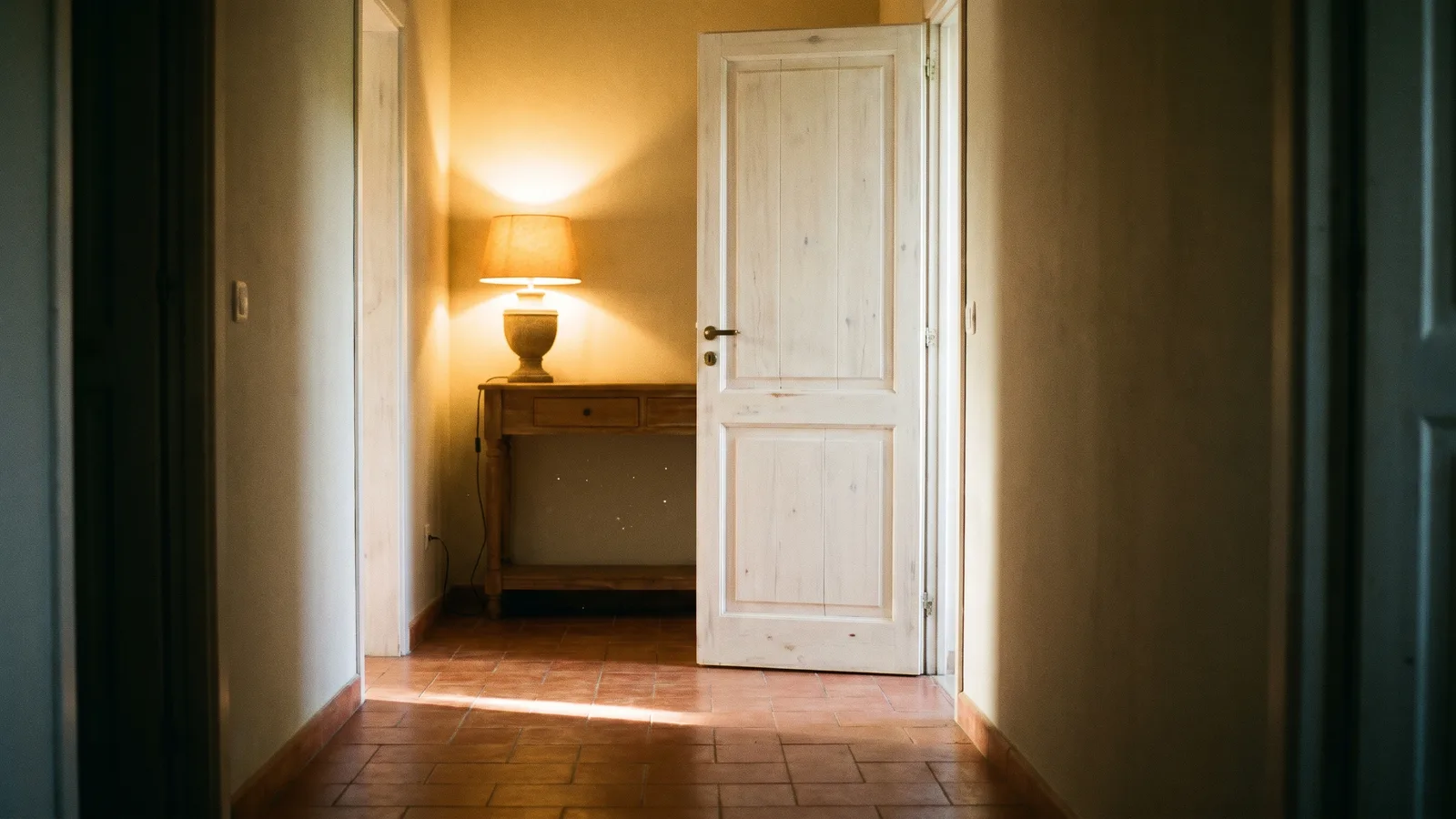
The AI closing door prank is the viral skit where one person waves a friend over, the friend sprints down the hallway, and the door slams shut right before they arrive. This guide covers where it comes from, the shot second by second, and how to make a 5-second version of you and a friend from 2 photos with the AI Closing Door Prank generator on Viberot.
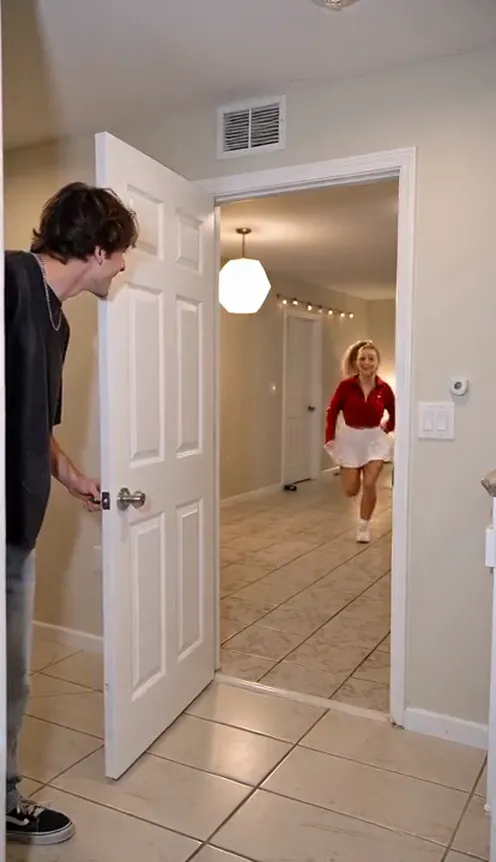
Where the closing door prank comes from#
It is a family and friends skit that spread across TikTok as a "ready, set, go" game: someone calls a friend to run to the door, then shuts it just before the runner arrives. The reaction, shock first and laughing second, is the whole joke, which is why it remixes so easily.
The shot, second by second#
- 0-1s: The wave. The door slammer holds the open door and waves the other over. The runner starts at the far end of the hallway.
- 1-2.5s: The run. The runner sprints toward the camera, laughing.
- 2.5-3s: The slam. Right before the runner arrives, the door is slammed shut.
- 3-5s: The reaction. The runner stops at the closed door, claps and laughs in disbelief, then the door opens a crack for a happy close-up.
Step by step#
- Open the template. Go to the AI Closing Door Prank page and sign in.
- Upload the door slammer. The first photo is the person at the door.
- Upload the runner. The second photo is the person who runs down the hallway.
- Pick the aspect ratio. 9:16 for TikTok, Reels and Shorts.
- Generate. No prompt needed. It usually takes a few minutes.
- Add the sound and post. The video is silent, so add the trending sound in the app you post to.
Picking photos that work#
| Works well | Causes trouble |
|---|---|
| One person per photo, face clearly visible | Group photos where faces are tiny |
| Front-facing, good light | Sunglasses, masks, faces turned away |
| Two different people | Heavy filters, dark or blurry photos |
Note
Photos that appear to show public figures or celebrities are rejected before any credits are charged. Use photos of adults who agreed to be in your video.
Tips for a funnier result#
Pick two photos with clearly different looks, such as different hair colours or outfits, so the two roles are easy to tell apart on a small phone screen. Photos taken at a similar distance, from chest or waist up, blend best into a hallway scene. If one of you has a bright jacket or a bold colour, put that person in the runner role, because the runner crosses the whole frame and a strong colour makes the sprint easy to follow. Keep expressions open and relaxed in the photos: the clip adds the shock and the laughter for you. Post it as a reply to a friend who always comes late, or as a pinned video on your profile, and let the comments do the rest. The clip is 5 seconds, which is short enough to loop smoothly on every platform.
Ideas for your post#
- Roommate edition. Caption it "my roommate every time I say dinner is ready".
- Couple prank. Make one of you and your partner.
- Office edition. Two coworkers and the door to the meeting room.
How much it costs#
A Standard 720p video costs 251 credits; 480p costs 114. The exact price is shown next to the Generate button before you start. Credit packs are one-time payments, start at $9.90 for 600 credits and never expire. Failed generations are refunded automatically. See the pricing page for details.
Frequently asked questions#
Does it include sound?#
No. The video is silent; add the trending sound in the app you post to. This is an independent tool, not affiliated with the creators of the original posts.
How many photos do I need?#
2: the door slammer and the runner.
Can I use my pet?#
Not in this template. It is built for two people.
Looking for another two-person trend?#
Try Hop Hop Hop Dance AI.
Grab a friend and slam the door
Upload two photos and get your own closing door prank, runner and all.
From 41 credits · failed videos refunded · no subscription