How to Do the Streetlight Slip AI Trend (Pop Up Face From One Photo)
How to do the Streetlight Slip AI trend, aka Gentleman Pop-Up: wave under a street lamp, slip out of frame and pop back as a selfie, all from one photo.
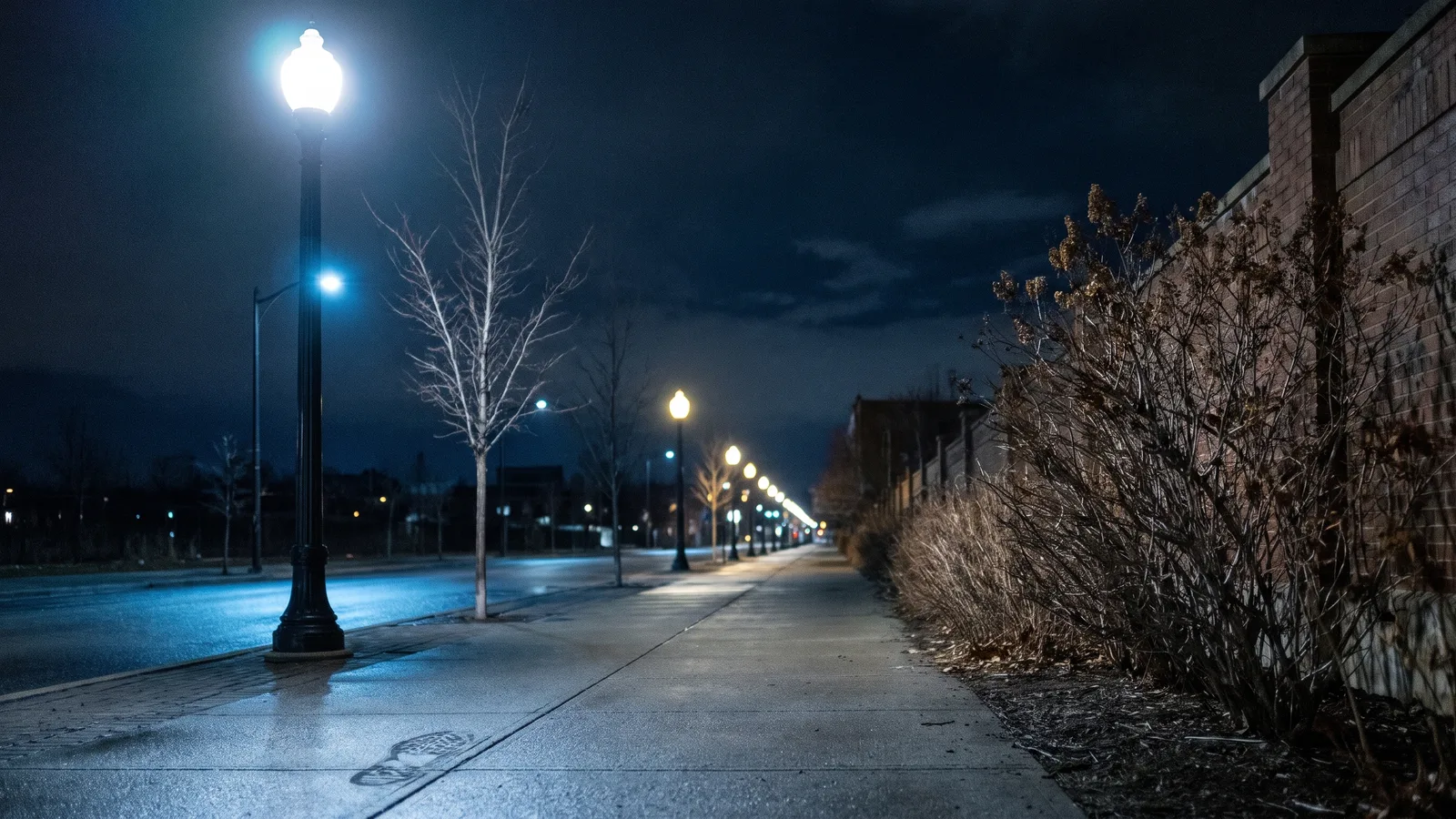
The Streetlight Slip AI trend is a seven-second joke that lives or dies on timing. Someone stands under a street lamp at night and waves at the camera. Their feet go, they slide sideways out of the frame, and the shot sits empty for a beat. Then their face pops in from the bottom corner, right up against the lens, and they hold a calm little smile like nothing happened. This guide covers where the trend comes from, why it works, every beat of the clip, and how to make a 7-second version starring you from 1 photo with the Streetlight Slip AI generator on Viberot.
Where the Streetlight Slip trend comes from#
The trend started as a CapCut AI template published on October 20, 2026. The template preview shows a young woman in a blue sweater on a night-time sidewalk under a tall lamp post: she waves, slips out of the shot, and comes back as a close-up selfie. Within a few days the template had been used hundreds of thousands of times, and creators pairing it with an original creator sound spread it across TikTok.
Because nobody agreed on a name, you'll see it under several labels: Gentleman Pop-Up (the name many promo posts use), the streetlight transition, the street lamp slide, or simply the pop up face trend. They all mean the same clip.
Why it works#
- The pause is the punchline. Most transitions are instant. This one leaves the frame empty long enough to make you wonder if the person is okay, then answers with a face that's way too close.
- It's a fake-out. The slip looks like a blooper, the pop-up looks like a selfie. Two genres in seven seconds.
- The ending is a flex. You end on a still, well-lit close-up of your face with a city light halo behind you. It's a glow-up shot disguised as a joke.
- No skills needed. The original only needs one photo in CapCut, which is why so many people made one.
Shot by shot#
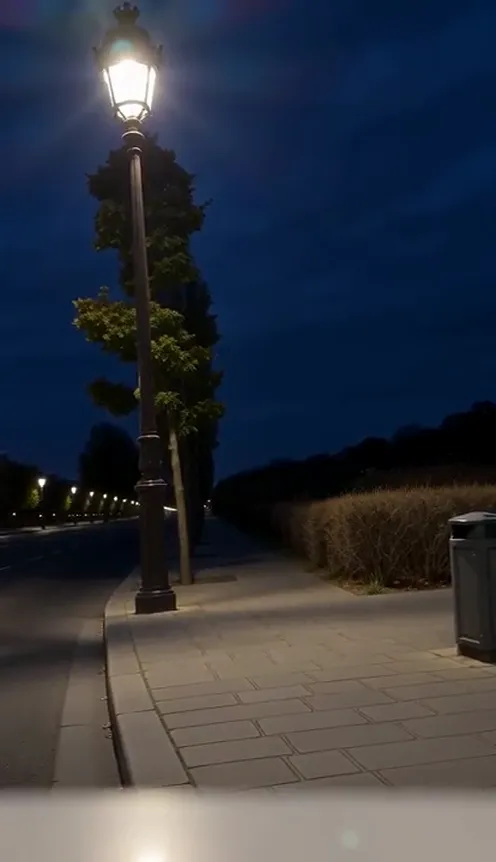
The camera never moves. Everything happens inside one fixed frame:
- 0–1s, the wave. Wide shot of a sidewalk at night, a tall lamp post on the left glowing against a navy sky. You stand small in the distance and wave at the camera.
- 1–2s, the slip. Your feet slide out and you lurch sideways, sliding out of the frame on the left.
- 2–3s, the empty beat. Just the lamp, the tree and the empty pavement.
- 3–3.5s, the pop-up. Your face snaps in from the bottom-left corner in a split second, with a little motion blur.
- 3.5s to the end, the selfie. A tight close-up, your face in the upper half of the frame, the street lamp behind your head. You hold a calm, slightly smug smile to the last frame.
How to make it with one photo#
- Open the Streetlight Slip AI page and upload one clear photo of yourself.
- Pick 9:16 for TikTok, Reels and Shorts, or 16:9 for YouTube.
- Choose quality. Standard 720p costs 117 credits and 480p costs 57; the price is shown before you start.
- Hit Generate. The night street, the wave, the slip, the empty beat and the pop-up close-up are all generated around your photo.
- Download the 7-second MP4. It comes with the trend's original sound already on it.
You keep the clothes from your photo in both the wide shot and the close-up. Only the setting comes from the trend: the night-time street under the lamp.
Picking the right photo#
- Face first. The last few seconds are a close-up of your face, so a sharp, well-lit, front-facing photo matters more than anything else.
- Half body or full body. That gives the generator your outfit for the wide shot.
- Nothing covering your face. No hands over the face, no heavy sunglasses, no masks.
- Just you. The template is built for one person; group photos confuse it.
- Your own photo. Photos that look like celebrities or public figures are rejected before you're charged.
Posting ideas#
- The "I'm fine" caption. "Me after saying I'd go to the gym this week." The slip and the calm smile do the rest.
- Duet chain. Post yours and invite friends to stitch their own pop-up right after.
- Glow-up reveal. Use your best recent photo; the close-up ending is basically a portrait.
- Pair it with a night out. Post it before or after an actual evening walk so the street lamp setting fits your feed.
Streetlight Slip AI vs the CapCut template#
The CapCut template drops your photo into a fixed effect inside the app. On Viberot you upload one photo in the browser and get a newly generated video: you're actually standing on the street, waving, slipping out and coming back, with your own outfit and hairstyle in every shot. There's no app to install, no template to search for and no editing timeline. If you already make other trend videos, try another one-photo template like Explosion Walk AI.
Price#
A Standard 720p video costs 117 credits; 480p costs 57, and Pro 1080p costs 1450. Credit packs are one-time payments with no subscription, start at $9.90 for 600 credits, and never expire. Failed generations are refunded automatically. See all options on the pricing page.
FAQ#
Is the Streetlight Slip the same as the Gentleman Pop-Up? Yes. It's one trend with several names: Streetlight Slip, Gentleman Pop-Up, streetlight transition and pop up face trend all describe the wave, slip and pop-up selfie clip.
Does the video include sound? Yes, the trend's original creator sound is mixed in. Viberot is an independent tool, not affiliated with CapCut, the template author or the sound's creator, and having audio in the file is not a music license. If a platform flags it, swap in a sound from its library.
Do I have to wear the blue sweater? No. You wear the clothes from your own photo.
Can I use a pet photo? The template is built for one person. Pet photos aren't tuned yet, so results can vary.
Does anyone get hurt? No. It's a harmless comedy slip, generated entirely from your photo. Nobody films a real fall.
How long does it take? Usually a few minutes. You'll get a 7-second MP4 in 9:16 or 16:9.
Slip out, pop back in
Upload one photo, wave under the street lamp, and land the pop-up selfie everyone's been doing.
From 57 credits · failed videos refunded · no subscription