Morning Kitten AI: How to Make Your Cat Attack the Camera POV From One Photo
Morning Kitten AI guide: the viral cat attack POV clip explained second by second, and how to make your cat or dog slap and hiss at the camera from one photo.
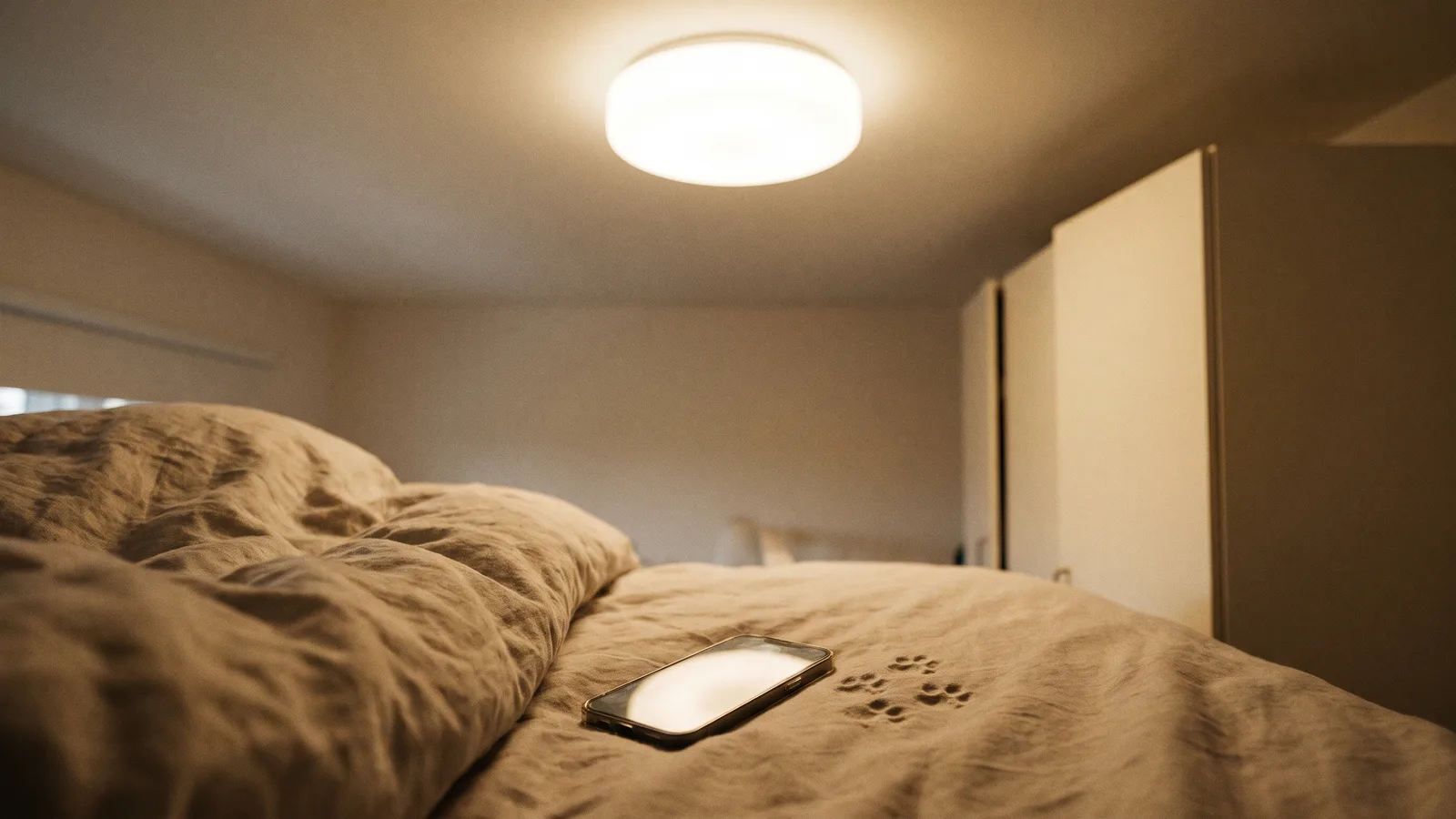
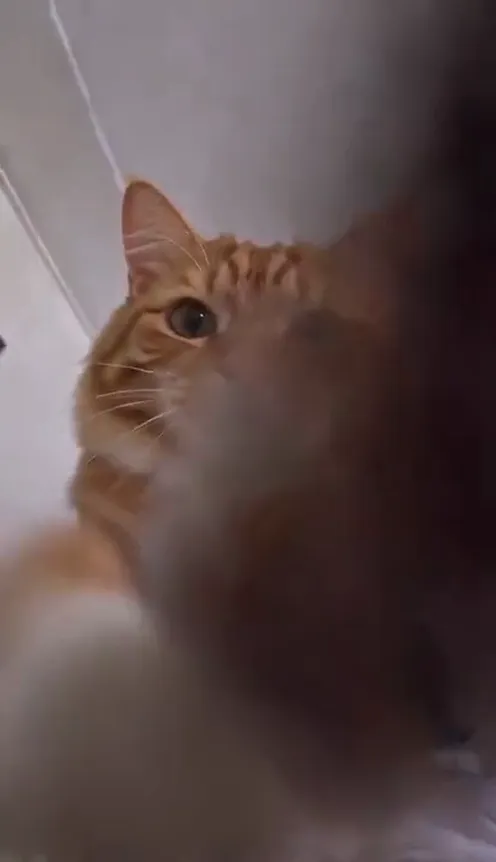
A phone lies on the bed facing the ceiling. A tabby cat looms over it with a deeply unimpressed glare, swings its paw at the lens until the whole screen is fur, then lunges right into the camera with its mouth wide open in a dramatic hiss. That is the morning kitten clip, and it is one of the most shared cat POV videos of the week. This guide covers where it came from, why it works, the clip second by second, and how to make your own from one photo with the Morning Kitten AI generator on Viberot.
Where the morning kitten clip came from#
The original. A short clip posted on X in late November 2026. It passed 1.6 million views and tens of thousands of likes within a day. The setting is an ordinary bedroom: a round ceiling light, a photo wall and a wardrobe, all seen from a phone lying flat on the bed.
The format. It is a pure POV shot. You never see a person, only the cat glaring down at the camera, so every viewer feels like they are the one getting attacked.
The remake. Every cat owner has been on the receiving end of that look, which is why people want their own pet in it. The idea needs exactly one thing from you, a photo of your cat or dog, so it works as an AI template.
Why it works#
- The POV puts you on the bed. The low camera angle and the ceiling light behind the cat make it feel like your own phone.
- The glare is the setup. The cat stares down like you have personally offended it before a single paw moves.
- The paw swipes build it up. Swat after swat until the frame is a blur of fur and toe beans.
- The hiss is the payoff. The face goes from far to full screen in a second, mouth wide open, fangs and all.
- It is short. 8 seconds, no setup, perfect for a loop.
The clip, second by second#
- 0–2s: The cat glares down over the camera and winds up a front paw.
- 2–4s: The paw comes down on the lens, swipe after swipe, until the frame is a blur of fur.
- 4–6s: The cat lunges right into the camera, face filling the screen, mouth wide open in a hiss.
- 6–8s: It backs off, plants both front paws on either side of the phone and keeps glaring down.
How to make your Morning Kitten video#
- Open the Morning Kitten AI page.
- Upload 1 clear photo of your cat or dog.
- Pick 9:16 for TikTok, Reels and Shorts, or 16:9 for a wide shot, at 480p or 720p.
- Press Generate. In a few minutes you get a 8-second MP4 of your pet doing the whole attack POV.
Choosing a pet photo#
- Face and front paws in view. The paws and the face are the stars of this clip, so a photo where they show helps.
- Good light. Daylight or a bright room keeps fur colour and markings accurate.
- One pet only. The video has exactly one animal, so crop out other pets.
- Clothes and accessories carry over. If your pet wears a bandana in the photo, it wears it in the video.
About the audio#
The video comes with original background music and sound effects, made fresh for each clip. There is no existing song in it. If you want a trending sound, add it in TikTok or Reels when you post.
Posting ideas#
- Caption it as your pet's reaction to you touching its spot on the bed.
- Post the original next to yours as a duet or stitch.
- Make one for each pet in the house and post them as a carousel.
- Loop it: the last frame of your pet glaring down flows straight back into the first.
Morning Kitten AI vs. CapCut templates#
A CapCut template drops your photo into a fixed frame or adds effects on top of a picture. Here the whole clip is generated: your pet glares, swipes at the lens and lunges in with a hiss, with the camera angle and timing of the original. You don't need to film anything or own an editing app.
How much it costs#
A Standard 720p video costs 401 credits; 480p costs 182. Credit packs are one-time payments with no subscription, starting at $9.90 for 600 credits. See pricing for every pack. Failed videos are refunded automatically.
Frequently asked questions#
How many photos do I need?#
Just 1: one clear photo of your cat or dog.
Does it work with dogs?#
Yes. The original is a cat, but a dog looming over the camera and swatting at the lens works the same way.
Does the video include the original sound?#
No. It comes with original music and sound effects, with no existing song.
Will it keep my pet's look?#
Yes. Fur colour, markings, eyes, face and any clothes or accessories in your photo carry over to every frame.
How long does it take?#
Usually a few minutes. You can leave the page and come back; the video is saved to your account.
Let your pet attack the camera
Upload one photo of your cat or dog and get the full 8-second Morning Kitten attack POV, sound included.
From 65 credits · failed videos refunded · no subscription