
Thriller Dance AI: Lead the Zombies From One Photo
Thriller dance AI guide: where the classic zombie dance comes from, the moves second by second, and how one photo makes you lead the zombie crowd.
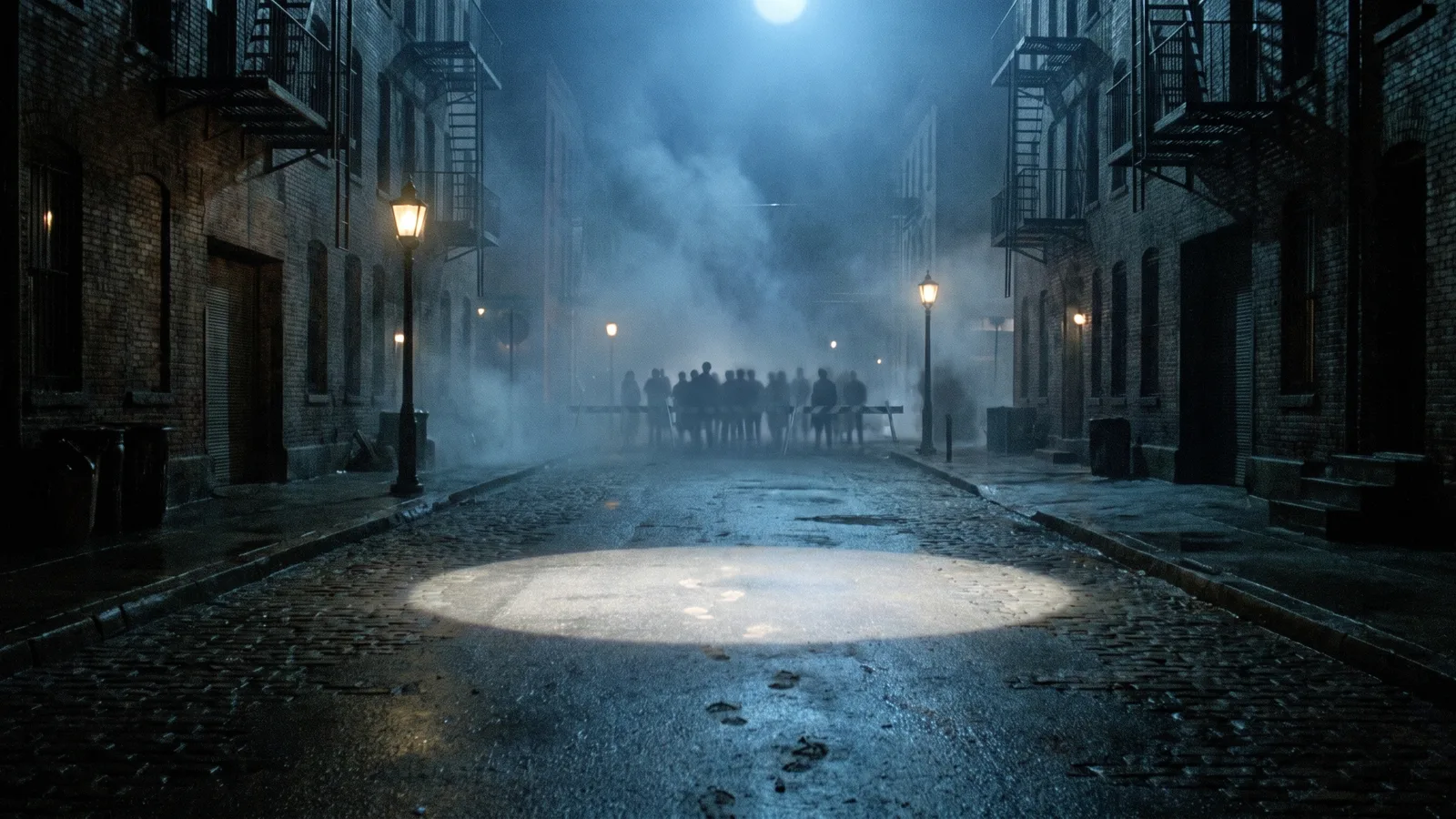
The Thriller dance is the most copied zombie routine in pop culture: a crowd of the undead on a dark street, shoulders jerking, claw hands up, everyone stepping and snapping their heads in sync behind one lead dancer. Every October it comes back — in flash mobs, school talent shows, Halloween parties and, now, AI videos where the lead dancer is you. This guide covers where the dance comes from, what the AI version looks like, the moves second by second, and how to make your own from a single photo with the AI Thriller Dance generator on Viberot.
Where the Thriller dance comes from#
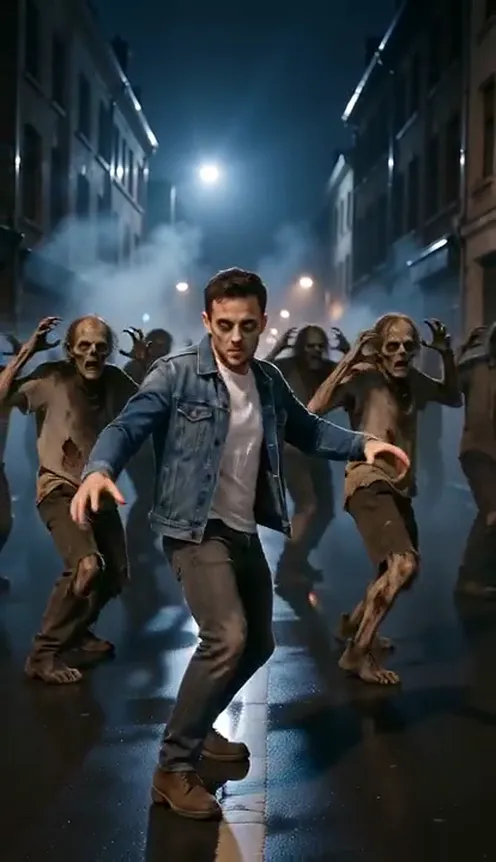
The routine comes from the music video for "Thriller", released in 1983. In the middle of the video, a crowd of zombies climbs out of the dark, gathers on an empty street and breaks into a tightly choreographed group dance behind the lead. The look of that scene — cold blue light, fog, brick warehouses, rotting costumes, stiff jerky moves that somehow stay perfectly in time — became the template for what a "zombie dance" is.
Why it trends every Halloween:
- Everyone already knows it. You do not need to explain the joke. A crowd of zombies doing those claw hands and shoulder shrugs is instantly recognisable, even with no music.
- It is a group dance with one star. The format is "one person in front, everyone else follows". Putting yourself, a friend or your pet in the front spot is the whole appeal.
- It fits the season. Costume contests, Halloween reels and spooky-season edits all reward something people can recognise in the first second of scrolling.
What the AI Thriller dance looks like#
The AI version keeps the scene and the choreography, and swaps in your photo as the lead dancer:
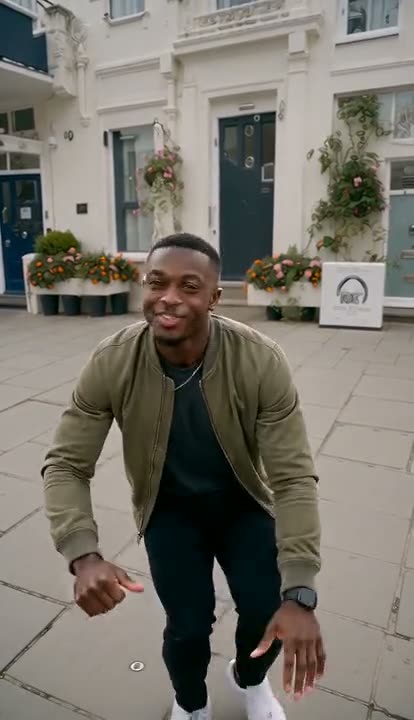
- You stay you. Your face, hair, skin tone and build stay as they are in the photo, so friends can tell it is you.
- You keep your own clothes. No costume swap — the jacket, hoodie or dress from your photo stays on, just a little dusty and torn.
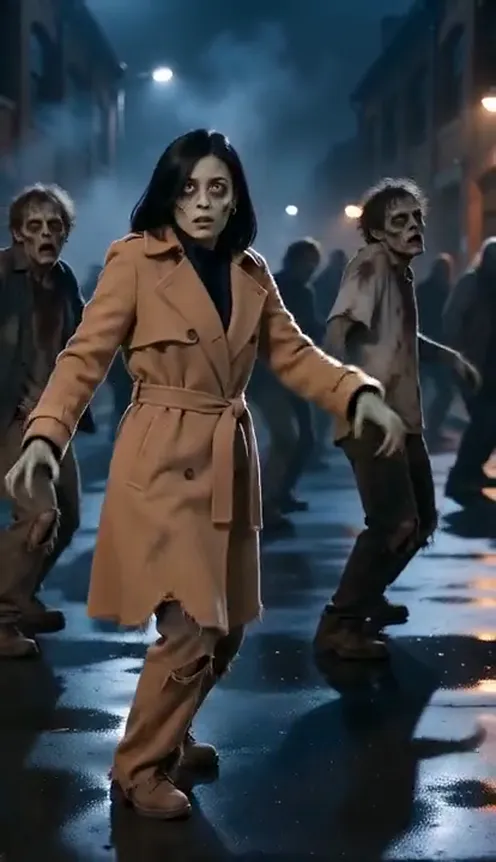
- You get zombie makeup. Pale grey-green skin, dark sunken eyes and a few cracks are painted on, so you look like you belong to the crowd you are leading.
- The crowd is new. A pack of zombies in torn 1980s clothes dances the same moves behind you. None of them takes your face.
- The setting is a foggy street at night. Wet asphalt, old brick buildings, street lamps and blue moonlight, shot like a 1980s horror film.
The finished clip is 12 seconds long, in vertical 9:16 for TikTok and Reels or horizontal 16:9 for YouTube.
The moves, second by second#
The AI follows a fixed motion guide, so every version hits the same beats:
- 0–2.5 s: the turn. A medium shot that pulls back as the lead dancer turns toward the camera and swings both arms out, while the zombies rise and step in behind.
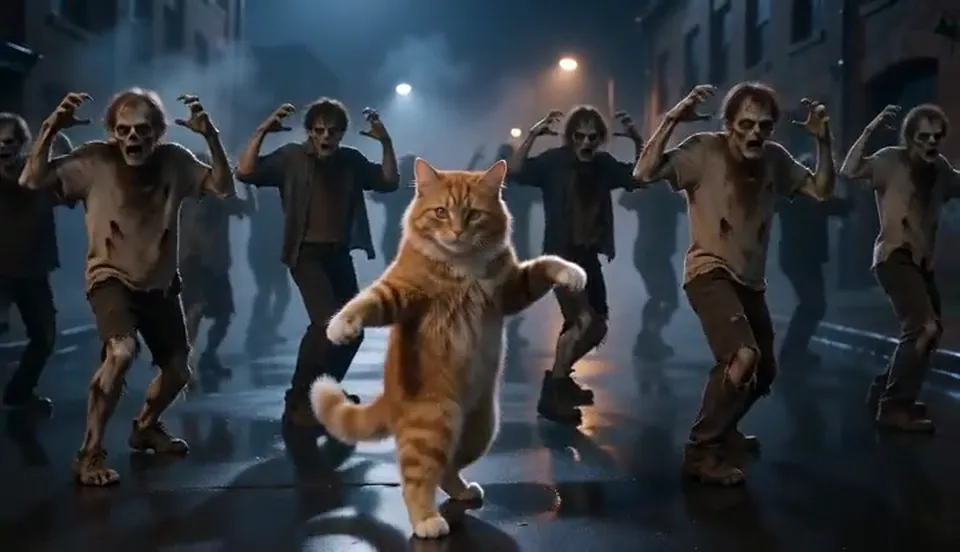
- 2.5–12 s: the group dance. A wide shot of the whole crowd. The lead dances at the front centre and everyone follows in sync: claw hands raised beside the head, sharp shoulder shrugs, side steps and stomps, head snaps left and right, knees bent low. The camera drifts slowly with the dancers.
- The final pose. The clip ends with the lead dancer hitting a last pose facing the camera — a natural place to cut or loop.
How to make your own Thriller dance video#
- Open the generator. Go to the AI Thriller Dance page and sign in.
- Upload one photo. A clear photo of the person (or pet) who should lead the dance.
- Pick the format. Vertical 9:16 for TikTok, Reels and Shorts; horizontal 16:9 for YouTube or a big screen at a party.
- Generate. The video is ready in a few minutes. The exact credit cost is shown next to the Generate button before you start.
- Add the sound and post. You get a silent MP4. Add the official "Thriller" audio from TikTok's, Instagram's or YouTube's music library when you post, and line the first big beat up with the start of the group dance.
Tip
Post it in the last two weeks of October. Halloween searches for zombie dances and Thriller costumes climb sharply then, and a recognisable clip spreads further when people are already looking for it.
Choosing the right photo#
- Face the camera. A front-facing photo with the whole face visible gives the most recognisable result, even under the makeup.
- Show the outfit. Your clothes come straight from the photo, so a half-body or full-body shot works better than a tight selfie. If your legs are not in the frame, matching trousers and shoes are added in the same style.
- Good light, one person. A bright, sharp photo of just one person avoids mix-ups between faces.
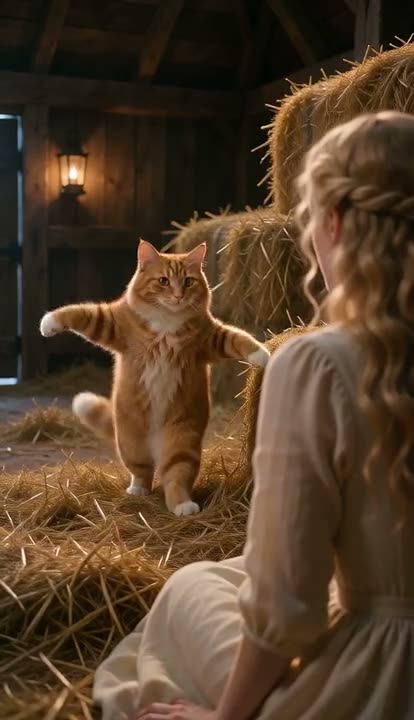
- Pets work. Cats and dogs keep their own fur and markings and dance upright on their hind legs at the front of the zombie crowd.
- Use your own photos. Photos of public figures are rejected before any credits are charged, and you should only upload photos of yourself or of people who agreed to be in the video.
Post ideas#
- Halloween reveal. Post your normal photo first, then cut to you leading the zombies.
- Group chat challenge. Make one for each friend and post them side by side — who makes the best zombie?
- The pet edition. Your cat or dog leading the undead almost always beats the human version on views.
- Costume backup. No time for a costume this year? Your zombie dance is your costume.
- Party screen loop. Make a 16:9 version and loop it on the TV at your Halloween party.
How it differs from CapCut and other templates#
Most "Thriller" templates on CapCut and similar apps paste your face onto a fixed clip or put a filter over your own footage — you still have to film yourself dancing, or you get a flat face cut-out on someone else's body. The AI version generates a new video: your whole body does the moves, your clothes move with you, the lighting matches the street, and the zombie makeup is part of your face rather than a sticker on top. You only need one photo, and you do not have to learn the choreography.
How much it costs#
A Standard 720p AI Thriller dance video costs 201 credits; 480p costs 97. Higher tiers cost more, and the exact price is always shown next to the Generate button before you start. Credit packs are one-time payments — no subscription — start at $9.90 for 600 credits and never expire. If a generation fails, the credits go straight back to your balance. See the pricing page for details.
Frequently asked questions#
Where does the Thriller zombie dance come from?#
From the music video for "Thriller", released in 1983. The group zombie dance in the middle of the video became the best-known zombie routine in pop culture and is recreated every Halloween.
Does the AI video include the Thriller song?#
No. The video is delivered silent. Add the official "Thriller" audio from TikTok's, Instagram's or YouTube's licensed music library when you post, so you stay inside the platform's music rules.
Will I still look like myself?#
Yes. Your face, hair, skin tone and build stay as they are in your photo. Zombie makeup is painted on top, and you keep your own clothes.
How long is the video?#
12 seconds, in vertical 9:16 or horizontal 16:9.
Can I make a pet version?#
Yes. Upload a photo of your cat or dog and it leads the zombie crowd standing on its hind legs.
Is this an official Thriller product?#
No. Viberot is an independent AI tool and is not affiliated with, endorsed by or connected to Michael Jackson's estate or any record label. The videos do not use his likeness or voice.
More AI Halloween video trends#
If you like the format, try the AI zombie video love story, the La Tormenta de Arena balcony scene or the AI vampire transformation, all from your photos.
Lead the undead
Upload one photo and dance the classic zombie routine at the front of the crowd, in your own clothes.
From 97 credits · failed videos refunded · no subscription