How to Do the Ghost Prank Filter (the Viral Ghosts Filter Effect) With AI
How to do the viral ghost prank filter: what the #ghostsfiltereffect trend is, the five-second scare, and how one photo puts a grinning ghost behind anyone.
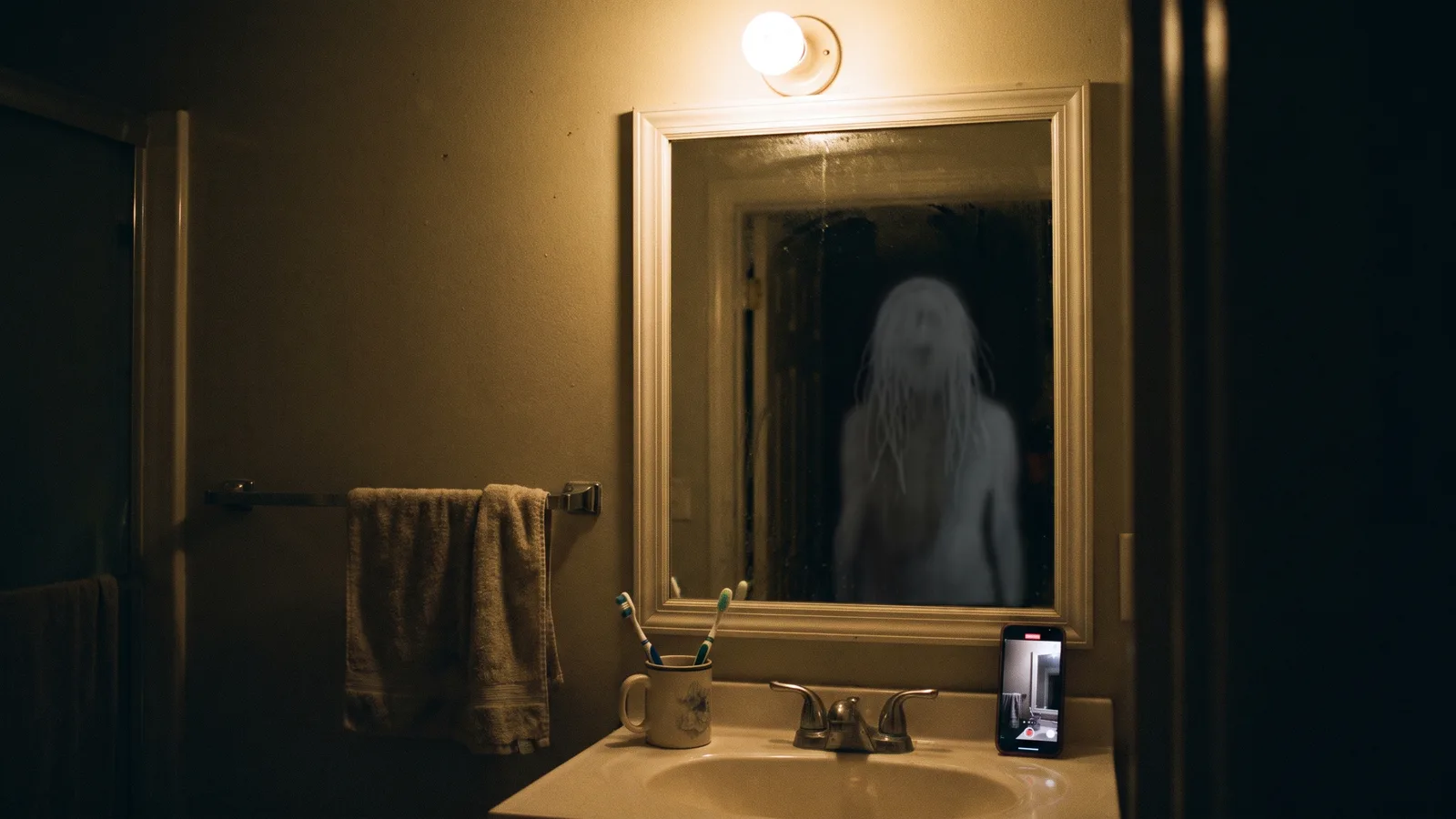
The ghost prank filter is the TikTok trend where a parent films their kid, shows them the clip, and in the clip a tall grey ghost with long stringy hair is standing right behind them, grinning into the camera. Then comes the scream. It took off in the second week of October 2026 under #ghostsfiltereffect, and with Halloween two weeks away it is everywhere. This guide covers where it comes from, what happens in the clip, and how to make one from a single photo — of a friend, a sibling, a partner or your cat.
Every clip in this post was made with the Ghost Prank Filter AI generator on Viberot.
Where the ghost prank filter comes from#
The trend has two halves.
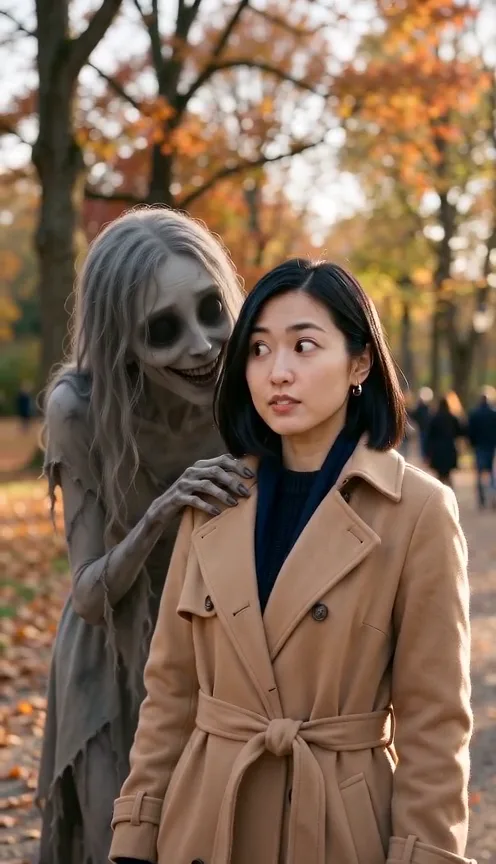
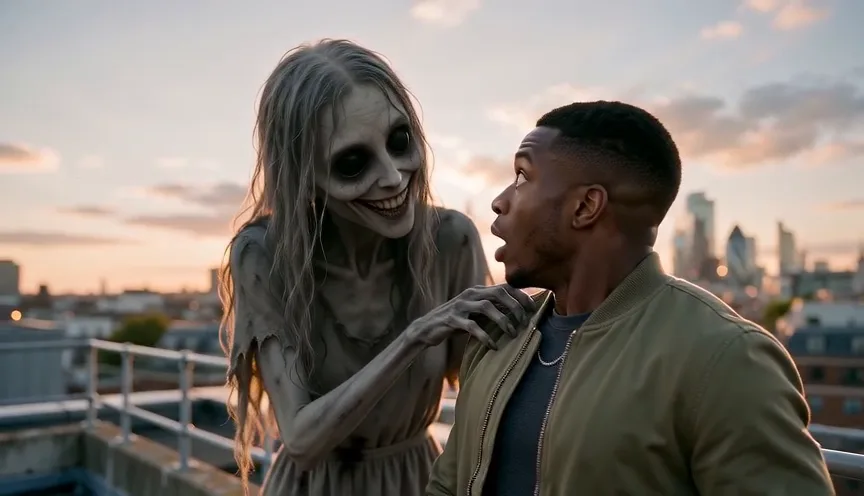
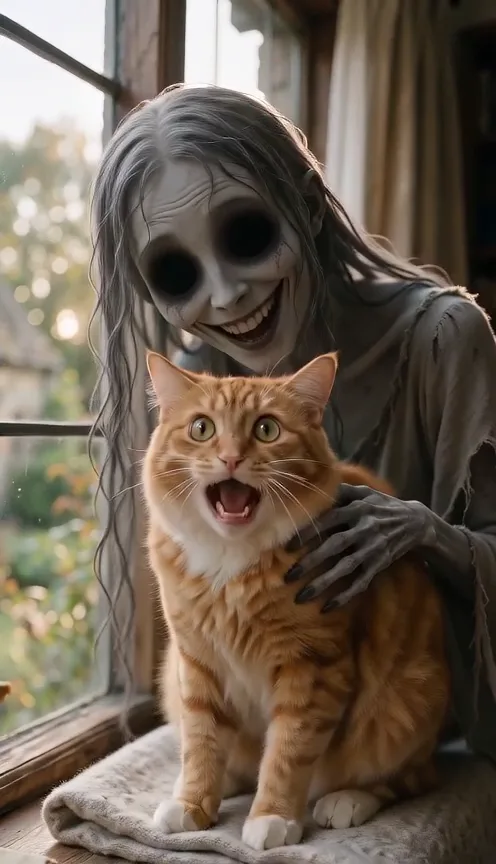
The clip. A short video of someone in their own home — a bathroom mirror, a hallway, the living room — looking normal, while a ghost slowly appears behind them. The ghost is always the same type: ash-grey skin, long grey hair hanging over her face, huge black eyes and a wide, unnatural grin. Her fingers curl over the person's shoulder.
The reaction. The prank is showing that clip to the person in it. The most-watched version, posted on 9 October 2026, is a montage of kids seeing the ghost behind them and running out of the bathroom; it passed 7 million views and 900,000 likes in a few days. By 15 October #ghostsfiltereffect was in the top 100 hashtags on TikTok's US chart with about 2,600 posts and 19 million views.
The "filter" most people use is a CapCut AI template: upload one photo and it generates the ghost clip. That is why the search box is full of "ghosts prank filter how to do it", "ghost prank filter on kid" and "ghosts filter effect tutorial" — people see the result and cannot find the effect inside TikTok's own filter list.
What happens in the five seconds#
- 0–2 s: normal. The person (or pet) in their own setting, relaxed, looking into the camera. Nothing is wrong yet.
- 2–4 s: the rise. The ghost slowly appears from behind their shoulder, leans in much closer than they realise and curls her long grey fingers over the shoulder. They are still smiling.
- 4–5 s: the turn. They glance back, freeze and jump, while the ghost stays right there, tilting her head and grinning at the lens.
That last beat is what makes it work as a prank: when you play the clip to someone, they watch themselves not noticing, and the jump in the video lands about one second before their own.
How to do the ghost prank filter with AI#
- Pick the photo. A clear photo of the person you want to prank, ideally taken at home. Their own room makes it believable; the AI keeps the face, the clothes and the background.
- Open the template. Go to the Ghost Prank Filter AI page and upload the photo.
- Choose the format. 9:16 for TikTok, Reels and Shorts, or 16:9 for YouTube. Standard 480p or 720p is plenty for a phone screen.
- Generate. It takes about two minutes. You get a 5-second MP4 with a creeping drone and a scare sting already on it.
- Show it and film. Play it to them on your phone and record their face with a second phone — or post the ghost clip on its own if you just want the creepy version.
Tip
Show it, do not send it. The prank works when they watch it on your screen without warning. Sending the file gives them a thumbnail with a ghost on it.
Picking a photo that works#
| Works well | Causes trouble |
|---|---|
| One person or one pet, face clearly visible | Group photos where the face is small |
| Taken at home or somewhere familiar | Studio backgrounds — it looks staged |
| Head and shoulders or down to the waist, with some room behind them | Extreme close-ups with no space for the ghost |
| Normal indoor light | Very dark photos or heavy filters |
Is it too scary?#
It is a jump-scare, not horror. There is no blood, nobody gets hurt and the ghost never does more than rest a hand on a shoulder. But you know your audience: plenty of the viral clips are of small children who are genuinely frightened. Keep it light, show them the normal photo afterwards so they see it was a filter, and only use photos of people who are in on the family joke — or your own kids, as their parent.
Note
Photos that appear to show public figures are rejected before any credits are charged.
Ideas for your post#
- The sibling. The classic: your younger brother or sister, their reaction filmed from the side.
- The partner on the sofa. A photo from the living room, played back while they are sitting in the same spot.
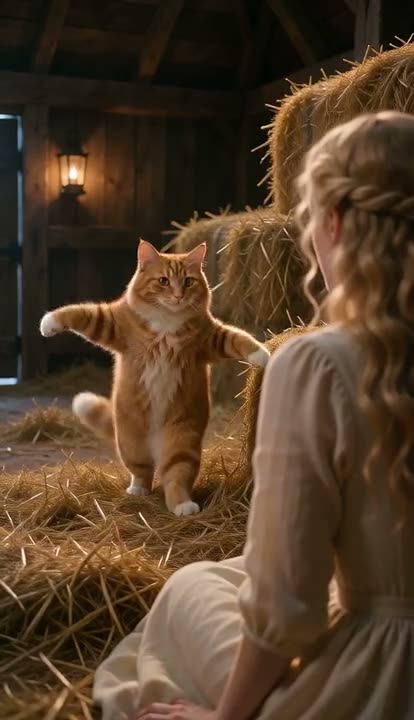
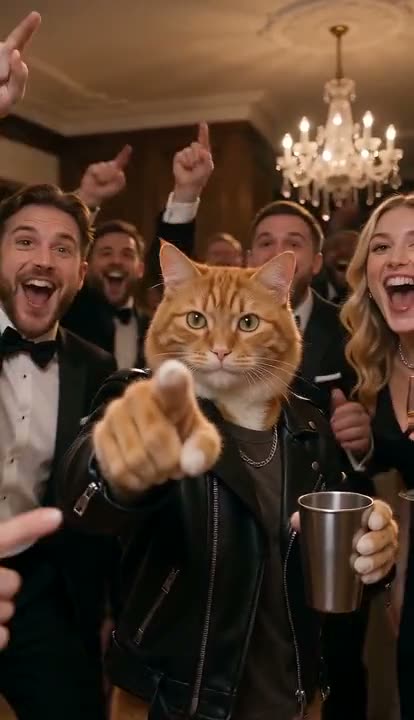
- The pet. Cats and dogs get the ghost too — a ginger cat with a ghost stroking its head is the safest version to post.
- Before and after. Post the ghost clip, then cut to the person watching it.
- Halloween card. Skip the prank and post the clip with "happy Halloween from the four of us".
Ghost Prank Filter AI vs. the CapCut template#
The CapCut template needs the app, a link to the right template from a tutorial video, and often a CapCut account to export without a watermark. The Ghost Prank Filter AI generator runs in the browser on your phone: upload, generate, download. The ghost is generated fresh for each video, so it moves with the person in the photo instead of being pasted on top.
How much it costs#
A Standard 480p ghost prank video costs 21 credits and 720p costs 42; the Plus tier costs more, and the exact price is always shown next to the Generate button. Credit packs are one-time payments — no subscription — start at $9.90 for 600 credits and never expire. Failed generations are refunded automatically. See the pricing page.
Frequently asked questions#
What is the ghosts filter effect on TikTok?#
It is not a built-in TikTok effect. The clips tagged #ghostsfiltereffect are made with an AI template that turns one photo into a short video with a grey long-haired ghost appearing behind the person. People then show the clip to the person in it and film the reaction.
How do you do the ghost prank filter?#
Upload one photo of the person to the Ghost Prank Filter AI page, choose 9:16, generate and download the 5-second clip, then show it to them and record their reaction.
Can I do the ghost prank on my cat or dog?#
Yes. Pets stay the same animal, the ghost leans over them, and they flinch at the end.
Does the ghost prank video have sound?#
Yes: room tone, a low creeping drone as the ghost rises and a scare sting on the turn. No music.
Is this the official CapCut filter?#
No. Viberot is an independent AI video tool, not affiliated with CapCut, TikTok or the creators of the viral videos.
Are there other Halloween videos like this?#
Yes. Try the AI vampire transformation, the AI witch transformation or the AI zombie video, all from one photo.
Who are you pranking first?
Upload one photo and get the 5-second ghost prank, sound included.
From 21 credits · failed videos refunded · no subscription