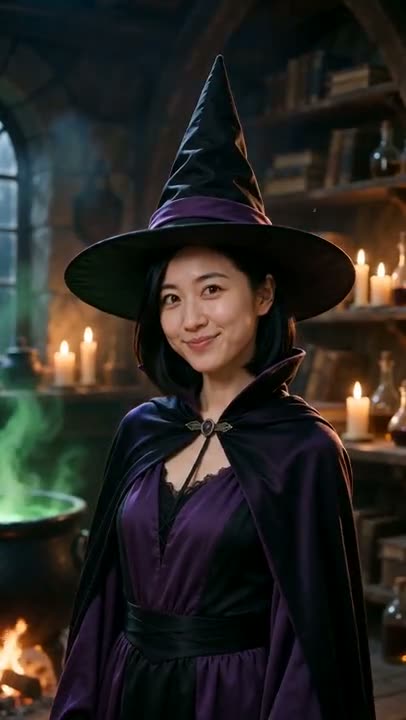
How to Do the AI Zombie Couple Trend With Two Photos
How to do the zombie couple trend with AI: which photo turns into the zombie, why the hug cuts to a wheat field, the pet version, and fixes for drifting faces.
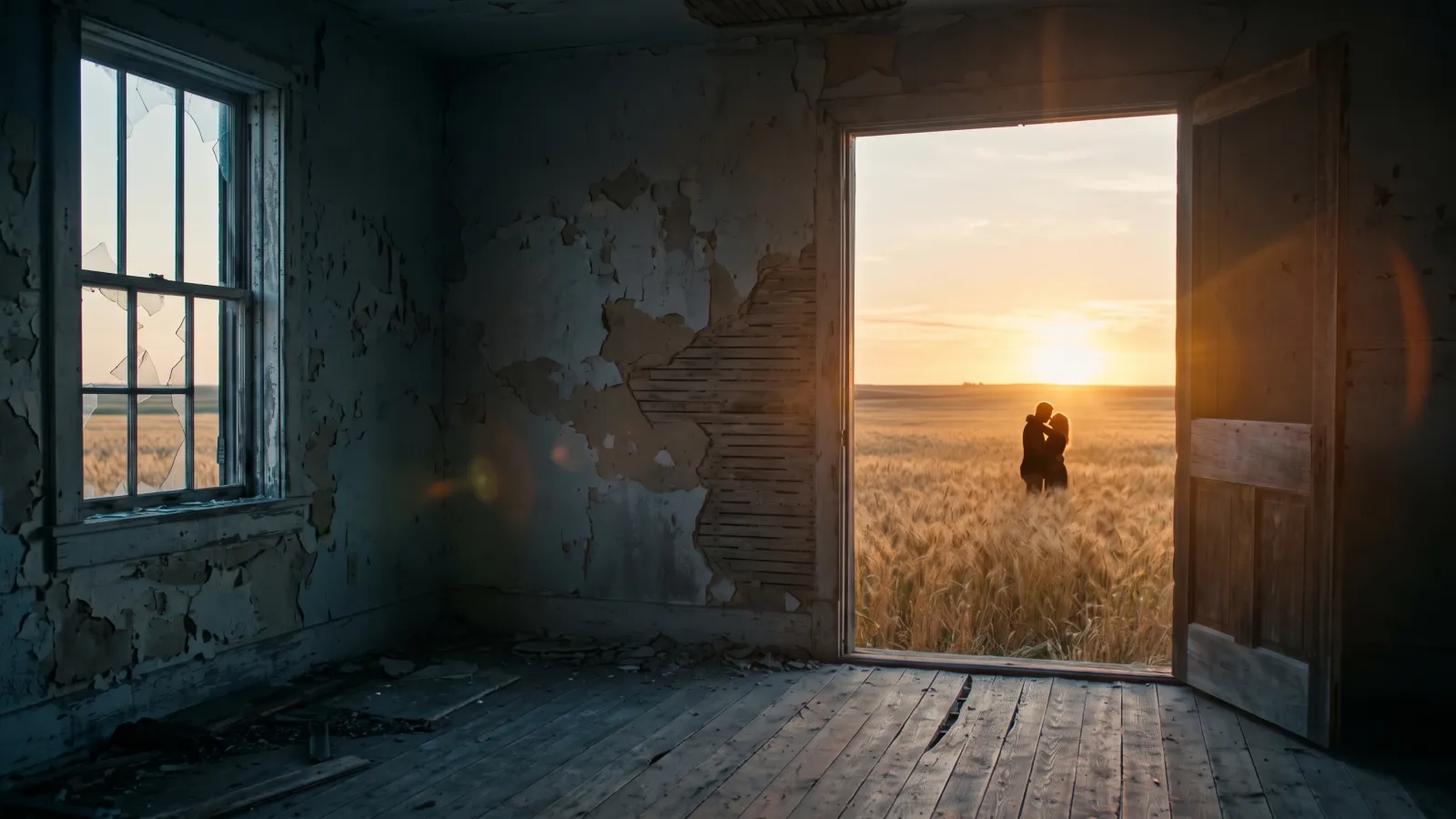
The zombie couple trend — the AI zombie love story taking over TikTok — is a 15-second clip: one half of a couple has turned into a zombie, the other raises a gun, can't pull the trigger and opens their arms instead — and the moment the zombie lunges, the video cuts to the two of them hugging in a golden wheat field. You can make your own version from two ordinary photos, with no filming and no editing app. This guide explains how the story is built, which photo goes where, and how to get faces that stay recognisable from the first shot to the last.
Every clip in this post was made with the AI zombie video generator on Viberot, from two separate portraits.
What the zombie couple trend is#

Search for "zombie couple", "AI zombie love story" or "zombie hug" and you land on the same clip: a cold, abandoned room, one person turned, the other with a shaking gun, a hug instead of a shot, then a warm flashback. It spread in autumn 2026 because it only needs two photos and works with any pair — a couple, two best friends, a parent and child, or a person and their dog. The couple version is the original and still the most shared, which is why the trend took its name.
Why the zombie trend works#
Most AI video trends are a dance or a lip sync. This one is a tiny drama, and it lands because it follows a structure everyone already knows from zombie films:
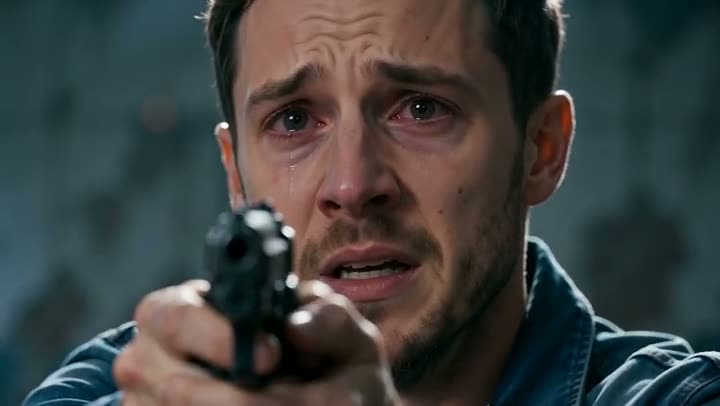
- The standoff. A close-up of the survivor, eyes wet, gun shaking. Then the reverse shot: the person they love, grey-skinned and clouded-eyed, walking out of the dark.
- The choice. The survivor can't do it. The gun drops, the arms open.

- The lunge. The zombie runs at them — and at the exact moment of impact, the room disappears.
- The memory. The same embrace continues in a sunlit wheat field. The two of them, healthy again, fall into the wheat laughing, ending on a close-up of both faces.
That hard cut is the whole trick. The pose at the end of the zombie shot matches the pose at the start of the wheat-field shot, so the hug seems to carry straight through into the memory. Nobody gets bitten, nobody gets shot, and there's no blood — it reads as a love story, which is why it gets shared by couples, best friends and families rather than horror fans.
Step by step: make your AI zombie video#
- Open the generator. Go to the AI zombie video page and sign in.
- Upload the survivor. The first photo is the person holding the gun. They stay on the left side of the frame for the whole video.
- Upload the one who turned. The second photo becomes the zombie — a partner, a friend, a parent or a pet. They stay on the right.
- Pick a format. Choose vertical 9:16 for TikTok, Reels and Shorts, or 16:9 for YouTube. Same price either way.
- Pick a quality tier. Standard 720p is the default and looks good on a phone. Fast, Pro and Ultra add detail; Pro and Ultra go up to 1080p.
- Generate. There's no prompt to write — the story, camera angles and timing are built in. A video usually takes a few minutes.
- Download the 15-second MP4, with ambient sound, and post it.
Tip
Decide who should be "saved" before you upload. Most people put themselves in the survivor slot and their partner in the zombie slot, but swapping roles is half the fun — post both versions side by side.
Choosing the two photos#
The model has to keep each face recognisable through a grey, clouded "zombie" makeover and then bring it back to normal for the flashback. That only works if it can see the face clearly in the first place.
| Works well | Causes trouble |
|---|---|
| Head-and-shoulders or waist-up photos | Full-body shots where the face is tiny |
| Face turned toward the camera | Profiles, sunglasses, a hand over the face |
| One person per photo | Group photos — the model may pick the wrong person |
| Natural light, no beauty filter | Heavy filters, strong blur, screenshots of screenshots |
You don't need photos taken in the same place or at the same time. The model dresses both people for the scene and places them in the abandoned room and the wheat field itself. Clothes from your photos are usually kept, which is a nice detail in the flashback: the zombie is wearing the same jacket they wore in real life.
Note
Photos that appear to show a minor or a public figure are rejected before any credits are charged. Use photos of yourself and people who are happy to be in your video.
The pet version#
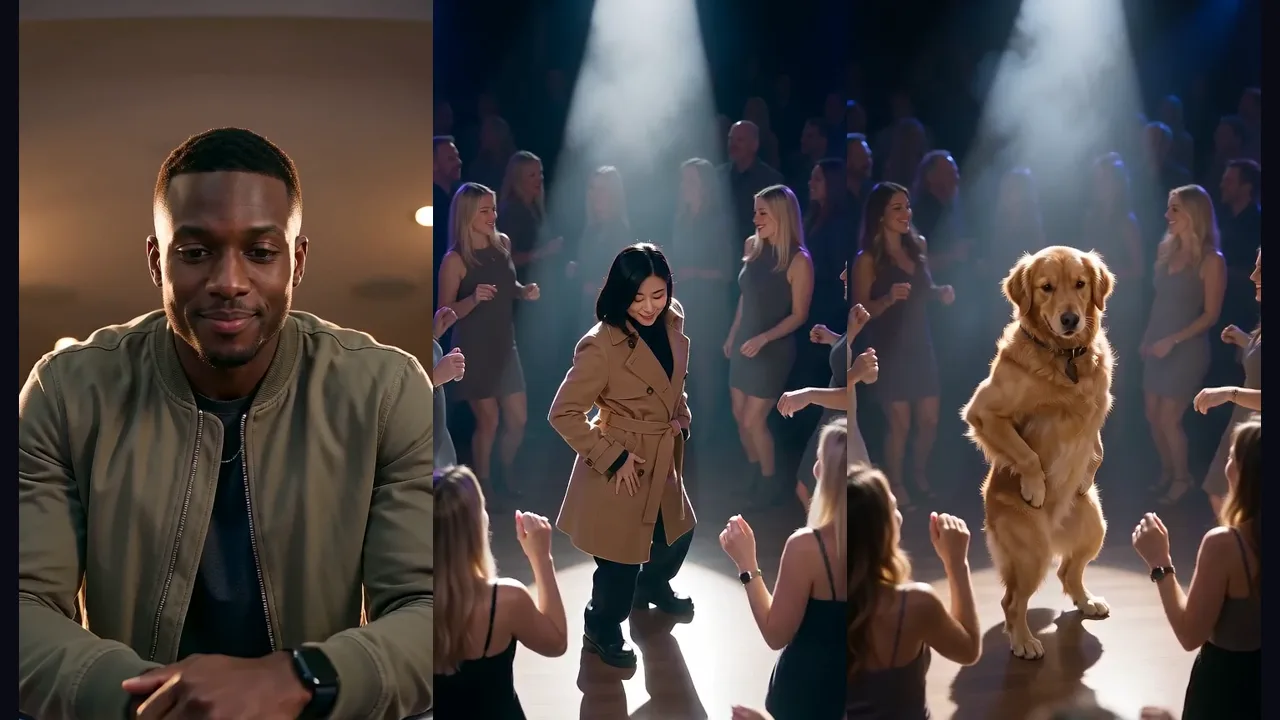
The most-shared variation of the AI zombie trend swaps the partner for a dog or cat. Upload yourself as the survivor and your pet as the second photo, and the story adapts: your pet turns, you kneel with open arms, and your dog or cat leaps at you before the cut to a sunny memory of the two of you playing in the field.

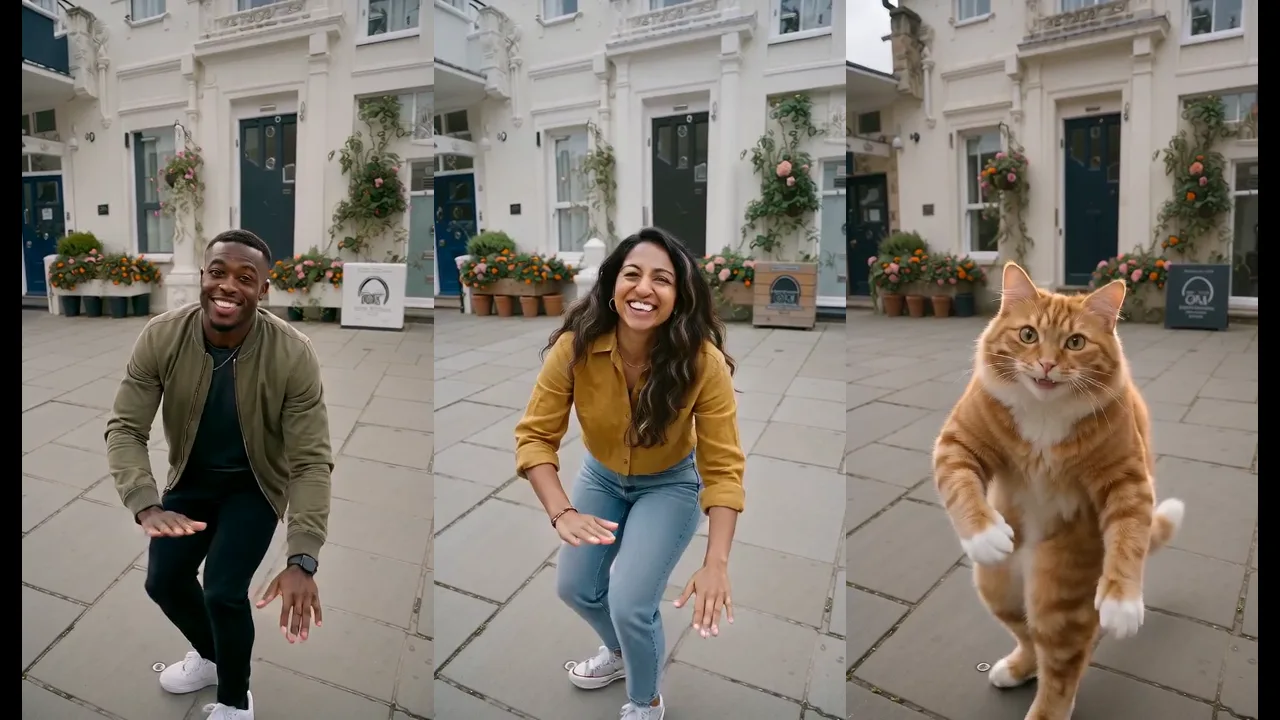
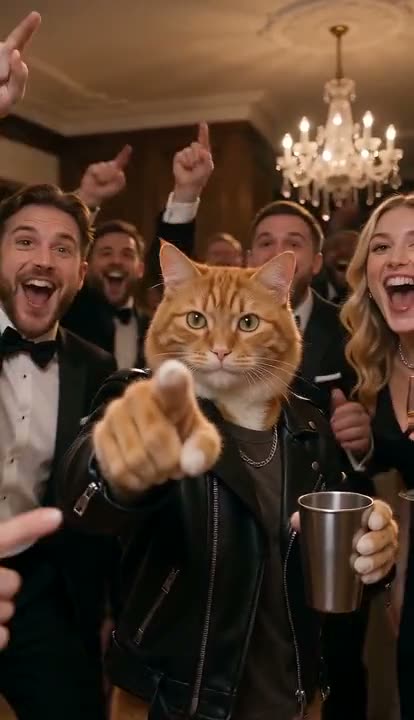
Pets keep their breed, coat colour and markings, and they move like animals — a dog runs on four legs and jumps, it doesn't stand up and walk like a person. There's a dedicated zombie pet video page with examples using cats and dogs, but it runs the same story, so you can use either page. You can even cast two pets, as in the clip above.
For a sharp pet photo, get down to your pet's eye level, use daylight and catch them with their eyes open. A photo where the fur pattern is clearly visible keeps the "that's definitely my dog" feeling after the zombie makeover.
Fixing common problems#
Each generation is drawn from scratch, so most issues go away with one of these changes:
- A face looks different between shots. Crop the photo closer to the face before uploading. More pixels on the face means more detail the model can hold on to through the zombie makeup.
- The two people swapped sides. Check the upload order: the survivor is always photo one (left), the zombie is photo two (right).
- The zombie looks too much like a stranger. Use a photo with a neutral or slightly serious expression for the zombie slot. A huge laughing smile is hard to turn into a convincing grey, blank stare.
- It looks soft on a big screen. Standard 720p is designed for phones. If you plan to post on YouTube or show it on a TV, choose Pro or Ultra at 1080p.
If a generation fails for a technical reason, the credits go back to your balance automatically.
Adding the trending sound#
The video comes with ambient sound — breathing, a low growl, wind moving across the wheat — but no music. That's on purpose: most people post the AI zombie trend with whatever song is trending that week, and on TikTok or Instagram you can add it from the in-app sound library, which keeps your video eligible to appear on that sound's page.
A simple trick for timing: start the chorus or the emotional peak of the song right at the cut to the wheat field, about halfway through the clip. That's the moment viewers feel the switch from dread to warmth, and the music should land there too.
How much it costs#
A Standard 720p zombie video costs 251 credits; at 480p it costs 121. Higher tiers cost more, and the exact price is shown next to the Generate button before you start. Credit packs are one-time payments with no subscription, start at $9.90 for 600 credits — enough for two 720p zombie videos — and never expire. Plans and packs are on the pricing page.
More two-person AI video trends#
If you like the format, these templates also take two photos and follow an original viral clip:
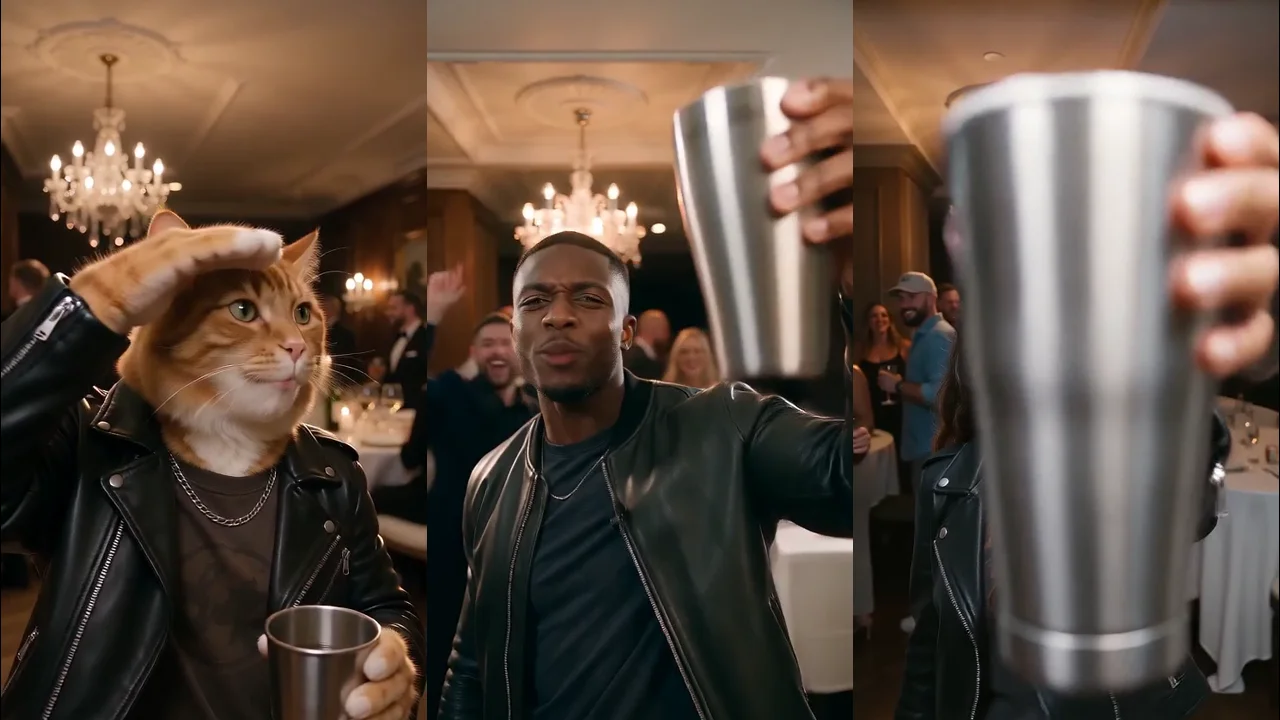
- Hotel Lobby AI — the two of you trading bars at one hanging mic in the orange booth, with the original track. See our Hotel Lobby trend guide.
- Raindance AI — a golden-hour pier duet, from singing on the boards to sitting together on the sand.
And if your pet is the star of the household, there's a whole list of AI pet trends to try next.
Frequently asked questions#
What is the zombie couple trend?#
It is the AI zombie love story: one half of a couple turns into a zombie, the other cannot shoot and opens their arms, and the hug cuts to a happy memory. Most versions are 15 seconds, vertical, and made from two photos with the AI zombie video generator.
Can I make the zombie couple video with my boyfriend or girlfriend?#
Yes — that is the classic version. Upload one photo of each of you; the first becomes the zombie and the second the survivor. Use clear, front-facing photos so both faces stay recognisable through the hug and the flashback.
What app do people use for the AI zombie trend?#
You don't need an app or a CapCut template. The AI zombie video generator runs in the browser on your phone or computer: upload two photos and download the finished MP4.
Can I do the zombie trend with one photo?#
No — the story needs two people (or a person and a pet), so it asks for two photos. If you only have a photo of the two of you together, crop each person into a separate image and upload both crops.
Is the AI zombie video scary?#
Only a little. The zombie has grey skin and clouded eyes, but there's no gore, no biting and the gun is never fired. It ends happily, in the wheat field.
How long is the video?#
15 seconds, in 9:16 or 16:9, with ambient sound.
Who can see my video?#
Your photos are only used to make your video. Videos made on a free account can appear in the public gallery; subscribers can keep their videos private.
Tell your zombie couple story
Two photos, one tearful standoff and a golden flashback.
From 121 credits · failed videos refunded · no subscription