How to Make an AI Witch Transformation Video From One Photo
Make an AI witch transformation video from one photo: golden smoke sweeps in, a pointed hat and plum-black robe appear, and a candlelit cauldron room glows.
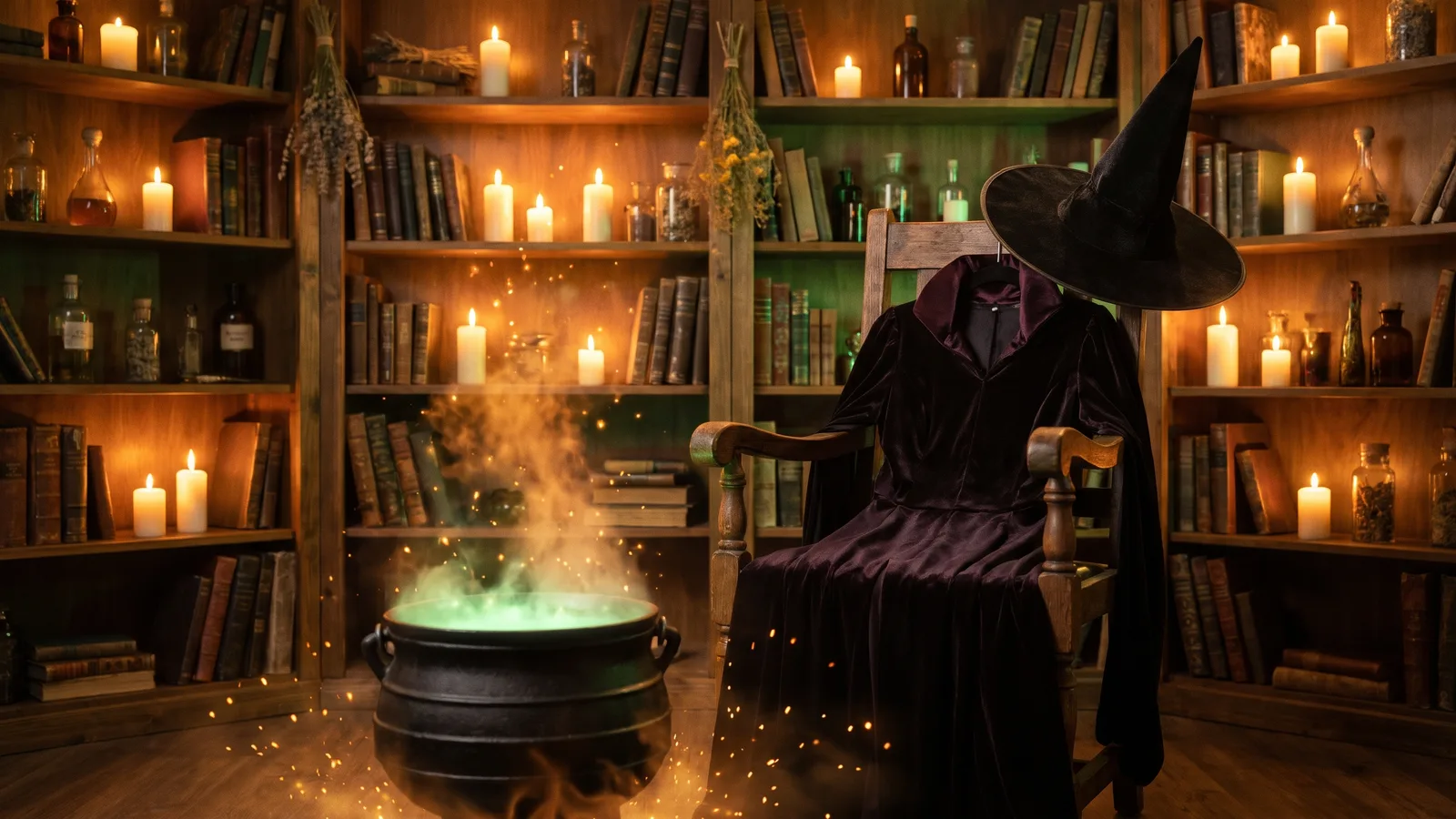
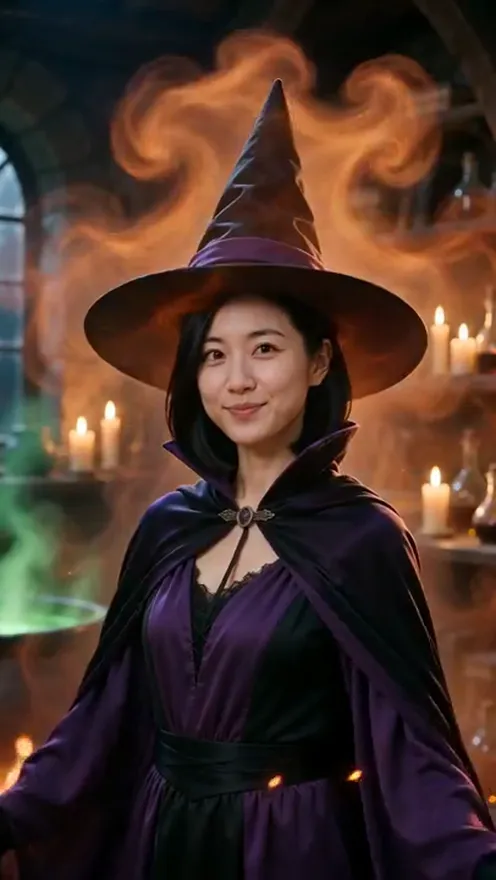
You look into the camera as yourself. Warm orange-gold smoke curls up from the bottom of the frame, a swirl of sparks sweeps across you, and when it clears a tall pointed hat sits on your head, a plum-black robe has replaced your hoodie and the room behind you is full of candles, old books and a cauldron bubbling green. That is the whole AI witch transformation, and it takes 5 seconds and 1 photo with the AI Witch Transformation generator on Viberot.
Where the witch transformation trend comes from#
The Halloween transformation format. Every October, TikTok and Reels fill up with "normal → reveal → costume" videos: someone stands there in everyday clothes, covers the lens or spins, and the next shot shows the full costume. The joke is the jump cut, and the payoff is the reveal.
Why AI makes it better. The manual version needs a costume, makeup, a tripod and a clean cut. The AI version needs none of that. The whole change is generated in one continuous shot, so there is no cut to hide: the smoke passes over you and the costume is simply there.
Why it keeps getting shared#
- Instant main-character moment. The camera pushes in on a mischievous smile at the end, so the last frame works as a profile picture or a story cover.
- Fun, not scary. Warm candlelight and golden sparks keep the mood magical rather than creepy, so it fits kids' parties and family group chats as well as Halloween night.
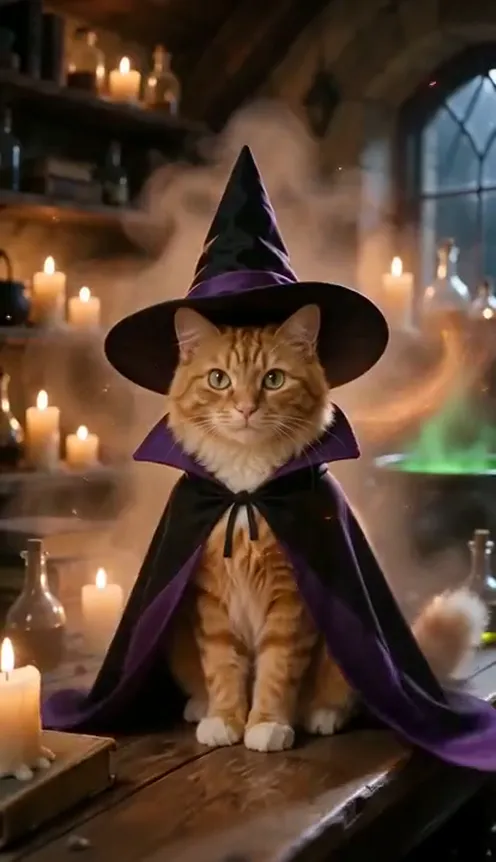
- Pets steal the show. A cat in a little pointed hat next to a glowing cauldron is the easiest share of the season.
What happens second by second#
- 0–1s: You, as you are. A medium close-up of you looking into the lens in the setting of your photo, while orange-gold smoke and a few sparks start to rise.
- 1–3s: The sweep. The smoke billows across the frame in a swirl of golden sparks. As it passes, a wide-brimmed black witch hat settles onto your hair, your clothes turn into a flowing plum-black robe with a high collar, and the background becomes a candlelit witch's room.
- 3–5s: The reveal. The smoke clears, you tilt your head with a playful smile and a soft golden gleam in your eyes, and the camera finishes on your witch portrait.
Your face, eyes and hair stay the same from the first frame to the last. Only the outfit and the room change.
How to make your AI witch transformation video#
- Open the template. Go to AI Witch Transformation and sign in.
- Upload 1 photo. One clear, front-facing photo of yourself, a friend or your pet. Head and shoulders is enough.
- Pick format and quality. 9:16 for TikTok, Reels and Shorts, or 16:9 for YouTube, at 480p or 720p. A Plus tier renders a denser, more cinematic version; the price is shown before you start.
- Generate. In a couple of minutes you get a 5-second MP4 with the whoosh, crackling sparks and a chime on the reveal already mixed in.
- Download and post. No editing needed.
Choosing the best photo#
| Works well | Avoid |
|---|---|
| One person or one pet facing the camera | Group shots or several pets in one frame |
| Head-and-shoulders or waist-up framing | Tiny faces in a wide landscape shot |
| Even light on the face, eyes visible | Sunglasses, heavy shadows or motion blur |
| A photo of yourself or someone who agreed | Celebrity or public-figure photos |
Your clothes do not matter much, because they become the robe. Hair that is visible in the photo stays under the hat.
Witch transformation vs. the Enchantress Filter#
Viberot has two witch-themed Halloween templates, and they look very different:
- AI Witch Transformation is the warm, cosy one: golden smoke, a classic pointed hat, a plum-black robe, candles and a cauldron. It works for people, cats and dogs.
- Enchantress Filter AI is the dark, dramatic one: a black background, a clawed hand reaching up to take yours, then a moon witch with a gold crescent crown and black lips.
Make both and post them as a "which witch are you?" pair.
Posting ideas#
- Caption hooks. "Me after one sip of pumpkin spice", "POV: you forgot to RSVP to the coven", "My cat has been hiding this the whole time".
- Monster series. Pair it with AI Vampire Transformation for grey mist, fangs and a moonlit cemetery, then post the two back to back.
- Hashtags.
#witchtransformation,#halloweentransformation,#witchcat,#aihalloween.
AI witch transformation vs. CapCut templates#
CapCut witch templates usually lay a filter or a sticker hat over your clip, or need you to film the before and after yourself and line up the cut. The AI Witch Transformation template generates the whole scene from one still photo: the smoke actually moves across you, the robe replaces your real clothes and the room changes around you, in your browser with no app to install.
Pricing and FAQ#
A Standard 720p clip costs 69 credits and 480p costs 32 credits per 5-second video. The Plus tier costs more, and the exact price is always shown next to the Generate button. Credit packs are one-time payments starting at $9.90 for 600 credits and never expire. Failed generations are refunded automatically. See the pricing page for every pack.
How many photos do I need?#
Just 1 photo of one person or one pet.
Does it keep my real face?#
Yes. Your face and hair stay recognisable in every frame; only the clothes change into the robe, and the hat sits on top of your own hair.
Does it work with cats and dogs?#
Yes. Pets stay the same animal: a cat becomes a witch cat with a pointed hat and a small purple cape, and dogs get the hat and cape too.
Does the video have sound?#
Yes. It comes with sound effects made for the clip: a soft whoosh as the smoke sweeps in, crackling sparks, a chime on the reveal and flickering candles. There is no music, so you can add any track from your platform's library when you post.
Is it scary enough for Halloween?#
It is designed to be magical rather than frightening. If you want something darker, try the Enchantress Filter AI or the AI Zombie video.
Ready to put the hat on? Make your AI witch transformation video from one photo.
Put the hat on
Upload one photo and get your 5-second witch transformation, sound included.
From 32 credits · failed videos refunded · 구독 필요 없음