How to Do the AI Lil Yachty Walkout Trend From One Photo
How to do the AI Lil Yachty Walkout trend: what the festival clip is, the shot second by second, and how one photo becomes a walkout video you can post.
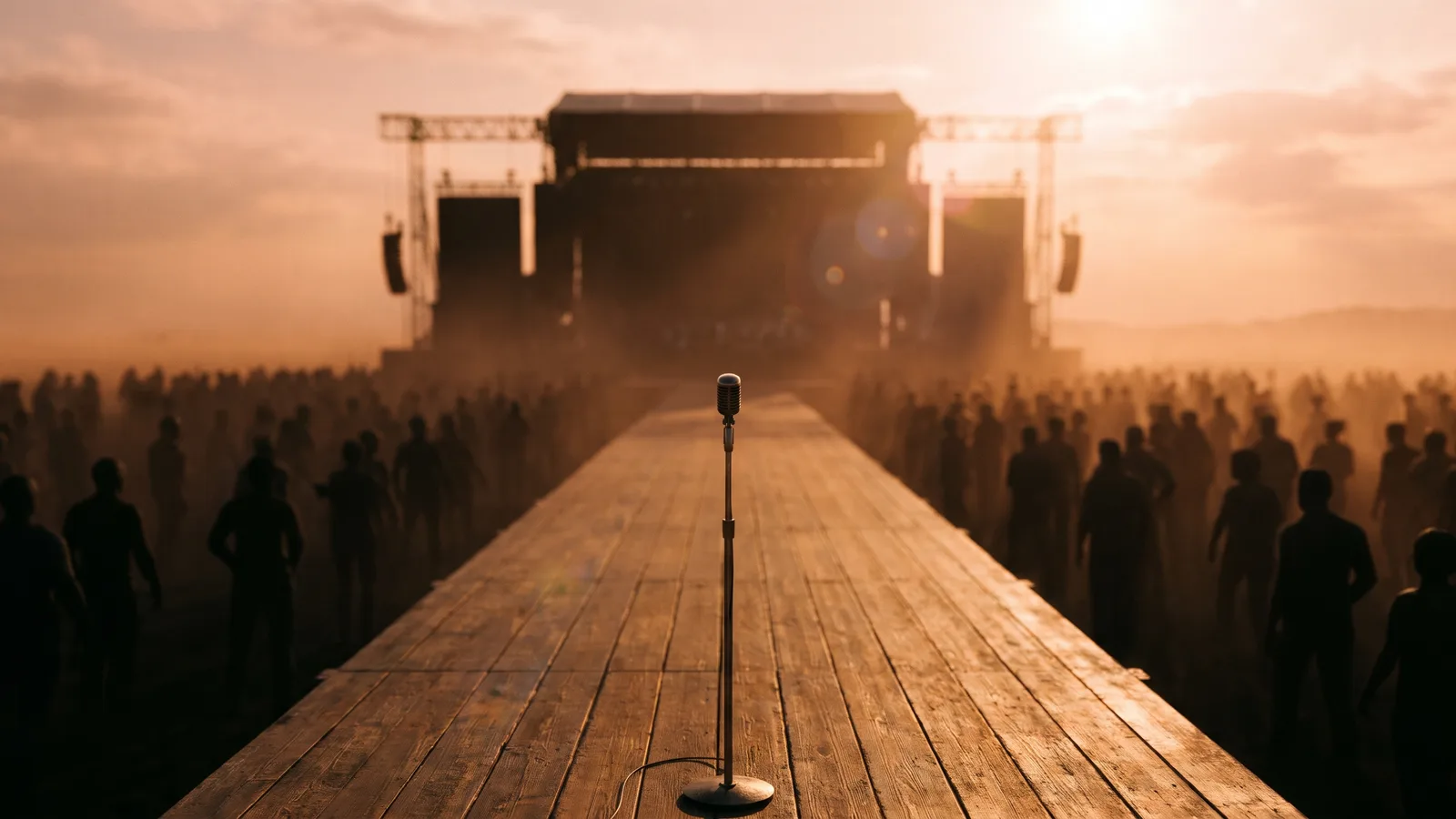
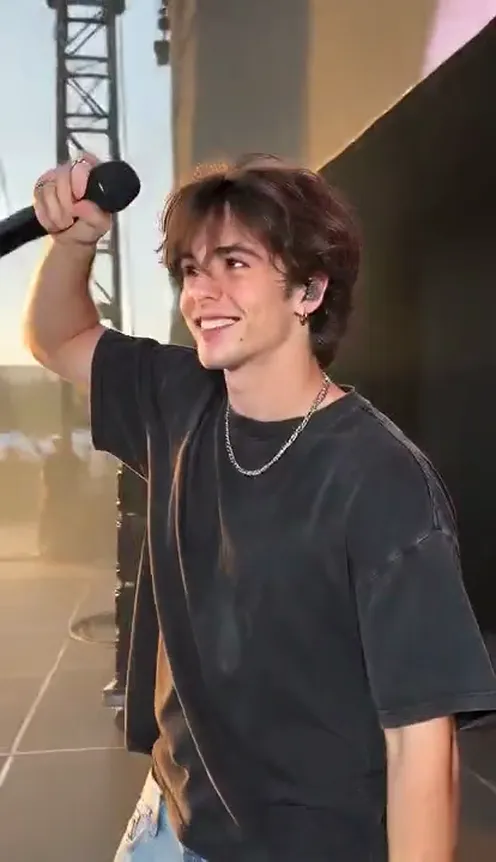
The "Lil Yachty Walkout" trend is a one-take festival clip: someone walks out of the dark backstage with a mic, throws the mic arm high, steps onto the stage and high-knees down a long runway toward a huge cheering crowd. This guide covers what the trend is, why everyone wants to remake it, and how to make a 12-second version from 1 photo using the AI Lil Yachty Walkout generator on Viberot.
Why the walkout trend is everywhere#
- Main character energy. One person, one mic, a whole festival waiting for them.
- One continuous shot. No cuts, so the build-up from the dark backstage to the sunlit crowd feels huge.
- Easy to remake. All it needs is a performer, so anyone can put themselves in it.
- A built-in punchline. The exaggerated high-knee run down the runway is made for reaction videos.
The shot, second by second#
Here is the 12-second version you get:
- 0-3s: Out of the dark. From a dark backstage with speaker stacks and cables, you walk toward the camera with a mic in your right hand.
- 3-5s: The mic raise. You throw the mic arm straight up and lean forward.
- 5-7s: The stage. You step into the golden light and look out at the crowd.
- 7-9s: The turn. You turn away and head up the long runway while the camera follows.
- 9-12s: The sprint. A high-knee march turns into a run toward the roaring crowd on both sides.
Make it vertical 9:16 for TikTok, Reels and Shorts, or widescreen 16:9.
Step by step: how to do the AI Lil Yachty Walkout trend#
- Open the template. Go to the AI Lil Yachty Walkout page and sign in.
- Upload your photo. One clear photo of the person who walks out.
- Pick the aspect ratio and quality. 9:16 for TikTok and Reels. Standard 480p or 720p is enough for social; higher tiers give more detail and cost more.
- Generate. You do not need to write a prompt. The moves, framing and timing are already set. Rendering usually takes a few minutes.
- Add the sound and post. The video comes without music. Add the trending sound inside TikTok, Reels or Shorts so it stays in sync with everyone else's.
Picking a photo that works#
| Works well | Causes trouble |
|---|---|
| One person, face clearly visible | Group photos where the face is tiny |
| Front-facing, eyes open, good light | Sunglasses, masks, faces turned away |
| Head to waist or full body | Only a hand or the back of a head |
| A clear, natural photo | Heavy filters, very dark or blurry photos |
- Waist-up photos with a clear face work best.
- Your outfit stays. You wear the clothes from your own photo.
- Your look comes from your photo; no real performer is imitated.
Note
Photos that appear to show public figures or celebrities are rejected before any credits are charged. Use photos of yourself or friends who agreed to be in your video.
Ideas for your post#
- "Me walking into the group chat." Use it as the entrance meme.
- Birthday or graduation walkout. Make the day feel like a festival headline.
- Gym or match day. Post it right before the big moment.
- Use the hashtags. #walkout and #aitrend put your clip next to the ones people are already watching.
AI Lil Yachty Walkout vs. CapCut templates#
CapCut templates paste your face onto someone else's footage and need the app and the template link. The AI Lil Yachty Walkout generator makes a new video around your photo:
- No app to install. It runs in the browser on your phone or computer.
- Made in one go. Upload, generate, download. No editing timeline.
- Your own clothes. The original footage is not reused.
- Two aspect ratios. 9:16 vertical or 16:9 widescreen, picked before you generate.
How much it costs#
A Standard 720p AI Lil Yachty Walkout video costs 572 credits; 480p costs 259. Higher tiers cost more, and the exact price is always shown next to the Generate button before you start. Credit packs are one-time payments, not a subscription. They start at $9.90 for 600 credits and never expire. If a generation fails, the credits go straight back to your balance. See the pricing page for details.
Frequently asked questions#
How much does it cost?#
A Standard 720p video costs 572 credits and 480p costs 259. See the pricing page for credit packs.
Does it include the original song?#
No. The video comes without music, so add the sound you like when you post. This is an independent tool, not affiliated with any artist, label or the creators of the original posts.
Can I use a pet photo?#
Not for now. The template is built for photos of people.
Why was my photo rejected?#
Photos that look like public figures or celebrities, and sexual or explicit images, are rejected before any credits are charged. Try a clear photo of yourself.
Your turn to walk out
Upload one photo and get your own festival walkout in minutes.
From 92 credits · failed videos refunded · 구독 필요 없음