Add Music to AI Video: Why Some Trend Clips Come Silent
Add music to AI video the right way: why some trend clips come silent, what the copyright rules mean, and how to add the official sound in TikTok or Reels.
You made an AI video from a trend, pressed play, and heard nothing. It's one of the most common questions we get, so here is the short answer first: some of our trend videos are delivered without sound on purpose, and you add the music yourself when you post. This guide explains why that happens, what it means for copyright, and the quickest way to add music to AI video so the beat still lands on the right frame.
Why does my AI video have no sound?#
Most viral video trends are built on a song. The dance, the cut, the pet's head-throw in the chorus — all of it is timed to a specific piece of music. When we build a template, we follow the original clip's motion, so your video moves in time with that song.
The song itself is a different matter. A track is owned by an artist or a label, and having audio inside a file you download is not the same as having a licence to use it. So we treat sound in three ways:
- Creator's original sound. If the trend was made with a sound the creator recorded themselves, some templates include it.
- Commercial songs. If the trend is built on a released song from an artist or label, the file you download has no audio track at all.
- Preview only. Example clips on a trend page may include the song so you can hear how the routine lines up. That's a preview of the effect, not a licence to reuse the audio.
Each trend page says which one applies. For a concrete example, the Bad Times AI page states in its FAQ that the file has no audio track and tells you to add the official sound when you post.
Is it a copyright problem to post with music?#
We can't give legal advice, and rules differ by country and platform, but the practical picture is simple:
- A song inside your downloaded file is not a licence. Even if you got the audio from somewhere legitimate, a platform may still mute or flag a video that carries a copyrighted track you don't hold rights to.
- Platform sound libraries are built for this. TikTok, Instagram and YouTube Shorts have their own music libraries, and the platforms have arranged the rights for using those sounds inside their apps. That's the reason the official sound is the safe choice.
- Commercial use is stricter. If you are posting for a brand or an ad, the sounds available to personal accounts are often not available to business accounts. Check the platform's commercial music library.
None of this is specific to AI. A video you filmed yourself and a video generated from your photo are treated the same way when it comes to music.
How to add music to an AI video, step by step#
This takes about a minute and works the same for every silent clip:
- Download the MP4 from your result page. It's silent, so nothing gets muted or replaced later.
- Open TikTok or Instagram and upload the video. Don't film anything new, just pick the clip from your gallery.
- Tap Add sound and search for the song. Pick the official audio. The sound that trended is usually the one with the most videos under it.
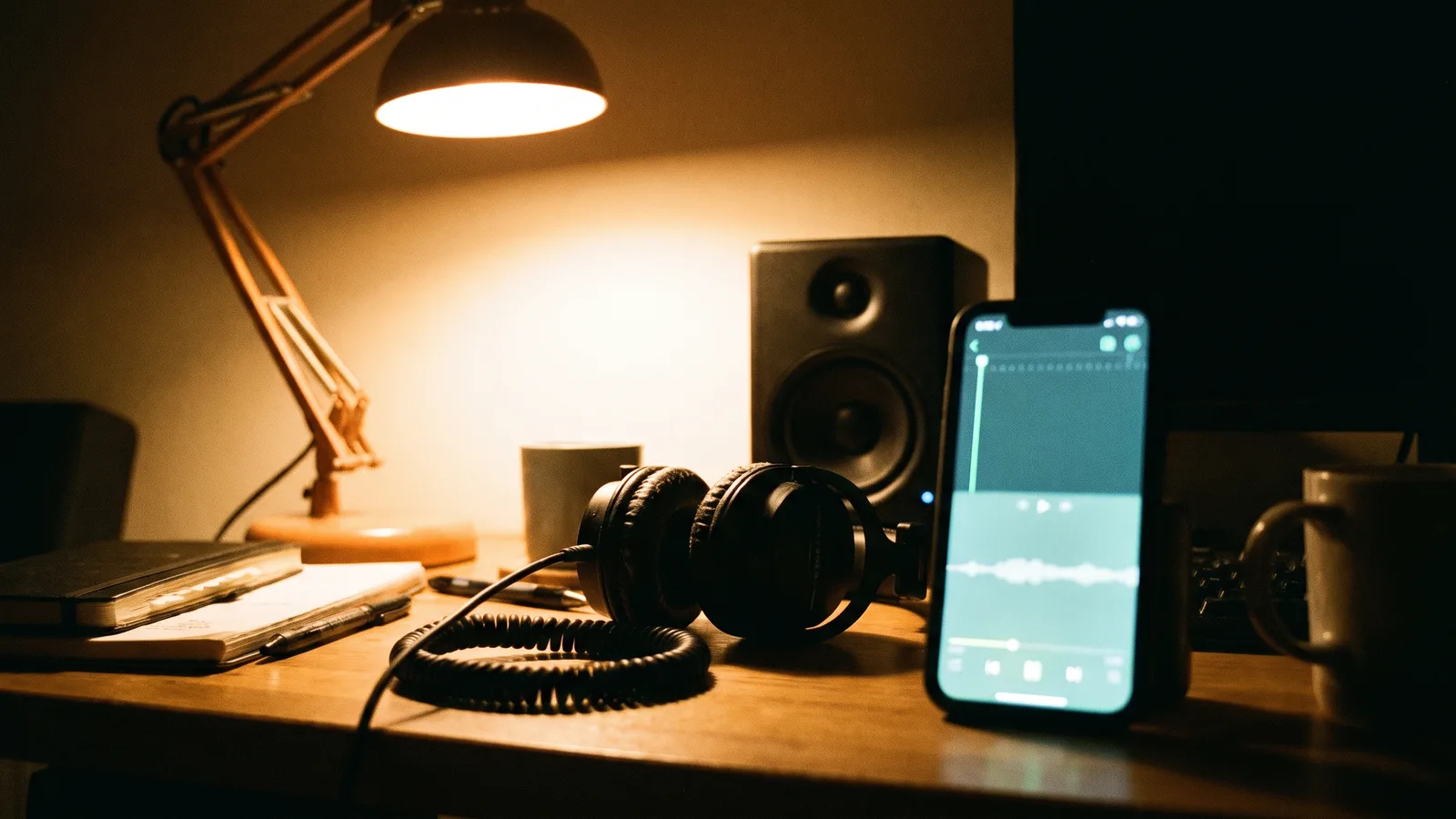
- Trim the sound to the right start point. This is the step that makes the video feel on-beat. Drag the waveform until the part the trend uses begins at the first frame of your clip. If you're not sure which part, play the example clip on the trend page, which includes the song, and match the moment the movement starts.
- Preview with sound on, then post.
Because the clip follows the original trend's timing, the moves land on the same beats as the clips you've seen. If you're a few frames off, nudge the sound a fraction earlier or later until the first big movement hits the downbeat.
What if you want the sound inside the file?#
Some people don't post on TikTok or Reels, for example when sharing in a chat or on a site. You have two safe options:
- Use music you own or have a licence for. A royalty-free or licensed track works, and an editor such as CapCut lets you drop it on the timeline and trim it to the first frame.
- Make the beat yourself. For templates that rely mostly on rhythm or sound effects rather than a recognisable melody, a simple original beat at the same tempo often does the job.
What we'd avoid is ripping the audio from someone else's upload and laying it over your clip. It may work in a private chat, but it's the version most likely to be muted or taken down when you post it publicly.
Which trends come with sound, and which don't?#
It varies by template. Trends built on a creator's original sound tend to come with it. Trends built on a commercial song are delivered silent, and the page tells you which song to add. Browse the AI video trends and check the FAQ on a trend's page before you generate, so you know what you'll get.
Quick answers#
Will the video be muted if I add the official sound? No. The file is silent, so the only audio is the one you add in the app.
Why do the example videos have sound but my result doesn't? The examples are previews so you can hear how the routine times to the music. Your result is the clean, silent version you can sound yourself.
Does adding the official sound help the video get views? Posting with the sound people are searching for puts your clip next to the others using it, which is why it's the recommended way to post.
The short version#
If your AI video has no sound, that's the template doing what it says. Add the official song in TikTok, Instagram or Shorts, line the first move up with the beat, and post. If you want to try it, pick any trend and start from a single photo with the AI video generator.
Give your pet the Bad Times argument
Upload one photo of your dog or cat and get the full 15-second Bad Times routine — then add the official sound when you post.
From 95 credits · failed videos refunded · 구독 필요 없음