Singing Driver Dog AI: How to Make the It's My Life Dog Trend
Singing driver dog AI: a dog belts out a song at the wheel, goes quiet, puts on sunglasses and sings again. Make the trend from one pet photo in minutes.
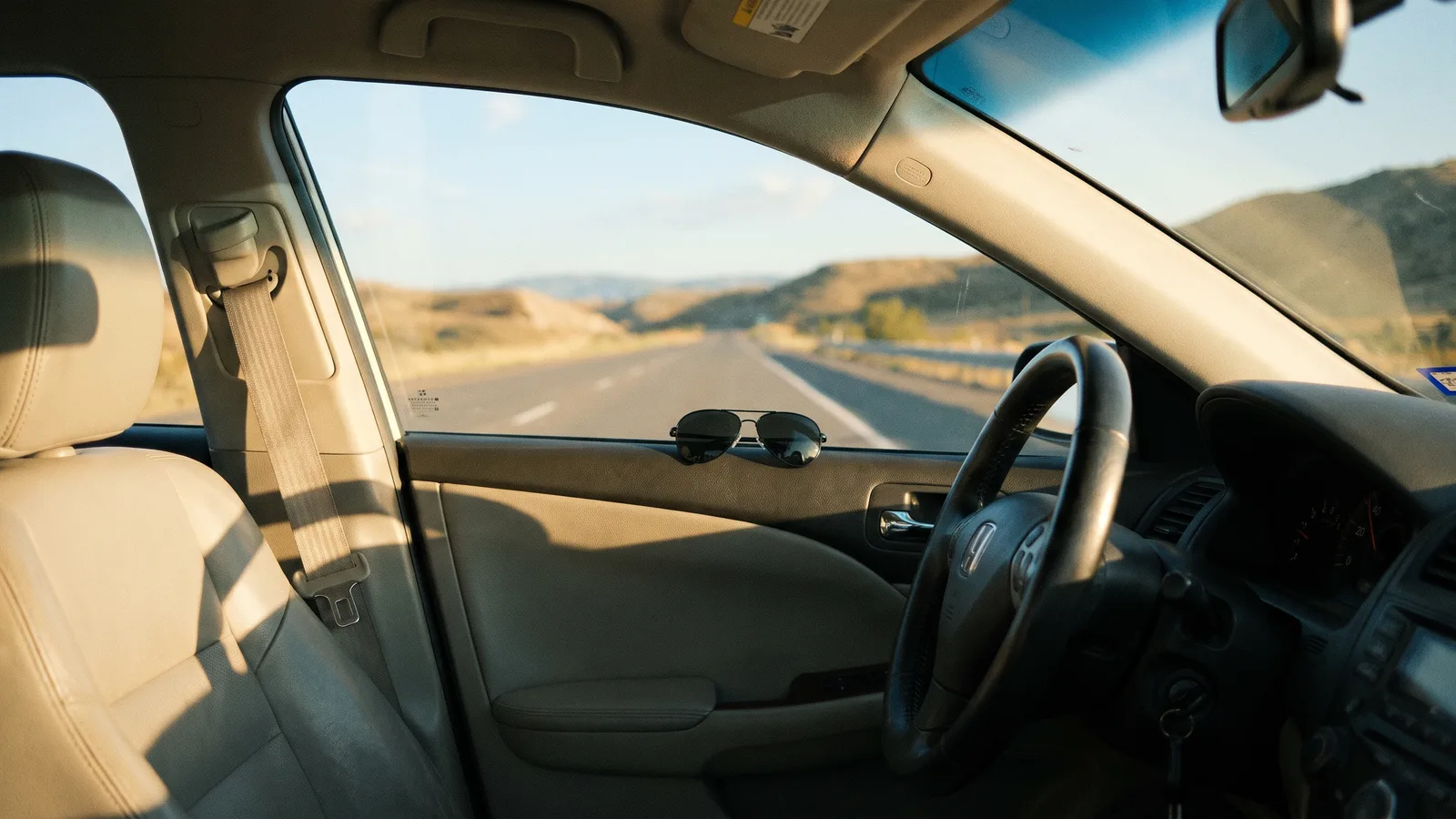
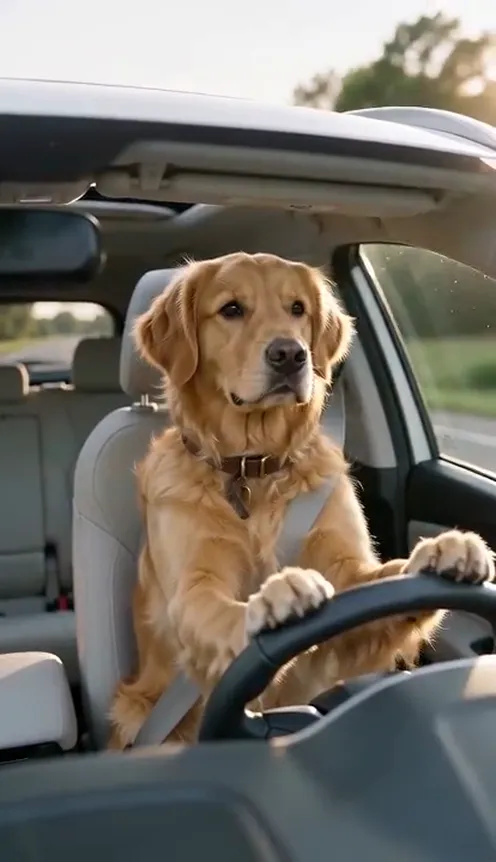
A dog sits in the driver's seat, sings its heart out, suddenly stops, puts on sunglasses and sings even louder. This guide covers why the clip spreads and how to make a 10-second version of your own pet from 1 photo with the It's My Life Dog AI template on Viberot.
Why the singing driver dog works#
- The pause is the joke. The dog goes silent for a beat, and that silence is what makes the sunglasses funny.
- Instant story. A dog behind the wheel with a seat belt on needs no explanation.
- Easy caption. Lending someone the car for five minutes and seeing what happened writes itself.
- Works for any pet. Dogs, cats and other pets with a clear face all fit the format.
The shot, second by second#
Here is what the 10-second version you get looks like:
- Singing (0 to 4 s). Your pet sits upright in a seat belt, front paws on the wheel, mouth moving with the beat.
- The pause (4 to 5 s). It shuts its mouth and stares down the road.
- Sunglasses (5 to 6.5 s). One cool paw move and the shades go on.
- The big finish (6.5 to 10 s). Sunglasses on, it sings even bigger until the last frame.
Your pet keeps its own face and fur from your photo. The clip comes out silent, so you add the song in TikTok or Instagram when you post.
Step by step: how to make it with AI#
- Open the template. Go to the It's My Life Dog AI page and sign in.
- Upload your pet photo. One clear photo with the face visible.
- Pick the aspect ratio and quality. 9:16 for TikTok, Reels and Shorts, or 16:9 for YouTube. Standard 480p or 720p is enough.
- Generate. No prompt to write: the car, the road and the sunglasses are set. Rendering usually takes a few minutes.
- Add the song and post. You get a silent 10-second MP4. Pick a song from the app library and post.
Picking a photo that works#
| Works well | Causes trouble |
|---|---|
| One pet, face clearly visible | Group photos where the face is tiny |
| Front-facing or three-quarter view | Pets turned away or hidden under blankets |
| Even light, sharp focus | Heavy filters, very dark or blurry photos |
| Natural fur, no costume | Outfits that hide the face |
Note
Photos that appear to show public figures, including actors, singers and influencers, are rejected before any credits are charged. Use photos of your own pet or of pets whose owners agreed.
Ideas for your post#
- The classic. "I let him borrow the car for five minutes and look what happened."
- The duet. Add a song with a big chorus and let the pause land on the quiet beat.
- Pair it with another pet trend. Follow it with Singing Pet AI for a second funny post.
How it differs from a CapCut or editing template#
A CapCut template asks you to film your pet and drop clips into fixed slots, and getting a dog to sit still behind a wheel is harder than it sounds. Here you only upload a photo: the car, the road, the sunglasses and the singing are generated for you, and your pet's face and fur carry over. The result is a short silent clip that you can post as it is, or lay over any song you like in TikTok.
Price and FAQ#
A Standard 720p video costs 501 credits and 480p costs 228; see pricing for credit packs. Credits are a one-time purchase, with no subscription.
Does the video include the original song? No, it is silent. This is an independent tool, not affiliated with any artist or label. Add the song you want in the app when you post.
Can I use a cat? Yes, pets with a clear face work; dogs work best.
Hand your dog the keys
Upload one photo and get your 10-second singing driver dog video, ready to post.
From 81 credits · failed videos refunded · sin suscripción