Pet Taxi AI: How to Make the Giant Cat or Dog Taxi Video
Pet taxi AI guide: you wave at the curb at night, a bus-sized cat or dog pulls up and carries you home. Make the giant pet ride video from two photos.
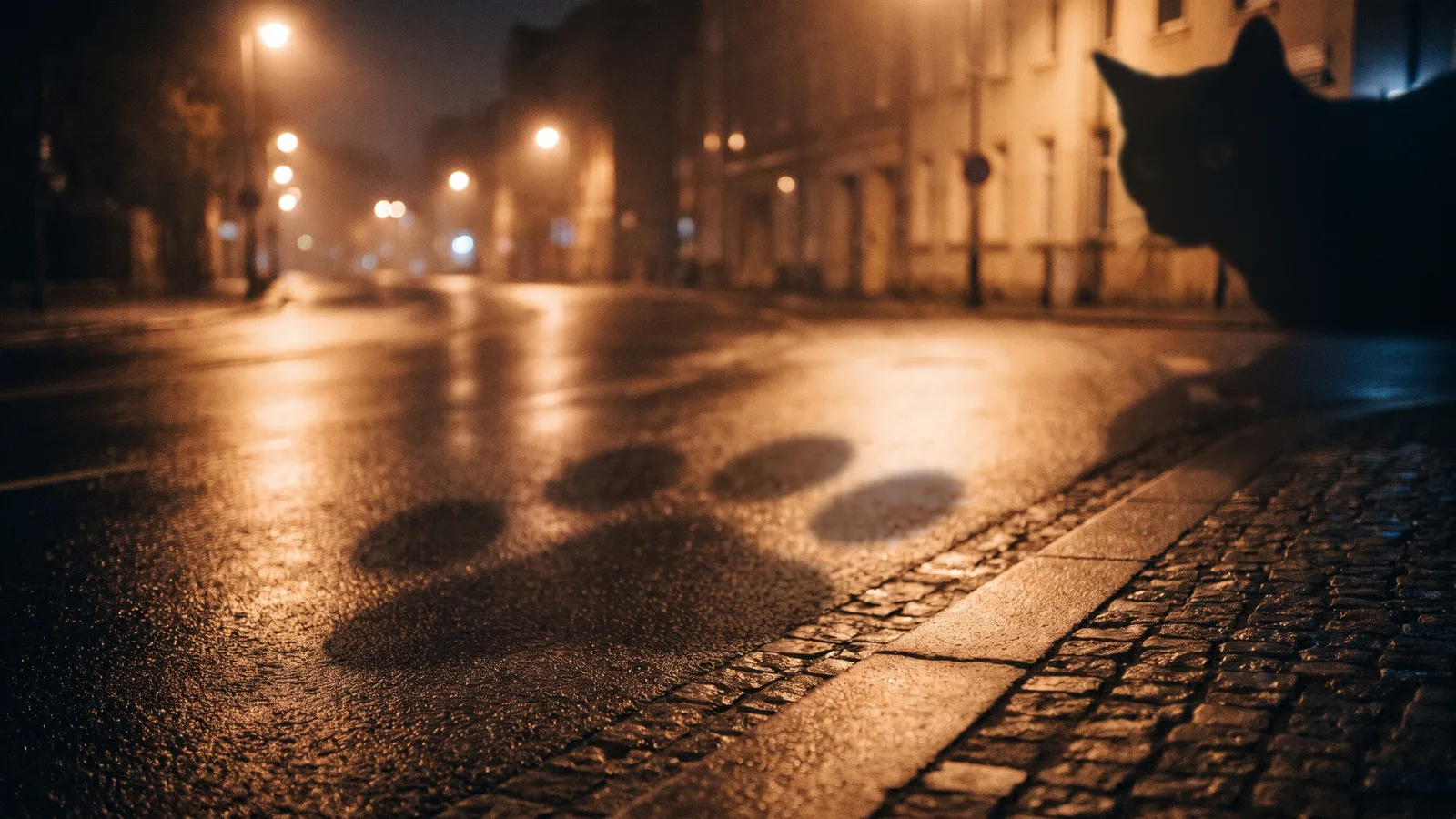
A viral AI clip on X and TikTok shows someone hailing a ride at night, only for a giant cat to pull up at the kerb. They climb on its back and get carried home. This guide covers what happens in the clip and how to make your own 12-second version from 2 photos (one of you, one of your pet) with the AI Pet Taxi template on Viberot.
What happens in the clip#
It is one vertical shot on an empty night-time street. The person stands at the roadside and waves like they are flagging a cab. A pet as big as a city bus walks out of the dark and stops at the kerb. The person climbs onto its back and the pet sets off down the road with street lights sliding past.
Why it works#
- The scale joke lands instantly: a taxi that purrs.
- "My pet picks me up" is something every pet owner wants to post.
- The night street and street lights make it feel cinematic, not cartoonish.
How to make it#
- Pick a clear photo of yourself, face visible, full or half body.
- Pick a clear full-body photo of one cat or dog, face visible.
- Open AI Pet Taxi and upload both photos.
- Choose 9:16 or 16:9 and a quality tier. The default 720p costs 572 credits and 480p costs 259.
- Generate, download the MP4 and post it.
Shot by shot#
- Start: you stand at the roadside under a street light and raise your arm to hail a ride.
- Middle: the giant pet pads out of the dark and stops at the kerb, lowering its head.
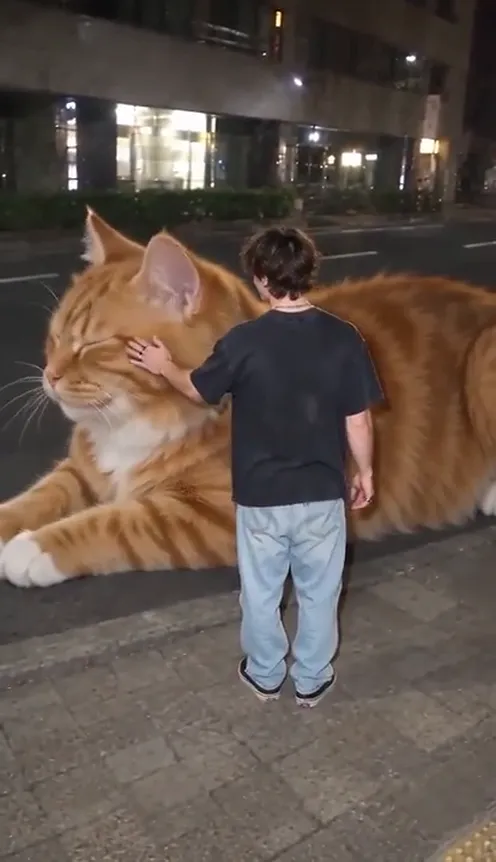
- Then: the pet lies down on the road beside you, you reach out and stroke its face, and it closes its eyes for a second.
- Climb: you step up and climb onto its back, then turn to the camera and throw a peace sign.
- End: it gets up and walks off down the road with you on top, shrinking into the distance under the street lights.
Cat or dog: what changes#
The clip works the same way for both. The pet keeps its own breed, coat colour and markings, so a ginger tabby stays a ginger tabby and a golden retriever stays golden. Cats tend to look best in the lying-down moment, because a giant cat loaf on the road is the funniest frame of the whole video. Dogs read well in the final shot, when they trot off down the street with you on their back. If you have both, make one of each and see which gets more reactions.
Choosing your photos#
For your own photo, use good light and a clear face, standing or half body. You keep the outfit from the photo, so pick the one you want to wear in the clip. For your pet, one cat or dog per photo, full body, face toward the camera. Light or long fur shows up well against a dark street. Photos of public figures are blocked by the content check, and other animals are not supported.
Tips for a better pet taxi#
- Show the whole pet. A cropped photo of just the face leaves the AI guessing what the body, legs and tail look like. Full body, side or three-quarter view works best.
- Keep the markings visible. Patches, stripes and a white chest are what make the giant pet look like yours. Avoid photos where a blanket, toy or another pet covers them.
- One animal only. If two pets share the photo, the result can mix them up. Crop down to the one you want to ride.
- Stand clear in your own photo. No one else in the frame, nothing covering your face, and the outfit you want to be seen in.
- Start at 480p. It costs less, so you can check that your photos work before paying for a sharper 720p version.
Ideas for your own post#
- Caption it "My cat is my taxi now" and tag a friend who needs a ride.
- Make a dog version and a cat version and post them side by side.
- Post the real photo of your pet next to the clip so people see how small it was before.
- Try a trending TikTok sound when you post.
- Turn it into a series: your pet picks you up from work, from the gym, or after a night out, each with its own caption.
- Make a second clip with AI Pet Subway from the same pet photo.
How it differs from CapCut and editing templates#
A CapCut template swaps footage you already have. Here the AI builds a new scene around your own photos, so the person and the pet in the clip are really you and yours. See pricing for credit packs; they are one-time payments starting at $9.90 for 600 credits.
FAQ#
Do I need two photos? Yes, one of you and one of your pet.
How long does it take? Usually a few minutes. You can leave the page open or come back later; the finished video is saved in your dashboard.
Why does my pet look a little different? The AI rebuilds your pet at giant size, so small details like eye colour or a thin stripe can shift. A sharper, well-lit full-body photo gives the closest match.
Does it work with dogs? Yes, cats and dogs both work. Other animals are not supported yet.
Can I change the scene? No. It is a night-time roadside, and you wear the clothes from your photo.
Does it include sound? Yes. The video comes with night-street sound effects (footsteps and a meow), and you can swap in a trending sound on TikTok.
Can I post it on Instagram Reels or YouTube Shorts? Yes. Pick 9:16 for TikTok, Reels and Shorts, or 16:9 if you want a wide version for YouTube or a group chat. The MP4 has no watermark from us, so you can crop or add captions in any editor before you post.
Ready to hail a giant pet?
Upload your photo and your pet's photo and get a 12-second pet taxi video in a couple of minutes.
From 92 credits · failed videos refunded · sin suscripción