Bonito Bonito AI Baby Dance: How to Make the Trend
How to make the Bonito Bonito AI baby dance trend: hands on the cheeks, a sway and a cozy self-hug, made from one photo with no filming needed at all.
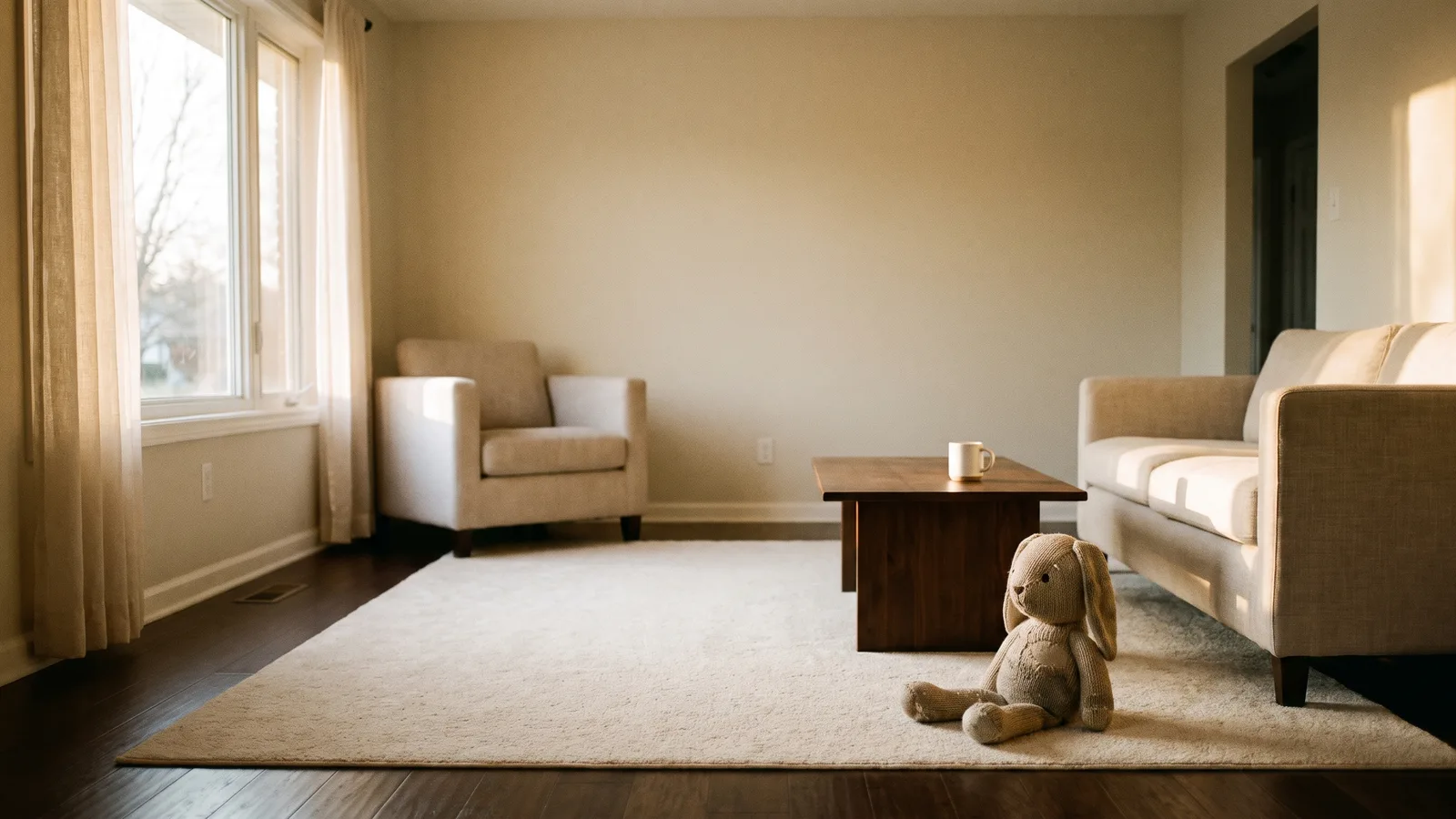
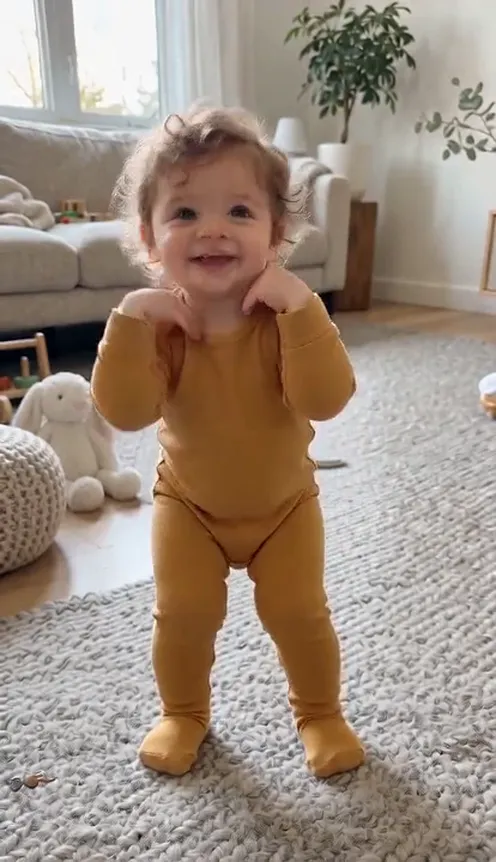
The Bonito Bonito AI baby dance is one of the cutest small trends on TikTok: a little coffee tune, a big grin, hands on the cheeks and a cozy self-hug. This guide covers what makes the clip work and how to make a 9-second version from 1 photo with the Bonito Bonito Baby Dance AI template on Viberot.
Why the Bonito Bonito dance works#
- Pure charm. Cheeks, grin and a hug need no skill, only a happy face.
- Fixed camera, one room. Nothing to set up, so any photo can be dropped in.
- Four easy moves. Cheeks, sway, sip, hug: easy to recognise and easy to copy.
- Works for anyone. You, a friend or a family member all fit the format.
The shot, second by second#
Here is what the 9-second version you get looks like:
- Hands on the cheeks (0 to 2 s). A big grin with a small head tilt.
- The sway (2 to 4 s). Weight shifts from foot to foot, loose arms, a bounce on the beat.
- The coffee sip (4 to 6 s). Hands back to the cheeks and a playful mimed sip.
- The self-hug (6 to 8 s). Arms crossed over the chest, shoulders swaying, eyes closed.
- The finish (8 to 9 s). One last sway and a grin at the camera.
You keep your own face, hairstyle and clothes from your photo. The clip comes out silent, so you add the Bonito Bonito sound in TikTok when you post.
Step by step: how to make it with AI#
- Open the template. Go to the Bonito Bonito Baby Dance AI page and sign in.
- Upload your photo. One clear photo of the dancer with the face visible.
- Pick the aspect ratio and quality. 9:16 for TikTok, Reels and Shorts, or 16:9 for YouTube. Standard 480p or 720p is enough.
- Generate. No prompt to write: the room and the dance are set. Rendering usually takes a few minutes.
- Add the sound and post. You get a silent 9-second MP4. Open TikTok, pick the sound and post.
Choosing a good photo#
- A clear, well-lit photo with the face fully visible.
- Full body or waist up works best, so the arms have room to move.
- A plain or tidy background keeps the living room look clean.
- Use photos of yourself or of people who agreed to be in the video. Photos that appear to show public figures are rejected before any credits are charged.
Why the trend took off#
The song is a sing-song coffee hook, and the dance is so simple that anyone can picture themselves doing it. Short, wholesome loops with a clear start and end do well on TikTok, Reels and Shorts, and a recognisable move set means viewers get the joke in the first second. Making an AI version lets you join in without filming anything, which is handy if the person you want in the video is far away or camera shy.
Posting ideas#
- Make one for a friend as a birthday or good-morning clip.
- Post your own version next to the original trend as a "me doing it" video.
- Try different outfits in your photos for a series.
How it differs from CapCut or other template apps#
Template apps ask you to film or fit a clip into a fixed edit. Here you upload one photo and the whole clip is generated, so there is nothing to record. It also comes out silent, so you choose the sound.
Price and FAQ#
A Standard 720p video costs 451 credits and 480p costs 205. Credit packs are one-time payments that start at $9.90 for 600 credits, with no subscription; see pricing. Viberot is an independent tool, not affiliated with the artist or label, and the video you generate contains no music. Failed videos are refunded automatically.
Your turn to dance
Upload one photo and get your 9-second Bonito Bonito dance video, ready to post.
From 73 credits · failed videos refunded · sin suscripción