How to Make an AI Pet Subway Video (Giant Dog From One Photo)
AI pet subway guide: your dog walks into a station, commuters climb onto its back, then it grins at the camera. Make the giant pet video from one photo.
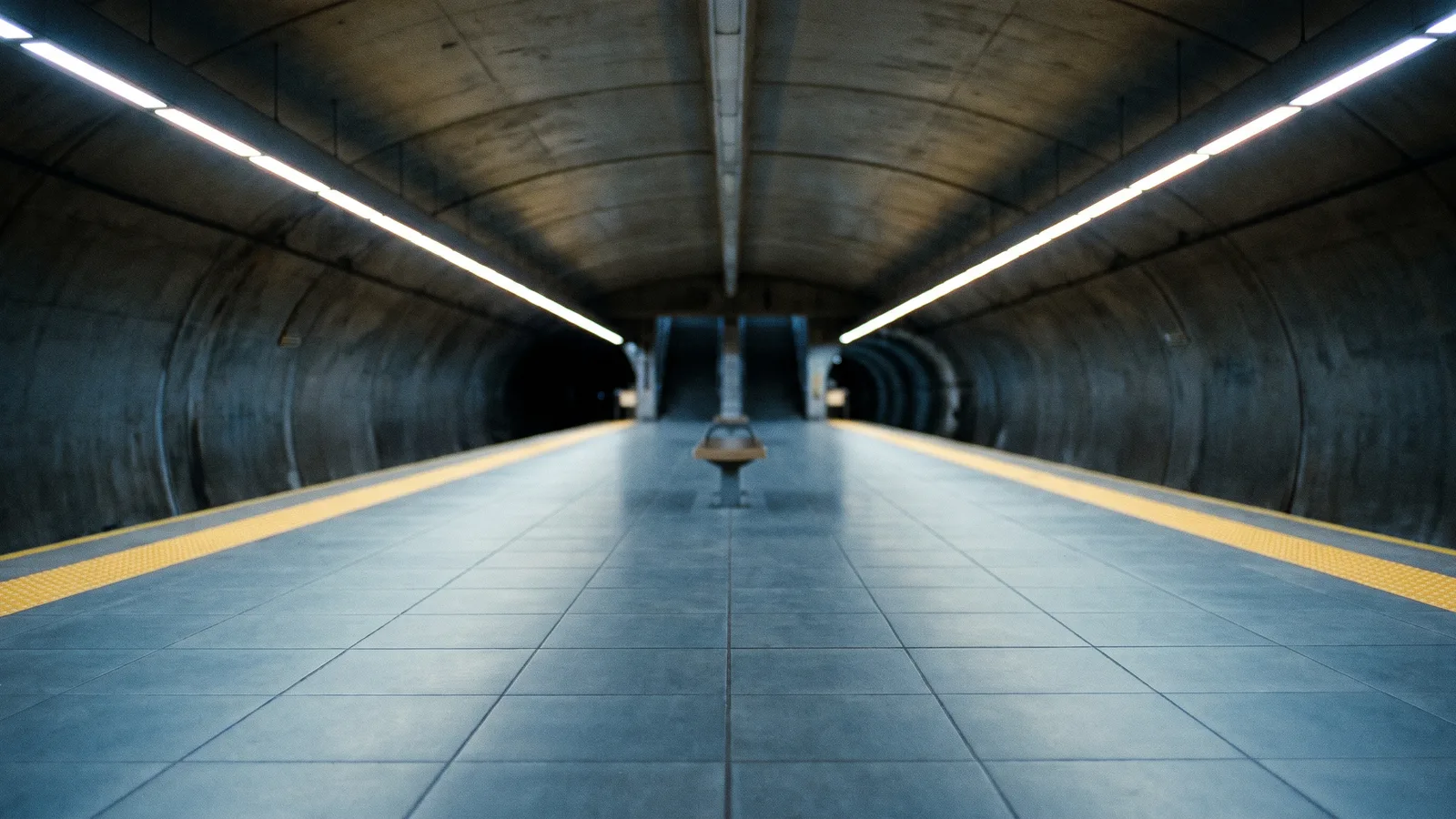
A small Korean dog-owner account on X posted ten seconds of a house-sized fluffy dog trotting out of a subway tunnel, and it picked up thousands of likes and hundreds of thousands of views. The caption asked: would you ride this subway? This guide covers what happens in the clip and how to make your own 10-second version from 1 photo with the AI Pet Subway template on Viberot.
What happens in the clip#
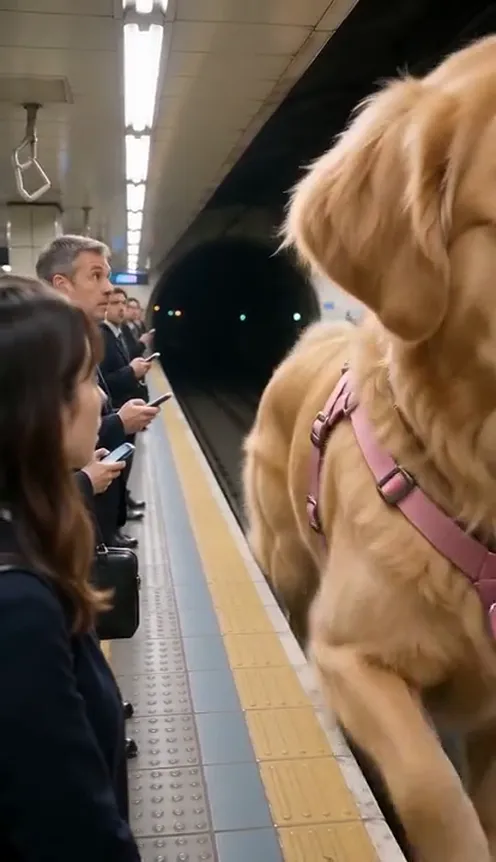
The whole thing is one vertical handheld shot. A giant dog walks out of the dark tunnel at the far end of the platform and comes toward the camera. Commuters in dark office clothes look up from their phones. The dog stops beside them, office workers grab the pink harness straps and climb up its side onto its back, and in the last seconds the dog turns round and pushes a huge smiling face into the lens. A name tag swings from its chest.
Why it works#
- The scale joke lands in the first second: a normal dog in an ordinary station, but everyone around it is tiny.
- A single unbroken shot feels like real phone footage, which is why people share it.
- The ending close-up is a built-in reaction shot.
How to make it#
- Pick a clear full-body photo of one dog or cat, face visible, good light.
- Open AI Pet Subway and upload it.
- Choose 9:16 or 16:9 and a quality tier. Standard 720p costs 501 credits and 480p costs 228.
- Generate, download the MP4 and post it with the original caption idea: would you ride this subway?
Tips for the photo#
Use one animal per photo. Long-haired or light-coloured pets show up best against the dark tunnel. Avoid photos with people, or with the pet half out of frame.
The story behind the clip#
The original was posted by a Korean dog owner with only a few hundred followers, and it still reached hundreds of thousands of viewers within days. Nothing about it is complicated: one animal, one location, one camera move. That simplicity is exactly why the format is easy to copy. The caption, a question about whether you would ride a subway like this, invited people to quote it with their own versions, and the quote count shows how many did. The dog wears a tag with its name on the chest, which suggests the owner generated the clip from a photo of their own pet, exactly what this template does.
Shot by shot#
- 0 to 3 seconds: the giant pet appears at the tunnel mouth and walks toward the camera along the platform while commuters look up from their phones.
- 3 to 5 seconds: it stops beside the waiting crowd and looks down at them.
- 5 to 8 seconds: office workers take hold of the pink harness straps and climb up its side one after another while the pet stands still.
- 8 to 10 seconds: the pet turns its head and pushes a huge smiling face into the lens, the tag swinging on its chest.
Ideas for your own post#
Caption it with the original question, try it on a cat, or post a side-by-side with the real photo of your pet so people see how small it was before. You can also pair it with a comment asking what other places a giant pet should ride, such as a bus stop or a cable car. Check the AI Pet Subway page for the latest formats, and see other pet templates such as Singing Pet AI if you want a second clip for the same photo.
Common questions about quality#
Light, long fur reads best against the dark tunnel, but any clear photo works. If the face is cut off or the pet is turned away, the result looks less like your animal. Use a photo where the whole body is visible and the face points toward the camera. Photos with several animals confuse the model, so crop to one pet. The video is a generated clip, so tiny details such as individual commuters' faces may differ from run to run; the pet itself is the part that stays consistent.
How it differs from CapCut and editing templates#
A CapCut template swaps footage you already have. Here the AI builds a new scene around your own pet, so the dog in the clip is yours, not a stock animal. See pricing for credit packs; they are one-time payments starting at $9.90 for 600 credits.
FAQ#
Can I write my pet's name on the tag? Not yet. The tag is a plain pink heart with no text.
Is it a real subway station? No. It is a generic platform with no logos or station names, and nobody stands near the track.
Does it include sound? Yes. The AI generates station ambience and reactions along with the video, with no licensed music.
Ready to ride a giant pet?
Upload one photo and get a 10-second giant pet subway video in a couple of minutes.
From 81 credits · failed videos refunded · 구독 필요 없음