How to Do the Super Money AI Filter From One Photo
How to do the Super Money AI filter, the All My Money Is Cash trend: where it comes from, the shot-by-shot cash routine, and how to make yours from one photo.

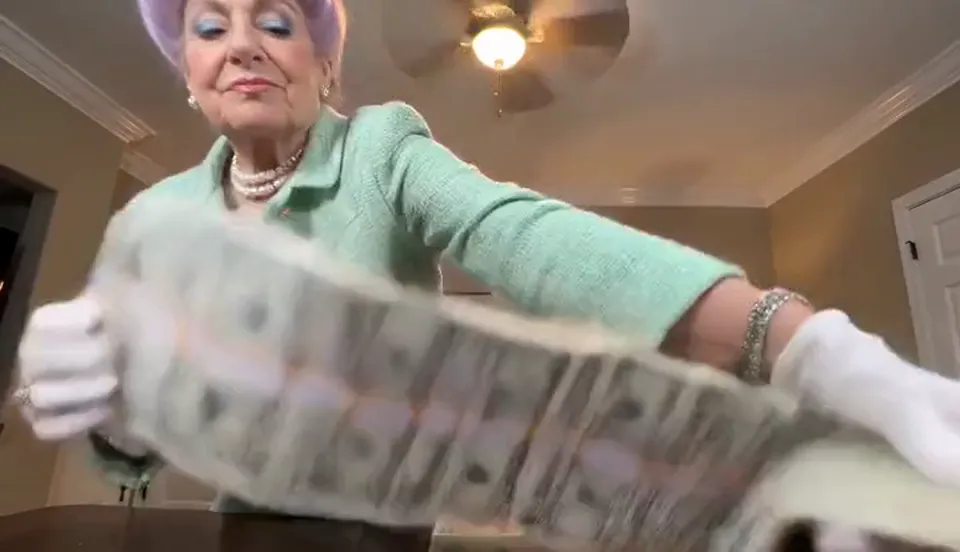
The Super Money AI filter is the clip where someone stands behind a table hugging a ridiculously long ribbon of $100 bricks, flicks the cash at the camera, throws it over their shoulder like a scarf, rips open a fresh stack and finishes with a fan of hundreds held up in front of their face. You may also know it as "All My Money Is Cash" or the Big Money Spread trend. This guide covers where it comes from, why it spread so fast, what happens in each second, and how to make your own from a single photo with the AI Super Money Filter on Viberot — your own face, your own clothes, no app needed.
Where the Super Money AI filter comes from#
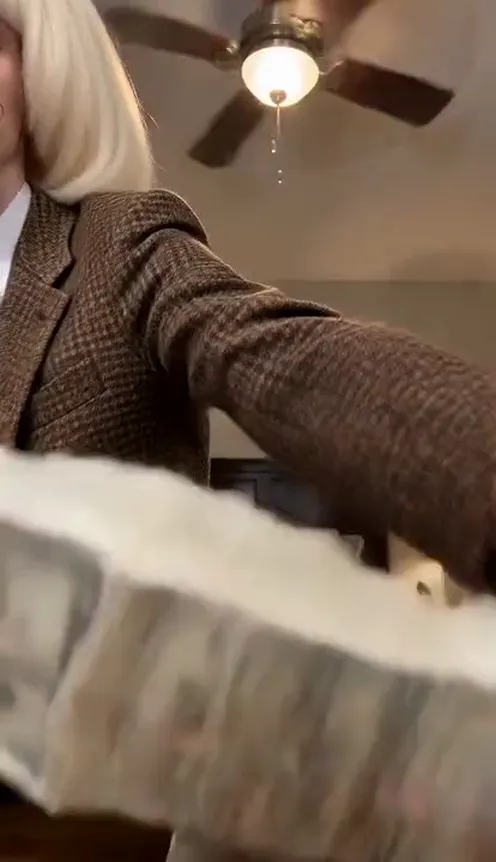
The motion. The first AI clips of this exact routine appeared on TikTok around 10–14 October 2026: AI characters in wigs and loud suits, filmed from a phone propped low on a table, hugging and spreading absurd amounts of cash. Every early version follows the same beats, which is why they look like copies of one clip.
The template. On 15 October 2026 a CapCut template called Super Money AI Filter went up. Within about four days it had been used roughly 570,000 times. From 16 October, tutorial accounts started posting the preview and promising the link, in English, Arabic, Spanish and German at the same time.
The names. English tutorials push it as "All My Money Is Cash" or "Big Money Spread". In the Arabic-speaking world it is ترند الفلوس ("the money trend") or فلوسي كلها كاش, a song line that means "all my money is cash" — which is where the English name comes from too.
Why it went viral#
- It is a flex everyone is in on. Nobody believes your grandma owns a cash scarf. The joke is the confidence, not the money.
- It works on anyone. The more ordinary or formal the person, the funnier the ending. Coworkers, parents, the friend who is always broke.
- It looks like a real phone clip. A phone on a bedroom table, a ceiling fan turning above, lamps glowing — it reads as home footage before anyone spots the AI.
- The ending is a pose. The fan of hundreds in front of the face, eyes peeking over the top, is the frame people screenshot and reuse.
- The sound is a hook. The same short TikTok original sound sits under most of the versions, so the clip is recognisable within a second.
The routine, shot by shot#
The AI Super Money Filter template is one continuous 15-second shot. The phone sits low on the edge of a wooden table, a neat brick of hundreds right in front of the lens, and the person from your photo stands behind it in a cosy bedroom with a ceiling fan overhead.
- 0–1 s — The hug. Both arms wrapped around an absurdly long, folded ribbon of $100 bricks, a smug stare at the camera.
- 1–3.5 s — The show-off. Still cradling the stack in one arm, the free hand swipes along the top of it toward the lens again and again, flicking the edges of the bills at the camera.
- 3.5–6 s — The cash scarf. The whole chain of bricks gets heaved up over one shoulder and hangs down to the table like a giant scarf.
- 6–7.5 s — The throw. The cash chain is flung toward the camera, the arm sweeping right past the lens. Loose cash now covers the front edge of the table.
- 7.5–10 s — The fresh stack. One banded brick is picked up off the table, the paper band ripped off, the bills shown to the camera.
- 10–15 s — The fan. The hundreds spread into a huge, perfect fan held in front of the lower half of the face, eyes peeking over the top, waving slowly side to side until the last frame.
How to do the Super Money AI filter, step by step#
- Open the template. Go to the AI Super Money Filter page and sign in.
- Upload 1 photo. A clear, front-facing photo of yourself or a friend who said yes.
- Pick format and quality. 9:16 for TikTok, Reels and Shorts, or 16:9 for YouTube and the group chat. Standard 720p is the default; 480p is cheaper for a first try.
- Generate. It usually takes a few minutes. The exact credit cost is shown next to the Generate button before you start.
- Download and post. You get a 15-second MP4 with the trend's popular TikTok sound already mixed in, so you can preview it on the beat.
Tip
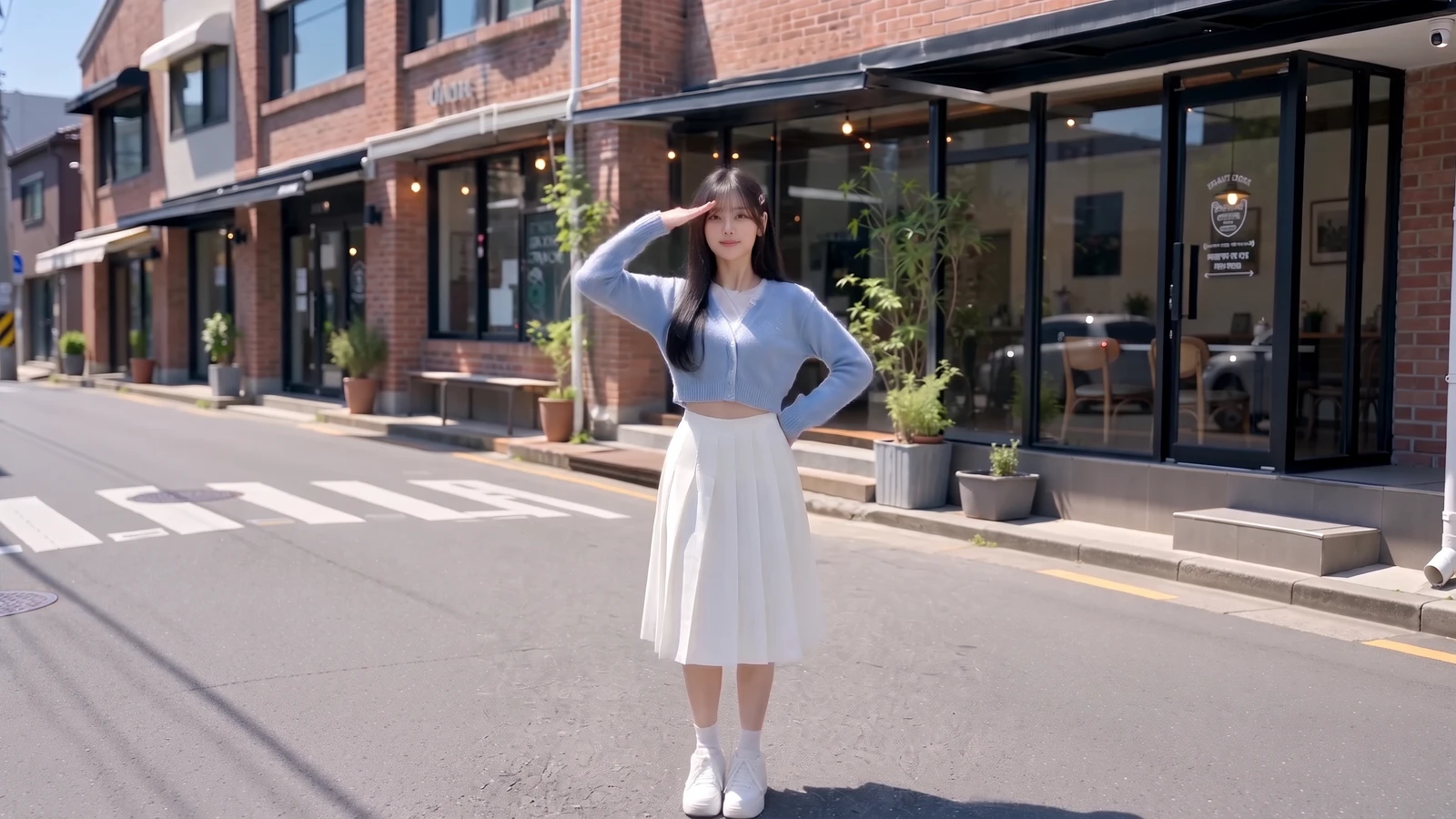
No costume is added. You keep your own face, hair and outfit — a suit, a hoodie or your work uniform all come through. Dress the photo for the joke you want.
Choosing a photo that works#
| Works well | Causes trouble |
|---|---|
| One person, facing the camera | Group photos where the face is tiny |
| Waist-up or full body, both arms visible | Tight face crops with no body or hands |
| Bright, even light and sharp focus | Dark, blurry or heavily filtered photos |
| A clear view of the outfit | Coats or bags covering most of the clothes |
- Show your arms. The routine is all hands — hugging, flicking, ripping, fanning — so a photo where the arms and shoulders are visible gives the AI the most to work with.
- Your clothes are the costume. The outfit in your photo is what you wear in the video. Formal works best: a suit, a blazer or a dress makes the cash flex look even more serious.
- Glasses follow the photo. If you wear glasses in the photo, you keep them; if you don't, none are added.
- One person only. The template is a solo. Use a photo with just one person in it.
Note
Photos of celebrities and other public figures are rejected before any credits are charged. Only photos are accepted — you can't upload a video. Use photos of yourself or of people who agreed to be in your video.
Ideas for your post#
- Payday. "Me the second my salary hits." Post it on the 1st or the 15th.
- The broke friend. Make one of the friend who always says they have no money, then tag them.
- Mom, Dad, Grandma, Grandpa. The more formal the photo, the better the cash fan looks. "Grandma explaining her savings plan."
- The side hustle. "How it feels after selling one thing on Marketplace."
- The boss. With permission, put your manager behind the table the day bonuses come out.
- Both formats. 9:16 for TikTok, Reels and Shorts; 16:9 for YouTube or the family group chat.
AI Super Money Filter vs. the CapCut template#
The CapCut Super Money AI Filter lives in a template link that tutorial accounts share in their comments or bios, and you need the app to use it. The AI Super Money Filter on Viberot needs none of that:
- No template link to hunt down. Open the page and upload.
- No app to install. It runs in the browser on your phone or computer.
- A real new video, not a sticker. The video is generated from your photo with you doing every beat — hug, flick, cash scarf, throw, rip, fan — in your own clothes, instead of your face pasted over someone else's clip.
- Two formats. Vertical 9:16 or horizontal 16:9 from the same photo.
About the sound#
The finished clip carries a short piece of the trend's most-used TikTok original sound, so you can see how the throw and the fan land on the beat. Viberot is an independent AI tool and is not affiliated with the artist, the record label, CapCut, TikTok or the creator of the original template. Having audio in a downloaded file is not a music licence; when you post, you can swap it for the sound from your platform's music library, which also puts your post on that sound's page.
How much it costs#
A Standard 720p Super Money video costs 251 credits; 480p costs 121. Higher tiers cost more, and the exact price is always shown next to the Generate button before you start. Credit packs are one-time payments — no subscription — start at $9.90 for 600 credits and never expire. If a generation fails, the credits go straight back to your balance. See the pricing page for details.
Frequently asked questions#
What is the Super Money AI filter?#
It is the October 2026 TikTok trend where a person behind a table hugs a giant ribbon of $100 bricks, flicks it at the camera, wears it like a scarf, rips open a stack and fans the hundreds in front of their face. On TikTok it spreads as a CapCut template; on Viberot you make it from one photo in the browser.
Is it the same as "All My Money Is Cash" or "Big Money Spread"?#
Yes. They are different names for the same trend. "All My Money Is Cash" comes from the Arabic song line فلوسي كلها كاش, and Arabic posts usually call it ترند الفلوس.
How many photos do I need?#
Just 1: a clear, front-facing photo of one person. Waist-up or full body works best.
Will my clothes change?#
No. You keep your own face, hair and outfit from the photo. No suit, wig or costume is added.
Does the video include music?#
Yes, a short piece of the trend's popular TikTok original sound is mixed in for preview. It is not a music licence; you can swap it for the platform sound when you post.
Can I use a photo of a celebrity?#
No. Photos of public figures are rejected by moderation before any credits are charged.
How long is the video, and which formats are supported?#
15 seconds, in vertical 9:16 or horizontal 16:9.
Is the money real?#
No. Everything in the clip, including the cash, is generated by AI.
Is this an official CapCut or TikTok product?#
No. Viberot is an independent AI tool and is not affiliated with CapCut, TikTok, the artist or label behind the sound, or the creator of the original template.
Are there other money trends like this?#
Yes. Try the Plug Walk AI filter, where someone gets tipped one dollar through a car window and dances for it — also from one photo.
All your money is cash. Show it.
Upload one photo, hug the stack and fan the hundreds at the camera, sound included.
From 121 credits · failed videos refunded · 구독 필요 없음