How to Do the Shaking Head Trend: The Smug Head Shake Meme, From One Photo
How to do the shaking head trend from one photo: your pet or you grin smugly, shake the head, then snap the eyes wide open — original sound included.
The shaking head trend is the face your feed has been full of lately. An animal — or a person — pushes its face right up to the camera, squeezes its eyes shut into a smug, shameless grin and slowly shakes its head side to side, clearly enjoying itself far too much. Then the eyes snap wide open, it stares straight into the lens, and the mouth opens into a huge grin. Then it does it all again. This guide covers where the head shake trend comes from, the routine beat by beat, and how to make your own version — starring your cat, your dog or you — with the Shaking Head Trend AI generator on Viberot — a shaking head meme generator that works from a single photo.
Where the trend comes from#
The motion and the sound started with an AI-made video of a baby buffalo, posted in August 2026 under #headshake. Its original sound stuck around and became the sound of the meme. On October 19, a calf version captioned with a school joke went viral, and within days the shaking head trend was everywhere on TikTok — also searched as the "head shake trend", the "tongue out shaking head trend" and "shaking head meme".
Almost every post pairs the clip with a "when…" caption about a small disaster, most often school memes: "when your Chromebook dies in the middle of the test", "when the teacher says it's a group project". The smug grin is you pretending everything is fine. The wide-eyed stare is you realising it isn't.
Why it took off#
- The face says everything. Smug, then shocked, then unhinged — three moods in a few seconds, no words needed.
- It fits any caption. The same clip works for any "when…" line, so everyone can make it about their own disaster.
- Animals make it funnier. It started with a baby buffalo, and animal faces pushed up to the lens are naturally ridiculous.
- It loops. The routine plays twice, so the clip feels like it could go on forever — perfect for rewatching.
- It's easy to remake. One close-up and the right sound. Or, with an AI generator, just one photo.
The routine, beat by beat#
The clip is one continuous extreme close-up: the face fills almost the whole frame, as if the phone is held right up to the nose. The camera stays locked and only the head moves. Here's what happens in the 7 seconds:
- The grin. Eyes open, a happy little grin, then the eyes start to close.
- The smug head shake. Eyes squeezed shut, chin lifted, a shameless self-satisfied smile — the head slowly sways and shakes side to side.
- The snap. The eyes suddenly pop wide open and stare dead into the lens.
- The big grin. The mouth opens wide into a huge open-mouthed grin — tongue out for a pet.
- Again. Eyes shut, smug head shake, eyes snap open, and a big grin straight into the camera until the end.
The finished video comes with the trend's original sound already in it, timed to the head shake and the eye snap. There's no text on the video, so the caption is yours to write.
How to make your shaking head trend video, step by step#
- Open the template. Go to the Shaking Head Trend AI page and sign in.
- Upload 1 photo. One pet or one person, face close to the camera, both eyes clearly visible.
- Pick a format. Vertical 9:16 (the default) for TikTok, Reels and Shorts, or landscape 16:9 for YouTube.
- Pick a quality. Standard 720p is the default; 480p is cheaper for a first try. The exact credit cost is shown next to the Generate button before you start.
- Generate. It usually takes a few minutes.
- Caption and post. You get a 7-second MP4 with the original sound. Add your "when…" caption in TikTok or CapCut and post.
Tip
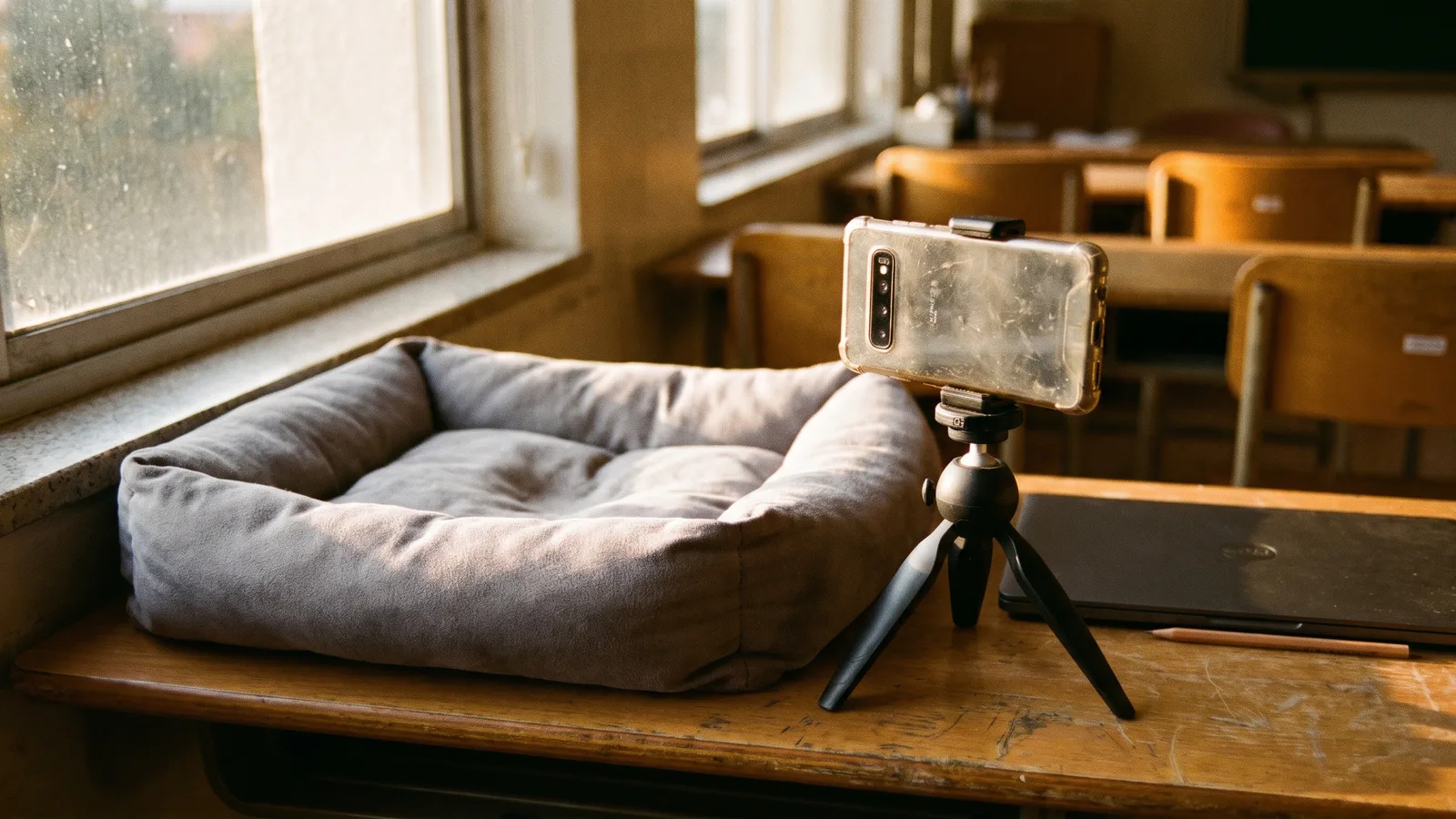
The background from your photo stays in the video, softly blurred behind the face. A classroom, a desk or a school bus seat makes a school caption land harder; a couch or a kitchen floor works for everything else.
Choosing the right photo#
The face fills the frame for the whole clip, so a good close-up matters more than anything else.
| Works well | Causes trouble |
|---|---|
| One pet or one person, face close to the camera | Group photos, or a face that's tiny in the frame |
| Both eyes open and clearly visible | Eyes closed, sunglasses, or a face turned to the side |
| Even light and sharp focus | Dark, grainy or blurry photos |
| Pets looking at the lens | Pets curled up asleep or seen from behind |
| Nothing covering the face | Hands, paws, toys or a phone in front of the face |
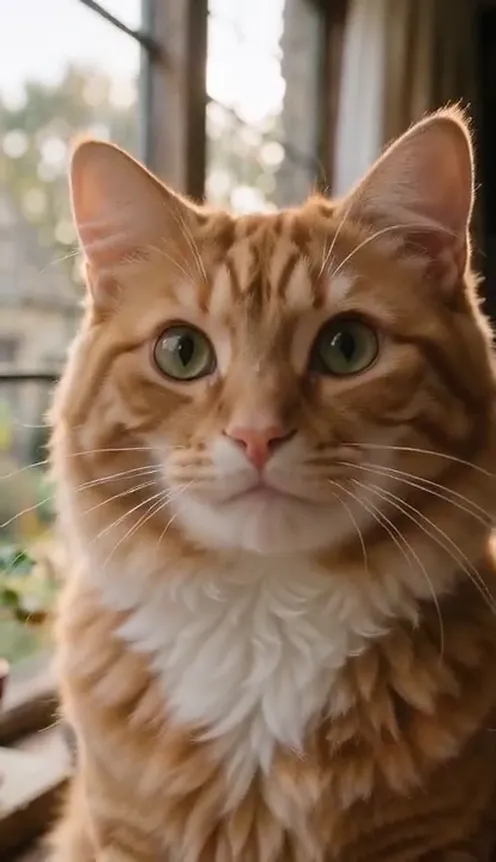
- Pets are a natural fit. Cats, dogs and other animals keep their own fur, ears, eye colour and markings, with a natural animal mouth — a tongue, not human teeth.
- People work too. You keep your own face, hairstyle and the clothes visible at the bottom of the photo.
Note
Photos of celebrities and other public figures are rejected before any credits are charged. Use photos of yourself, your pets, or people who agreed to be in your video. Only photos are accepted — you can't upload your own video.
Ideas for your caption#
- The school classic. "When your Chromebook dies in the middle of the test." The kind of school line the trend is known for.
- Pop quiz panic. "When the teacher says 'phones away, pop quiz'." The smug grin is you before; the stare is you after.
- Your pet's crimes. "When you hear the treat bag from three rooms away." Or: "When you knocked the glass off the table and mom walks in."
- Monday morning. "When the alarm goes off and you remember it's Monday."
- The group chat. "When someone says 'can we talk later'." Post it as a reaction instead of a reply.
- Both formats. 9:16 for TikTok and Reels, 16:9 for YouTube or the group chat — same price.
Shaking Head Trend AI vs. CapCut templates#
Most CapCut templates for a meme like this take a still photo and add zooms, a shake effect and stickers, or paste your face onto someone else's clip. Your pet's face stays frozen while the frame wobbles around it.
The Shaking Head Trend AI template works differently: it generates a brand-new video from your photo. Your pet actually closes its eyes, grins, shakes its head, snaps its eyes open and opens its mouth — with the trend's original sound already in the file. Nothing from the original videos is reused except the sound. It runs in your phone's browser, with no app and no template link to hunt for.
How much it costs#
A Standard 720p video (7 seconds) costs 351 credits, or 159 at 480p. Pro at 1080p costs 1450 credits. The format (9:16 or 16:9) does not change the price, and the exact price is always shown next to the Generate button before you start. Credit packs are one-time payments — no subscription — start at $9.90 for 600 credits and never expire. If a generation fails, the credits go straight back to your balance. See the pricing page for details.
Frequently asked questions#
What is the shaking head trend?#
A TikTok meme from October 2026, also called the head shake trend: an animal or a person, face right up to the camera, grins smugly with the eyes closed while shaking the head side to side, then snaps the eyes wide open and breaks into a big open-mouthed grin — twice. Posts usually add a "when…" caption about a small disaster.
How many photos do I need?#
- One close-up of one pet or one person, with both eyes visible.
Can I use my cat or dog?#
Yes. Cats, dogs and other animals all work, and they keep their own fur, markings and a natural animal mouth.
Does the video have sound?#
Yes — the trend's original sound, which is the creator's original audio, not a record-label song. See the note below.
Does it add the "when…" caption?#
No. The video has no text, so you can write your own caption when you post.
How long is the video, and which formats are supported?#
7 seconds, in vertical 9:16 or horizontal 16:9.
How much does it cost?#
159 credits at Standard 480p and 351 at Standard 720p. The exact price is shown before you generate, and failed videos are refunded.
Can I use a celebrity photo?#
No. Photos of public figures are rejected before you're charged.
A quick note on the sound#
Viberot is an independent, just-for-fun tool. It is not affiliated with, sponsored or endorsed by TikTok or the creator who uploaded the trend's sound, and it doesn't use anyone's voice or likeness — the video is generated from your photo. Having audio in a downloaded file is not a music licence: follow the music rules of the platform you post on (and its rules on labelling AI-generated content), and swap in the sound from the app's library if the platform asks for it.
More one-photo pet memes#
If you like turning your pet into a meme from a single photo, try the Singing Pet opera video, the ChatGPT Millionaire "Get a Job" meme or the Fridge POV tiramisu meme.
Give your pet the smug head shake
Upload one close-up photo and get the full shaking head trend in 7 seconds, with the original sound — then add your "when…" caption.
From 57 credits · failed videos refunded · 구독 필요 없음