How to Do the AI Corpse Bride Trend (Ghost Bride Video From One Photo)
How to do the AI Corpse Bride trend: the blue-magic ghost bride transformation from TikTok and CapCut, each second of the shot, and how to make it from a photo.
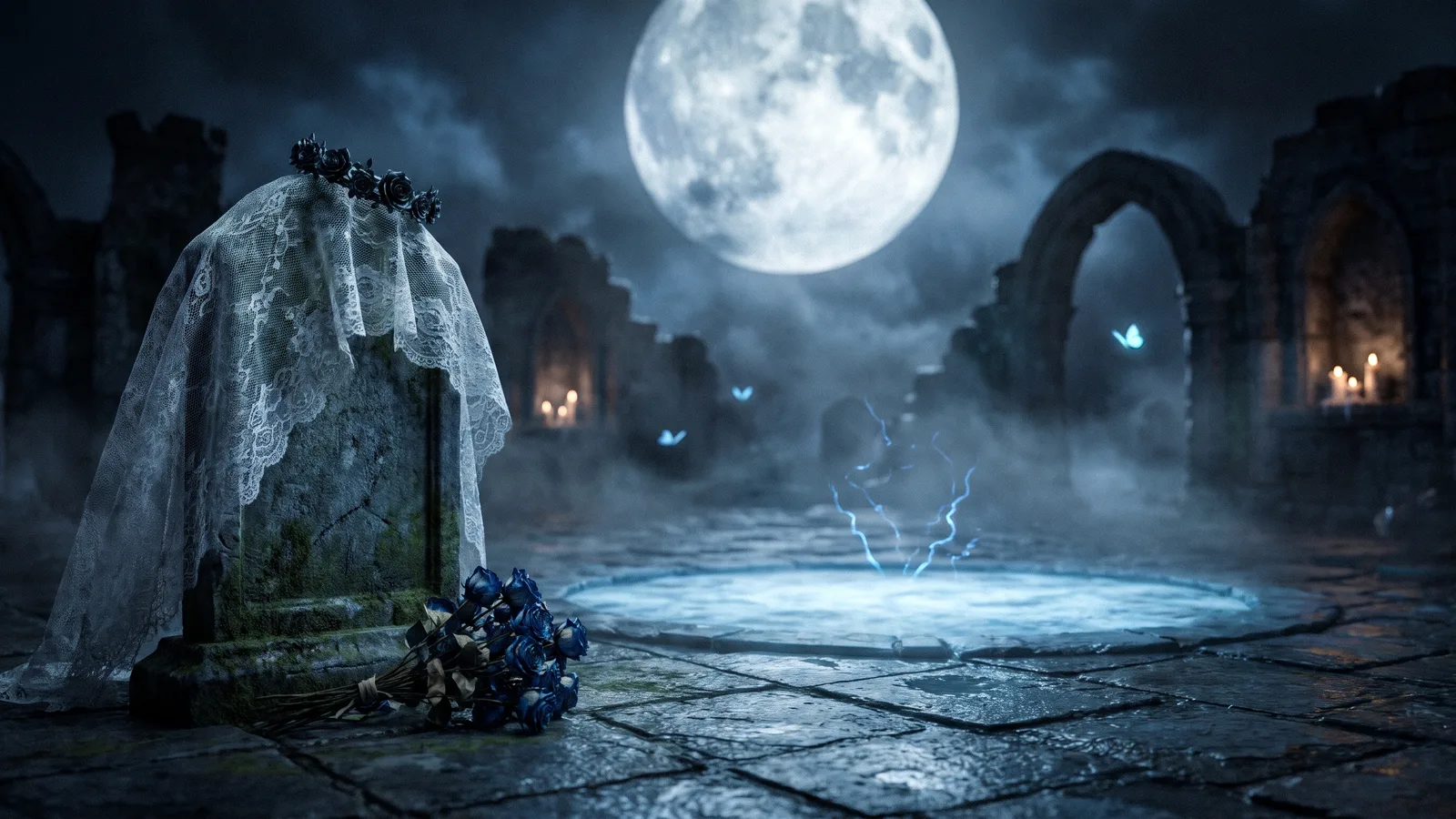
The corpse bride transformation is one of the biggest Halloween video trends this October. A clip opens on a pair of feet on wet graveyard stones, glowing blue magic wraps around the ankles and climbs up the body, and by the time the camera reaches the face the person has become a ghost bride in a tattered wedding gown and veil, standing under a giant full moon. This guide explains where the trend comes from, why it spread, what happens in each second, and how to make a 9-second version of yourself from 1 photo with the AI Corpse Bride template on Viberot, no costume and no template editing required.
Where the corpse bride trend comes from#
The look borrows from a decades-old Halloween favourite: the ghost bride, a pale figure in a ruined wedding dress and veil, wandering a graveyard by moonlight. "Corpse bride" is simply the name most people type when they want that costume, and every October it climbs back up in searches for makeup and outfit ideas.
This year it turned into a video format. In mid-September an AI video template called "novia cadáver" appeared on CapCut, and it has since been used more than a hundred thousand times. Spanish-speaking creators picked it up first, and one tutorial showing how to make it has passed a million views on TikTok. English-speaking feeds followed under "corpse bride ai" and "corpse bride filter" as Halloween got closer.
Why it went viral#
- It is a real transformation, not a filter. The magic starts at your shoes and works its way up, so viewers watch your normal outfit turn into a gown in real time.
- The reveal is saved for last. The camera only reaches the face at the very end, which keeps people watching to see who the bride is.
- It is made for Halloween. It works as a costume post, a "what I'd be for Halloween" post, or a couples post when a friend makes the ghost groom version.
- It looks expensive. Moonlight, candles, lace and a full moon make the clip look like a film still, even when the source photo is a quick selfie.
The shot, second by second#
The template runs 9 seconds and is one continuous camera move:
- Blue magic at the feet. A close-up of your own shoes on wet stone in a moonlit graveyard. Crackling blue light wraps around your ankles and small glowing blue butterflies drift past.
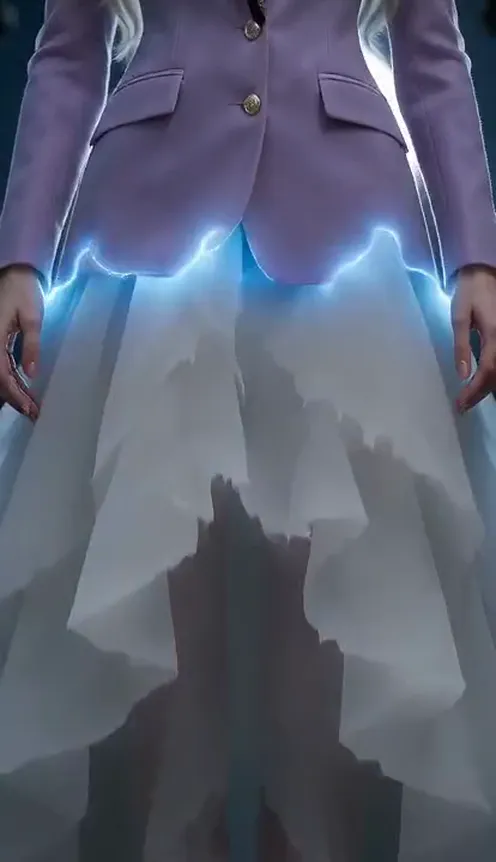
- The magic climbs. The camera tilts slowly up your legs. Wherever the blue light passes, your own clothes turn into the ragged white tulle skirt of an old wedding gown.
- The gown takes shape. The light flows up over the waist and chest, finishing a lace bodice and long lace sleeves, and your hands come together around a bouquet of withered black roses.
- The face. The camera reaches your face, eyes closed, as a torn veil and a small crown of black roses appear on your own hair.
- The reveal. You open your eyes and look straight into the lens, and the camera pulls back to a full-body shot under a huge full moon, among stone arches and flickering candles.
With a photo of a man, the same shot makes a ghost groom: a worn, dusty black tailcoat, an old white shirt and a black bow tie.
Step by step: how to do the AI corpse bride trend#
- Open the AI Corpse Bride template.
- Upload 1 clear photo of one person, face visible.
- Pick 9:16 for TikTok, Reels and Shorts, or 16:9 for YouTube.
- Choose a quality. Standard 480p and 720p are plenty for social feeds.
- Press Generate. The 9-second video is usually ready in a few minutes.
- Download the MP4 and add your favourite spooky sound when you post.
Picking a photo that works#
- Full-body or half-body is best. The video starts at your feet and ends on a full-body shot, so a photo that shows more of you gives the AI more to work with.
- Face the camera. A clear, front-facing face with good light keeps the final reveal looking like you.
- Your hair and glasses stay. The template keeps your own hair colour, hairstyle and eye colour, and glasses in the photo stay on. Only the outfit, veil, crown and light gothic makeup are added.
- One person only. Group photos confuse the template; crop to just you.
- Avoid sunglasses, masks and heavy filters. They hide the features the AI needs to keep.
Ideas for your post#
- "POV: you said yes in the wrong graveyard." Classic Halloween caption, works with any spooky sound.
- Couple version. You make the ghost bride, your partner makes the ghost groom, and you post them side by side.
- Costume reveal. Post it the week before Halloween as your "costume this year" teaser.
- Before and after. Start with your original photo for one second, then cut to the transformation.
AI corpse bride vs. the CapCut template#
The CapCut template is built around a fixed AI clip and is edited inside the app. The Viberot template follows the same camera move from feet to face to full moon, but generates the whole clip around your photo, so your face, eye colour and hairstyle stay yours. It also offers a 16:9 version and a ghost groom version, and there is no app to install and no watermark on the download.
How much it costs#
Each 9-second video costs 73 credits at Standard 480p or 151 credits at Standard 720p. Failed generations are refunded automatically. Credit packs are one-time payments with no subscription, starting at $9.90 for 600 credits; see pricing for every pack.
Frequently asked questions#
What is the AI corpse bride trend?#
A Halloween transformation video: blue magic climbs from your feet to your head and turns you into a ghost bride in a tattered wedding gown and veil under a full moon.
Is this related to the Corpse Bride movie?#
No. Viberot is an independent tool and is not affiliated with any film, studio or rights holder. "Corpse bride" is just the common name of the trend; the template makes a generic ghost bride look, not any film's character.
How much does it cost?#
73 credits at 480p and 151 credits at Standard 720p. The price is shown before you generate.
How many photos do I need?#
- One clear photo of one person.
Will it still look like me?#
Yes. Your face, eye colour, hair colour and hairstyle come from your photo. Only the outfit, veil, crown and light makeup change.
Can men do it?#
Yes. A photo of a man gives a ghost groom in a worn black tailcoat and bow tie.
Does it have music?#
No. The video comes without sound so you can add any track from your platform's library when you post, and follow your platform's rules on labelling AI-generated content.
Which photos are rejected?#
Photos that appear to show public figures or celebrities are blocked before any credits are charged, and explicit images are always blocked.
Are there other spooky templates like this?#
Yes. Try the AI button eyes transformation or the AI zombie video for more Halloween videos made from your photo.
Your ghost bride moment, before Halloween
Upload one photo and get your 9-second Corpse Bride transformation in time for October 31.
From 73 credits · failed videos refunded · 구독 필요 없음